01
Today's Care at a glance
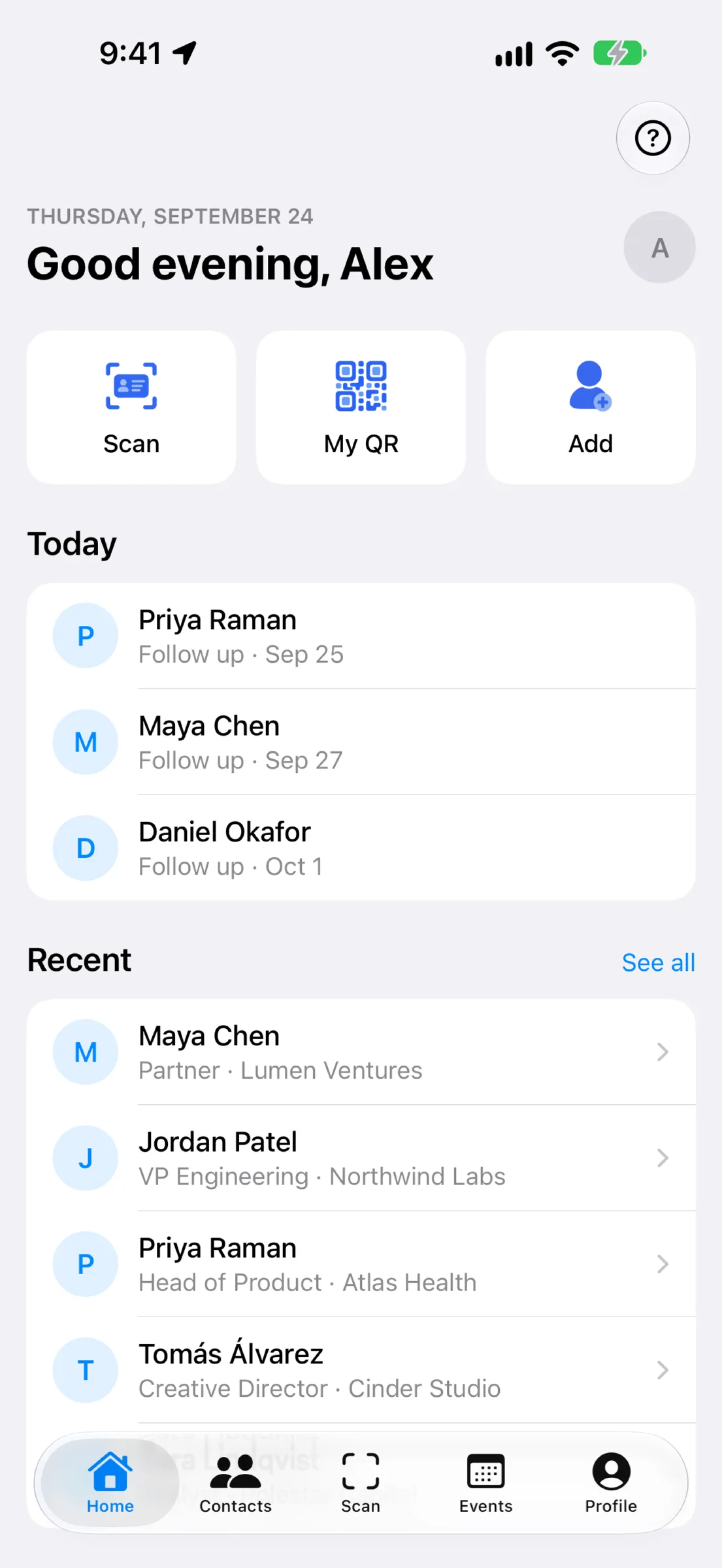
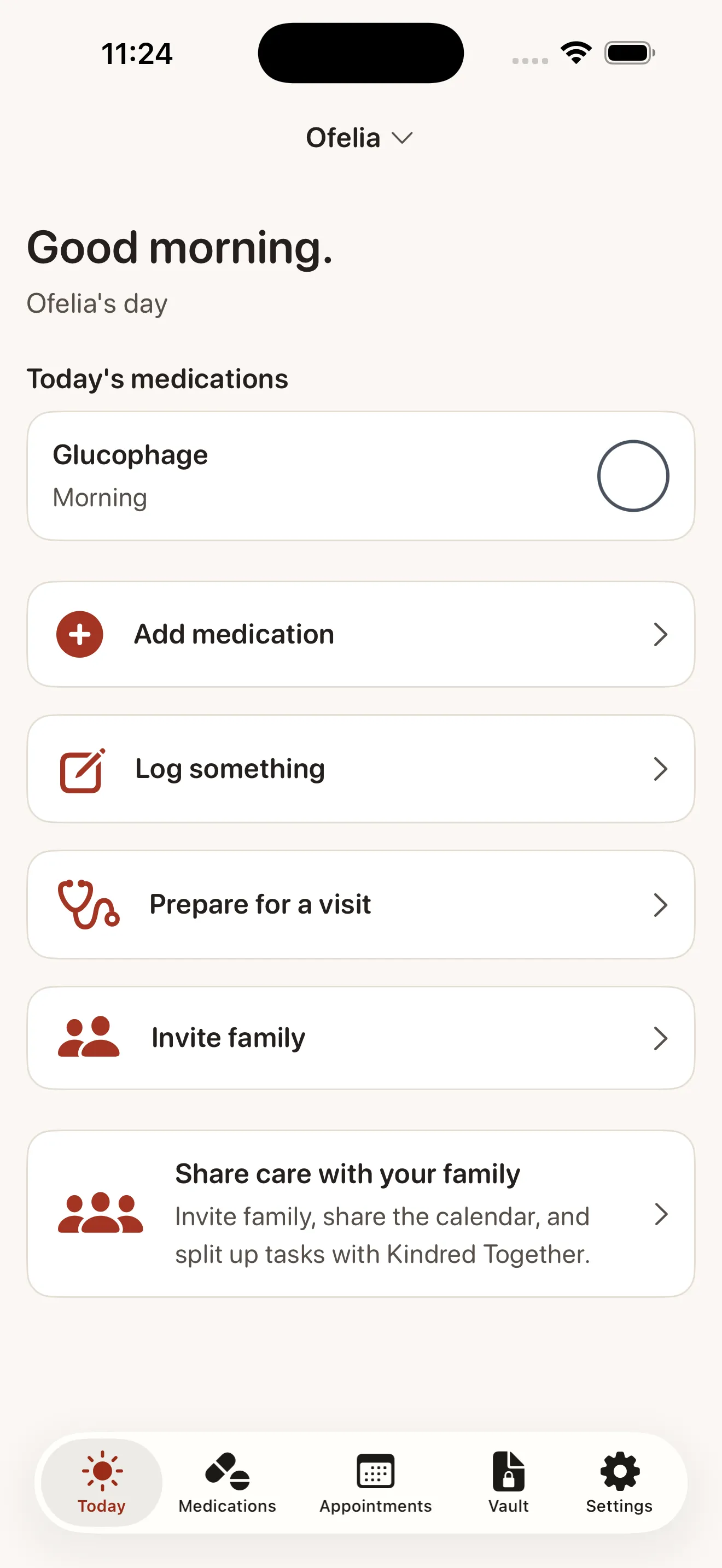
See exactly what your loved one needs today — medications due, appointments, and what is already handled. Large, high-contrast, and one tap to mark a dose as taken. In a shared circle, everyone sees who did what.

Kindred is an iPhone caregiving organizer for families. Track medications and appointments, store important papers in a private document vault, prepare for doctor visits, and share the work with your whole family — everyone on the same page, in one calm place. Free for one organizer, forever. No ads, ever.
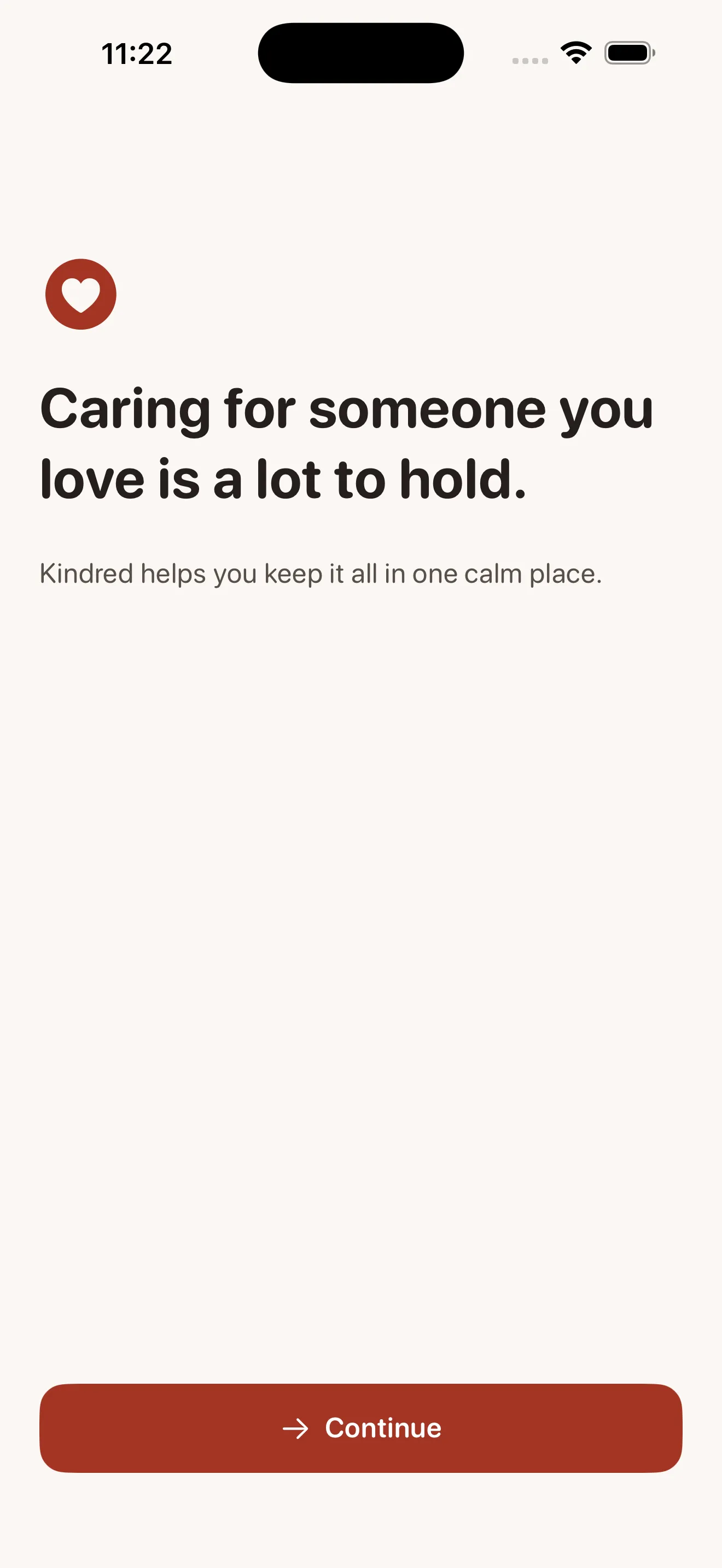
Caring for a parent or loved one means juggling medications, appointments, insurance cards, important papers, and making sure everyone in the family knows what is going on. Kindred holds all of it in one calm, private place — and when you are ready, it lets your whole family share the work, so you are not carrying everything alone. It organizes, reminds, and summarizes; it never diagnoses or gives medical advice. Built to be easy to see and easy to use, even for older eyes and tired hands.
New: dose history and as-needed medications. Kindred keeps a parent's meds, appointments, and documents in one calm, private place. No ads, ever.
See exactly what your loved one needs today — medications due, appointments, and what is already handled. Large, high-contrast, and one tap to mark a dose as taken. In a shared circle, everyone sees who did what.
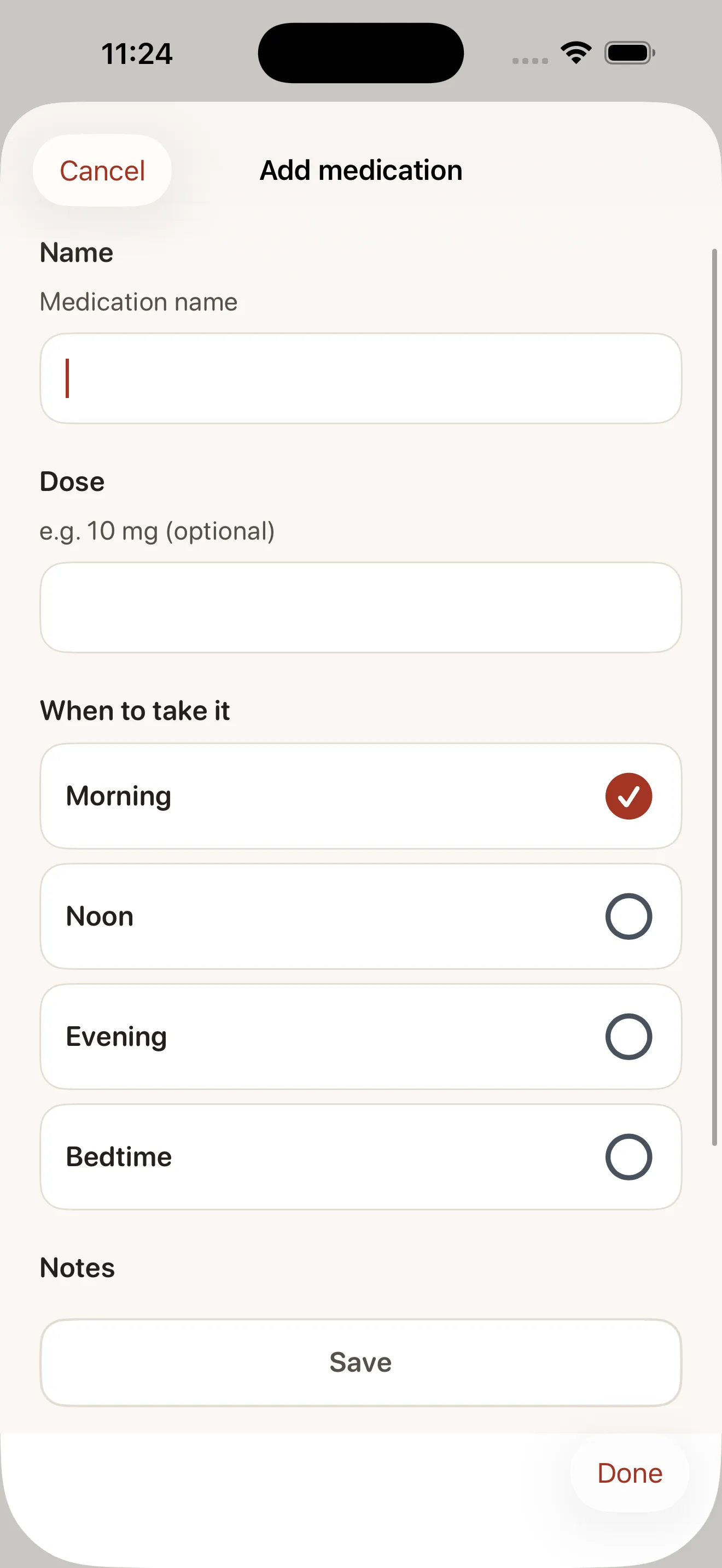
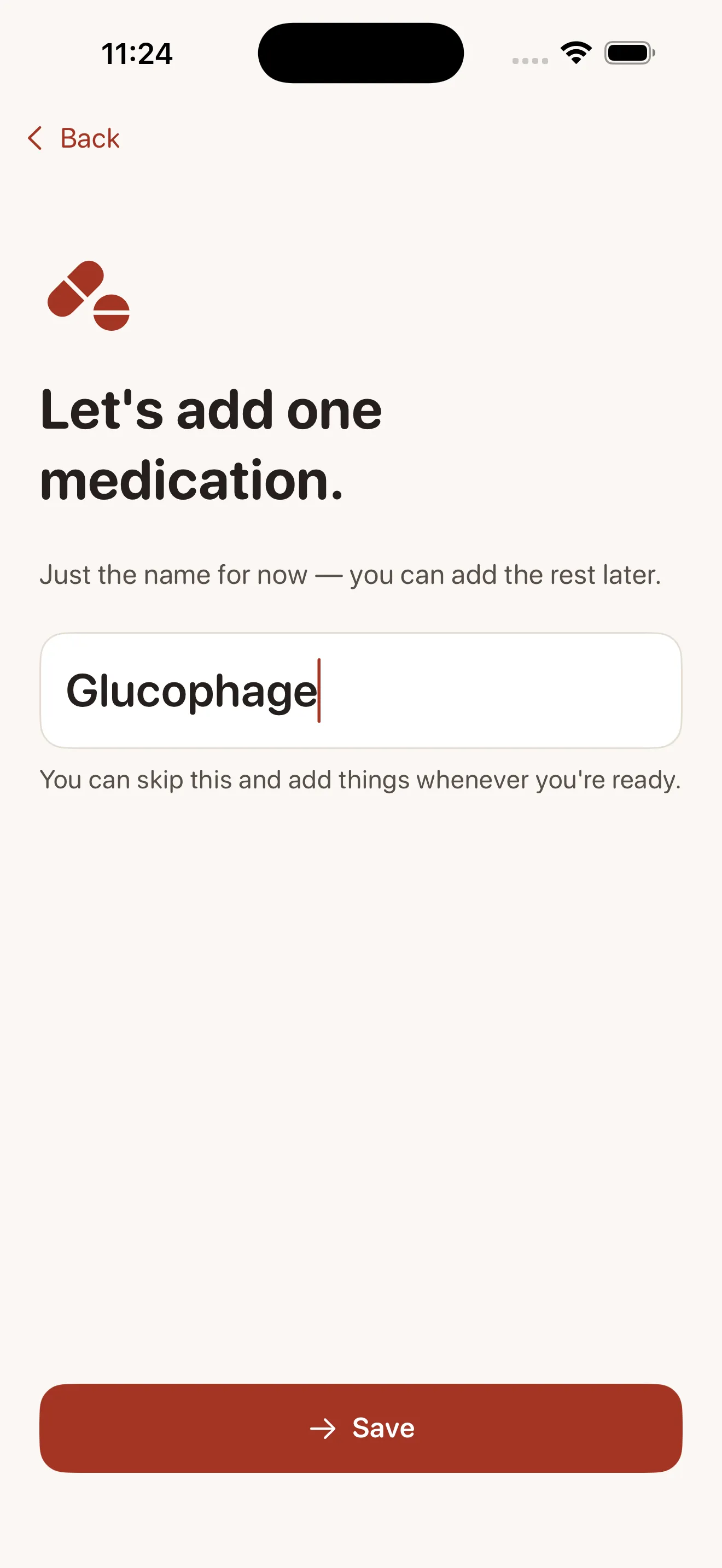
Add a medication in seconds with simple morning, noon, evening, and bedtime times. Kindred reminds the right person, tracks refills before you run out, and never shames a missed dose — mark it taken late or skip it.
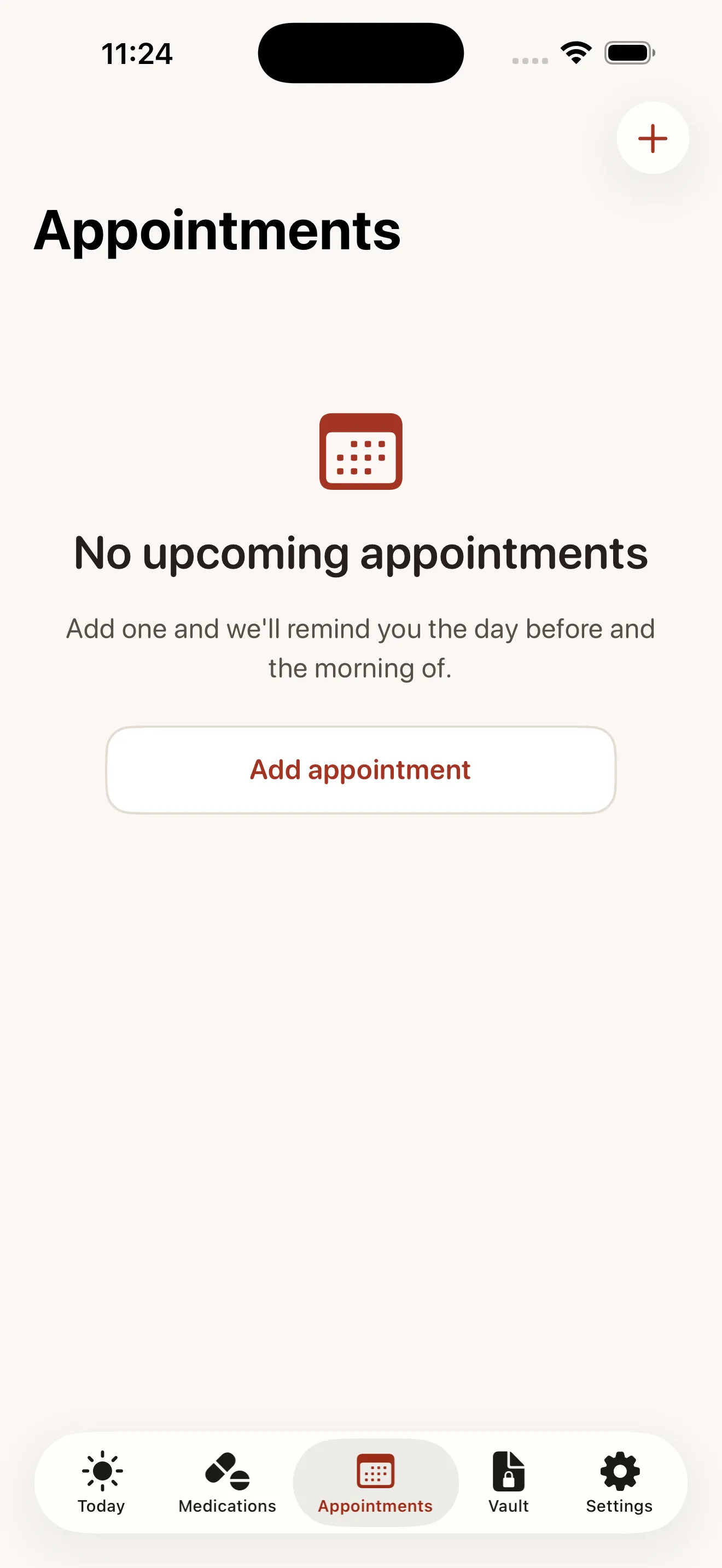
Keep every doctor's appointment in one place with reminders the day before and the morning of. When your family shares care, assign who is taking them so nobody is left guessing.
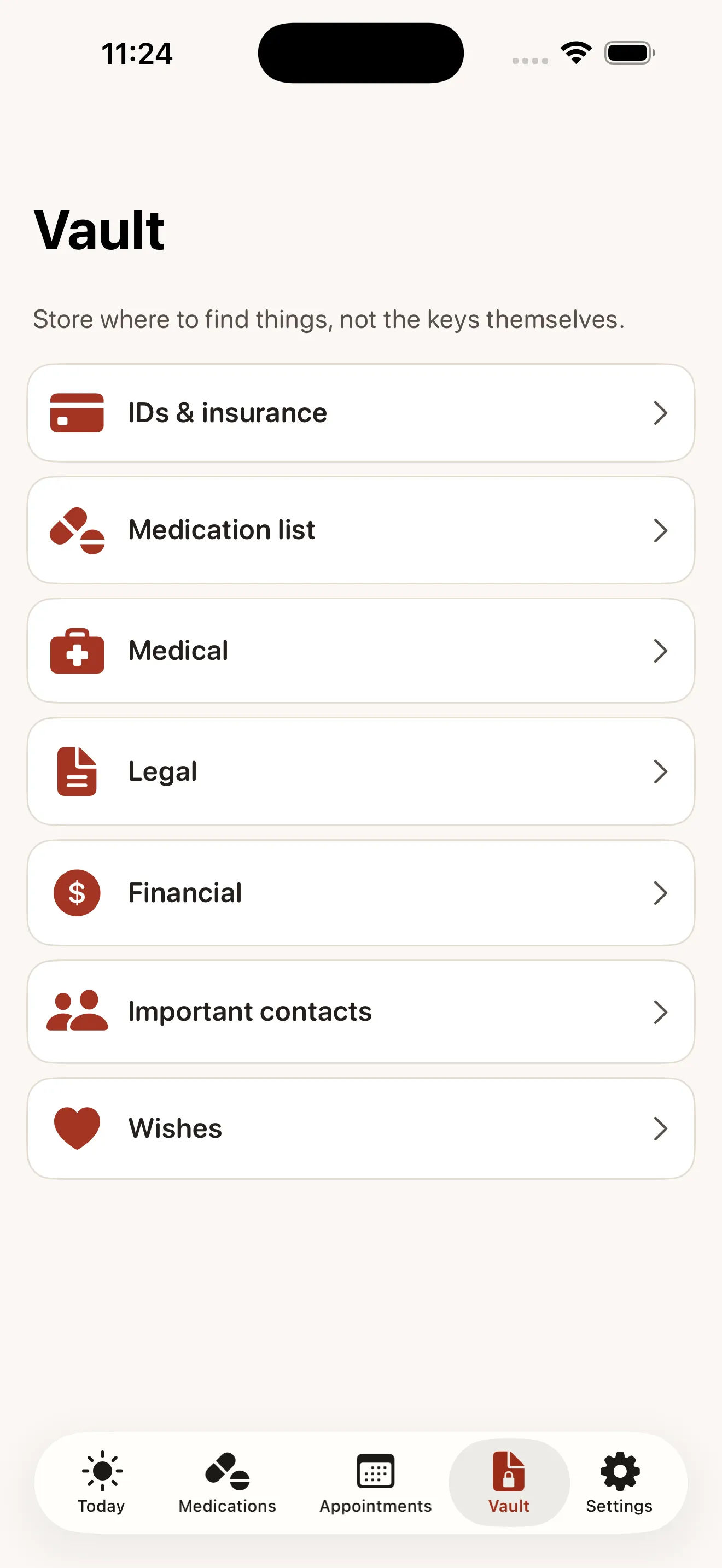
A safe, encrypted place for insurance cards, IDs, advance directives, and the things families scramble to find in a crisis. Scan with your camera, and choose exactly who in your circle can see each one.
Capture questions and symptoms before a visit, then generate a clean, printable summary of medications, conditions, and recent notes with one tap. The difference between a rushed appointment and one where you finally feel heard.
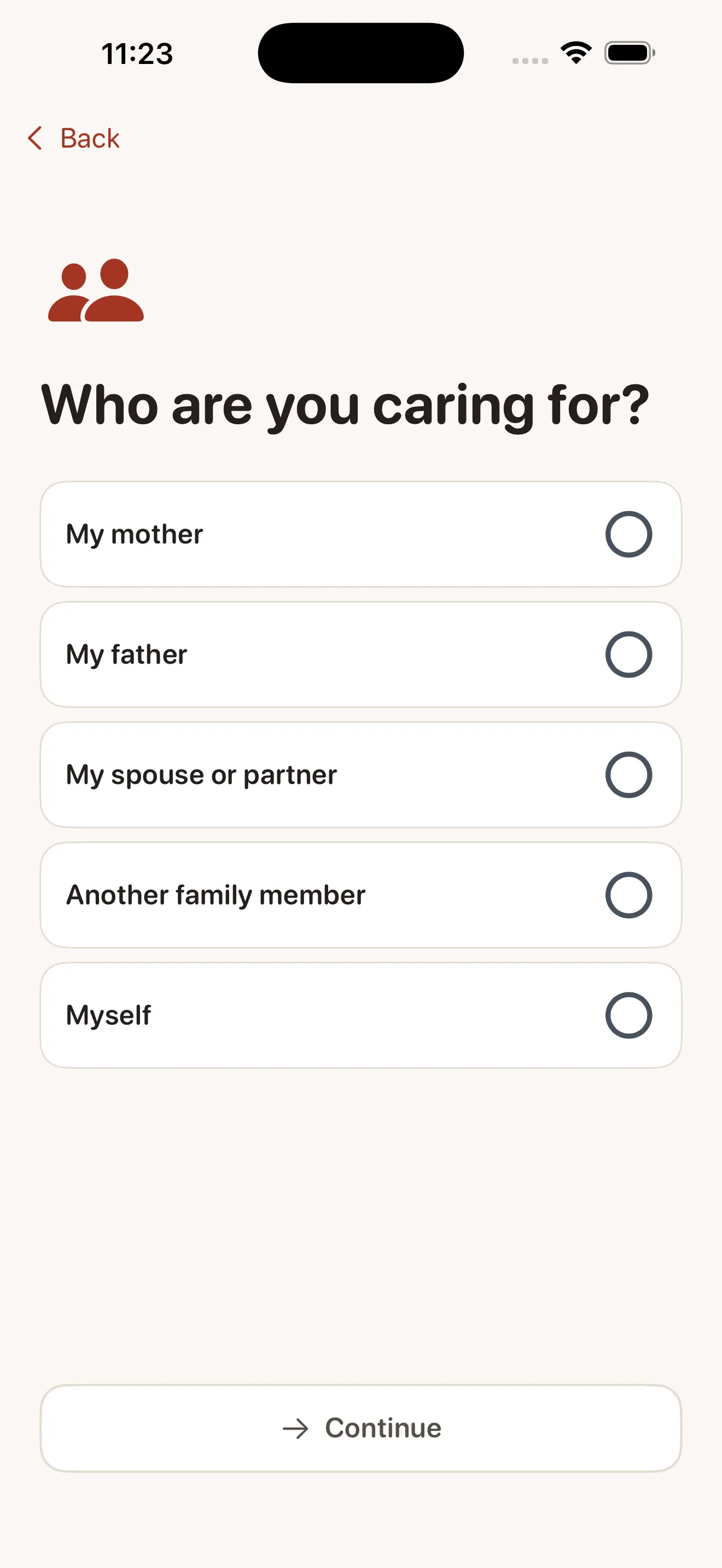
Invite siblings, a spouse, or anyone helping. A shared calendar, an activity feed showing who did what, and task assignment mean the person doing the most is never doing it alone — or invisibly.
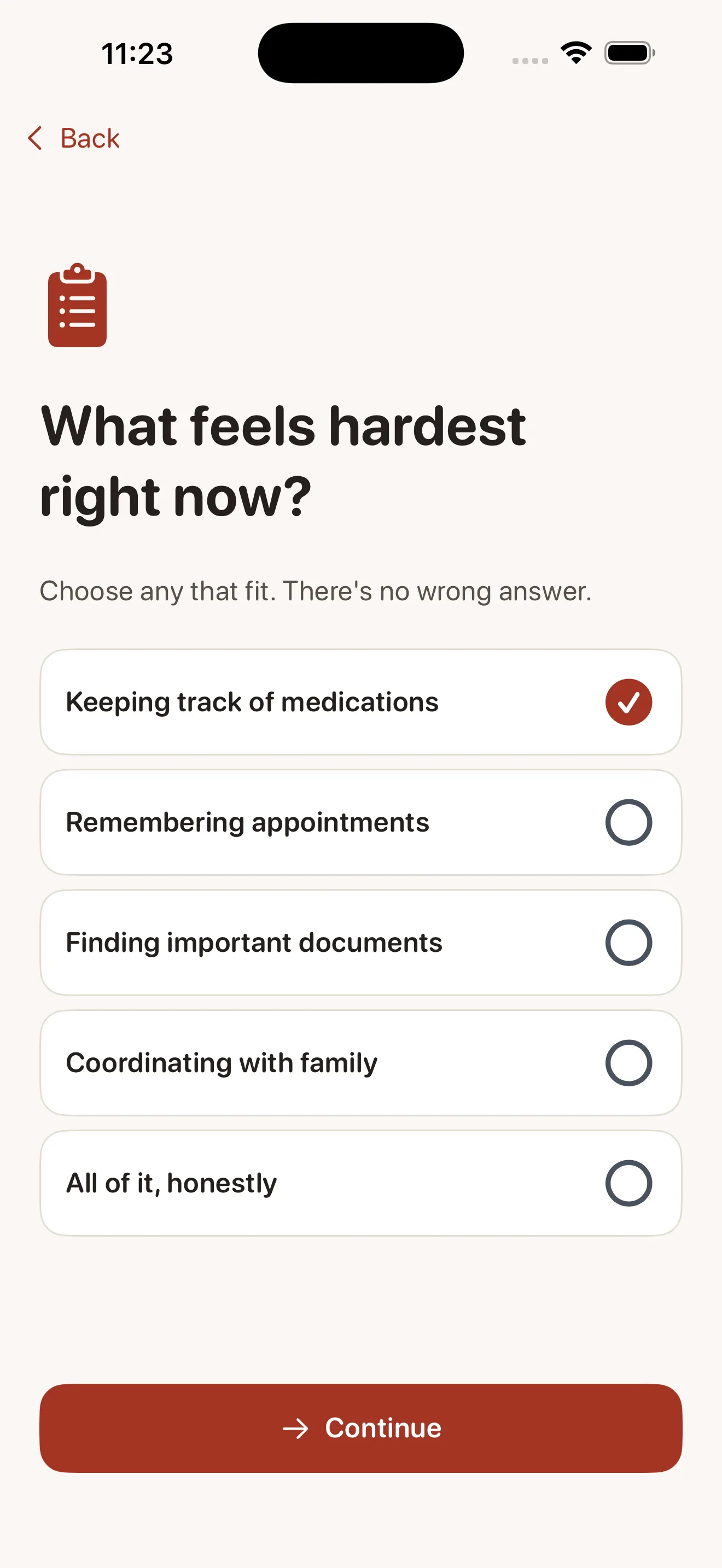
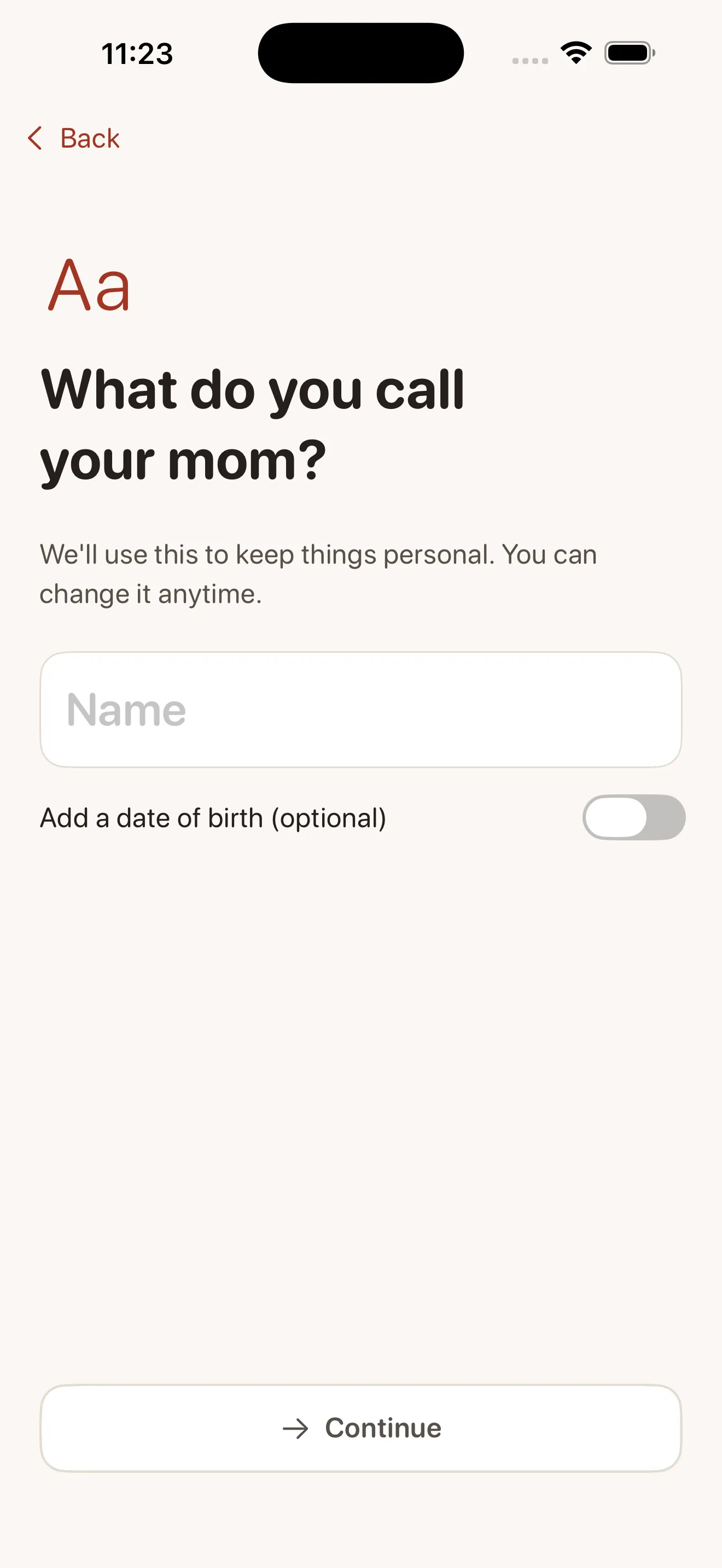
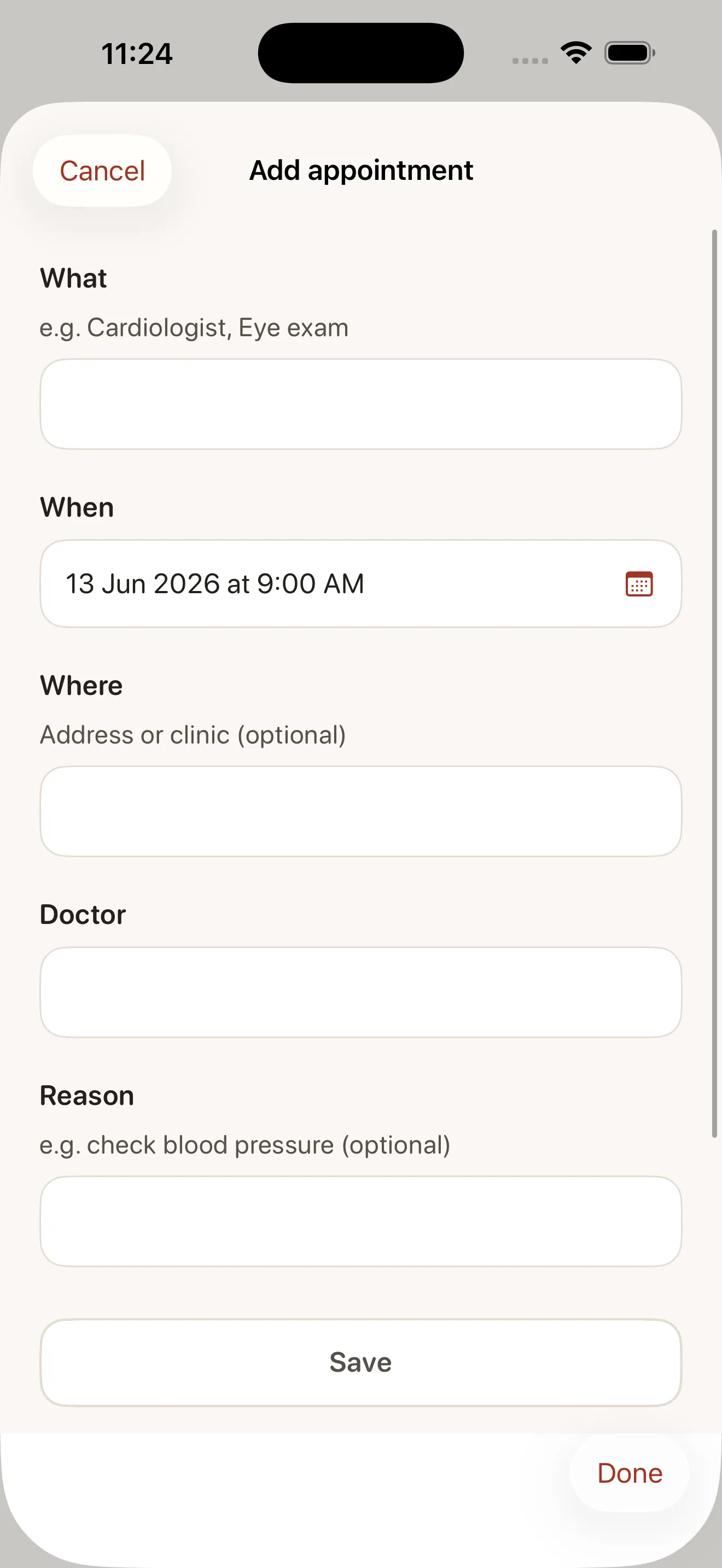
Released on the App Store
Thank you for trusting Kindred with the people you love.
New in this version:
• Dose history — every medication now keeps a calm 30-day record: taken, taken late, skipped, or simply not logged. No streaks, no scores, no nagging.
• "Last taken" on every medication, so you can see at a glance when Mom last had it.
• As-needed medications — for the ones taken only when necessary. One tap logs a dose, and there are no daily reminders.
• Mark a dose taken (or skip it) straight from the reminder on your lock screen.
• Doctor-visit summaries now include a plain 30-day medication log.
• "Export everything" now includes care-circle members, shared tasks, and custom reminder times.
• Fixes: an as-needed medication can now be removed, and "taken late" respects the reminder time you chose.
Kindred stays calm, private, and ad-free — always. If anything feels off, we're glad to hear from you.
No more group texts and sticky notes. Everyone sees the same up-to-date care plan and who has already done what, so the load is shared instead of falling on one person.
Gentle reminders for every dose and visit, refill tracking before you run out, and a clear picture of what today needs — without alarms or shaming.
Keep insurance cards, advance directives, doctors, and contacts in one private vault your family can reach when it matters most — even during a hospital crisis.
Live prices synced from the Kindred App Store listing.
$7.99 per month
Auto-renewing subscription$59.99 per year
Auto-renewing subscriptionPrices shown from the US App Store. Local pricing may vary.
Step-by-step answers to the questions people ask most about Kindred.
Yes. Kindred is free for one organizer, forever — track medications, appointments, and documents, and create doctor summaries without paying anything. Kindred Together is an optional subscription that lets you invite your whole family to share the care.
Yes. Your family's information is encrypted and only visible to people you invite. We never show ads or sell your data, and you can export everything you store at any time — it belongs to you, not us.
No. Kindred organizes, reminds, and summarizes only. It does not diagnose, check drug interactions, or provide medical or dosing advice. Always rely on your loved one's healthcare professionals for medical decisions.
Yes, with Kindred Together. Invite unlimited family members with roles — co-organizer, helper, or viewer — and share a care calendar, an activity feed showing who did what, and task assignment. You control exactly who can see what.
No. The vault is for storing where to find things, not the keys themselves. Store something like "Chase checking — call 1-800-..." rather than passwords, full account numbers, or Social Security numbers. For passwords, use a dedicated password manager.
Available now — your data stays private, with a clear public policy.