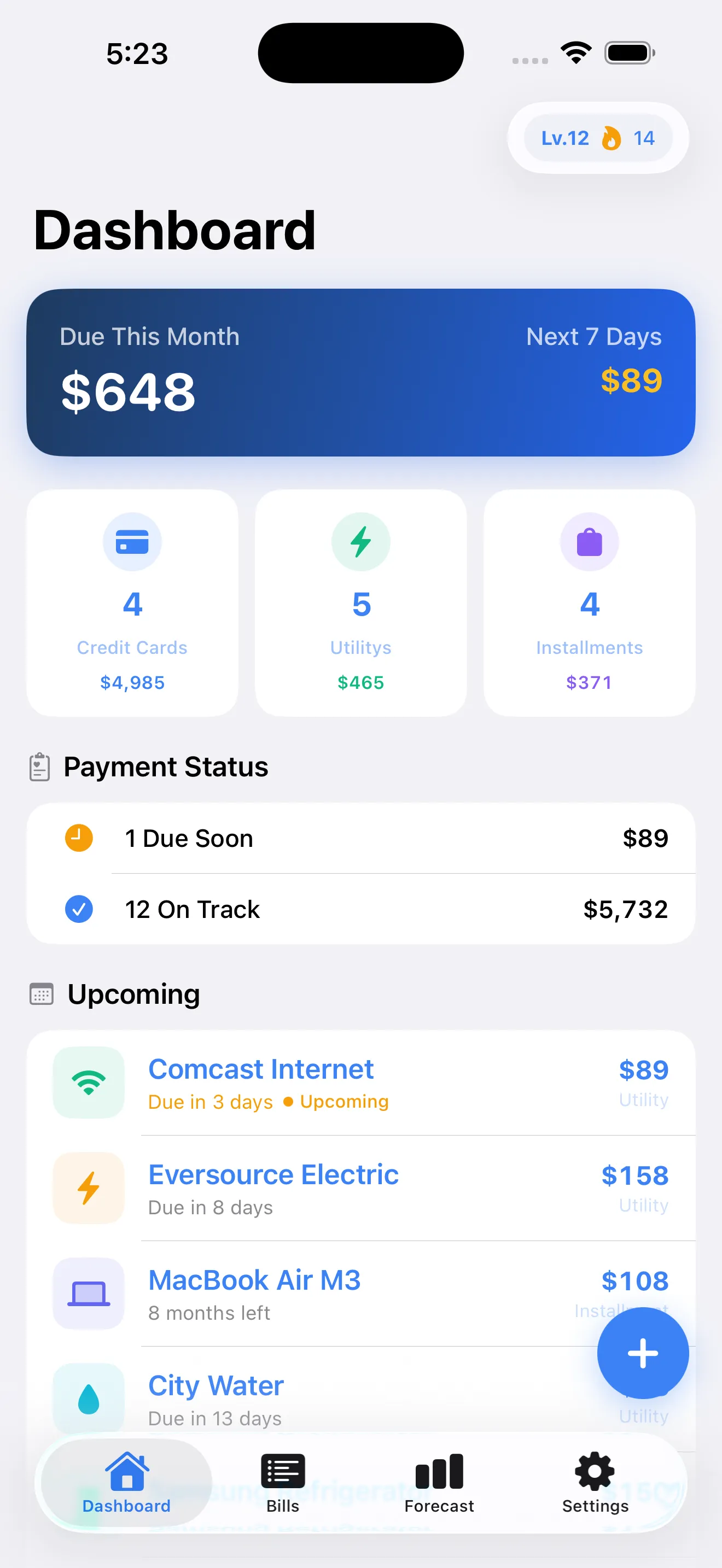
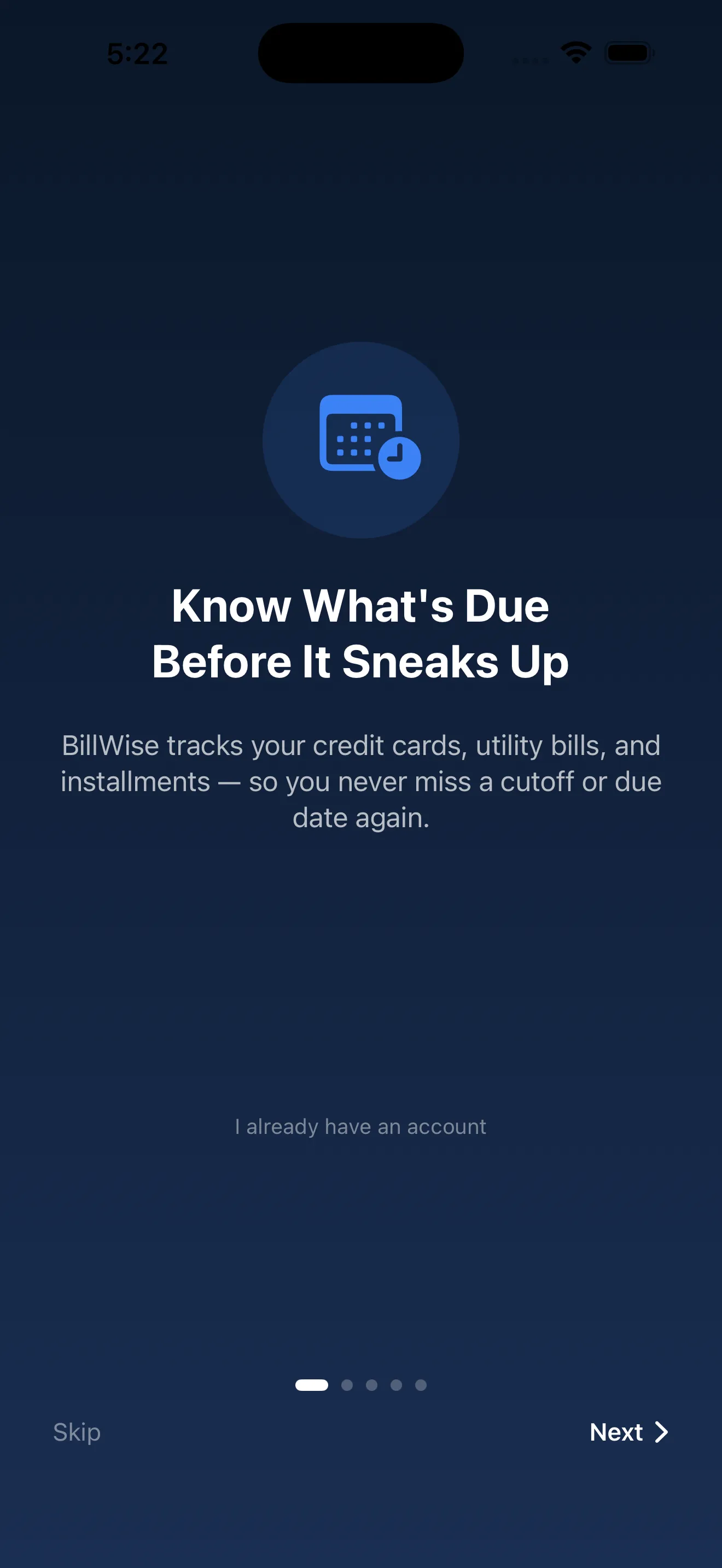
BillWise makes bill tracking personal—and even rewarding. Whether you're juggling credit cards with confusing cutoff dates, utility bills that vary month to month, or installment plans, BillWise gives you a single view of what's due and when. But we know you probably have questions. Here are the ones we hear most often, answered directly.
What bills can I track in BillWise
BillWise handles three main bill types: credit cards, utilities, and installments. Credit cards let you track statement cutoff dates and due dates separately—so you know exactly when your charges post versus when payment is actually due. Utilities cover things like electric, water, internet, and anything else billed on a cycle. Installments are fixed payments over time, like loan payments or subscription services you've committed to. In the free version, you can track up to 5 bills. With BillWise Premium, there's no limit.
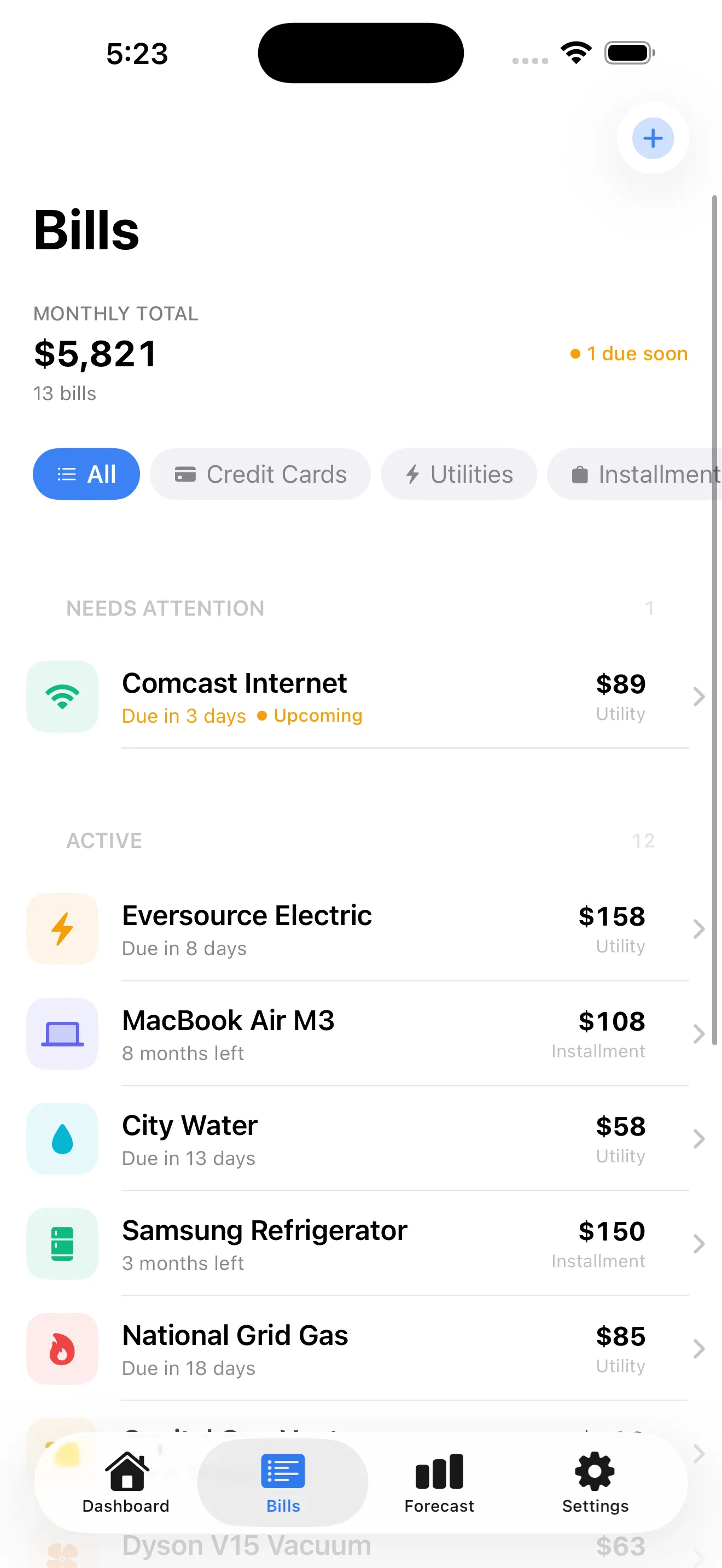
Why does BillWise care about credit card cutoff dates
Most bill trackers just show you the due date. BillWise knows that's only half the story. Your credit card cutoff date—when the billing cycle closes and charges stop being added to that statement—is what actually matters if you want to control your balance. If you spend on the 20th but your cutoff is the 10th, that charge hits next month's bill. BillWise shows both dates so you can plan smarter and avoid surprises.
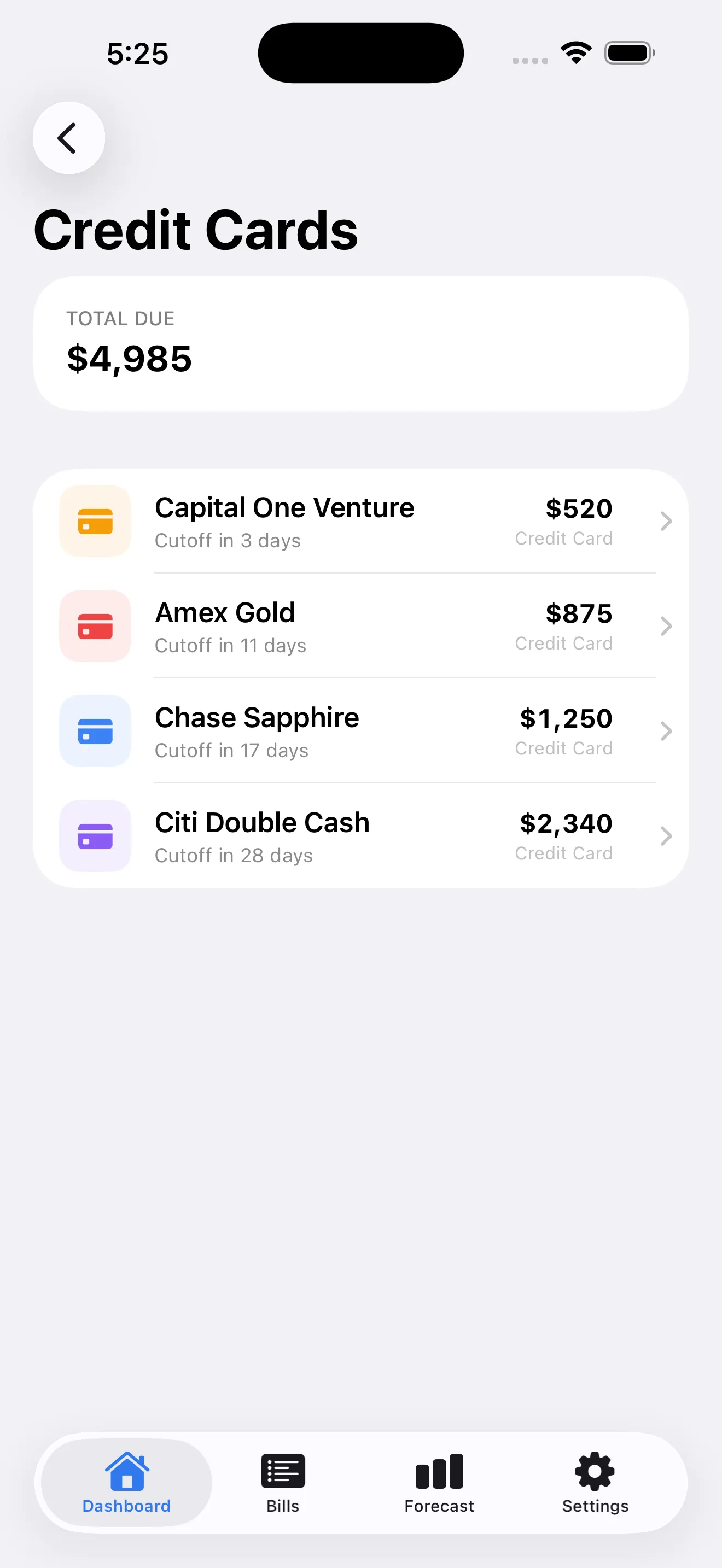
How does payment forecasting work
Payment forecasting shows you what your bills will look like in the coming months, based on the bills you've entered. For utilities with variable amounts, BillWise averages your history to give you a realistic projection. For credit cards and installments, it uses the amounts you've set. This way you can see peaks and valleys in your cash flow before they hit—and plan ahead instead of scrambling when multiple big bills land in the same month.
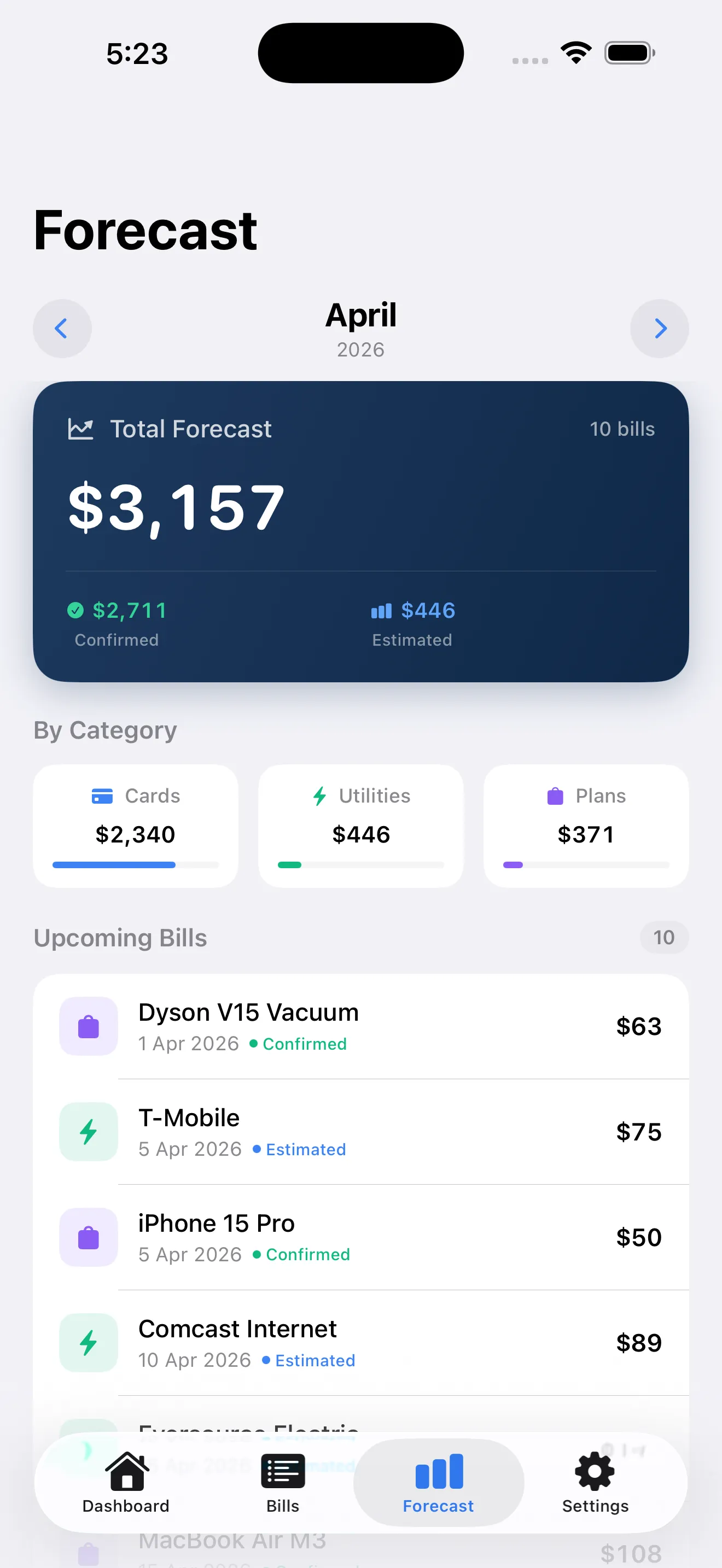
You can see peaks and valleys in your cash flow before they hit—and plan ahead instead of scrambling.
What's the XP and leveling system about
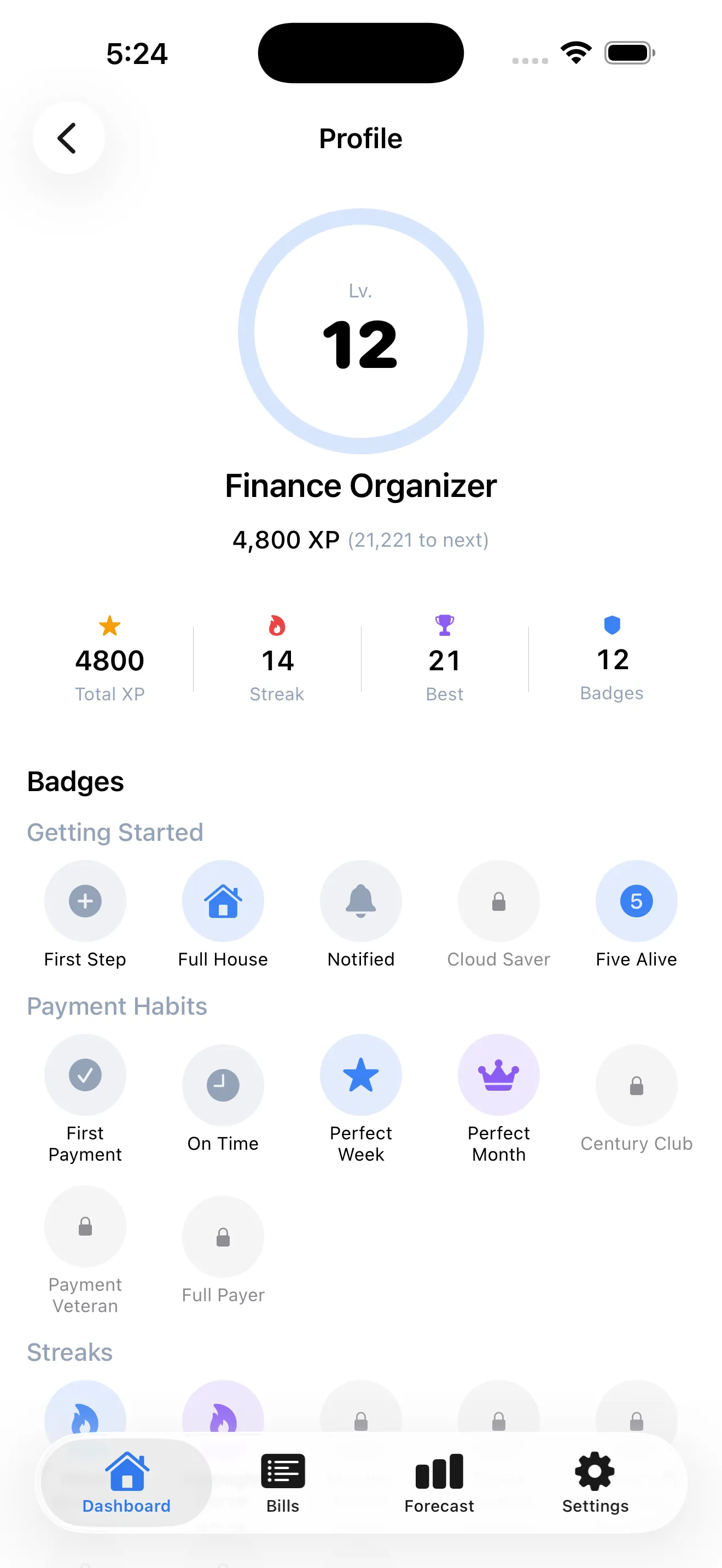
BillWise gamifies staying on top of bills because paying on time should feel good, not like a chore. Every time you log a payment before the due date, you earn XP. Level up, unlock badges, and build payment streaks. It's not just for fun—the system creates real motivation to stay consistent. See how BillWise turns bill paying into a game you actually want to win.
How do notifications work
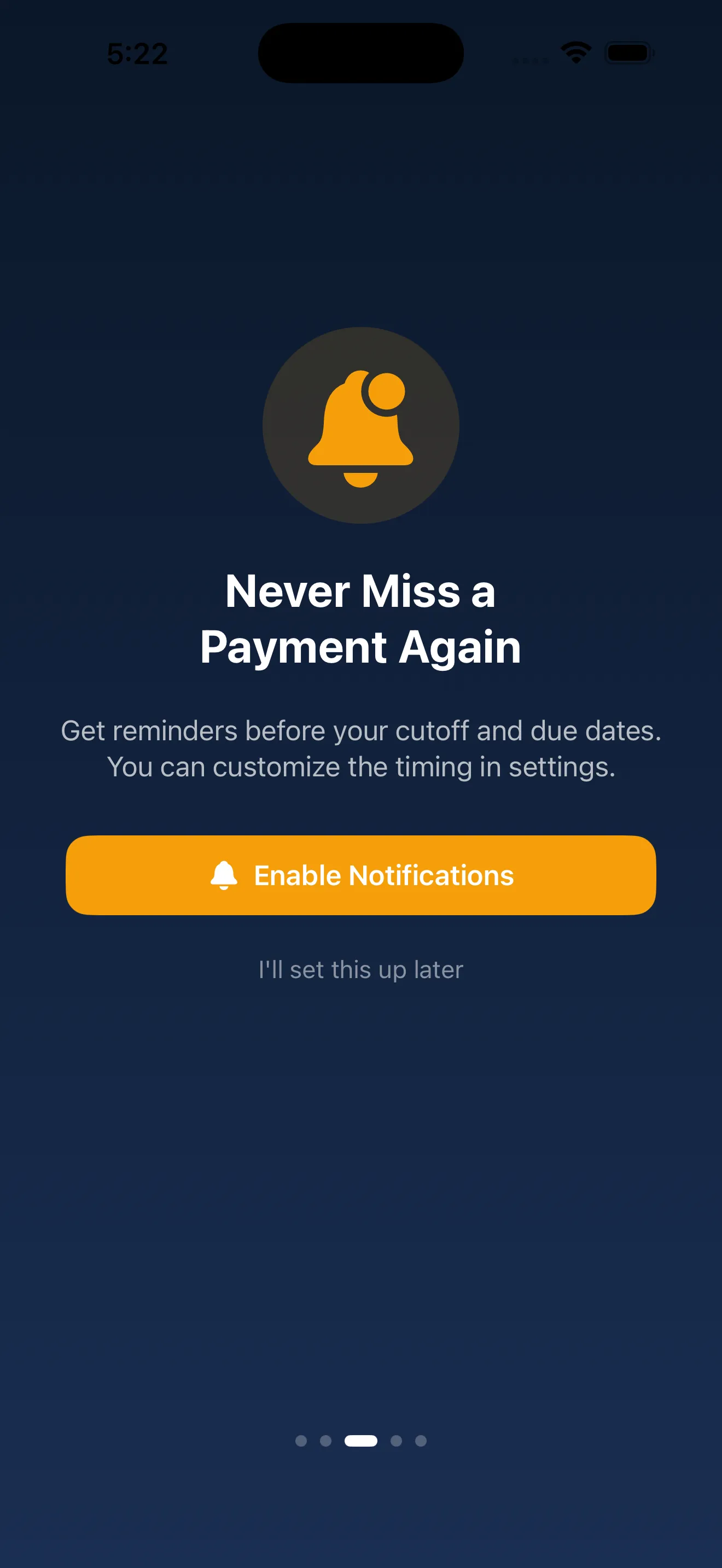
BillWise sends smart notifications for bills coming due, but only if you want them. You control which bills notify you and how close to the due date the alert arrives. This way you get a reminder exactly when it's useful—not too early to forget, not so late you're scrambling. Start with BillWise and set up your first bill to level up.
What's the difference between free and Premium
- Bills tracked
- Up to 5 vs. Unlimited
- XP multiplier
- 1x vs. 2x
- Streak shields
- Not available vs. Available
- iCloud sync
- Not available vs. Available
- Export (CSV/PDF)
- Not available vs. Available
- Payment history
- Not available vs. Full history
The free version of BillWise is genuinely useful for people managing a handful of bills—you get the smart dashboard, forecasting, notifications, and gamification. Premium is for people who want no limits: unlimited bills, faster XP gain with a 2x multiplier, the ability to protect streaks with shields, and tools like CSV export and full payment history for taxes or budgeting.
Can I sync BillWise across my devices
iCloud sync is available in BillWise Premium, so your bills and payment history stay in sync across all your Apple devices. With the free version, your data stays on the device where you entered it.
How do I get started
Download BillWise, work through the onboarding (which helps you understand your bills better), then add your first bill. Choose the type—credit card, utility, or installment—fill in the due date and amount, and you're tracking. Notifications are optional, but turning them on means you'll never miss a payment. Earn XP immediately when you log your first on-time payment.
This article was drafted with AI assistance and reviewed by a human editor before publishing.