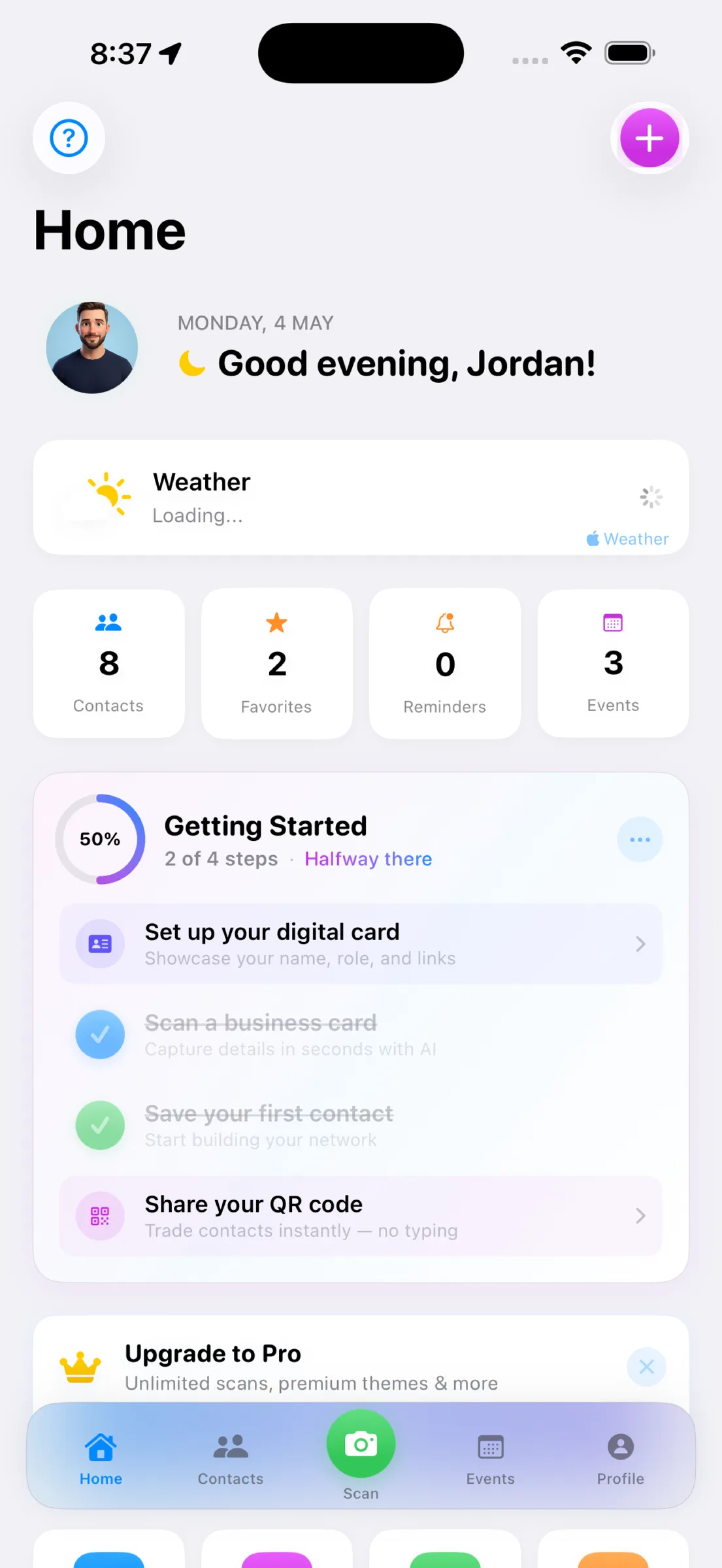
Networking creates opportunities, but business cards create clutter. MeetStack turns that stack of cards into an organized, actionable contact list—with reminders built in so you actually follow up. Here are the questions we hear most, and the answers that matter.
How does business card scanning work in MeetStack?
When you open your camera and aim at a business card, MeetStack's on-device OCR extracts names, titles, companies, emails, phone numbers, and LinkedIn profiles instantly. No waiting. No manual typing. The card is scanned and saved to your contact list in seconds. Your data never leaves your device unless you choose to sync it.
Can I organize the contacts I've scanned?
Yes. Every contact you scan lands in a searchable, organized contact list. You can tag them by industry, event, or relationship status. Add notes about your conversation. Flag priorities. Unlike paper cards scattered in a drawer, your digital contacts stay accessible and sorted.
How do follow-up reminders work?
MeetStack sends you smart reminders to follow up with contacts you've met. You choose the timing—reach out in a week, a month, or whenever it matters for your relationship. These aren't automated spam; they're gentle nudges to help you stay connected with the people you've actually met.
Never miss a follow-up. Smart reminders keep you connected with the people you've met.
What's a digital business card and why do I need one?
Your digital business card is your professional profile in MeetStack. Instead of handing over paper, you can share a one-tap QR code that automatically adds you to someone's contact list. Choose from six premium themes—Classic, Midnight, Ocean, Sunset, Forest, and Slate—that match your brand. It's instant, shareable, and way more memorable than paper.
Can teams use MeetStack to capture leads at events?
Absolutely. If you're running an event or campaign, MeetStack's Business plan lets you create event collections, capture leads with consent, and export contact data for follow-up campaigns. Your team can scan cards together, and all data syncs back to your workspace. Learn more in our how-to guide on event lead capture.
What's the pricing?
MeetStack offers a free plan for individuals getting started. Pro tier unlocks unlimited scanning and smart reminders for serious networkers. Business tier adds team collaboration, event management, and analytics for organizations running campaigns. Start free and upgrade when you're ready.
Is my data secure?
Yes. You can sign in with Apple or Google, and your data is protected from day one. On-device OCR means card data is processed locally, and your contacts stay private unless you share them. We take security seriously so you can network confidently.
Ready to turn networking into real outcomes? Explore our beginner's guide to MeetStack to see how to get started, or download the app and start scanning.
This article was drafted with AI assistance and reviewed by a human editor before publishing.