
What is a business card scanner app and do I need one
You just got back from a conference with forty business cards in your bag, and you're already dreading the typing. This article answers the questions people actually search before they download a scanner app: how the scanning works, whether it's private, what it costs, and whether it will actually help you follow up instead of just filing cards away digitally.
How does business card scanning actually work
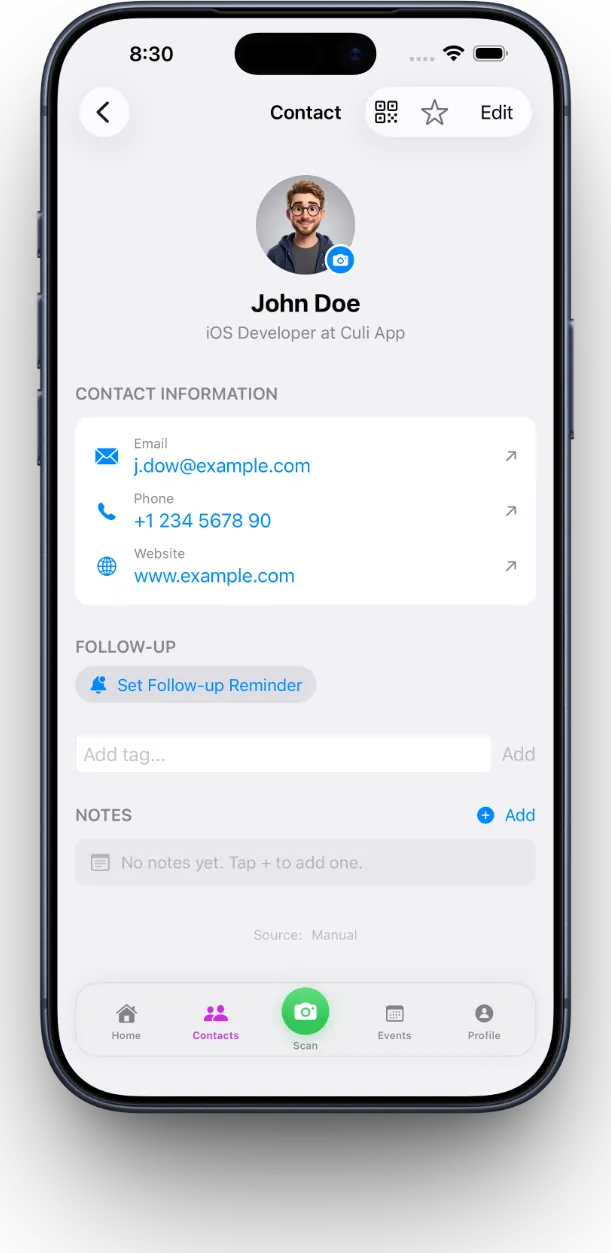
Business card scanning works by pointing your camera at a card and letting on-device optical character recognition (OCR) read the printed text and sort it into fields. MeetStack processes the image right on your phone, pulling out name, title, company, email, phone number, and LinkedIn profile the moment you tap the shutter — no waiting for a server to send results back. Because it happens on-device, a stack of cards from a trade show floor turns into a searchable contact list before you've left the building. For a closer look at what separates a good OCR engine from a frustrating one, see our guide to business card scanner OCR.
Is scanning business cards with an app safe for my data
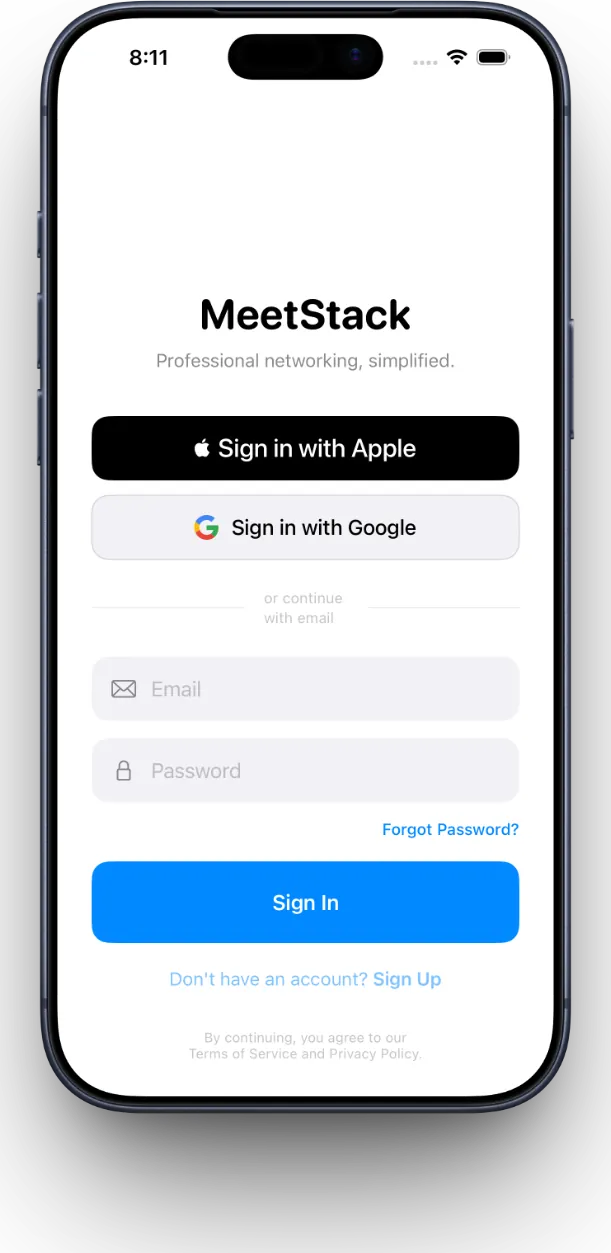
Yes, when the app processes cards on-device and secures your account with a real sign-in method, your data stays under your control rather than sitting on some third-party server. MeetStack signs you in with Apple or Google from the first launch, so your contact list is tied to an account you already trust instead of a new password to remember. Event lead capture also asks for consent before adding someone's information to a campaign, which matters if you're the one collecting cards at your own booth.
Do I still need a paper business card if I have a digital one
No, not really — a digital business card shared by QR code covers the same job a paper card does, and it updates itself when your title or number changes. MeetStack lets you build your own card in one of six themes (Classic, Midnight, Ocean, Sunset, Forest, Slate) and share it with a tap, so the person across the table scans your card the same way you just scanned theirs. Our resource on digital business cards and QR sharing walks through how that exchange stays current even after you switch jobs.
How do I make sure I actually follow up after an event
You follow up by letting the app remind you instead of relying on memory, which is the part most people skip entirely. MeetStack attaches a smart follow-up reminder to every contact you scan, so a card from Tuesday's mixer doesn't quietly disappear into a drawer — it shows up on your dashboard when it's time to send that first email. If chasing reminders after past events has been your biggest weak spot, our deep dive on follow-up reminders covers how to build that habit.
A stack of business cards isn't a network. A list you actually follow up on is.
What's the difference between the free and paid plans
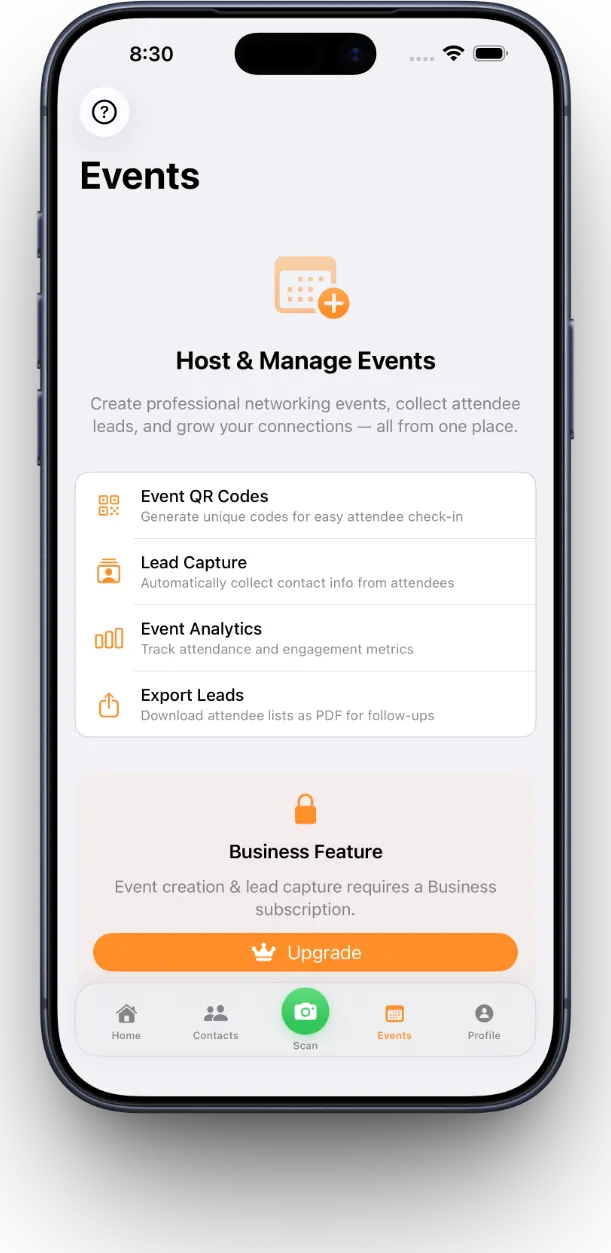
The free plan covers individual networking with unlimited scanning and organization, while paid tiers add capacity and collaboration for people running events or teams. MeetStack's Free tier suits someone scanning a card here and there; Pro adds the extras a frequent networker wants, like premium card themes and deeper reminder control; Business is built for teams running booths at events, with lead capture, consent tracking, and shared analytics across the group.
- Free
- Individual networking, core scanning and organization
- Pro
- Power networkers — premium card themes, deeper follow-up tools
- Business
- Teams — event lead capture, consent tracking, team analytics
Can a team share scanned contacts and event leads together
Yes, if the app is built for it — the Business tier in MeetStack lets a team collect leads at the same event, tag them with consent, and export the whole batch for a shared follow-up campaign afterward. That means the person who scanned a lead at 2pm isn't the only one who can see it; the whole team gets visibility along with basic analytics on how the event performed. New to the app entirely? Our beginner's guide for your first week is a good place to start, and the full library of MeetStack articles covers everything else.
Common questions
Can I scan a business card without an internet connection
What information does a business card scanner actually pull out
Is a business card scanner app worth it if I only go to a few events a year
Does a digital business card work if the other person doesn't have the app
Can I try before paying for a subscription
This article was drafted with AI assistance and reviewed by a human editor before publishing.