
What does MeetStack do
How does business card scanning work on iPhone
You point your camera at a card, and on-device OCR reads the text in seconds, no manual typing required. MeetStack extracts the standard fields — name, job title, company, email, phone, and LinkedIn when it's printed on the card — and drops them straight into a new contact entry. Because the processing happens on your device, you're not waiting on a server round-trip or uploading images somewhere before you get results. If you want the technical detail on what separates decent OCR from great OCR, this resource on business card scanner OCR breaks it down.
Can I share my own business card digitally
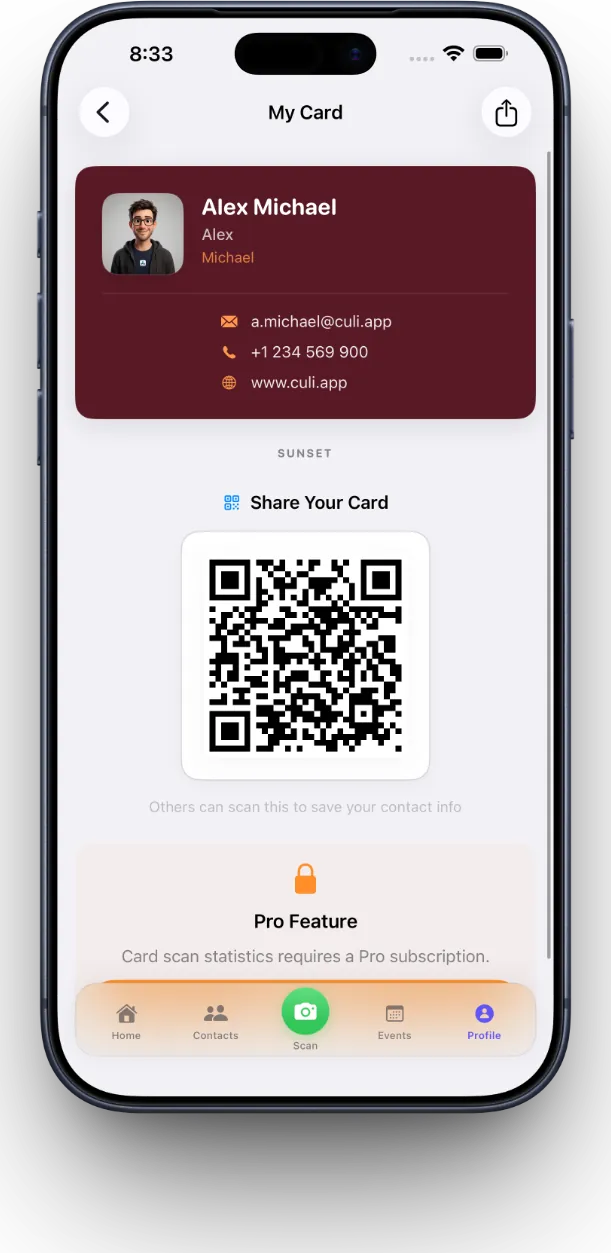
Yes, MeetStack gives you a digital business card you share by QR code, so the person you just met can scan and save your details without either of you fumbling for a paper card. You can choose from six premium themes — Classic, Midnight, Ocean, Sunset, Forest, and Slate — so your card looks like it matches your brand rather than a generic template. Update your title or company once and it's current everywhere, unlike printed cards you have to reorder. There's more on how QR sharing stays accurate over time in this guide to digital business cards on iPhone.
How do I keep track of who to follow up with
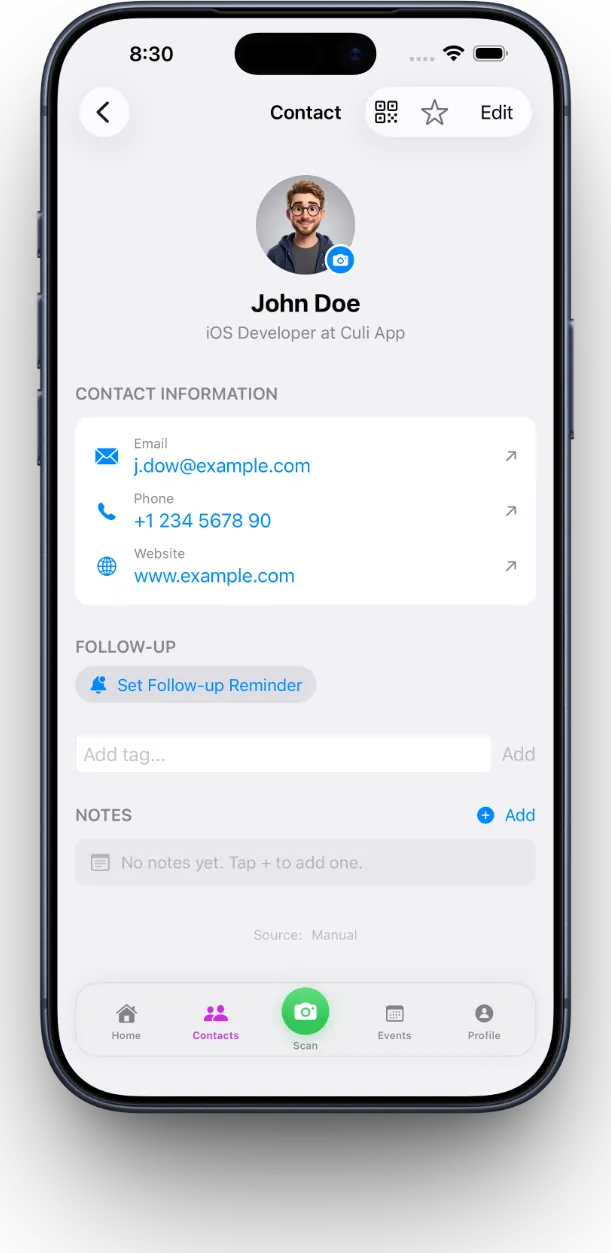
MeetStack attaches a smart follow-up reminder to each contact so the intention you had at the event doesn't quietly evaporate by Thursday. Instead of a pile of cards sitting on your desk as a vague guilt trip, you get a nudge at the moment you actually planned to reach out. This is the piece most scanning apps skip, and it's covered in depth in this article on networking follow-up reminders.
Is MeetStack good for running an entire networking event, not just one card at a time
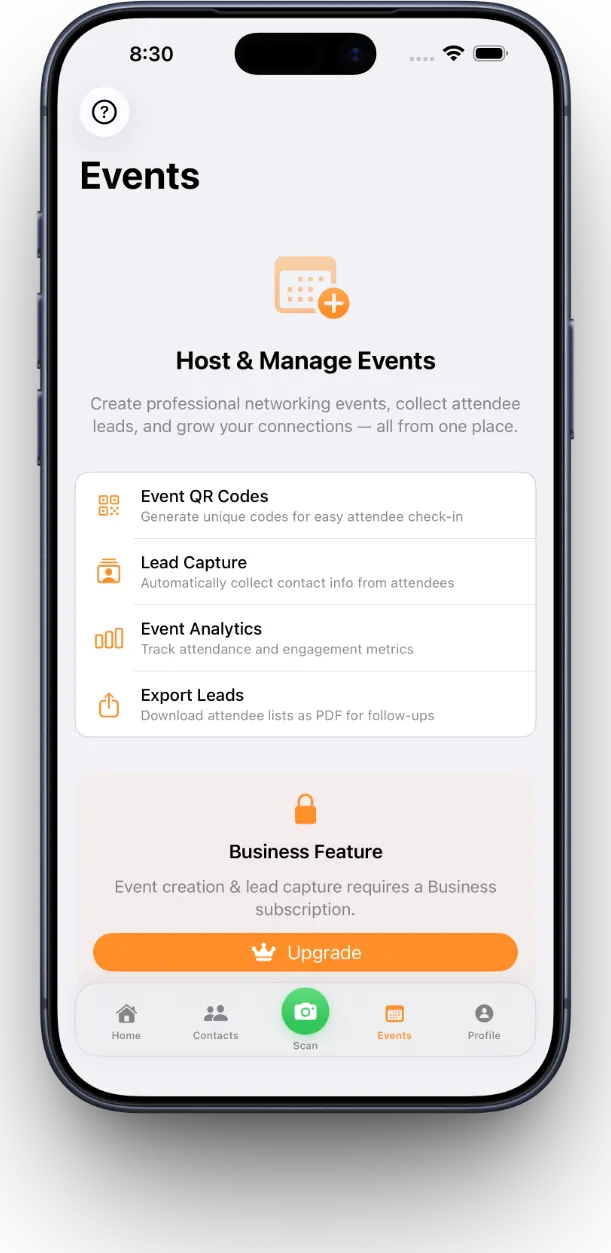
Yes, the Business tier is built for exactly that, with event lead capture, team collaboration, and analytics so multiple people can collect contacts under one event and export the list for a follow-up campaign afterward. You can create an event, have your whole team scanning cards or QR codes with consent, and pull an exportable list at the end instead of merging six people's separate phones by hand. This is the difference between an app for individual networkers and one that scales to a booth or conference team.
Is my contact data safe on MeetStack
Sign-in is handled through Apple or Google, and OCR processing happens on-device rather than sending card images to an external server for reading. That combination means your contact data stays largely under your control rather than passing through unnecessary third-party steps. If you're just getting started and want a walk-through of setup and privacy basics, the beginner's guide to your first week with MeetStack covers it.
- Free
- Individual scanning, digital card, basic organization
- Pro
- Power networker features, unlimited scans, all card themes
- Business
- Team collaboration, event lead capture, analytics, exports
A business card is a promise to follow up. Most apps forget the promise part.
Common questions
Does MeetStack work without an internet connection
What information can MeetStack pull from a business card
Can I use MeetStack if I'm just one person, not a team
How is this different from just saving contacts in the iPhone Contacts app
Can I change my digital business card design later
This article was drafted with AI assistance and reviewed by a human editor before publishing.