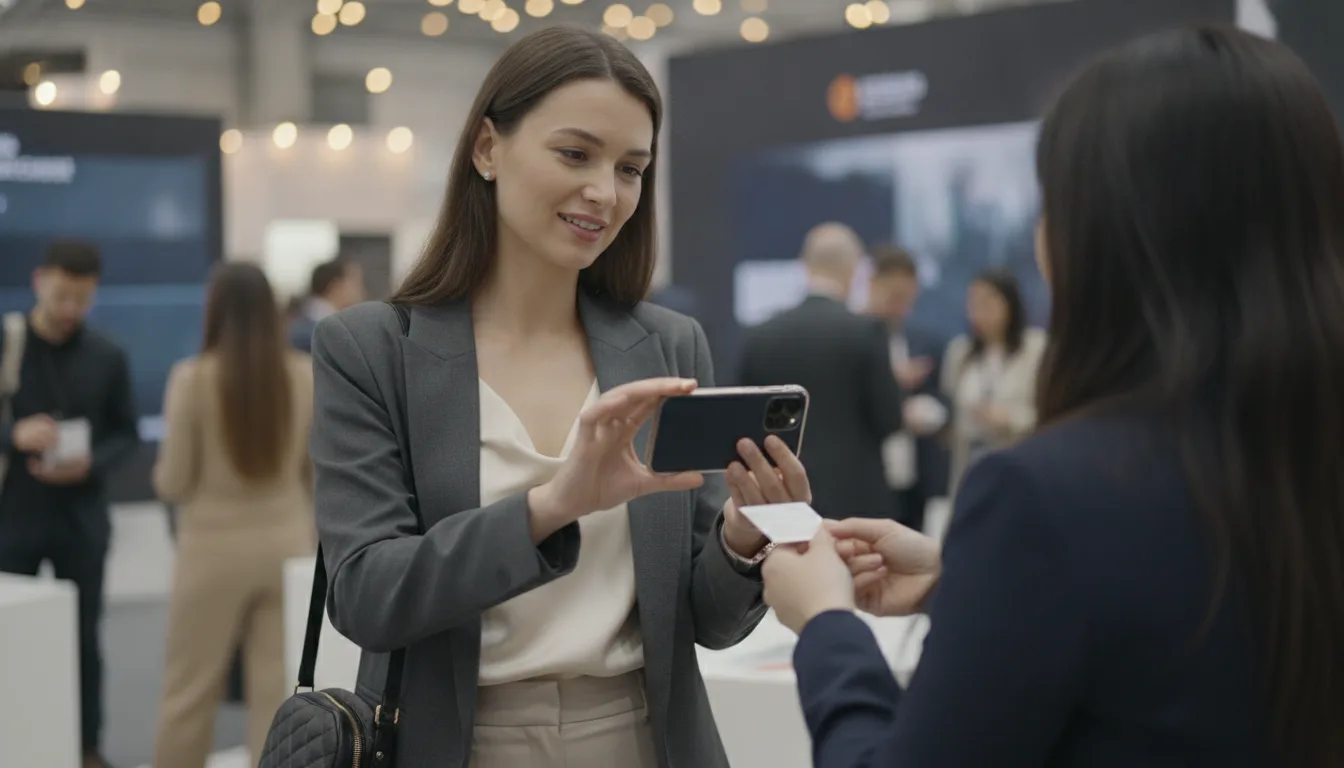
By the second afternoon of the trade show, Dana Whitfield's blazer pocket had turned into a business card graveyard. She'd had forty-something conversations across two days, each one starting the same way: a handshake, a quick exchange, a card pressed into her palm. The problem wasn't collecting them. It was remembering, three days later at her desk, which card belonged to which conversation, and which one actually needed a follow-up before someone else got there first.
The pile that never turns into pipeline
Dana runs regional sales for a mid-size manufacturing firm, and trade shows are where a third of her yearly pipeline starts. The trouble was never the event itself. It was the week after, when forty cards sat in a rubber-banded stack on her desk, each one a stranger by the time she got around to typing it into a spreadsheet. Names blurred together. Titles got mixed up. The one prospect who'd said 'call me before Friday, we're deciding this quarter' got buried under nineteen other cards that looked exactly the same.
She'd tried the usual fixes. A note-taking app for context. A separate CRM for follow-ups. A photo roll full of blurry card snapshots she'd meant to transcribe. None of it lived in one place, and by the time she stitched it together, the moment to follow up had usually passed.
Setting up before the doors even opened
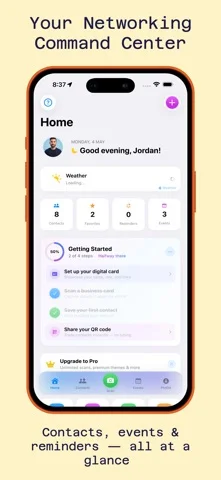
A colleague pointed her to MeetStack the week before the show, and Dana spent ten minutes setting it up before her flight. She built her digital business card first, choosing the Midnight theme to match her company's dark, understated branding, then created an event inside the app for the three-day show so every contact she scanned would automatically land in the right bucket.
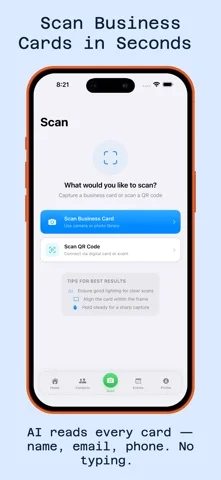
On the show floor, the difference showed up immediately. Instead of fumbling for a pen or promising to 'connect on LinkedIn later,' she held up her phone and let people scan her QR code while she scanned theirs. No typing, no lost cards, no awkward juggling of paper in a crowded aisle.
Capturing more than a name and a title
The scanning itself was the easy part. MeetStack's on-device OCR pulled names, titles, companies, emails, phone numbers, and LinkedIn profiles the moment she photographed a card, no manual cleanup required. But the part that actually saved her follow-ups was the voice memo she recorded right after each conversation, while it was still fresh: 'Wants a quote for the new plant line, decision by end of quarter, mentioned budget concerns.' Thirty seconds, attached directly to the contact.
The card told her who they were. The voice memo told her why it mattered.
By the end of day one, she had eighteen contacts, each with full details and a short spoken note explaining the context. No spreadsheet, no separate notes app, no trying to reconstruct a conversation from memory three days later.
The follow-up that almost got missed
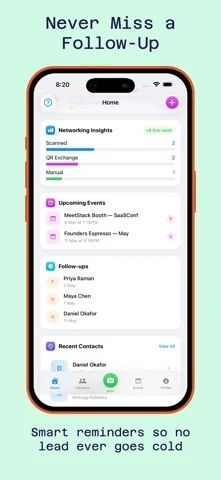
The prospect who'd said 'decide by Friday' was contact number twenty-three, scanned during a rushed hallway conversation on day two. In the old system, that urgency would have gotten lost in the pile. In MeetStack, Dana set a follow-up reminder on the spot, right after recording her voice memo, so the app would nudge her the moment she landed back home rather than three days later when the decision window had already closed.
That single reminder, more than any other feature, is what changed her opinion of the app. For a deeper look at how the timing works across different networking scenarios, this guide on follow-up reminders walks through the logic in more detail.
Turning the pile into a pipeline review
Back at the office, Dana didn't face a rubber-banded stack of cards. She opened her contacts list, already organized and searchable by company, title, and the event tag she'd set up before the trip. She filtered by 'decision this quarter' contacts first, worked through the follow-up reminders in order, and forwarded her team lead's exported list to the rest of her sales team so nobody duplicated outreach.
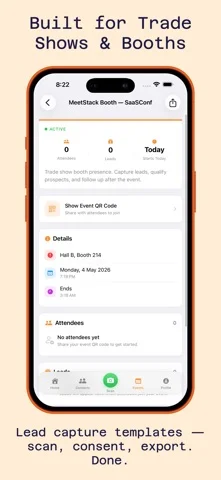
Her manager later pulled the team's event analytics to see how many leads converted to booked calls, a feature Dana hadn't used personally but appreciated as proof the trip had been worth the airfare. For teams running multiple events a year, that kind of visibility is part of why MeetStack offers a Business tier built around collaboration and reporting, not just individual scanning.
What changed for the next show
Dana's next trade show looked completely different. No rubber bands, no rushed transcription session on a Sunday night, no guessing which of forty cards actually mattered. She scanned as she went, spoke a quick memo after every real conversation, and let the reminders decide when to circle back. The prospect from Friday's deadline got a call on Monday morning, not three weeks later, and closed within the quarter.
How do you follow up effectively after a trade show?
For readers weighing which scanning app fits their own event schedule, the story of one professional's networking turnaround covers a similar shift from paper chaos to organized follow-up.
Common questions
Does scanning a card at a busy event actually work well?
What happens to leads collected at an event?
Can a whole sales team use MeetStack at the same show?
This article was drafted with AI assistance and reviewed by a human editor before publishing.