DailyPulse makes habit tracking simple and rewarding. Whether you're building better sleep routines, hitting the gym more consistently, or drinking more water, DailyPulse helps you stay accountable with streak tracking, friend challenges, and detailed progress insights. This walkthrough shows you everything from your first tap to your first real win.
Download and Open DailyPulse
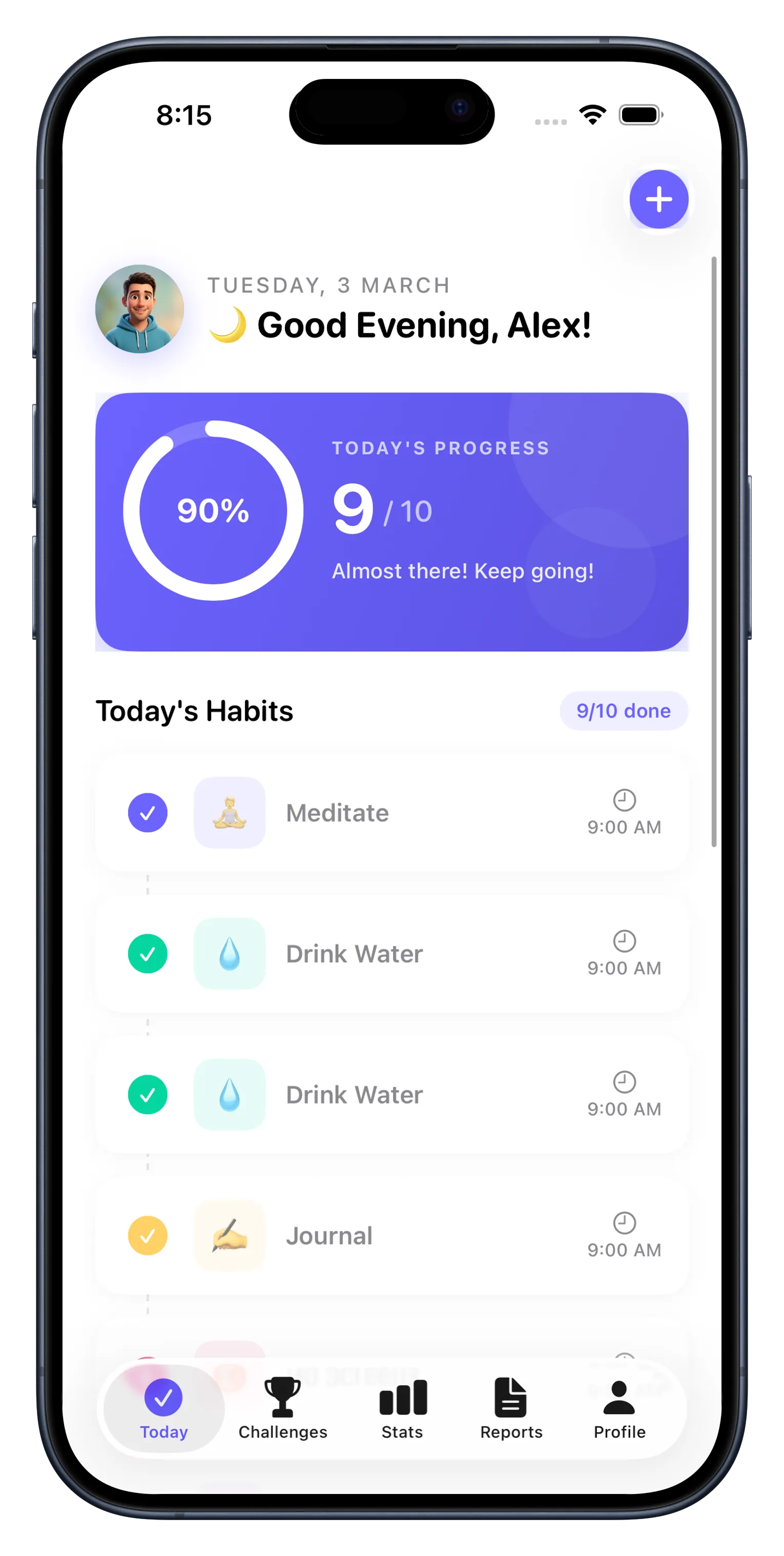
Start by getting DailyPulse on your iPhone. Head to the App Store and search for "DailyPulse" or tap the link at the bottom of this guide. Once installed, open the app and you'll see the onboarding screen.
Sign In and Create Your Profile
You'll need an account to get started. Sign in with your email or Apple ID—it takes about 30 seconds. Once you're in, you can add a profile picture and a short bio if you'd like, but it's optional. The app works just fine without any extra details.
Add Your First Three Habits
DailyPulse lets you track up to 3 habits for free. Tap the plus button and name your first habit—something specific and actionable works best. "Exercise" is good, but "30-minute run" is even better. Add habits one at a time and choose a category if you want (fitness, wellness, learning, etc.). Start small; you can always add more habits later by upgrading.
- Be specific: "Drink 8 glasses of water" beats "stay hydrated"
- Pick habits you genuinely care about—not ones you think you should do
- Start with 2-3 habits max so you don't overload yourself
Check Off Your First Day
Now comes the satisfying part. Go to the Today view and tap the progress ring next to each habit you've completed. The ring fills as you complete more habits throughout the day. This is where DailyPulse shines—you get immediate visual feedback and a sense of progress that keeps you coming back.
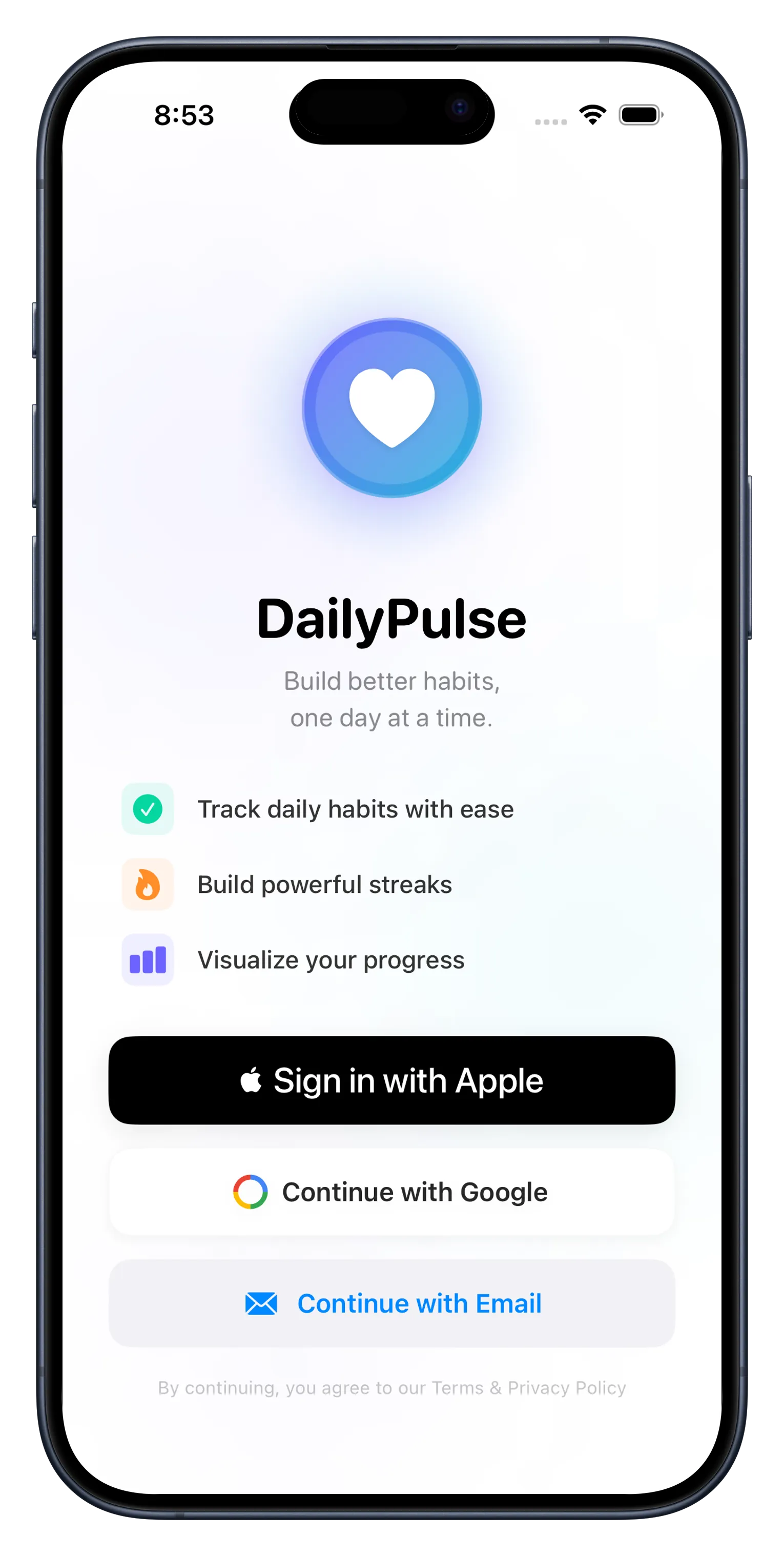
The visual feedback of checking off your habits each day is what makes streaks stick.
Build Streaks and Watch Your Progress Grow
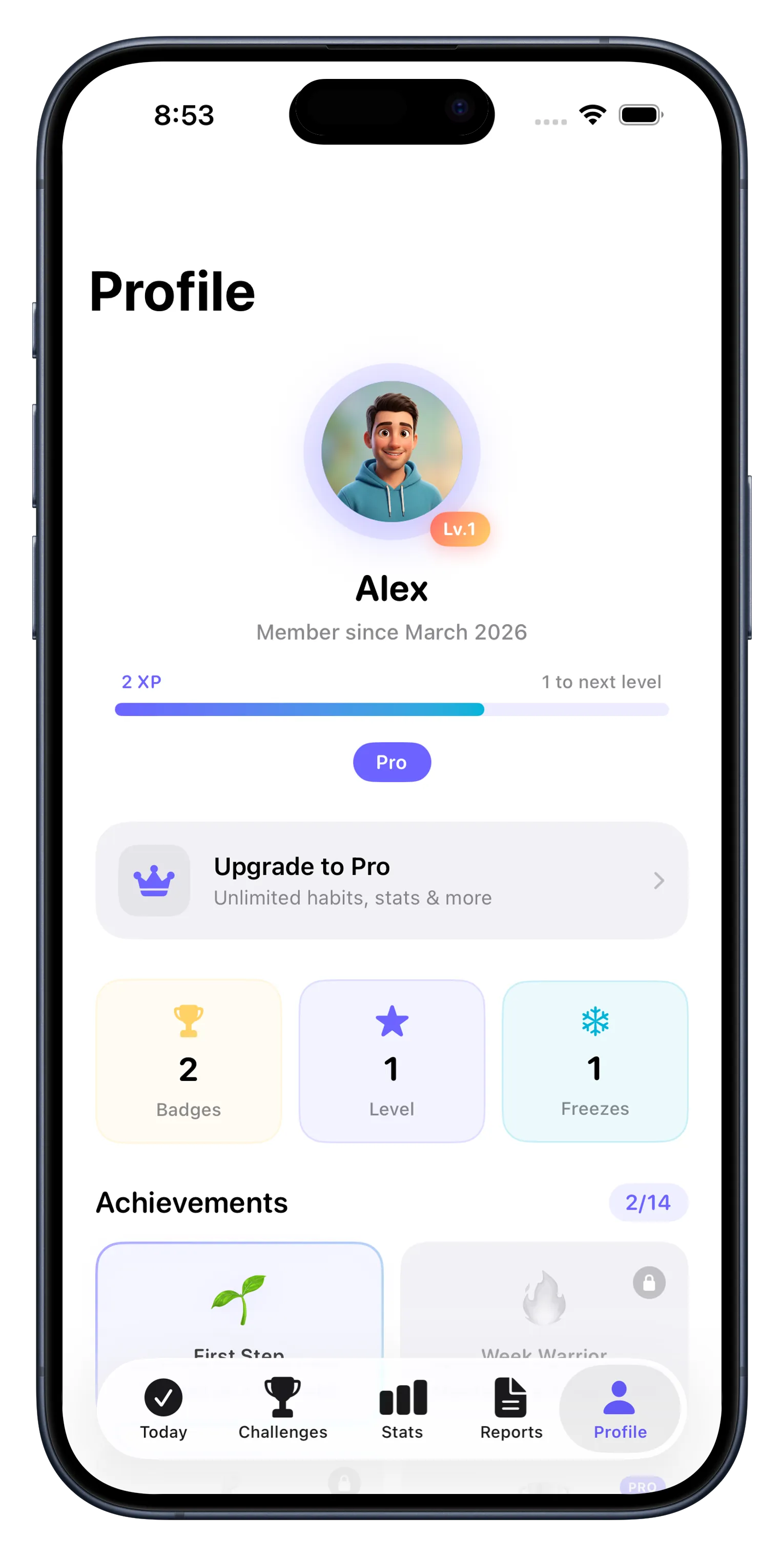
Every day you complete a habit, your streak grows by one. After a few days, you'll start to feel the momentum. DailyPulse shows your current streak clearly so you're motivated to keep the chain unbroken. Check back to the Statistics tab to see weekly insights and watch your completion rates climb over time.
Challenge Friends and Level Up
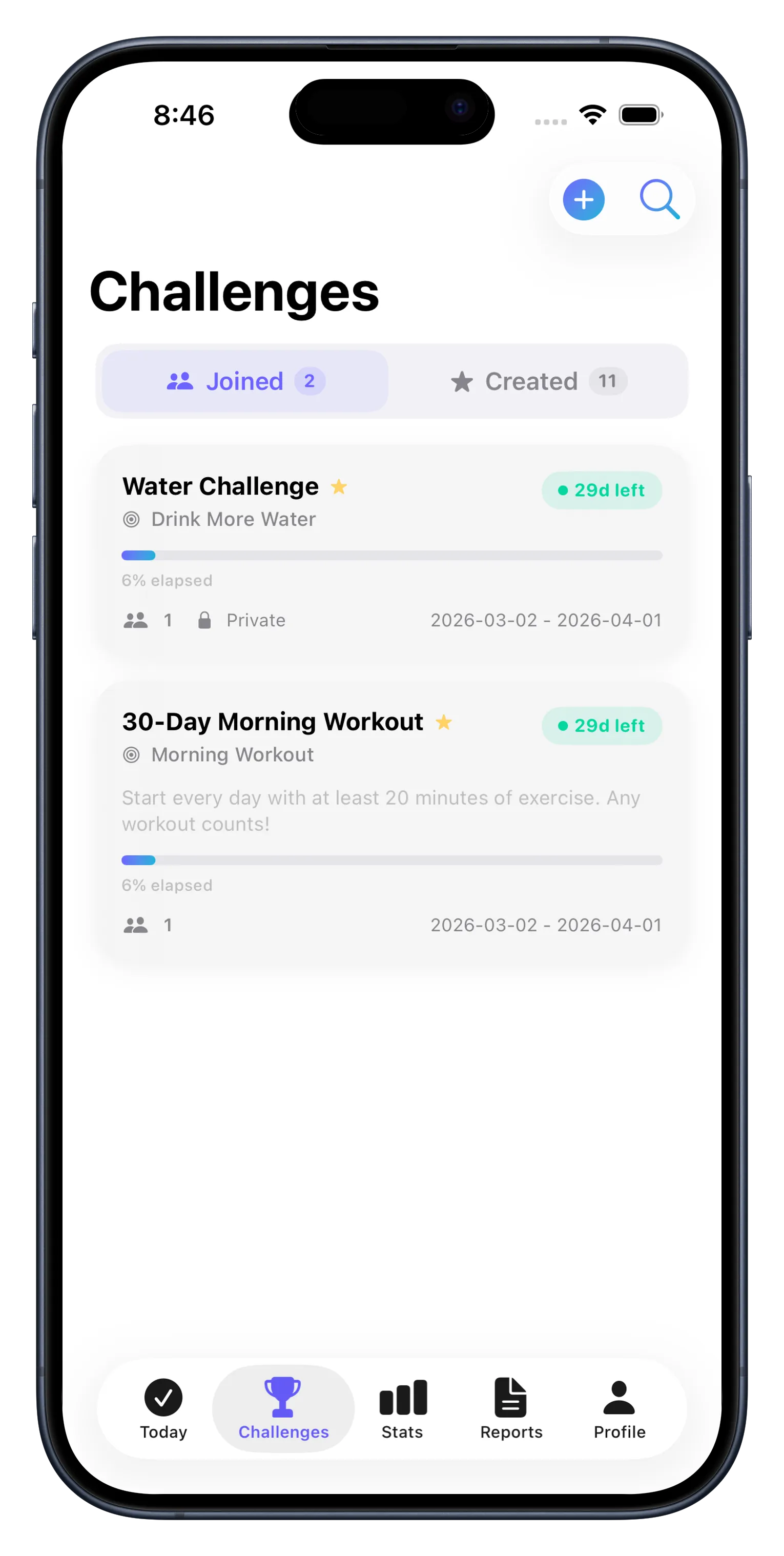
Once you've set up your habits, invite a friend to a 30-day challenge. You'll both track the same habit and compete to see who keeps the longer streak or highest completion rate. It's friendly competition that pushes you both to stay consistent. Find this in the Challenges tab and watch notifications fire when your friend completes a habit—it's motivating to see someone else grinding for their goals too.
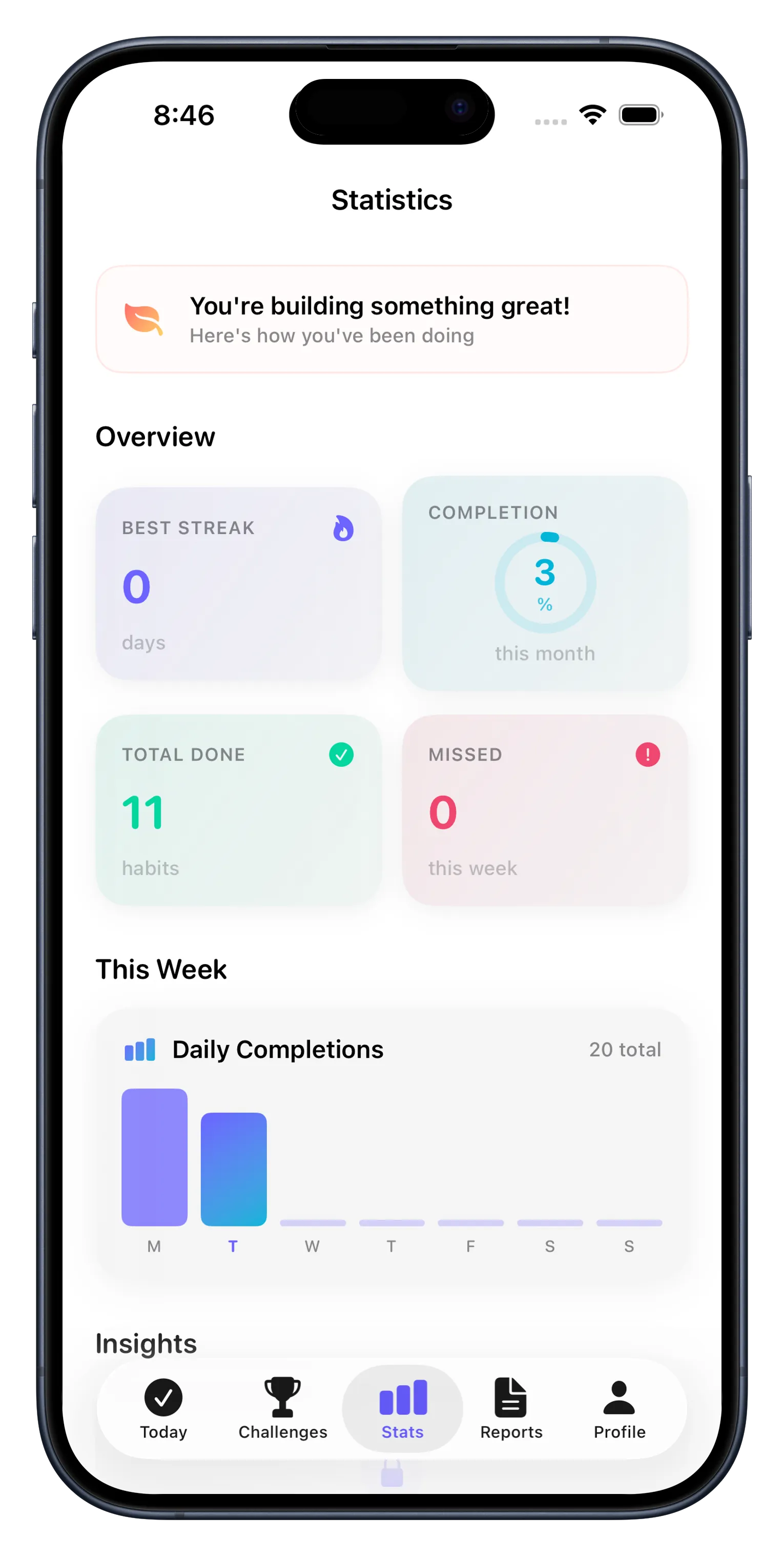
As you keep going, you'll earn achievements and XP. Unlock badges for hitting certain milestones—like a 7-day streak or 100% weekly completion. These aren't just digital confetti; they're real proof that your effort is paying off. For more tips on building lasting habits, check out our guide on building better habits with DailyPulse.
Unlock More Power with Premium
The free version with 3 habits and challenges is solid, but if you want to track more habits, you'll want to unlock everything. Premium gives you unlimited habits, a full heatmap view of your activity, PDF export for tracking reports, streak freeze (so one missed day doesn't ruin your progress), and iCloud sync across all your devices. If you're serious about habit building, it's worth it. If you want to explore more, read our common questions guide to see what premium includes.
Make It a Daily Ritual
The final step isn't a feature—it's a habit itself. Open DailyPulse every morning or evening and check off what you've done. Set a reminder notification so you don't forget. The app nudges you when it's time, but the real magic happens when DailyPulse becomes automatic, like brushing your teeth. That's when streaks turn into lifestyle changes.
- Enable notifications in Settings so you get reminders
- Check in at the same time each day to build the checking-in habit itself
- Share your progress with friends—accountability works
- Celebrate small wins; 7 days is worth celebrating
This article was drafted with AI assistance and reviewed by a human editor before publishing.