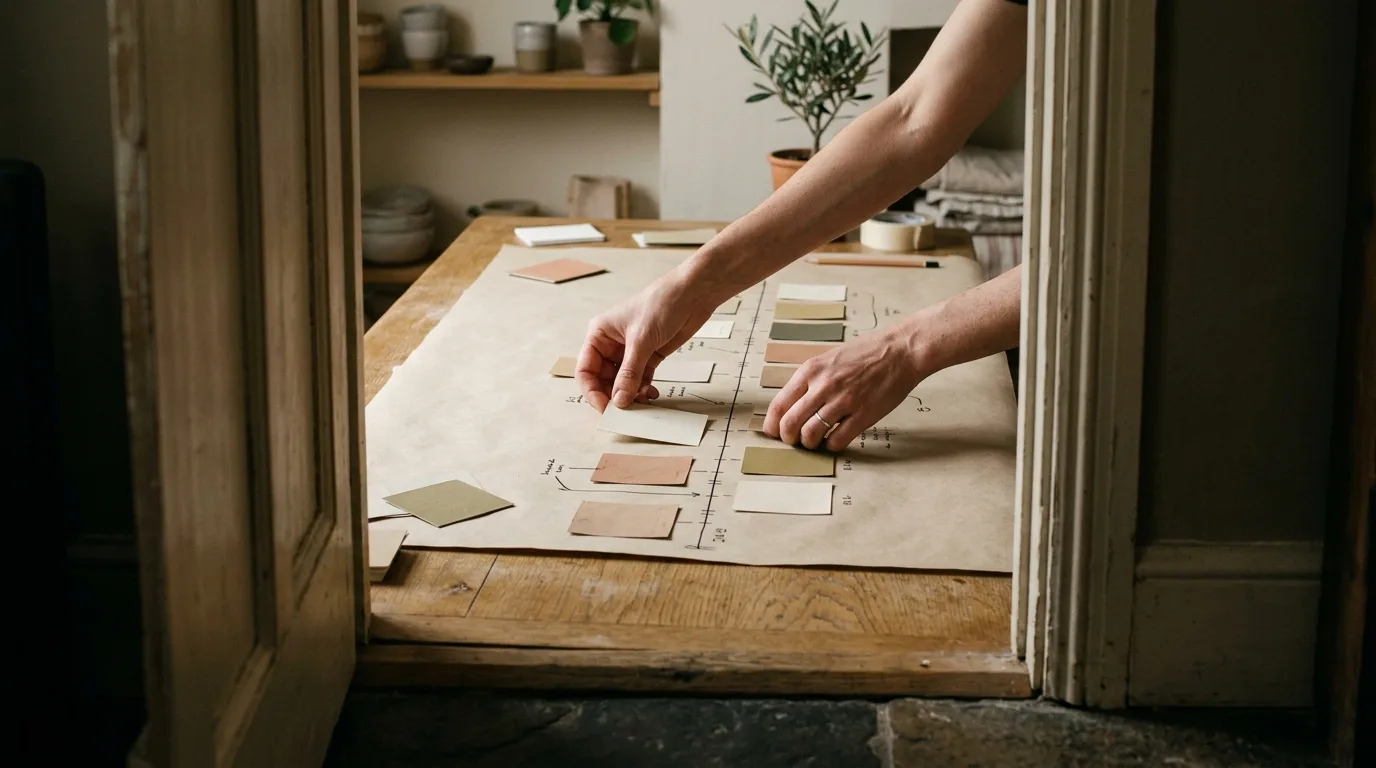
What you'll have after this first walkthrough
In about 15 minutes, you'll have moved your day out of a scattered to-do list and onto a single timeline: three priorities chosen, a full inbox captured, one focus block already running, and the start of a habit that checks planned time against what actually happened.
Before you open the app

- DayBox installed on your iPhone
- A rough sense of what's on your plate today — meetings, must-do tasks, anything hanging over you
- 15 quiet minutes before your day gets going
- Your calendar open or synced, if you keep one elsewhere
Step 1: Open DayBox and set up your space
Download DayBox and open it for the first time. Pick a theme and accent color that feels calm rather than distracting, since you'll be looking at this timeline a lot. This also creates your profile, which is what your streaks and achievement badges attach to later.
Capture and prioritize your day
Step 2: Empty your head into the Inbox
Before you plan anything, capture everything: the report due today, the call you keep forgetting, the errand you'll regret skipping. Drop each item into DayBox's Inbox without worrying about order or timing yet. This is the capture step of the daily rhythm, and it only works if you get everything out, not just the important-looking things.
Step 3: Choose your Big 3
From your Inbox, mark the three tasks that would make today a win even if nothing else got done. DayBox surfaces these separately from the rest of your list so they don't get buried under smaller chores. This is the prioritize step, and it's the one most planners skip.
Build the timeline and focus

Step 4: Drag tasks onto the timeline
Switch to the timeline view, where your calendar and your task list sit side by side. Drag each task, starting with your Big 3, onto an open slot, sizing the block to how long the work will actually take rather than how long you wish it took. You'll see gaps where meetings already sit, so the plan respects your real calendar from the start.
Step 5: Start a focus timer on your first block
When it's time for your first block, tap it and start the focus timer. Work until it ends, then let it prompt you to move on or take a short break. If your day is full of meetings, read this before your next meeting-heavy day — it covers defending these blocks once other people's calendars start pushing into yours.
Adjust and close the loop

Step 6: Reschedule the moment reality interrupts
Something will run long or a call will land uninvited — that's normal, not a failure. Drag the affected block to a new slot instead of abandoning the plan; DayBox keeps the rest of your timeline intact. For a fuller method, this guide on rescheduling without losing your day covers the moves worth memorizing.
Step 7: Close the day with a reflection
At day's end, open the reflection view and compare planned time against actual time for each block. You're not grading yourself, you're collecting information about how long things really take. This resource on reflecting on planned vs. actual time goes deeper into reading that gap.
Step 8: Check your streaks and badges
Open your profile to see momentum building across planning, Big 3 completion, and focus sessions. The first badges unlock fast — they're there to reward showing up, not perfection, so don't chase a perfect day just to keep a streak alive.
Common questions
Do I need to plan my entire day before I start any blocks?
No. Plan enough to start — your Big 3 and the next few hours are plenty. You can add blocks to the timeline as the day unfolds.
What if I don't finish a block before the timer ends?
Let the timer end anyway and either extend the block or reschedule the remainder later. The point of the timer is honest data, not a hard deadline.
How many tasks should go in the Inbox before I move to the timeline?
As many as you've got. An empty Inbox is the goal — sorting what's urgent happens later, in the Big 3 and scheduling steps.
Is one day of reflection actually useful, or do I need a week of data?
One day tells you something, a week tells you a pattern. This first-week setup playbook walks through building that fuller picture without turning planning into a chore.
This article was drafted with AI assistance and reviewed by a human editor before publishing.