Writing about DayBox: Time Blocking Planner
Reviews, how-tos, and tips about DayBox: Time Blocking Planner from the team that builds it. Or browse all articles.
How to Set Up Recurring Morning, Evening and Weekly-Review Routines in DayBox
Already timeboxing your days? Here is how to make DayBox's morning block, evening shutdown and weekly review come back on their own with recurring tasks, reminders and day templates.
Read article
DayBox Walkthrough: From First Open to Your First Reflection
A step-by-step first walkthrough of DayBox: capture your day, pick your Big 3, build a timeline, run a focus timer, and close the day with a real reflection.
Read article
How to Protect Focus Blocks on a Meeting-Heavy Day (iPhone)
Meeting overruns and Slack don’t have to erase deep work. Here’s how to defend focus blocks on iPhone—timeline beside calendar, Big 3, one timer per block, drag when the day shifts.
Read article
Your First Week With DayBox: A Simple Setup Playbook
A step-by-step setup for DayBox: capture tasks, pick your Big 3, block time on the timeline, run focus timers, and close the day with a quick reflection.
Read article
Inside DayBox: Why Planned vs. Actual Time Is the Real Feature
DayBox isn't just another timeline. It's built around a five-step loop that turns your to-do list into a plan you can actually finish and learn from.
Read article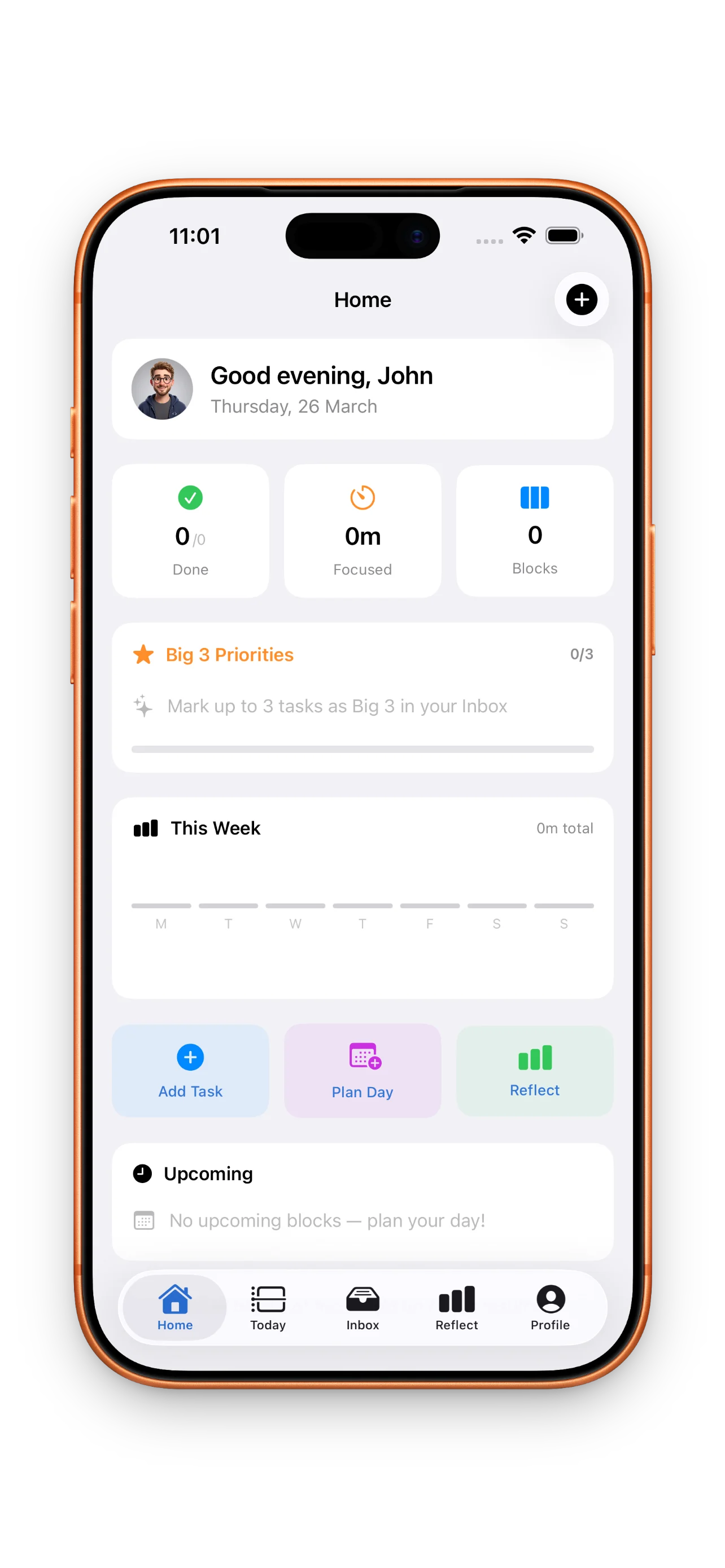
How to Build a Realistic Daily Plan with DayBox
Stop overcommitting and start shipping. Learn how to drag tasks onto a timeline, run focus timers, and close the loop each day with DayBox.
Read articleHow to Build a Realistic Daily Plan with Timeboxing
Stop making to-do lists that don't fit your day. Learn how to drag tasks onto a timeline, set realistic time blocks, and actually finish what you planned.
Read articleYour first day with DayBox: Plan, focus, reflect
Start using DayBox in five steps: capture your tasks, set priorities, build your timeline, run focus timers, and close the loop with reflection.
Read articleDayBox: Timeboxing that actually fits your calendar
DayBox turns your to-do list into a realistic daily plan by combining timeboxing, focus timers, and honest reflection. It's built for people who know what they want to do but struggle to fit it all in.
Read articleMaster your day with DayBox timeboxing
Learn how to build a realistic daily plan with DayBox. Turn your to-do list into focused blocks, run timers, and close the gap between what you planned and what you actually did.
Read articleTimeboxing vs. to-do lists: where DayBox fits
Most planning tools ask you to write a list. DayBox asks you to build a realistic timeline. Here's how timeboxing differs from traditional to-do management—and why it works.
Read article