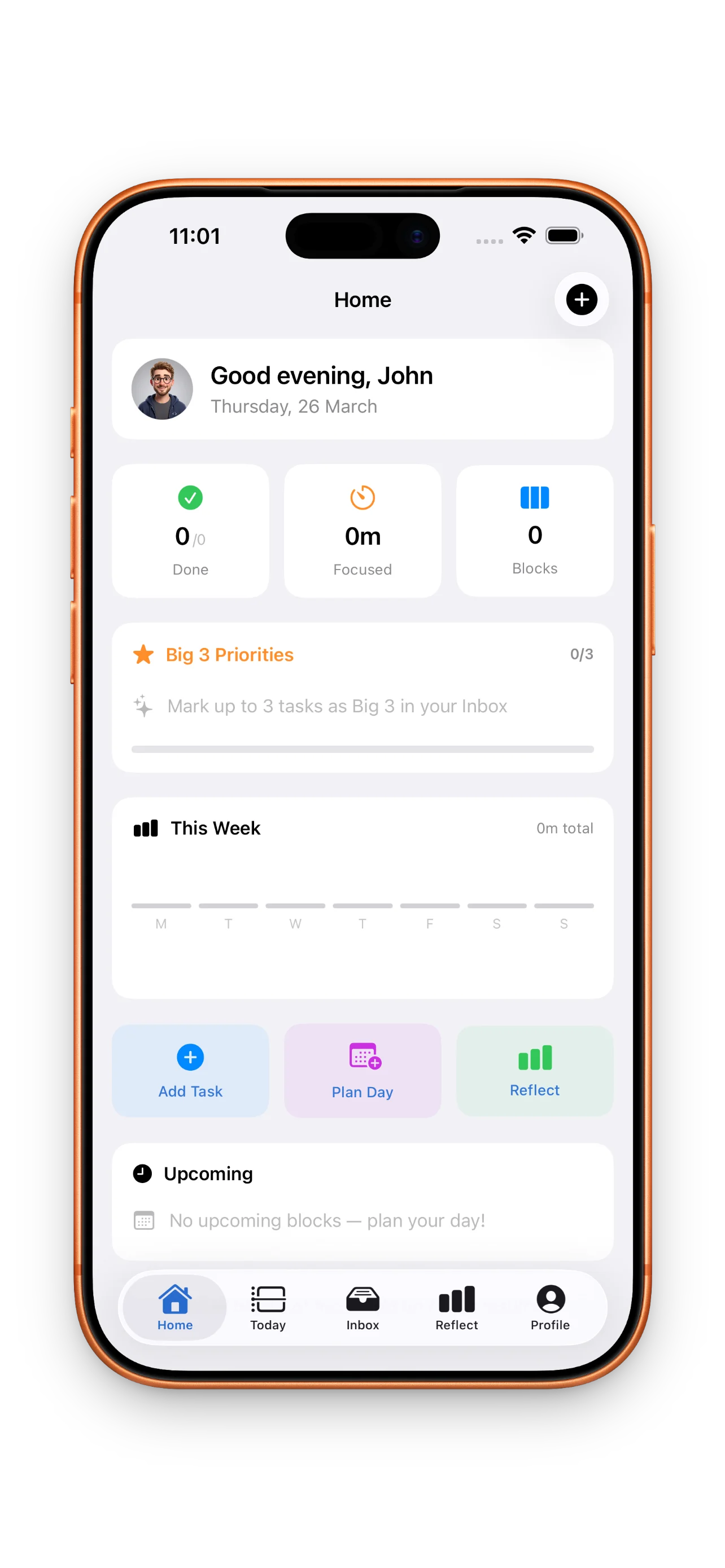
Most to-do apps let you dump everything in and hope it fits. DayBox does the opposite. It forces you to be honest about time by dragging tasks onto a timeline, running focus timers for each block, and then comparing what you planned against what actually happened. It's timeboxing without the rigid, overwhelming feeling. If you've tried timeboxing before and found it exhausting, or if you have a calendar packed with meetings and need a way to carve out real work time, DayBox is worth a close look.
Who this is for
DayBox is built for people with calendars that are already full. If you're juggling meetings, deep work, and a hundred smaller tasks, a blank to-do list doesn't help—you need to know where tasks actually fit. This app is also for people who've tried timeboxing but gave up because it felt rigid. DayBox keeps the structure but adds just enough flexibility to work with real life: you can drag tasks around, adjust blocks as you go, and the app doesn't punish you if plans change.
You should also consider DayBox if you want to close the loop on your planning. Most apps let you check things off and move on. DayBox asks you to reflect: Did you estimate your time well? Did you actually spend 90 minutes on that design block, or 45? Over time, this builds your sense of how long things really take. It's useful if you care about getting better at planning, not just getting things done.
What DayBox does uniquely well
Timeline plus calendar, not either/or
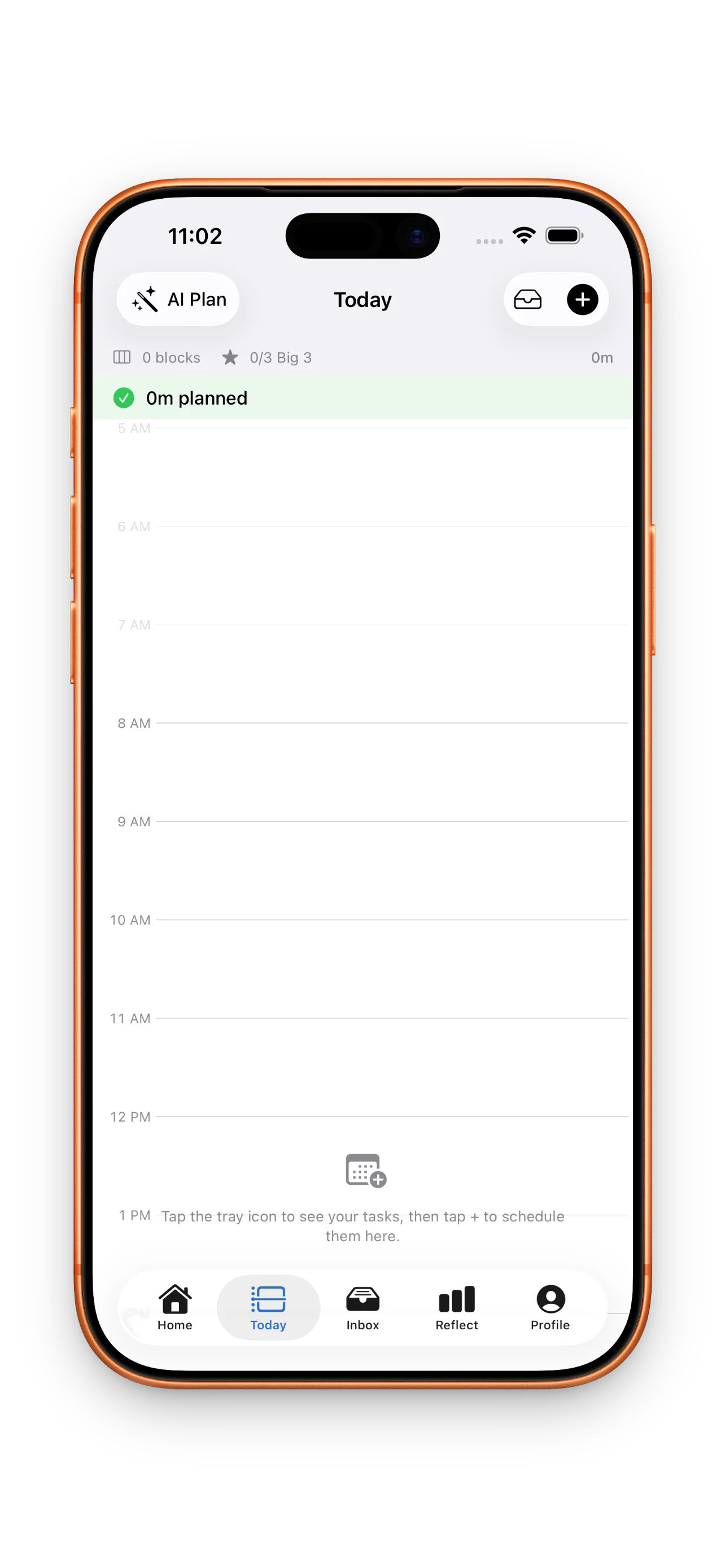
The core insight is simple but powerful: your tasks need to live next to your meetings. DayBox shows both on one timeline. You see a calendar block at 2 PM, then drag a task underneath it, then fit another task in the gap. You're not planning in a vacuum. You're planning against what's already claimed your time. This alone makes your plan realistic in a way that most to-do apps can't achieve.
The Big 3 and inbox pattern
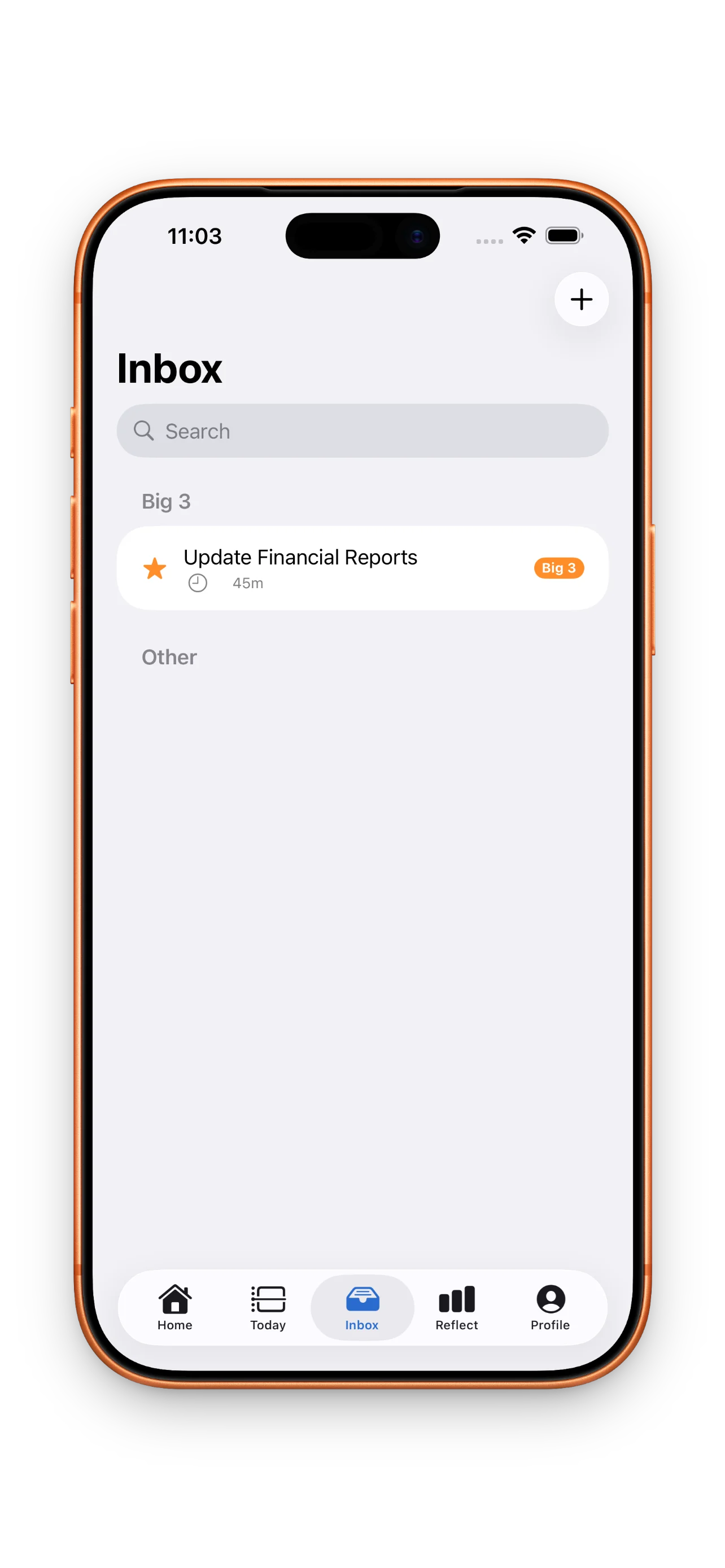
DayBox uses a lightweight capture-and-prioritize flow. Everything goes into the inbox first. Then you pick your three big priorities for the day—the Big 3—and drag them onto the timeline. This prevents the paralysis of a 47-item list and keeps decision-making front and center. It's a rhythm: capture, prioritize, schedule, focus, reflect. You're never drowning in the system.
Focus timers and honest reflection
You can run a focus timer for each block. When you're done, DayBox asks you how long you actually spent. Then it shows you planned vs. actual side by side. Over a week or month, patterns emerge: you consistently underestimate design work by 30 minutes, or you nail your estimates for emails. This feedback loop is rare in planning apps, and it's what separates DayBox from tools that just help you schedule for today.
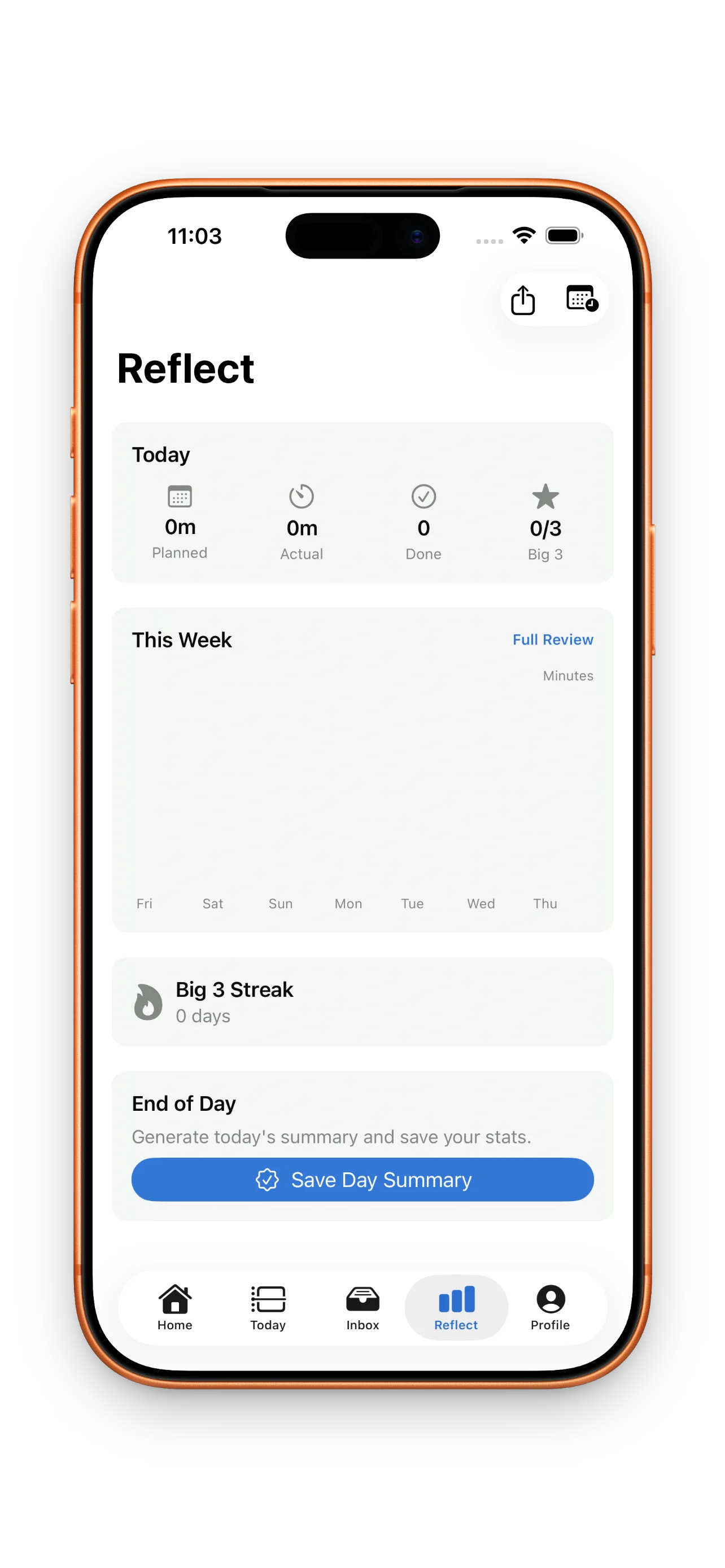
Most apps let you check things off and move on. DayBox asks you to reflect and build your sense of how long things really take.
How streaks and habits work
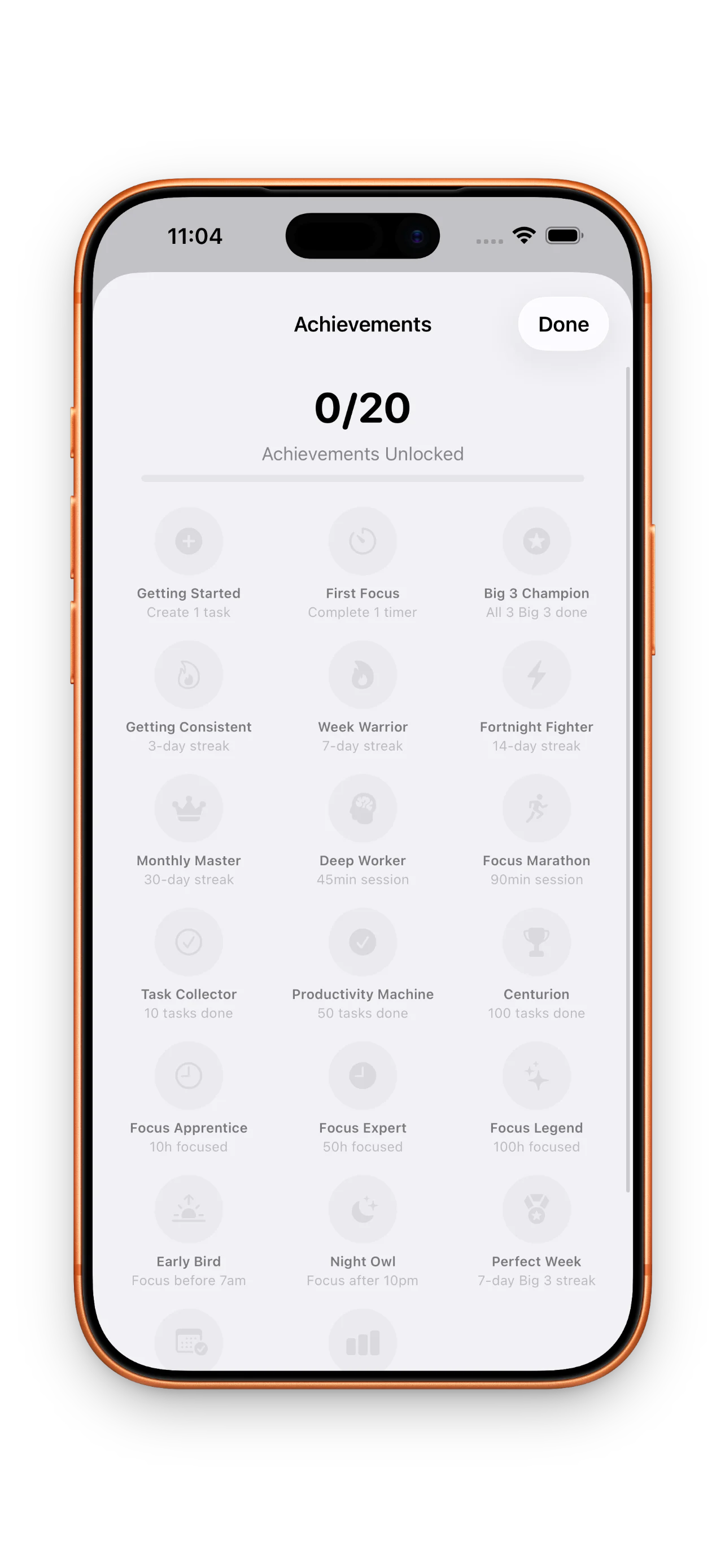
DayBox tracks three kinds of streaks: planning days (did you show up and plan?), Big 3 completion (did you finish your three priorities?), and focus sessions (did you run a timer?). Streaks are quieter than in some habit apps, but they're there if you want them. You also unlock badges as you build consistency. It's gamification, but the kind that serves the system rather than replacing it. The goal is to show up and plan every day, which is genuinely hard and worth tracking.
What to know before you start
It's free to start, but you may hit Pro limits
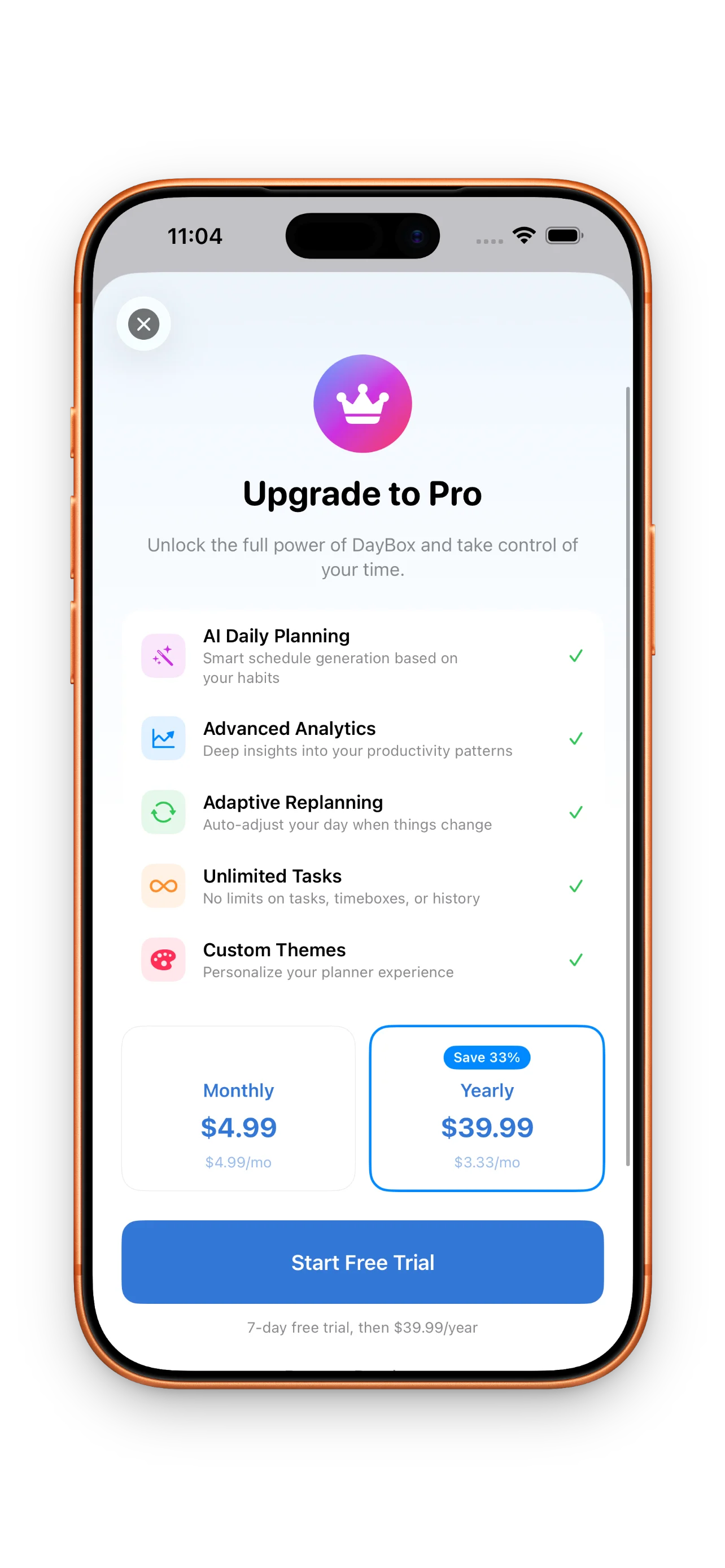
DayBox is free for core features: timeline, inbox, Big 3, focus timer, and reflection. The Pro tier unlocks advanced analytics and planning features. For most people, the free version is enough to see if timeboxing works for you. But if you heavily customize or want deeper insights, you'll eventually want Pro.
Timeboxing has a learning curve
DayBox won't magically fix your planning if you're new to timeboxing. There's a real skill to estimating your own time, and it takes a week or two to get comfortable with the interface. The app is well-designed, but you'll need patience. If you're looking for a quick fix, this isn't it. If you're willing to spend two weeks learning a new way to plan, DayBox pays off.
Reflection only works if you actually reflect
The planned vs. actual feature is powerful, but only if you use it. If you finish a task and close it without logging actual time, you lose the feedback loop. This is a design choice—DayBox doesn't force you—but it means the app's best feature requires discipline. You have to care about closing the loop.
For a deeper dive into how timeboxing compares to traditional to-do lists, check out timeboxing vs. to-do lists: where DayBox fits. If you're ready to start, our guide on master your day with DayBox timeboxing covers the habits that make the system stick.
This article was drafted with AI assistance and reviewed by a human editor before publishing.