You write a to-do list. You feel productive. Then 3 p.m. arrives and you've finished two items instead of eight. The gap between what you planned and what you actually completed isn't a personal failure—it's a planning failure. Most task managers ask you to estimate effort in isolation, without seeing how those tasks actually fit into your day. Timeboxing, on the other hand, forces you to confront reality: your calendar, your energy, your actual availability. DayBox brings that constraint to the surface, turning estimates into a realistic daily timeline.
The problem with traditional to-do lists
A to-do list is a queue. You add items, check them off, and hope you get through enough before the day ends. This approach has a fundamental flaw: it doesn't account for time. You might have five hours of actual work time but ten hours of tasks on your list. The list itself doesn't tell you that. You carry the cognitive load of deciding what to do next, and you often discover mid-afternoon that your plan was never realistic.
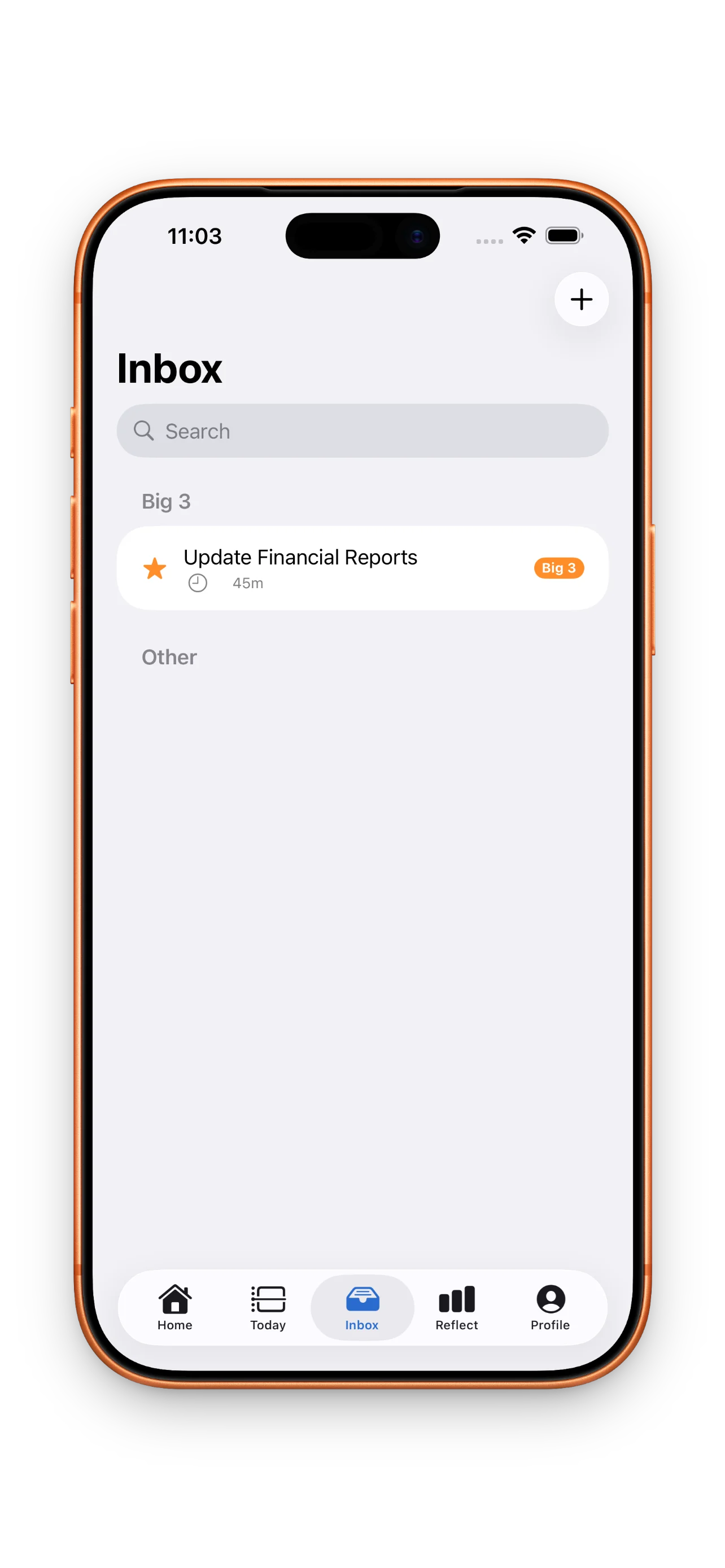
Traditional task managers excel at capture and categorization. They're great for inboxes. But they leave the hard part—turning a pile of work into a workable day—to you. Without a visual timeline or time estimates built in, you're flying blind.
What timeboxing solves
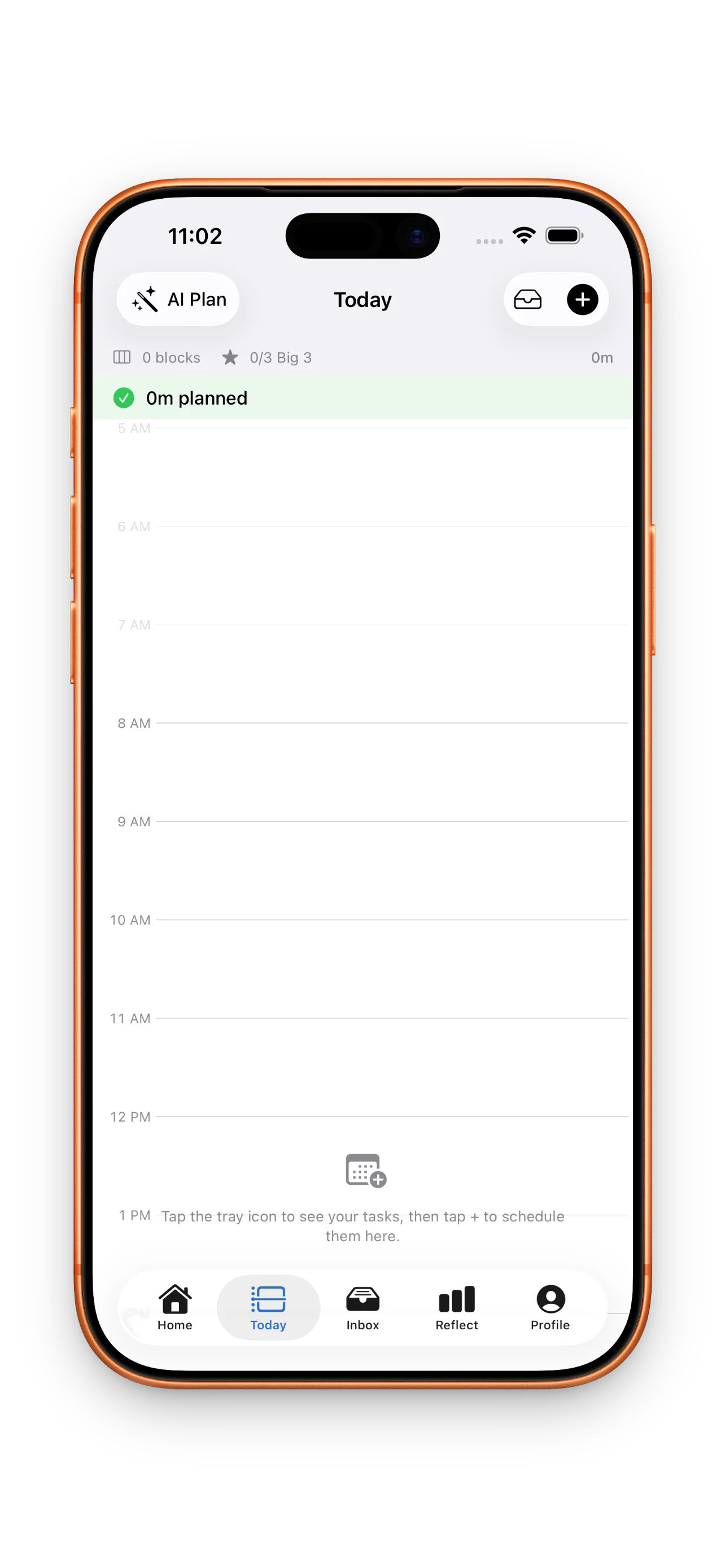
Timeboxing assigns a specific block of time to each task. Instead of a list, you build a schedule. This immediately surfaces conflicts: your calendar already has two hours of meetings, you have four hours of deep work to do, and you only have an eight-hour day. Now you see the problem before you start, not at 4 p.m. when you're frustrated.
The method also changes how you estimate. When you drag a task onto a timeline next to your existing calendar, you're forced to be honest. That email task you thought takes ten minutes now has to live in a real slot. You'll schedule it realistically—or not at all.
Timeboxing forces you to confront reality: your calendar, your energy, your actual availability.
DayBox's approach: timeline plus focus
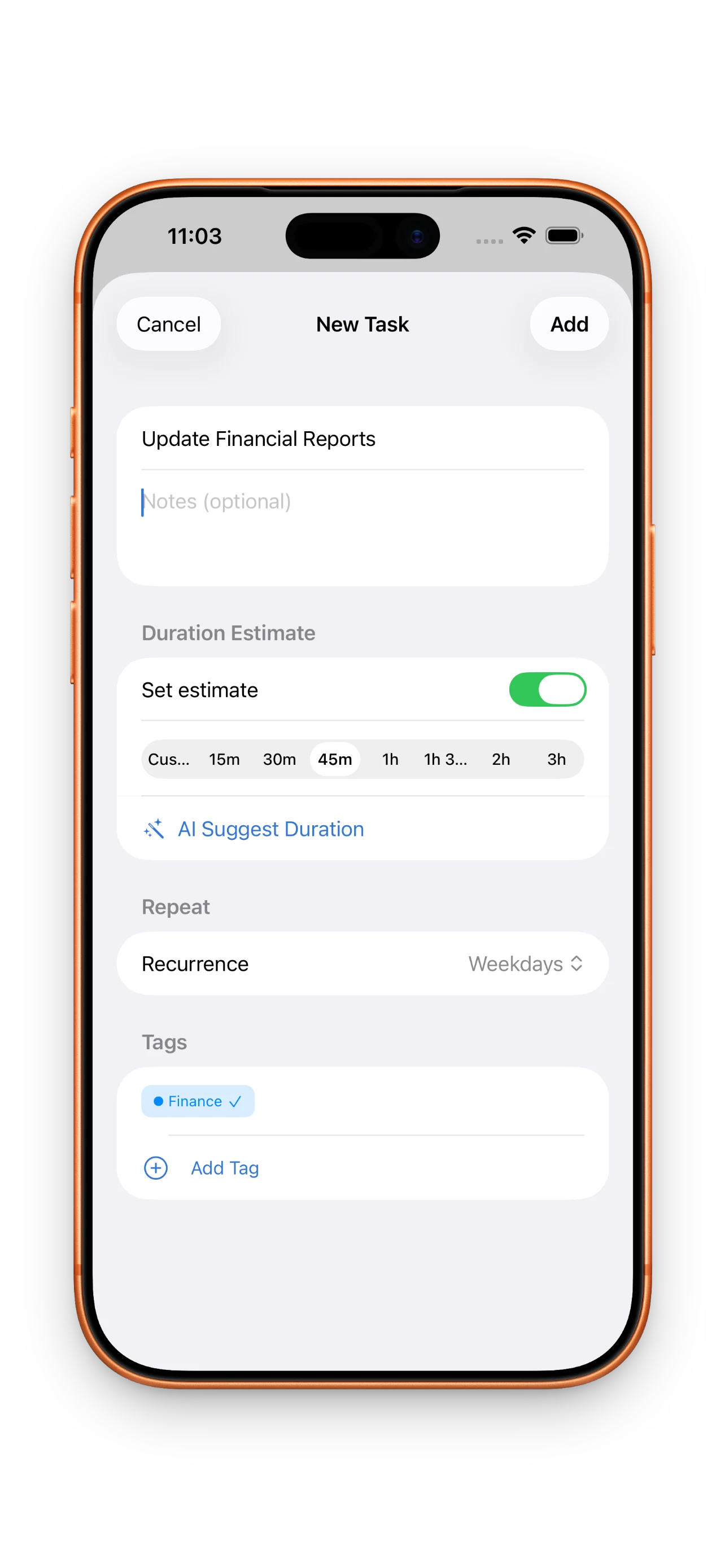
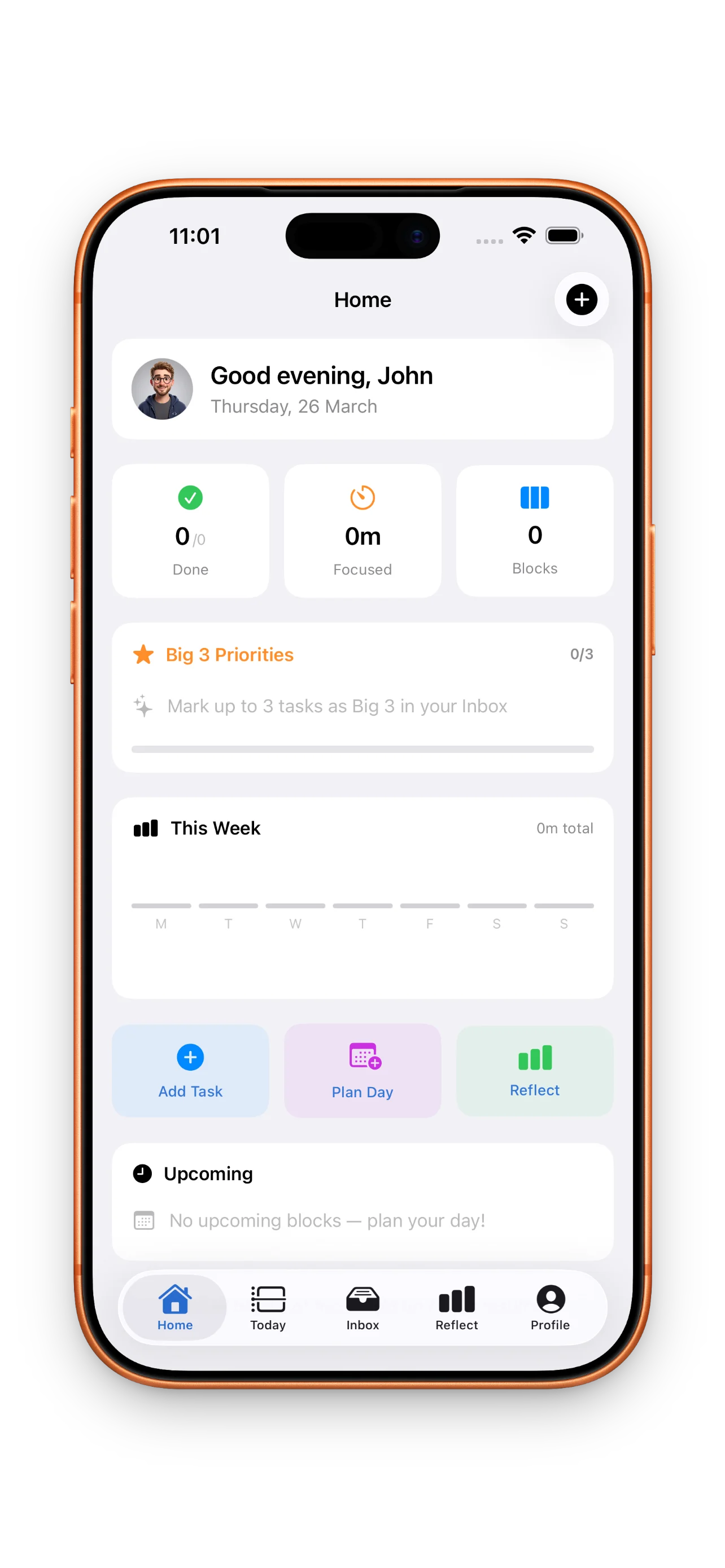
DayBox combines timeboxing with two other habits that matter: prioritization and reflection. You start with a Big 3—the three things that, if completed, would make your day successful. Then you build your timeline around those. You see your calendar and your tasks in one view, so scheduling becomes visual and instant.
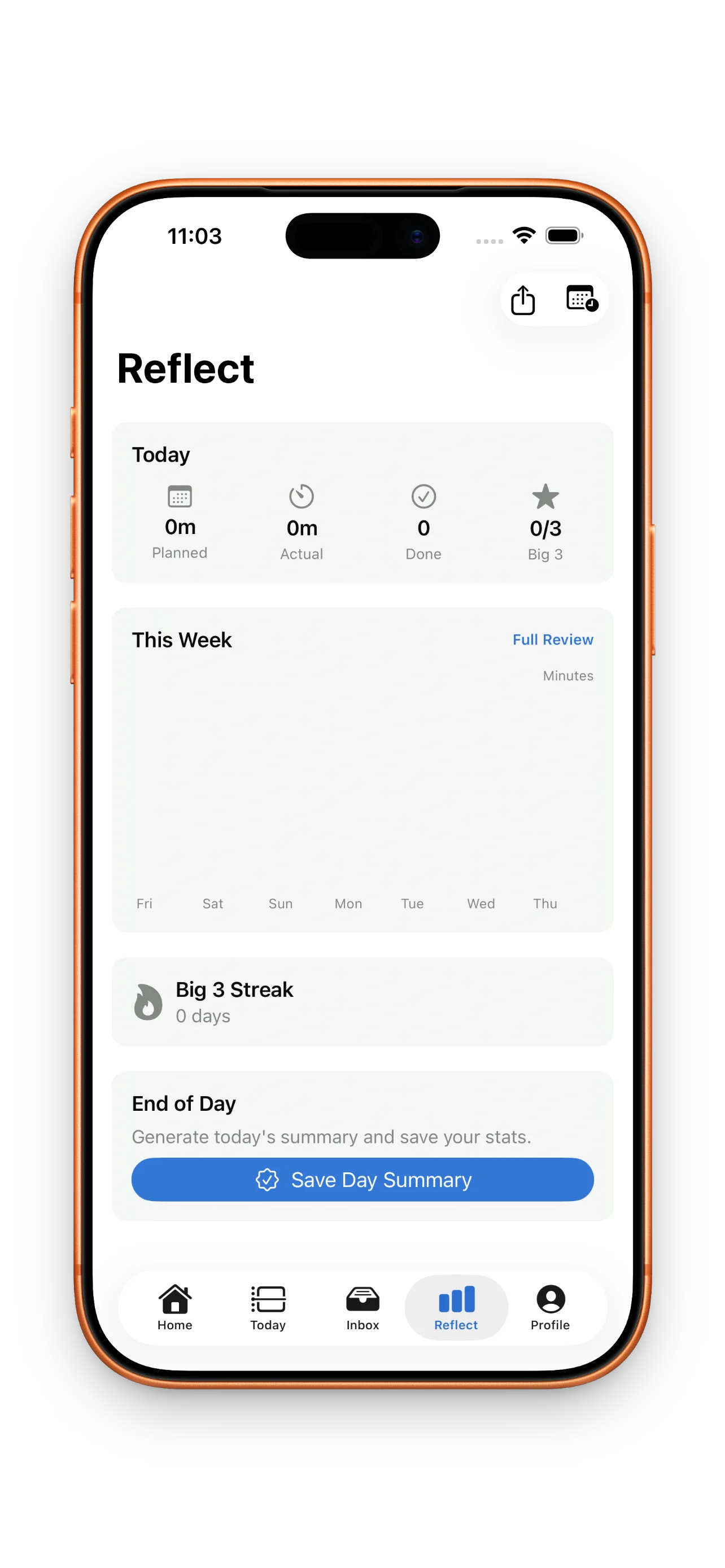
Once you've planned, you run focus timers for each block. These aren't Pomodoro breaks; they're real session timers tied to your actual planned duration. And when the day ends, you compare what you planned against what you actually completed. This reflection loop is where growth happens. You see patterns in your estimates and your energy.
Why this matters for busy calendars
If your calendar is already full, a traditional to-do list is almost useless. You need to see the real window you have, and you need to be ruthless about what fits. DayBox shows you your actual time availability at a glance. It's built for calendars with meetings, sprints with dependencies, and days where the unexpected happens.
The reflection feature is equally critical. Most planners stop once you complete a task. DayBox doesn't. You close the loop each day, seeing whether your estimates were accurate and whether you actually finished your Big 3. This data compound over time. After a week, you know how long things really take. After a month, you stop overcommitting.
Building the habit
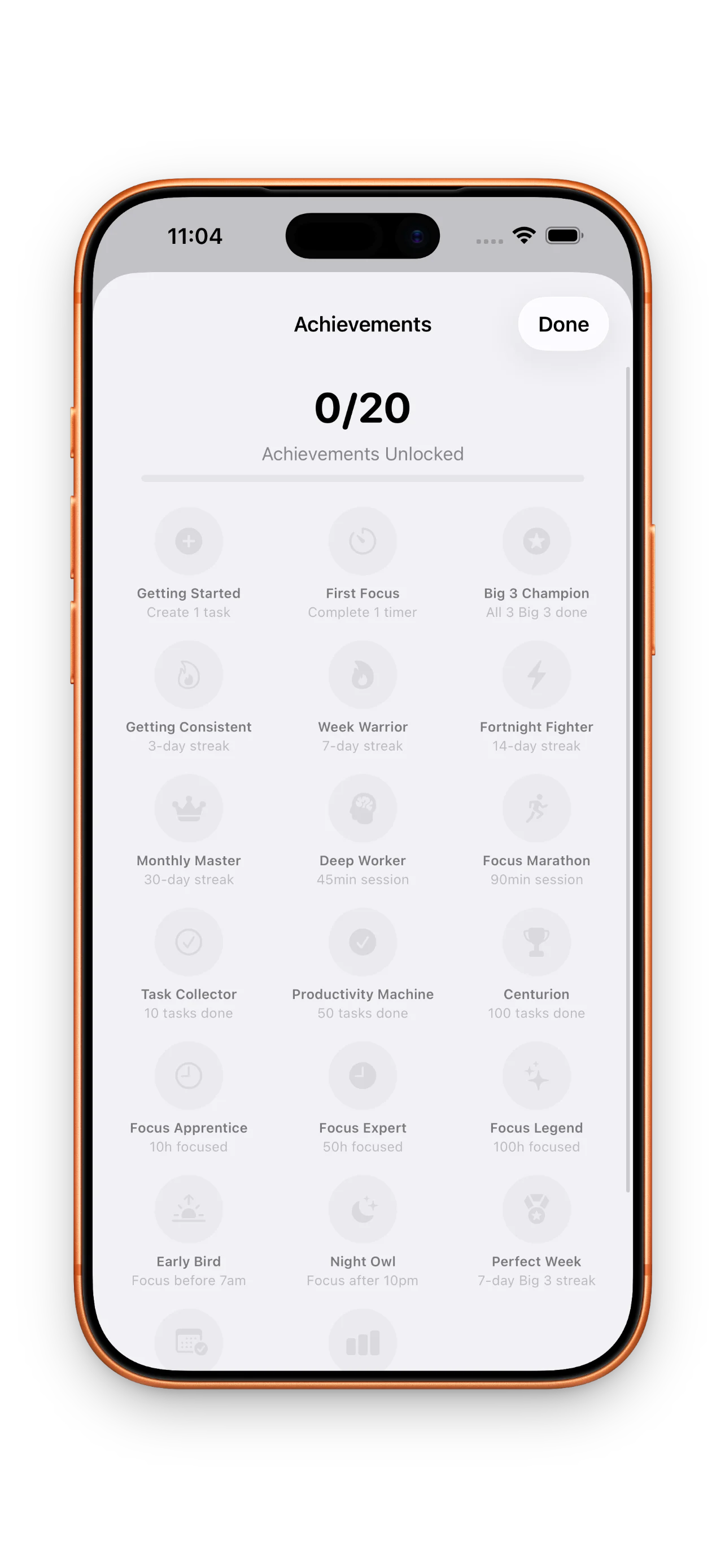
DayBox tracks three types of streaks: planning streaks (days you actually build a timeline), Big 3 completion (days you finish your top three priorities), and focus sessions (days you run timers). It also unlocks achievement milestones as you hit habits like finishing your first block or completing your first month of planning. These aren't gamification for its own sake. They're anchors that help the habit stick.
This article was drafted with AI assistance and reviewed by a human editor before publishing.