Echo turns fleeting thoughts into useful notes. But capturing an idea is only half the battle. The real power comes from knowing how to record naturally, extract what matters, and turn voice into action. Whether you're journaling, brainstorming, or juggling tasks in English and Arabic, these tips will help you get the most from every recording.
Record with the Mic Button in Mind
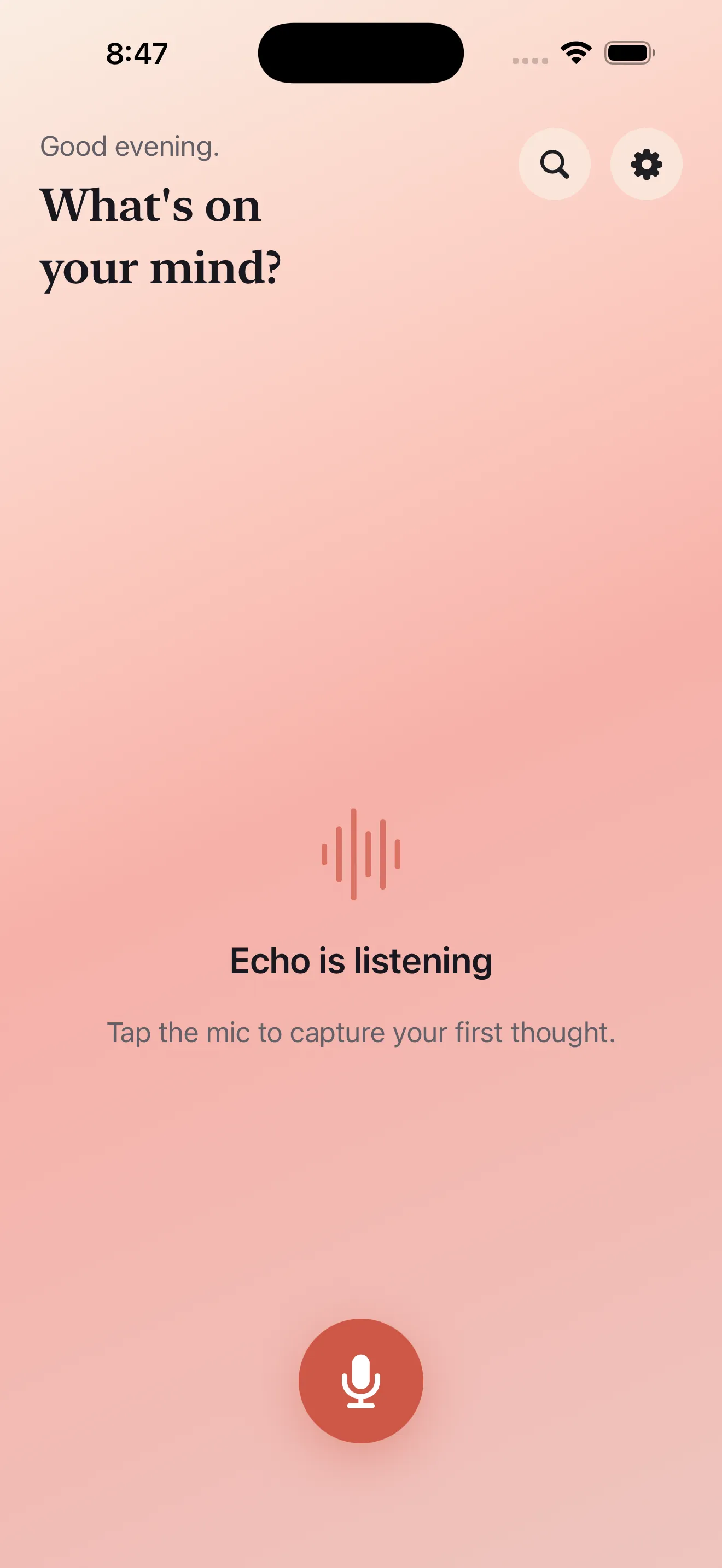
Echo's mic button is designed for speed. One tap and you're recording—no extra screens, no delay. The faster you can start speaking, the fewer ideas slip away. Keep Echo on your home screen or in your dock so the app is always within reach when inspiration strikes.
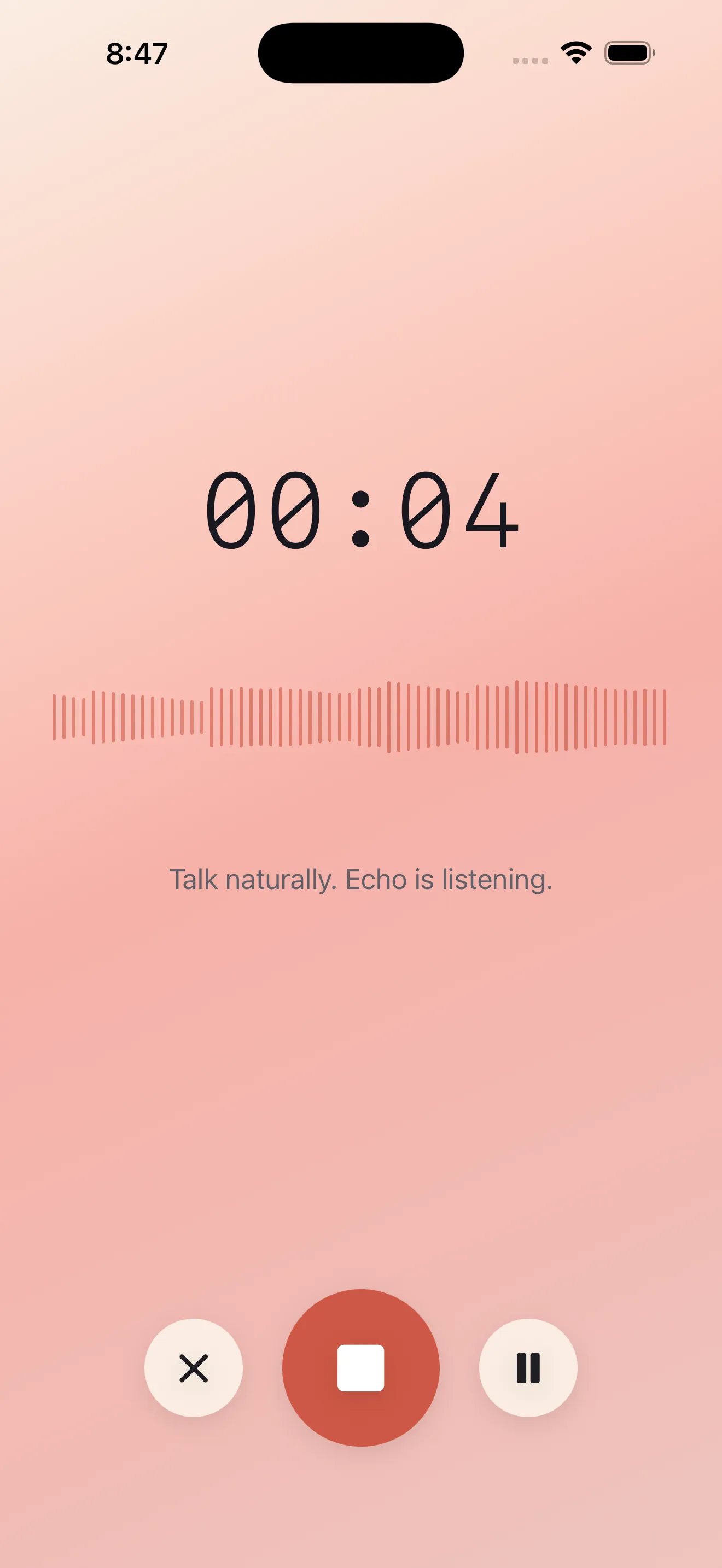
When you open the app, the mic button is front and center. Tap it, speak naturally, and don't worry about perfect phrasing. Echo will handle the rest. If you ramble, repeat yourself, or change direction mid-thought, that's fine—the transcript and summary will pull out the signal.
Use the Lock Screen for Hands-Free Recording
One of Echo's best-kept features is background recording. Start a note, lock your phone, and keep talking. Your recording continues even if the screen goes dark or you switch apps. This is perfect for long thoughts, car rides, walks, or any moment when you don't want to hold your phone up to your face.
- Press record, then lock your device immediately
- Echo captures audio in the background without draining your battery
- Return to the app whenever you're ready to stop and review
- Ideal for morning journaling, commutes, or extended brainstorms
Let Summaries and Action Items Do the Heavy Lifting
After you stop recording, Echo transcribes your voice and automatically pulls out a summary and action items. Read the summary first to get the gist, then scan the action items to see what needs doing. You don't have to re-listen or manually extract tasks—Echo does that work for you.
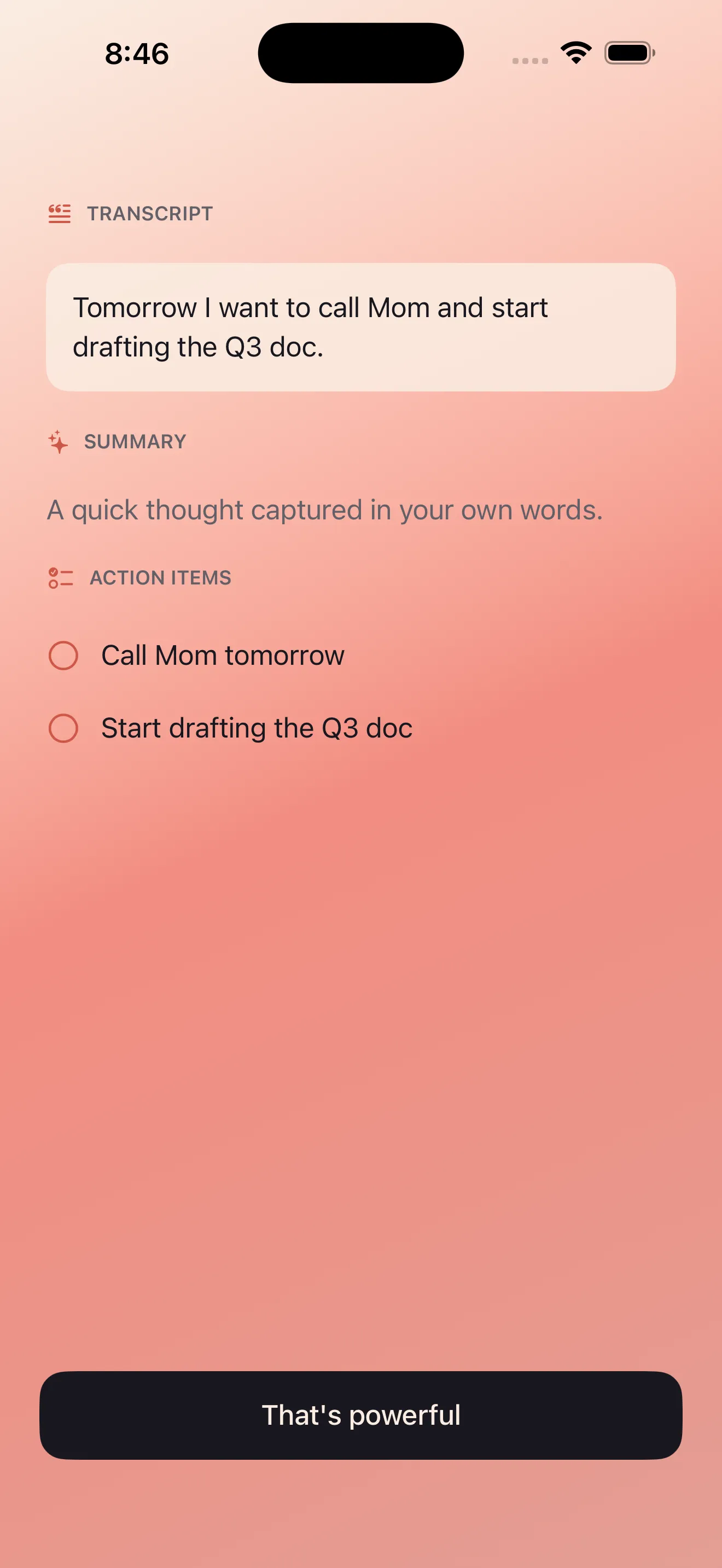
The summary is your quick reference. The action items are your to-do list. The transcript is your safety net if you need the full context.
Mix English and Arabic Without Hesitation
Echo is built for bilingual thinking. If you switch between English and Arabic mid-sentence or in different notes, Echo handles both languages with equal care. Transcripts, summaries, and action items work seamlessly across both, and the text renders correctly whether you're reading left-to-right or right-to-left.
- Speak in English, Arabic, or a mix—Echo understands both
- Summaries and action items respect the language you use
- RTL and LTR rendering is automatic; no manual tweaking needed
- Perfect for multilingual teams, families, or personal reflection
Share and Export Notes to Where You Actually Work
A note only matters if it goes somewhere useful. Echo lets you share and export in multiple formats—send the transcript to email, copy the summary to your clipboard, or add action items directly to your calendar or to-do app. Don't let notes pile up in Echo. Push them into your workflows.
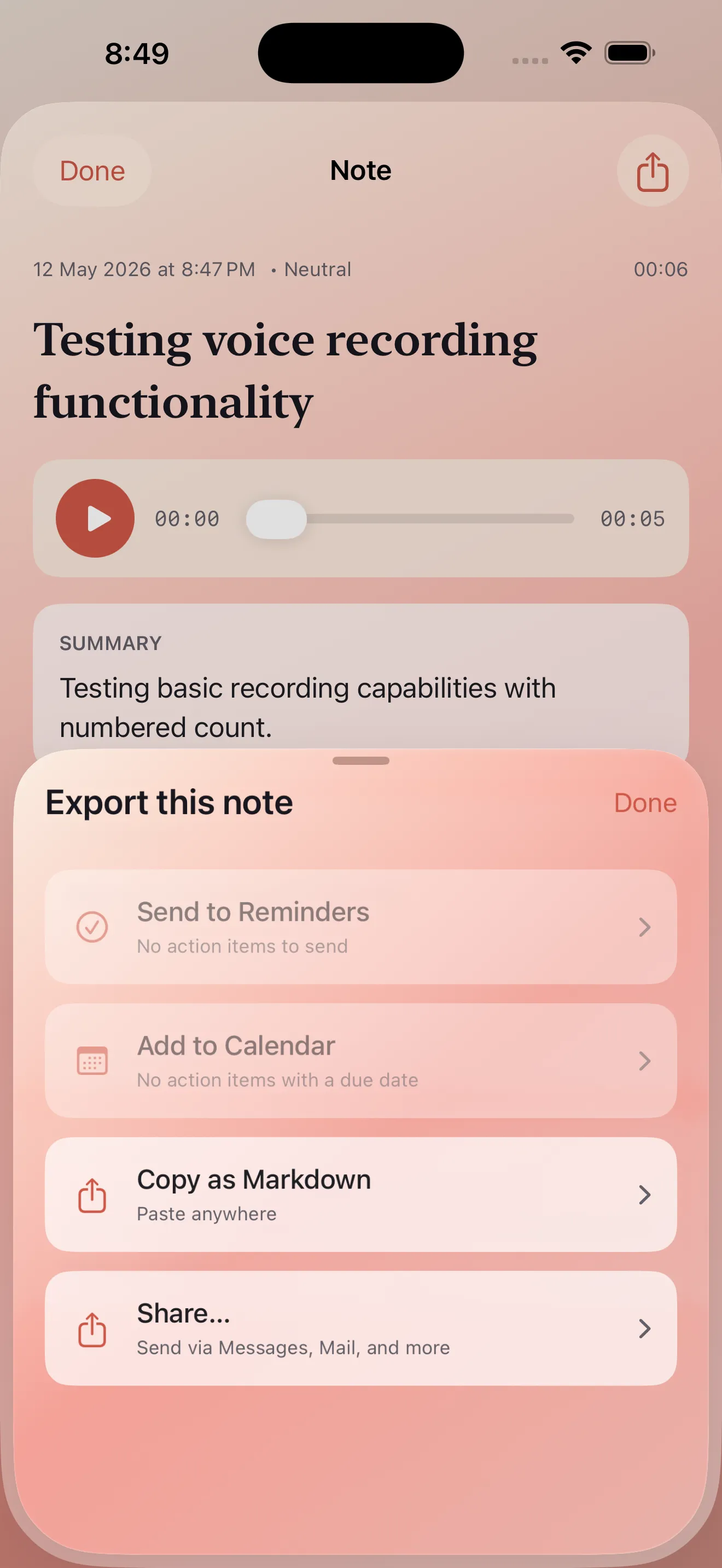
- Copy the full transcript for pasting anywhere
- Share the summary via email, Messages, or Slack
- Export action items as text or move them to your task manager
- Create calendar events from time-sensitive action items
Trust Echo's Privacy-First Design
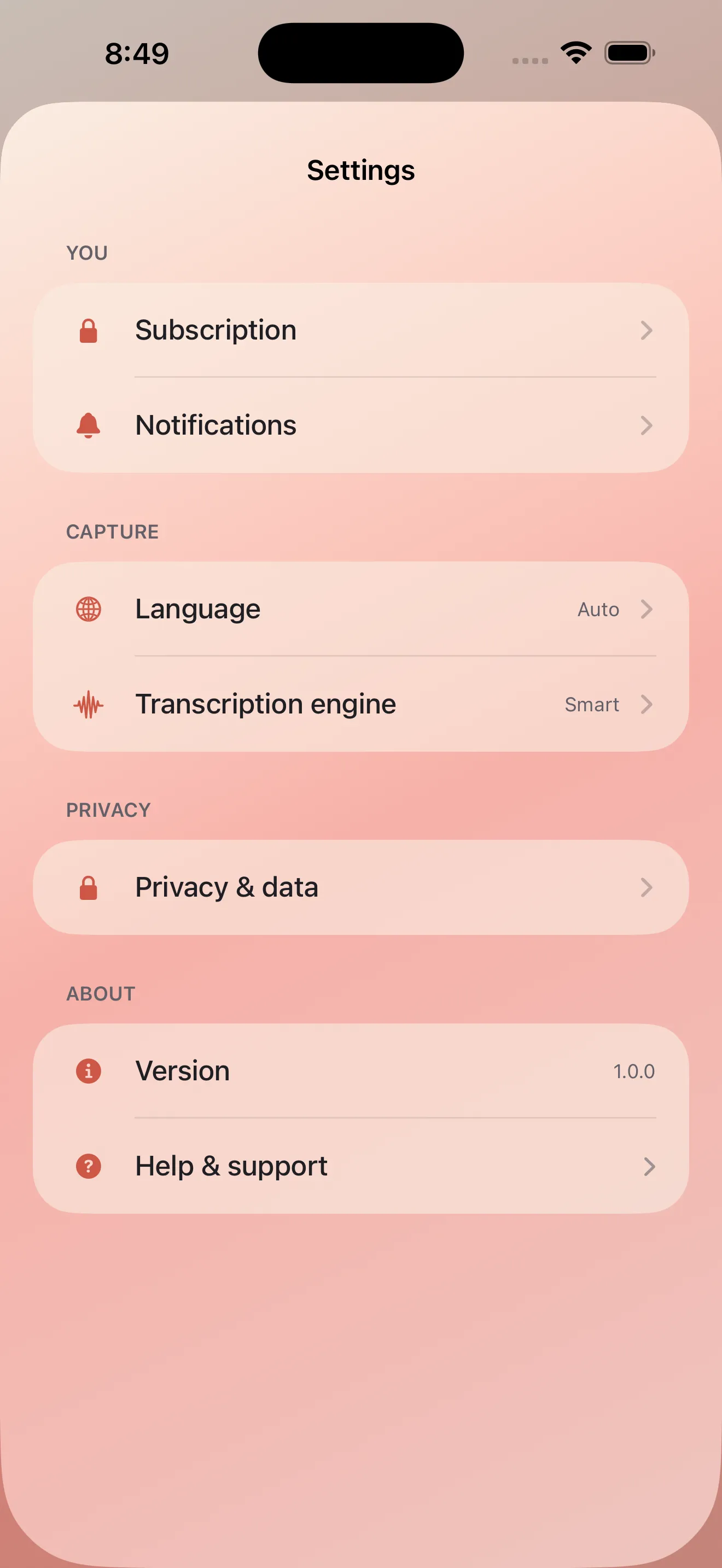
Your voice is personal. Echo processes audio on your device by default—it doesn't send every recording to a server. You maintain control over what happens to your notes, and you can review privacy settings at any time. This matters especially if you're journaling, planning, or capturing sensitive thoughts.
Build a Searchable Voice Journal
Over time, your recordings become a searchable archive. Look back at today's notes or dig into last month's recordings from the dashboard. Every transcript is indexed, so you can find a thought by keyword without scrolling through dozens of files. This turns voice notes from fleeting captures into a real reference library.
This article was drafted with AI assistance and reviewed by a human editor before publishing.