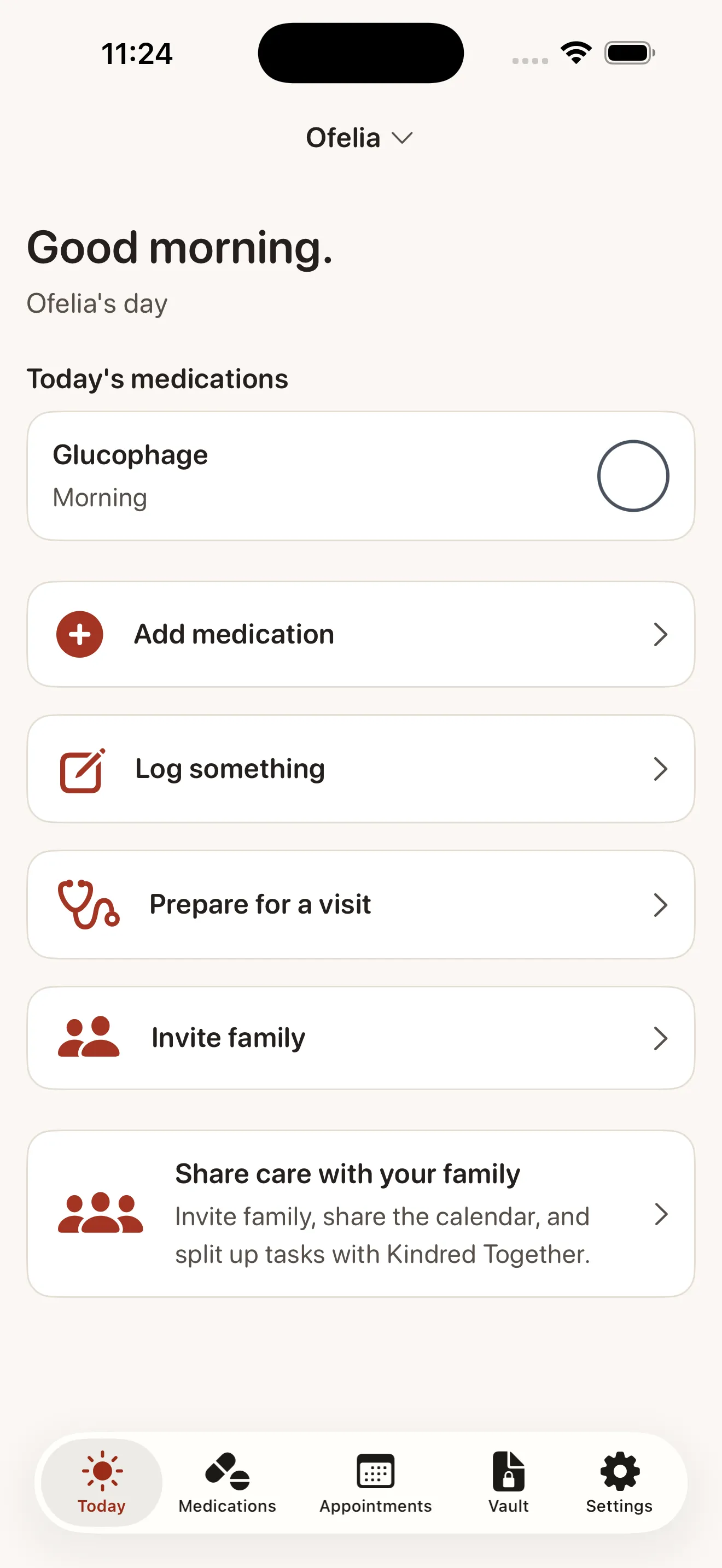
If you're the first person in your family to step up as a caregiver, you might feel like you're holding a lot alone. Doctor appointments, medication schedules, consent forms, insurance cards, dosage instructions—it's easy to lose track. Kindred is built to change that. It gives you one calm, private place to keep everything your parent or loved one needs, and it makes it simple to bring your whole family into the care circle. Let's walk through how it works and what to expect in your first week.
What Kindred Is (and Isn't)
Kindred is a family caregiving organizer—think of it as a shared notebook for all the practical details of caring for someone you love. It's not a medical device, and it doesn't replace your doctor or pharmacist. Instead, it helps you remember and coordinate the care decisions you and your family are already making. The app is free for one organizer to track one person's care indefinitely, with no ads and no data selling. If you want to invite family members to help, Kindred Together adds unlimited shared access for a small monthly fee.
Your First Week: What to Expect
Day 1: Setup
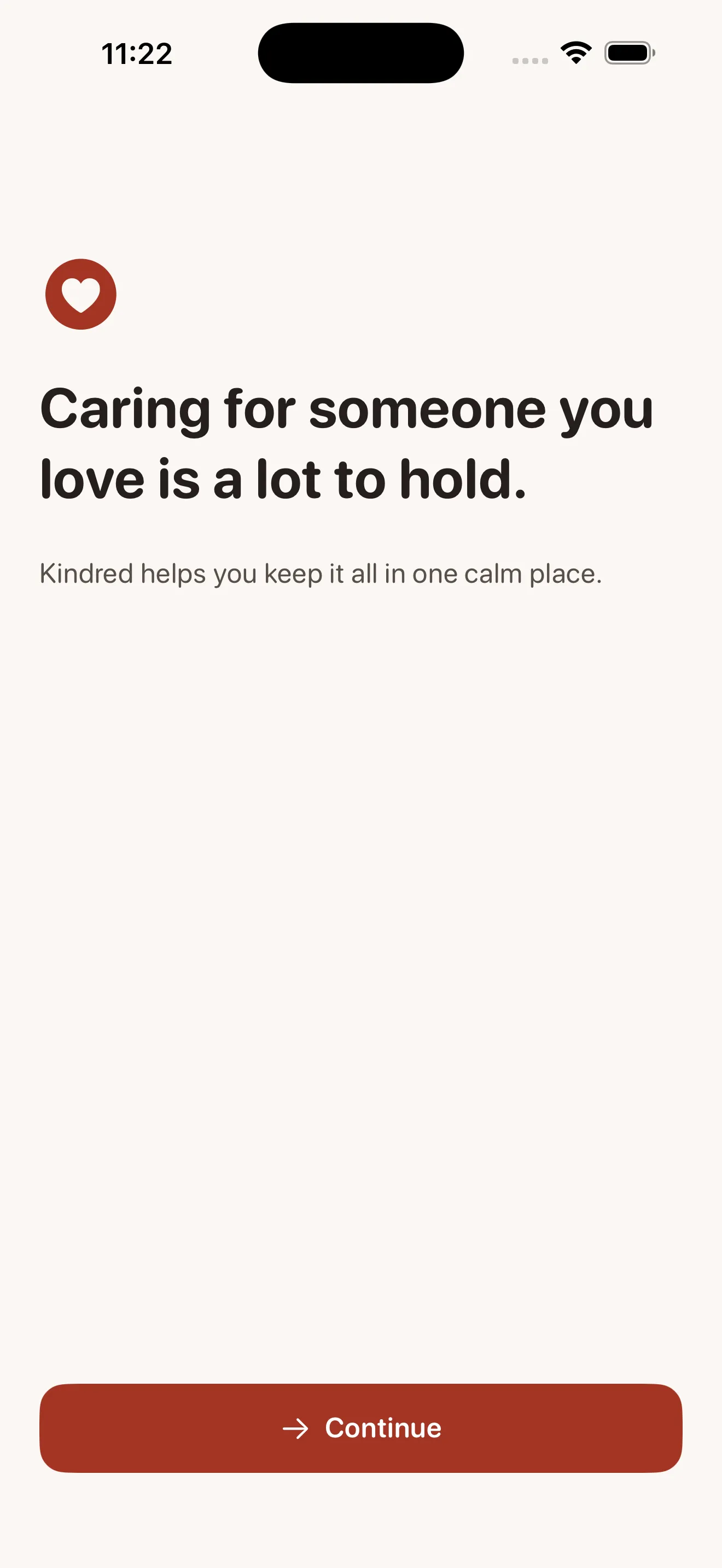
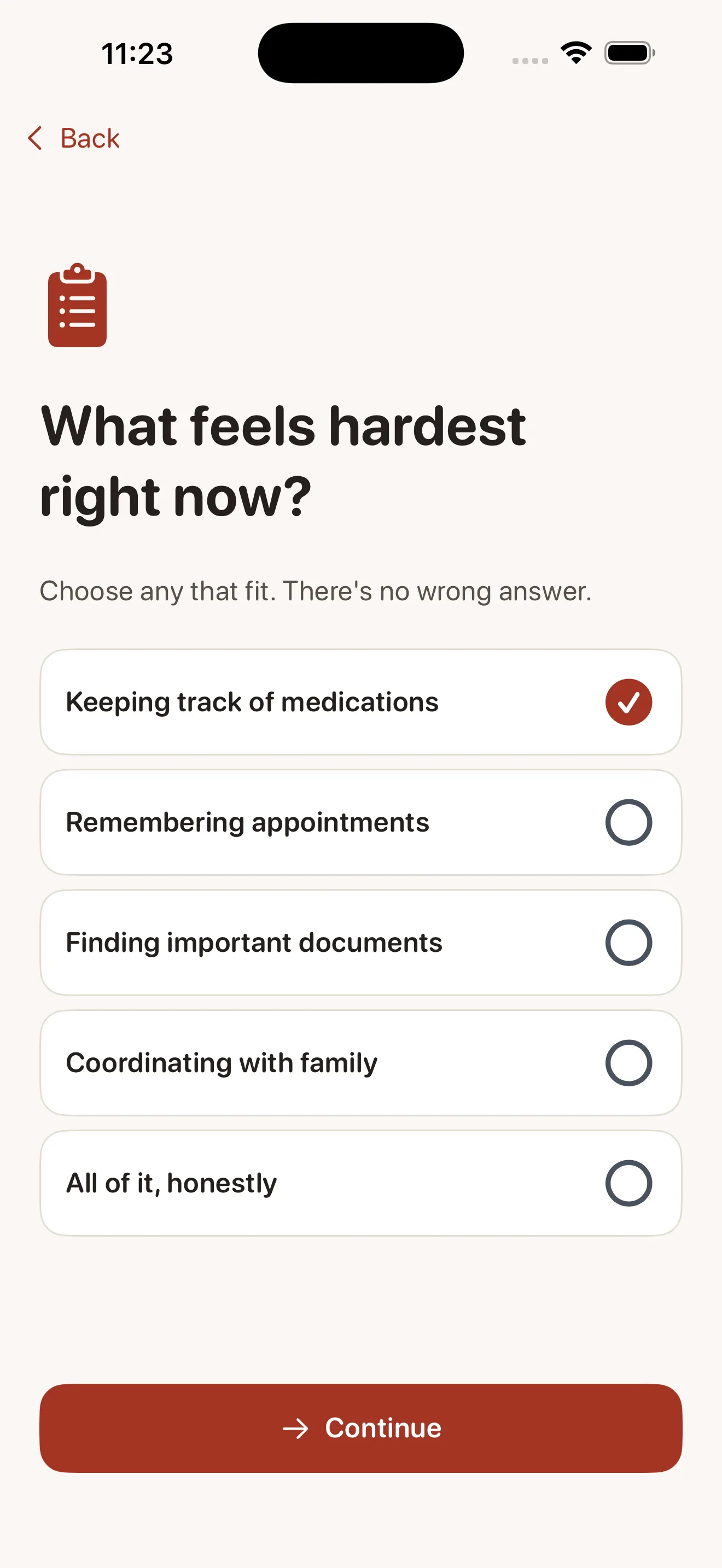
You'll open Kindred and answer a few warm, straightforward questions: who are you caring for, and what's your relationship to them? The app then walks you through confirming that your family's information stays private—it does, encrypted and visible only to people you invite. No ads, no third parties. This takes about five minutes.
Day 1-2: Add Your First Medication
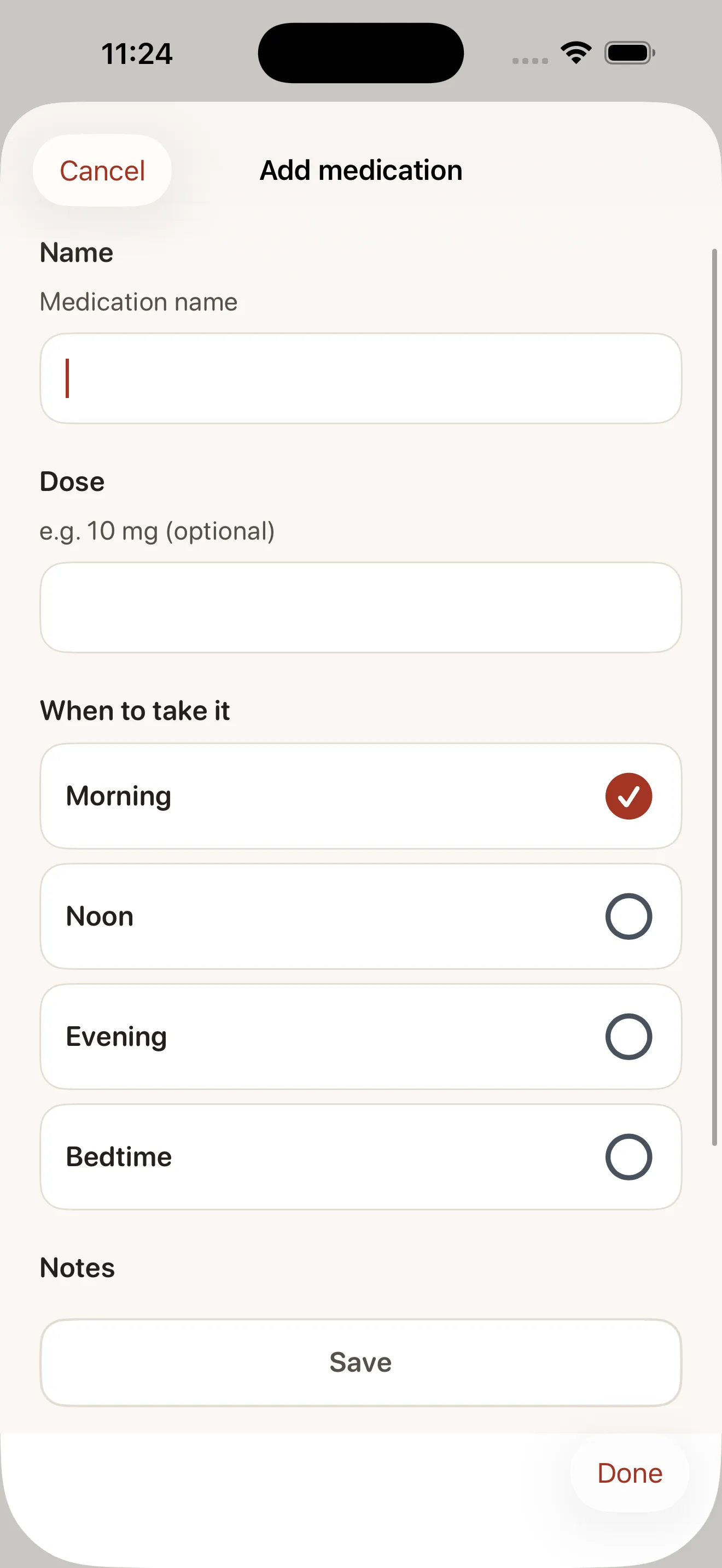
Kindred asks you to add one medication to get started. You'll enter the name, dose, and how often it's taken. The app then sets up reminders so you won't forget. This is the core of what Kindred does: it holds the details you might otherwise jot on a sticky note or keep in your head.
Day 2-3: Log Appointments
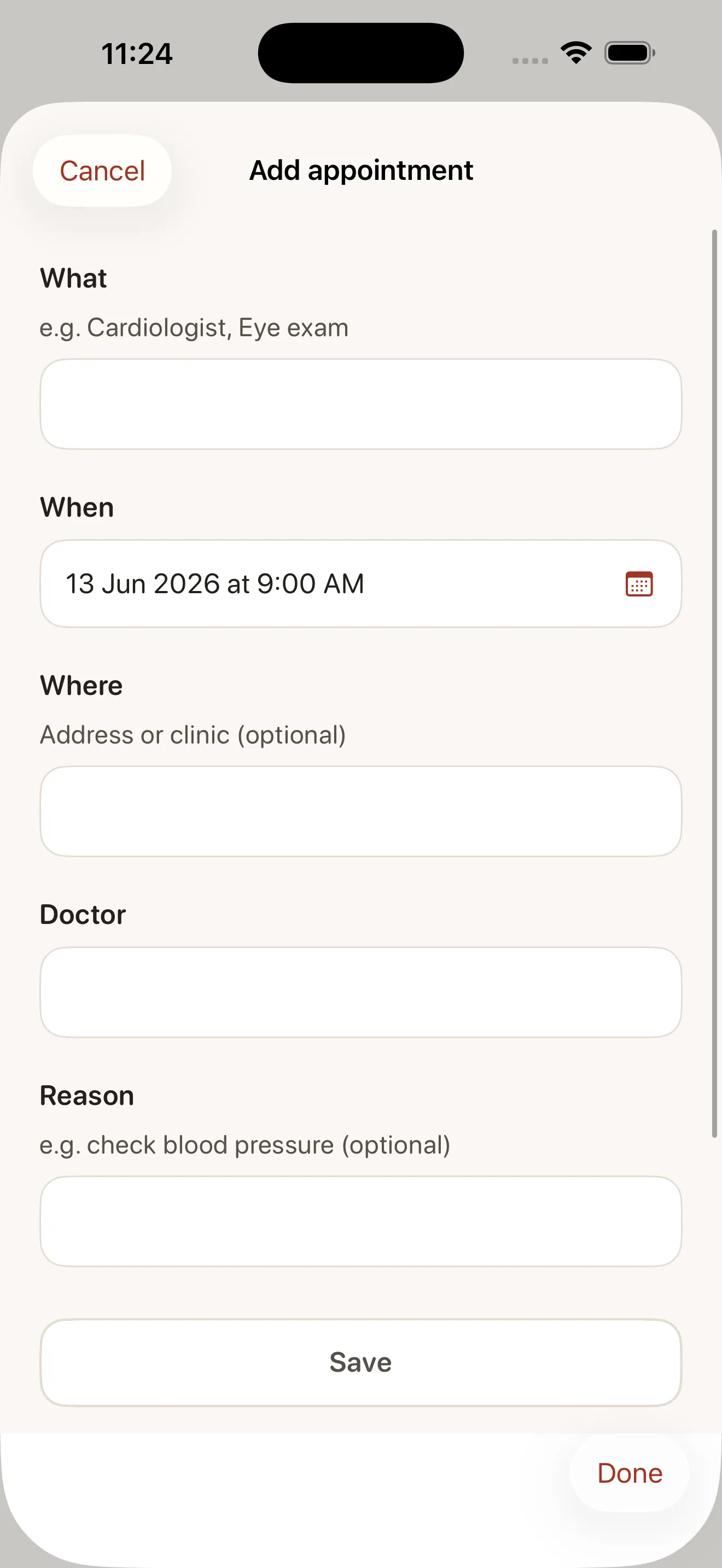
Next, add upcoming appointments: doctor visits, physical therapy, dentist, eye exams. For each one, you'll enter the date, time, provider name, and location. Kindred reminds you before the appointment and lets you jot down the doctor's address or parking notes if needed. You can also save summaries of what happened at the visit—a simple way to keep your whole family in the loop.
Day 3-5: Secure Your Documents
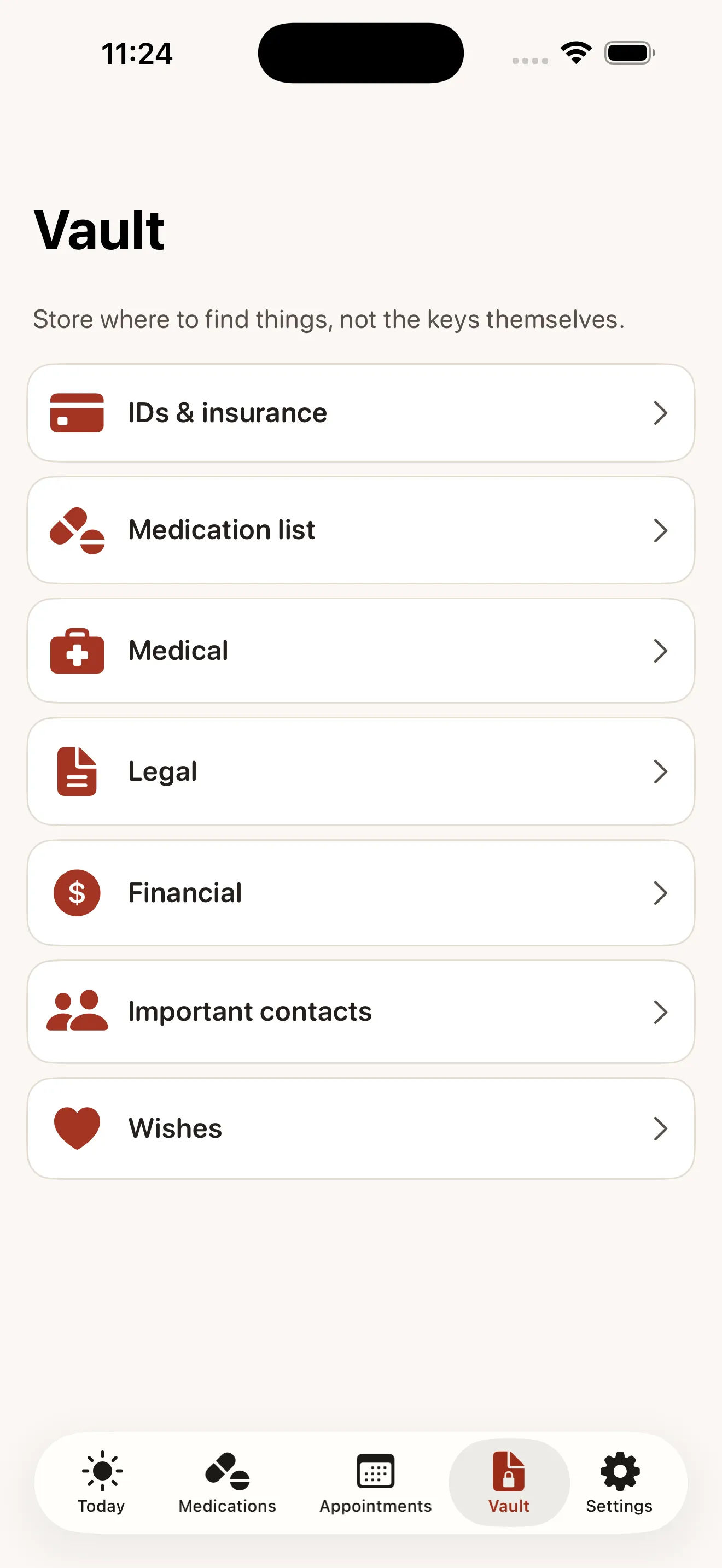
Kindred's Document Vault is a private place to store photos of insurance cards, consent forms, medication lists, or advance directives. You upload them once, and they're encrypted and safe. No need to dig through email or file cabinets when a nurse asks for proof of coverage.
Day 5-7: Invite Your Family
Once you've set up the basics, you're ready to bring others in. You can send invites to siblings, your spouse, or other family members who help with care. They'll see the shared calendar of medications and appointments, get their own reminders, and can mark tasks as done. The activity feed keeps everyone informed without endless group texts.
Kindred isn't about passing the buck—it's about making sure no one has to carry the entire load alone.
Key Terms You'll See
- Today's Care: Your dashboard showing today's medications and upcoming appointments at a glance.
- Medication reminders: Notifications that pop up at the time your parent should take each dose.
- Appointments: Doctor visits, therapy sessions, or other healthcare events you log with dates, times, and locations.
- Document Vault: An encrypted folder for storing insurance cards, medical forms, and other sensitive files.
- Doctor summaries: A one-tap way to capture what happened at an appointment and share it with family.
- Kindred Together: The optional paid feature that lets you invite unlimited family members into a shared care circle.
Your Next Steps
- Download Kindred and answer the setup questions (about 5 minutes).
- Add your parent or loved one's current medications—start with the ones they take daily.
- Log upcoming appointments from the next month or two.
- Take photos of important documents and upload them to the vault.
- When you're ready, invite one family member to test how sharing works.
- Set up reminders for the medications and appointments that matter most.
Caregiving is a marathon, not a sprint. Kindred is here to make it less chaotic and a lot less lonely. Start small, and let the app grow with your needs.
This article was drafted with AI assistance and reviewed by a human editor before publishing.