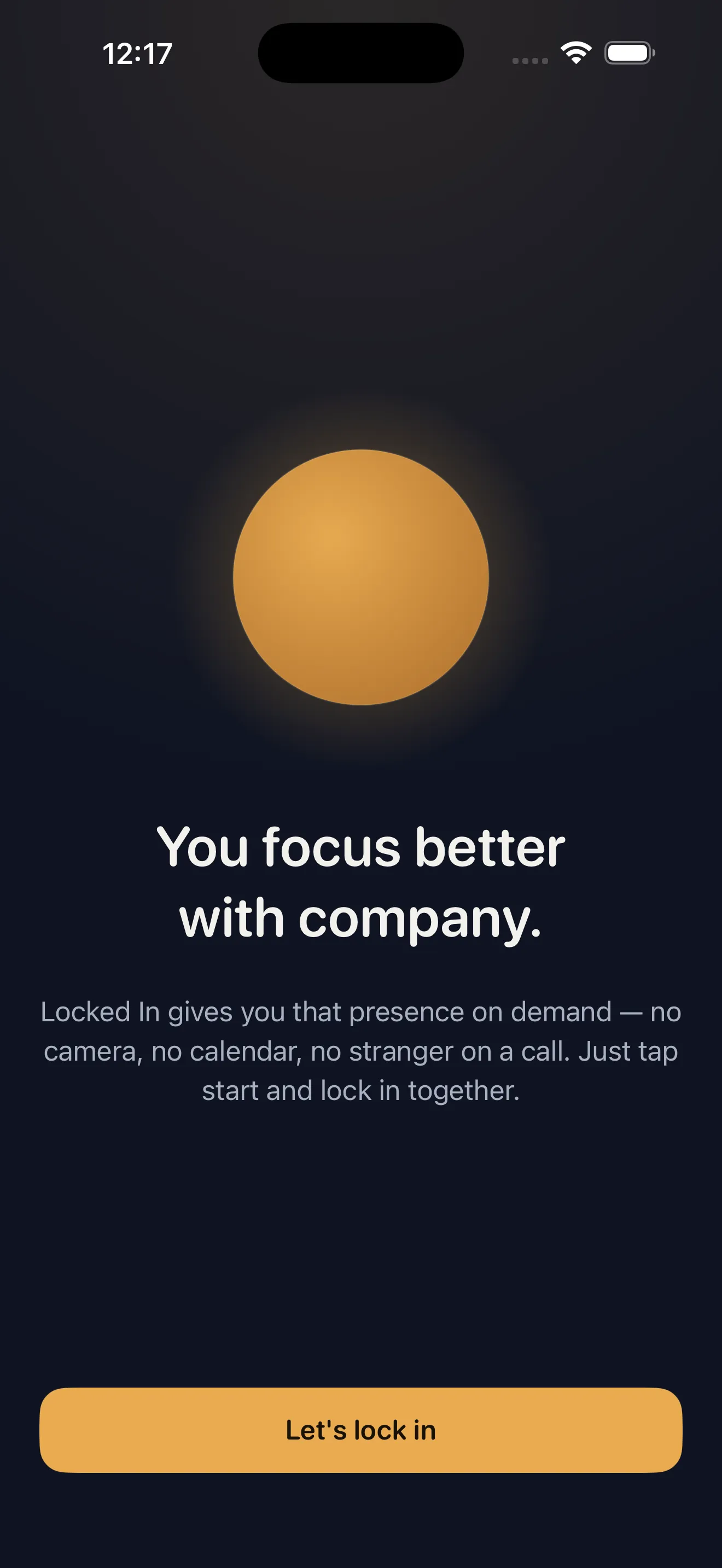
There's a specific kind of focus that comes from working alongside someone. Not collaboration, not conversation—just presence. Locked In strips away the friction of finding that company. No matching algorithms, no scheduled sessions, no camera feed. You pick a vibe, set a timer, and a warm companion checks in on you along the way. It's a study timer that remembers you're human, and it costs nothing to try the full feature set.
Who this is for
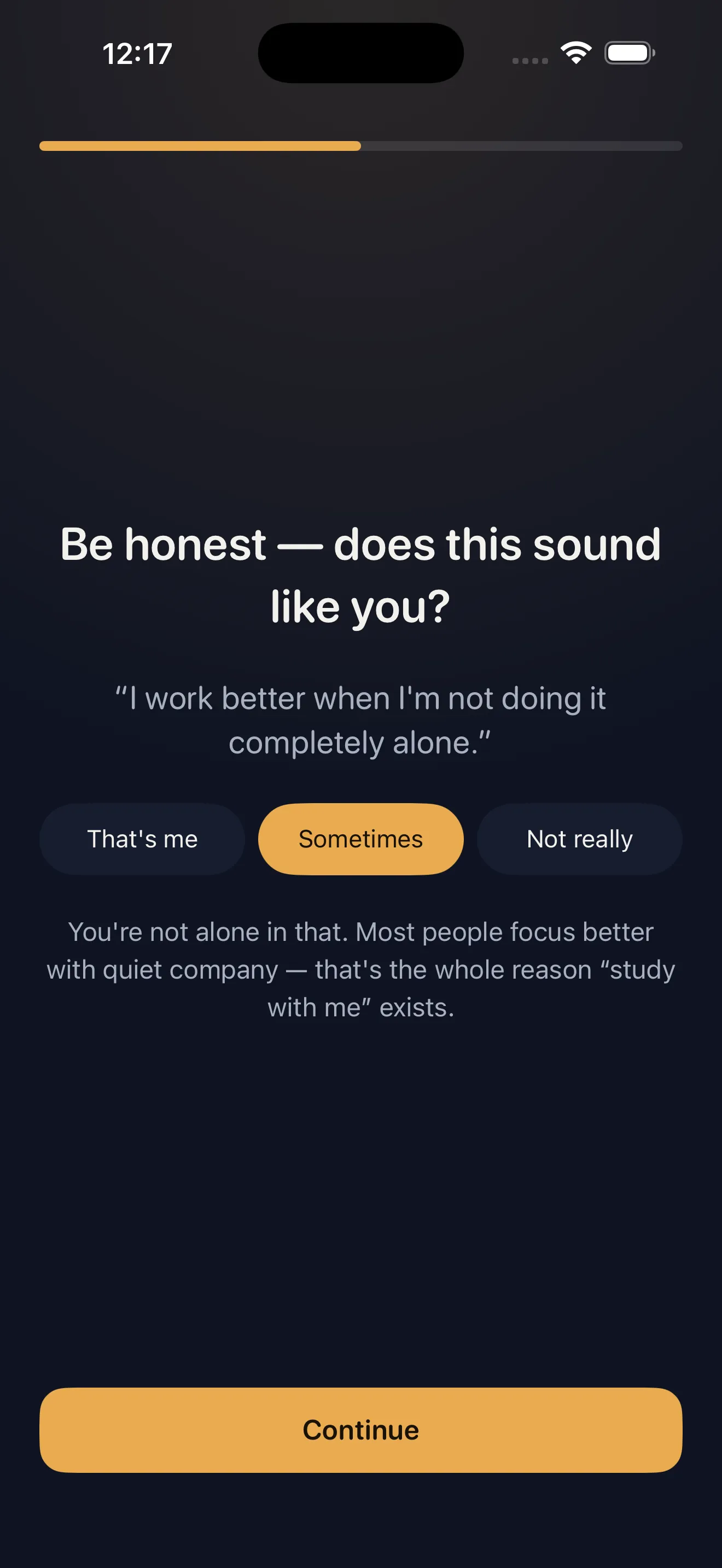
Locked In works best for students, professionals, and freelancers who know they focus better with ambient company nearby. If you've ever done homework at a coffee shop or sat in a library specifically for the presence of others, you understand the appeal. This app is also ideal for anyone burned out on video call fatigue—there's no camera, no performative aspect, just quiet company. If you live alone and find silence distracting, or if you work best when someone else is holding you accountable, Locked In fills that gap without the overhead.
What it does uniquely well
Ambient presence without friction
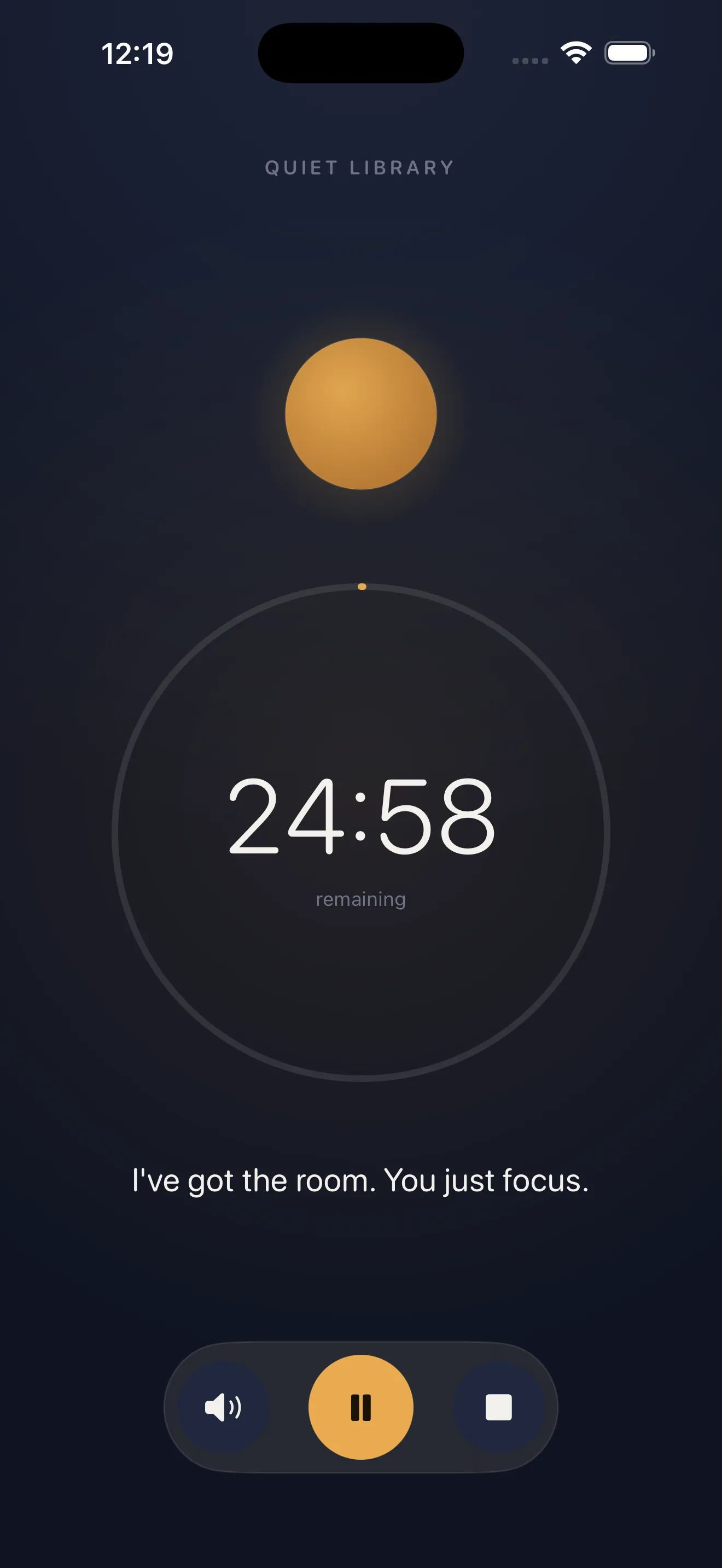
The genius of Locked In is how it removes every barrier to getting started. You don't wait for someone else to be online. You don't toggle a camera or worry about how you look. You tap start, pick a vibe, and a companion is there immediately. The check-ins feel genuine—warm but brief, never intrusive. This is company distilled to its essential function: reminding you that someone cares whether you finish.
Vibes that matter
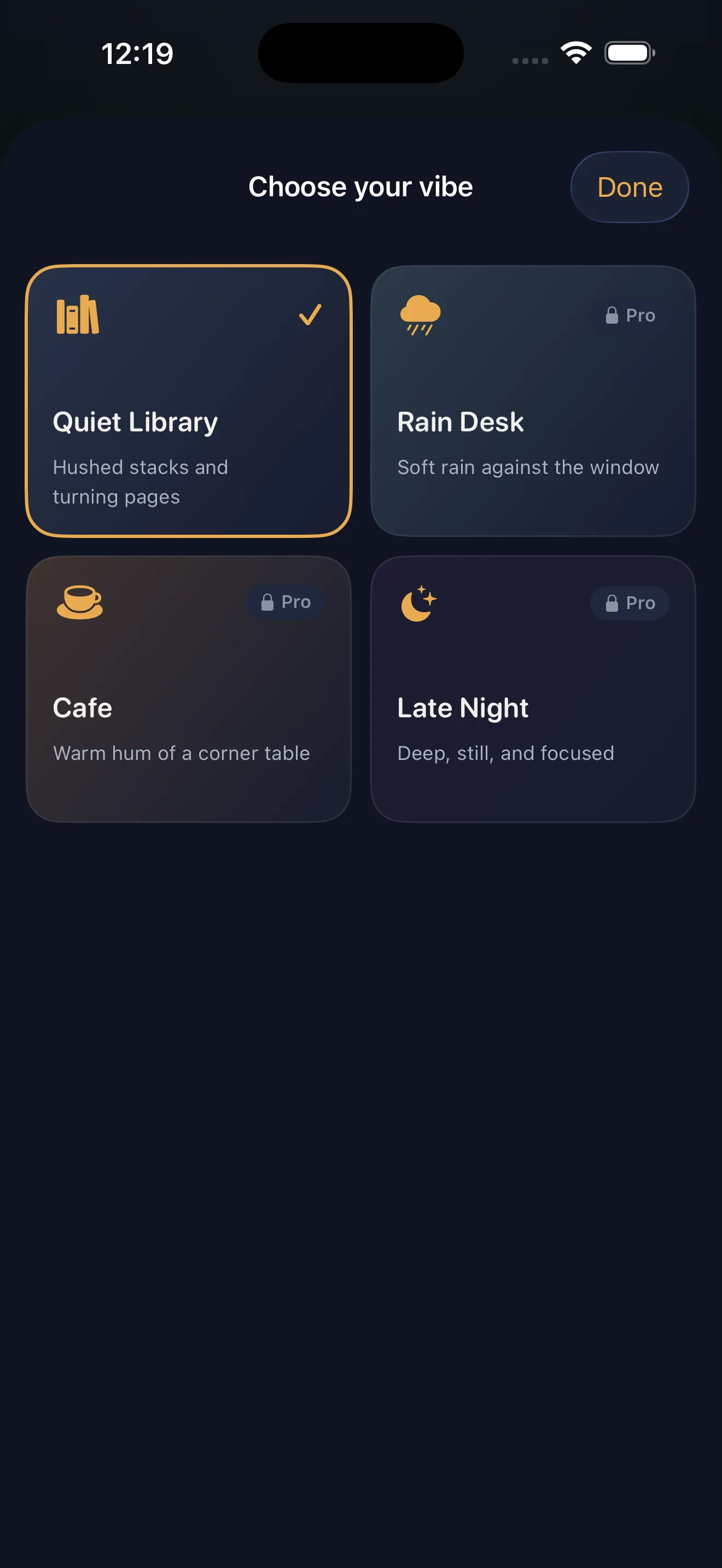
The vibe system is more than cosmetics. Each one—Quiet Library, Rain Desk, Cafe, Late Night—sets a tone that changes how the session feels. Choosing a vibe is a tiny friction point that makes the ritual stick. You're not just starting a timer; you're stepping into an environment. The ambient audio and visual design are subtle enough not to distract but present enough to matter.
Everything important is free
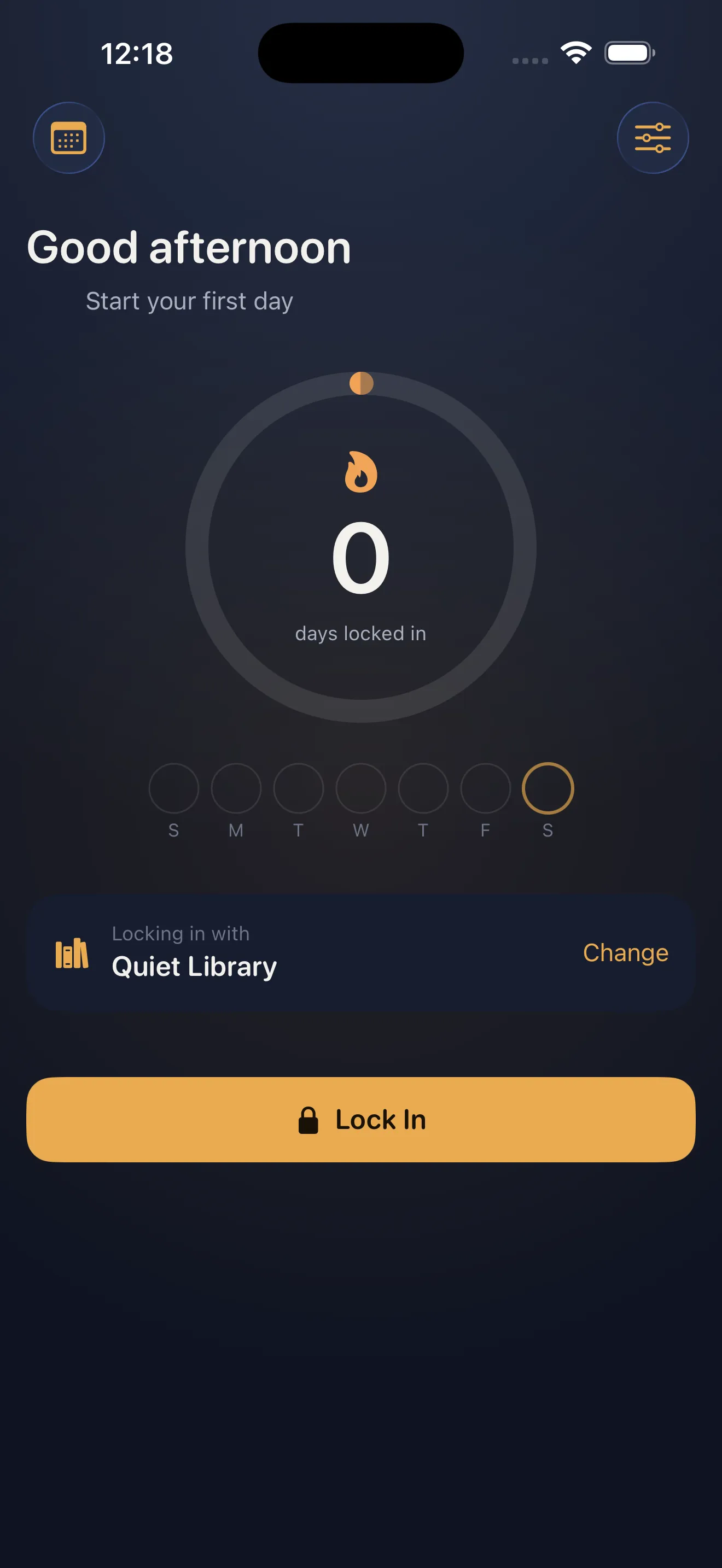
The timer, vibes, companion check-ins, streaks, lock-screen widget, and Live Activity are all free. There's no premium tier hiding the best features. This is the rare app that treats its core loop as a gift, not a trial. If you want cross-device sync, you can sign in; otherwise, everything stays on your device. This pricing philosophy signals that Culi trusts the product enough to let you experience it fully before asking for anything.
The timer, vibes, companion check-ins, streaks, lock-screen widget, and Live Activity are all free.
Privacy by default
Sessions, notes, and streaks live on your device. There's no feed, no followers, no data sold. Sign-in is optional and only syncs across your own devices. In an app ecosystem built on engagement metrics and social pressure, Locked In's refusal to gamify through comparison is refreshing. Your streak is yours alone.
What to know before you start
It's not for everyone
Locked In assumes you want company. If you focus best in complete isolation, or if you find any overlay distracting, this won't resonate. The companion voice and check-ins, while genuinely kind, are still notifications—some people find that counterproductive. Test it for a few sessions before committing to streaks.
The companion voice is synthetic
It's warm and well-written, but you'll recognize it's not human. That's fine—the point isn't illusion, it's presence. Still, if you're hoping for the psychological warmth of a real human checking in, manage that expectation. The voice works because the app is honest about what it is.
How it fits into your routine
Locked In lives on your lock screen and home screen. This proximity matters—you see the widget, you remember to lock in. The Live Activity keeps your session visible when you're switching between apps. Streaks accumulate quietly. You're building a private history of focused time, one session at a time. For more guidance on making it a habit, check out our Locked In for Beginners guide to see how to structure your first week.
The bottom line
Locked In is a small, honest app that solves a real problem. It's not trying to be a social platform or a gamified productivity system. It's just a companion for focused work, free and private by default. Download it, lock in for a 25-minute session, and see if presence changes how you work. If it does, you've found something rare: a tool that makes you better without asking for your attention back.
This article was drafted with AI assistance and reviewed by a human editor before publishing.