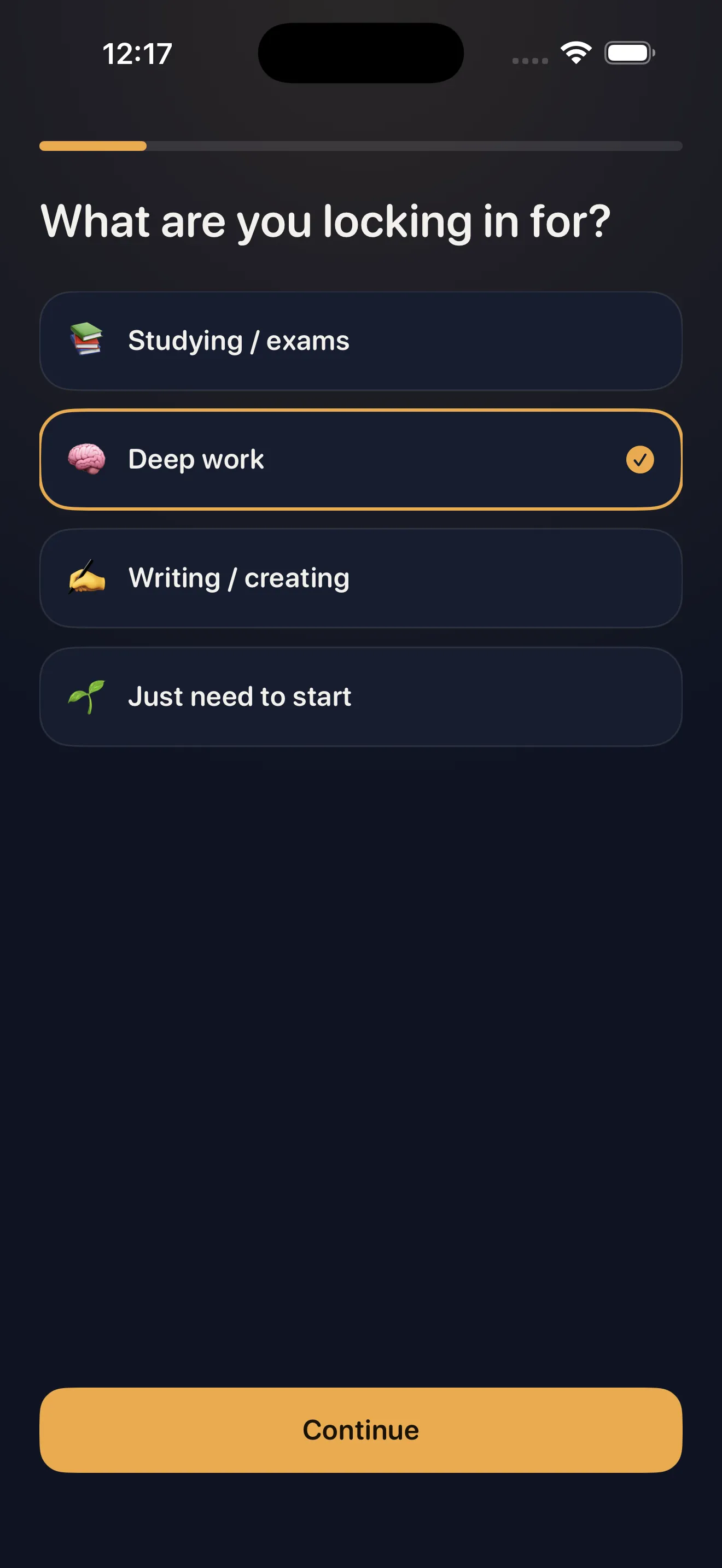
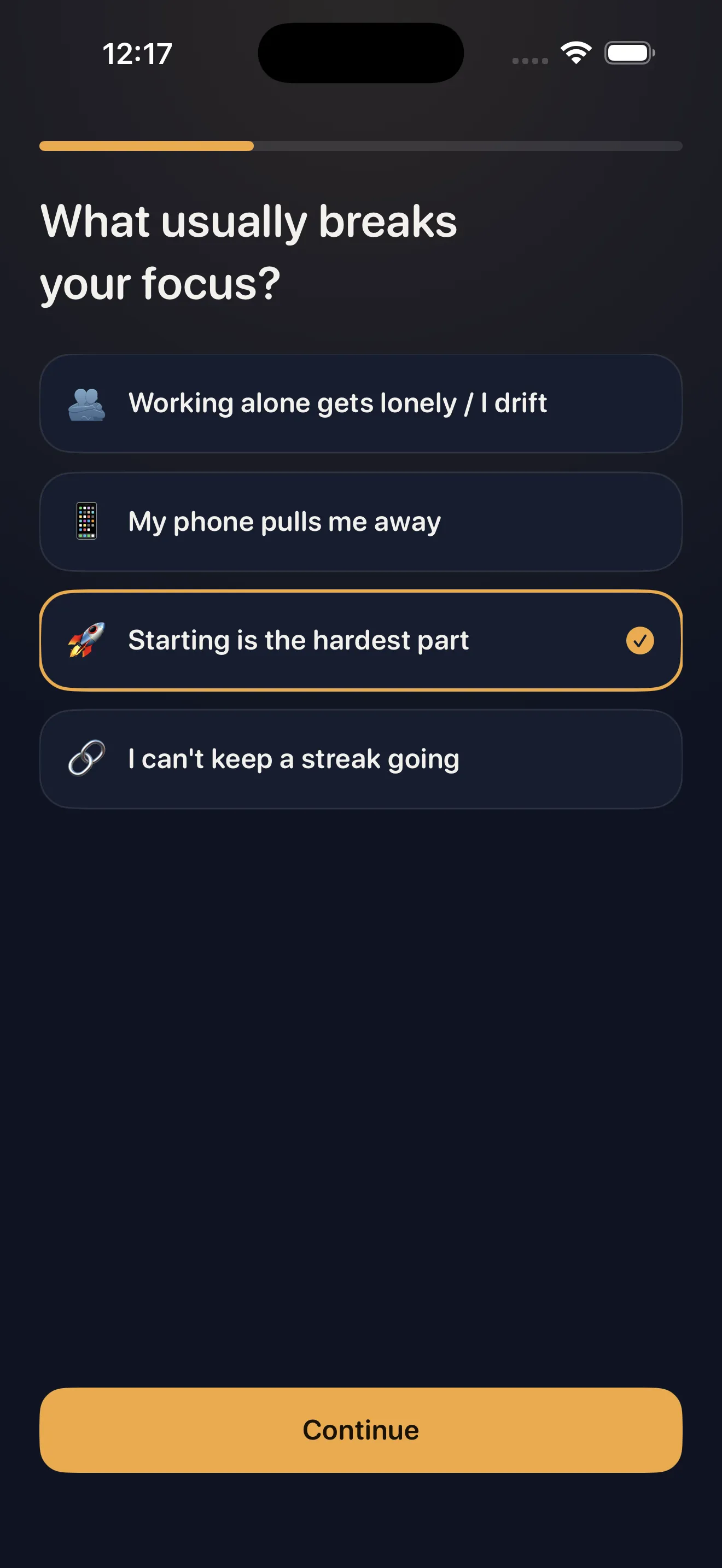
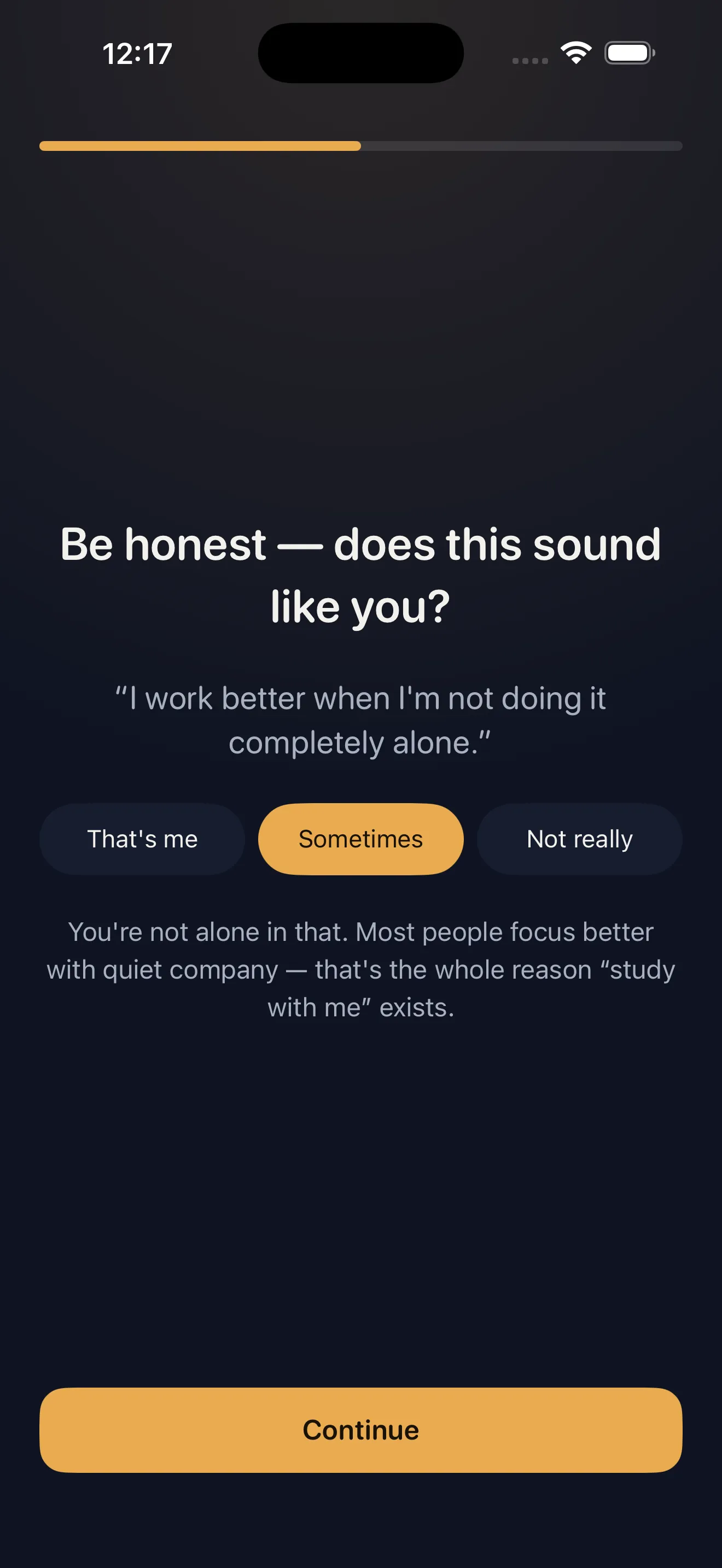
You open Locked In for the first time and something feels different. There's no signup wall, no algorithm, no pressure to join a community. Just a simple question: what's keeping you from focusing? The answer, it turns out, is loneliness. Not the dramatic kind—the quiet kind that comes when you're the only person in the room trying to finish something hard. Locked In fixes that with ambient presence. No video calls, no scheduling, no waiting for a match. Just you, a warm companion voice, and a timer. This guide walks you through your first session and shows you how to build the habit that sticks.
Meet Locked In on first open
When you launch the app, Locked In skips the noise. You see two screens that explain exactly what you're getting: a companion, not a timer. The first onboarding screen establishes the promise—you don't focus better alone. The second shows you the core mechanic: study with me, on demand.
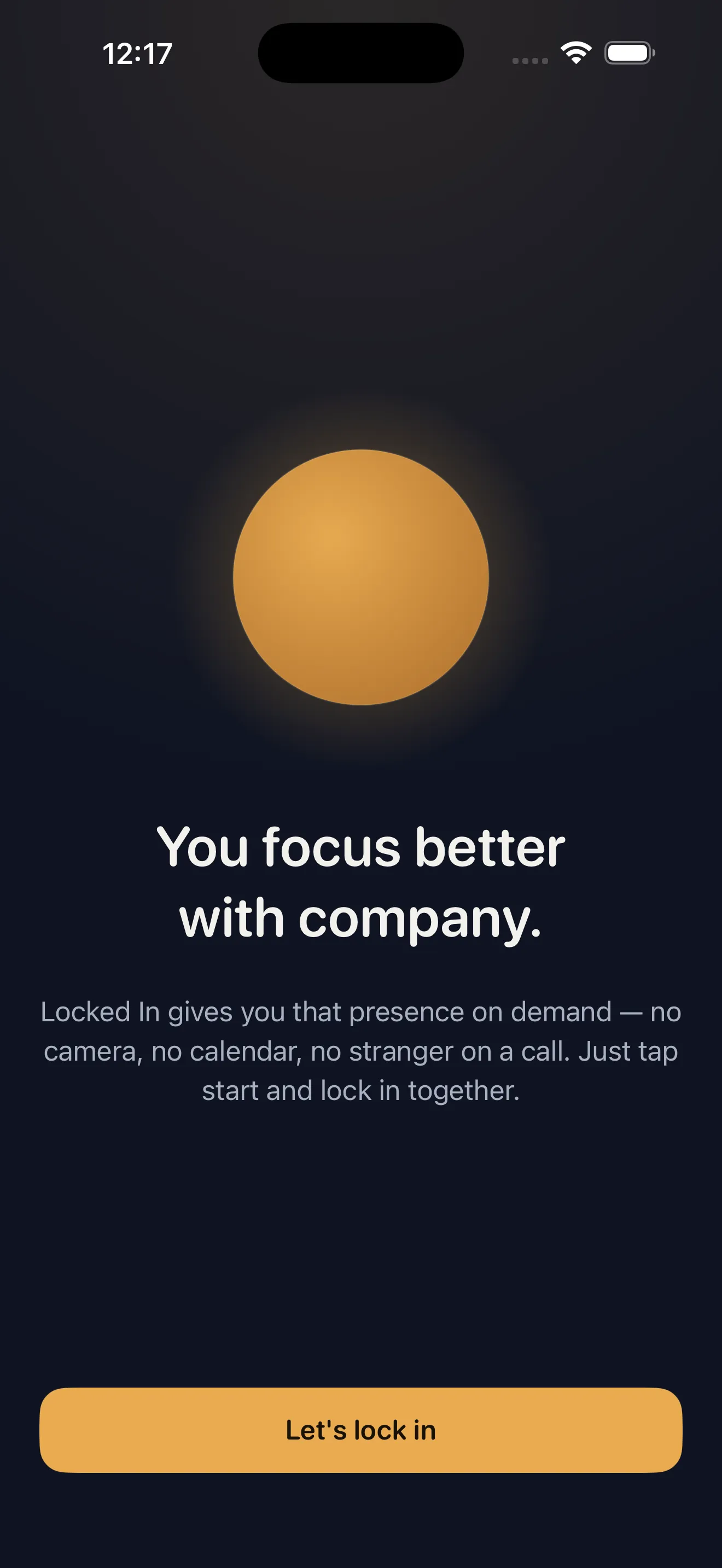
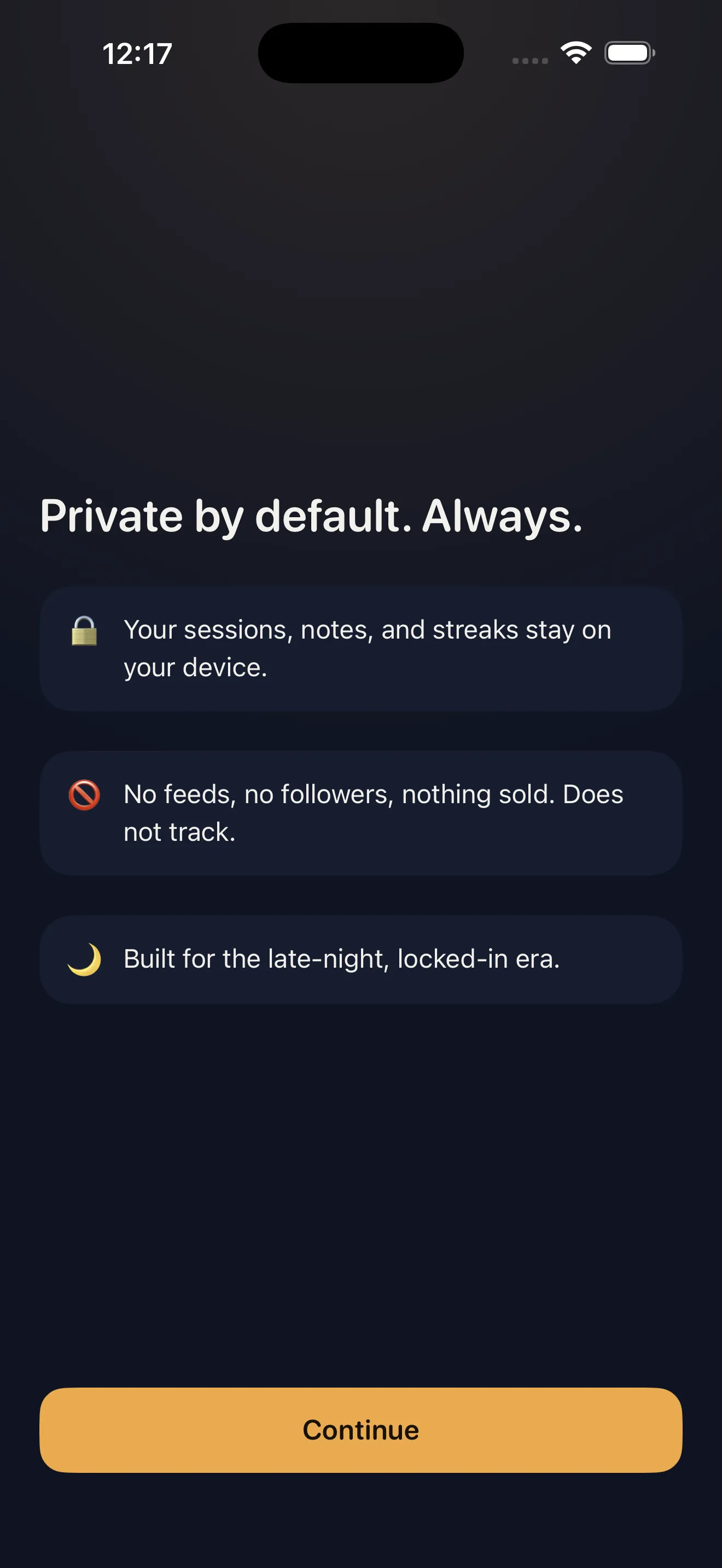
No account required. No permissions asked upfront. Just a straightforward path to your first focus session. Everything you need—timer, streaks, daily log, widgets—lives free on your device forever.
Pick your vibe and set your time
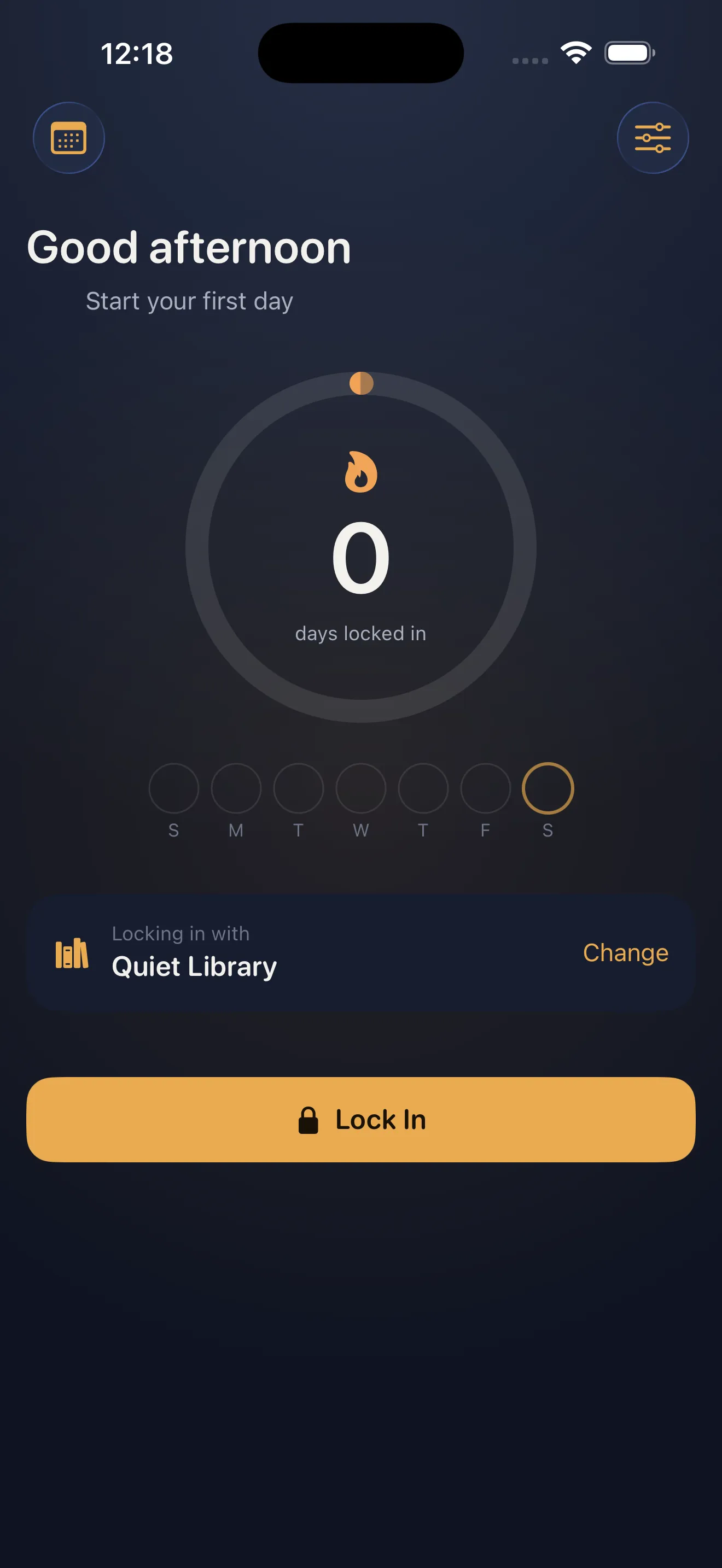
The main screen gives you control over two things: how long you want to focus, and what vibe you want while doing it. Time is the obvious lever—25 minutes, 50 minutes, or whatever interval matches your task. Vibe is where Locked In gets personal.
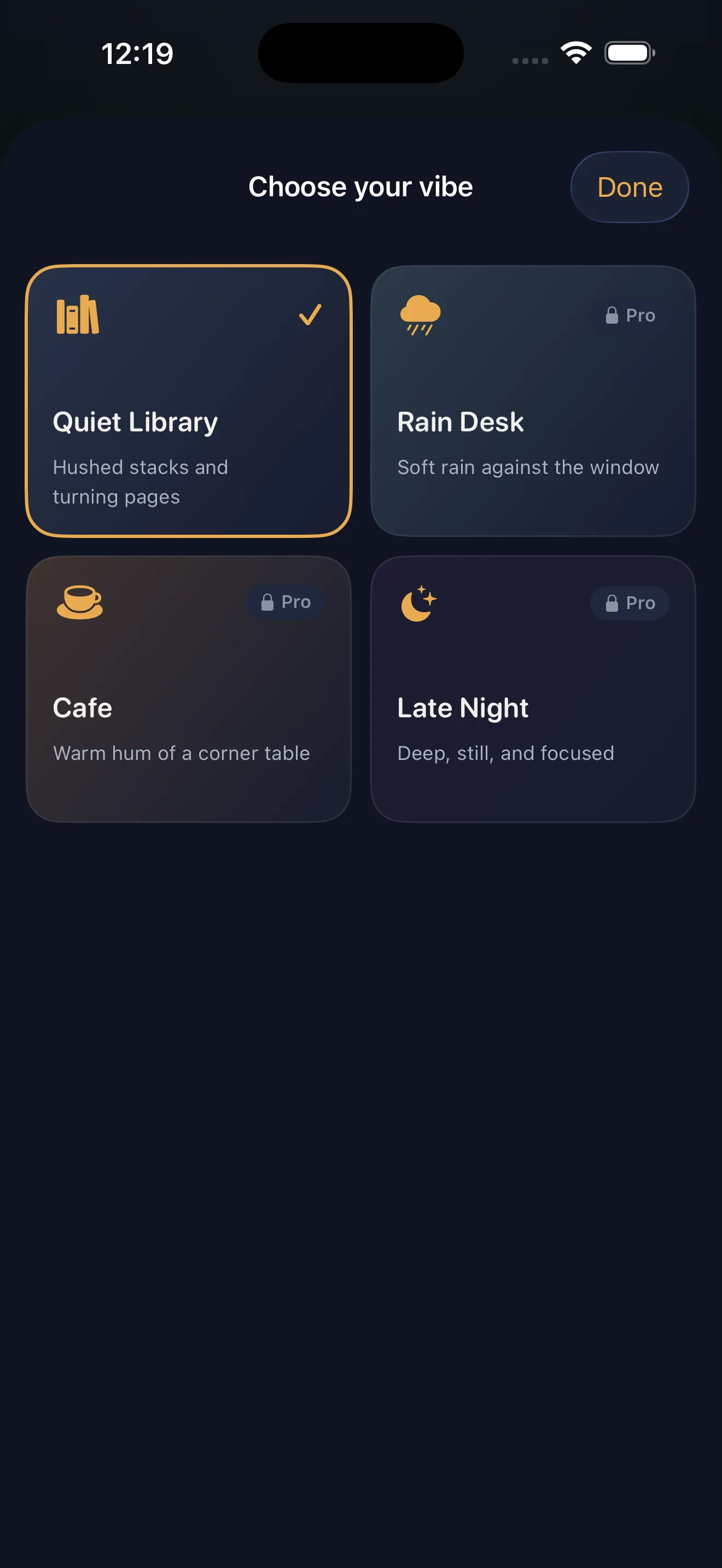
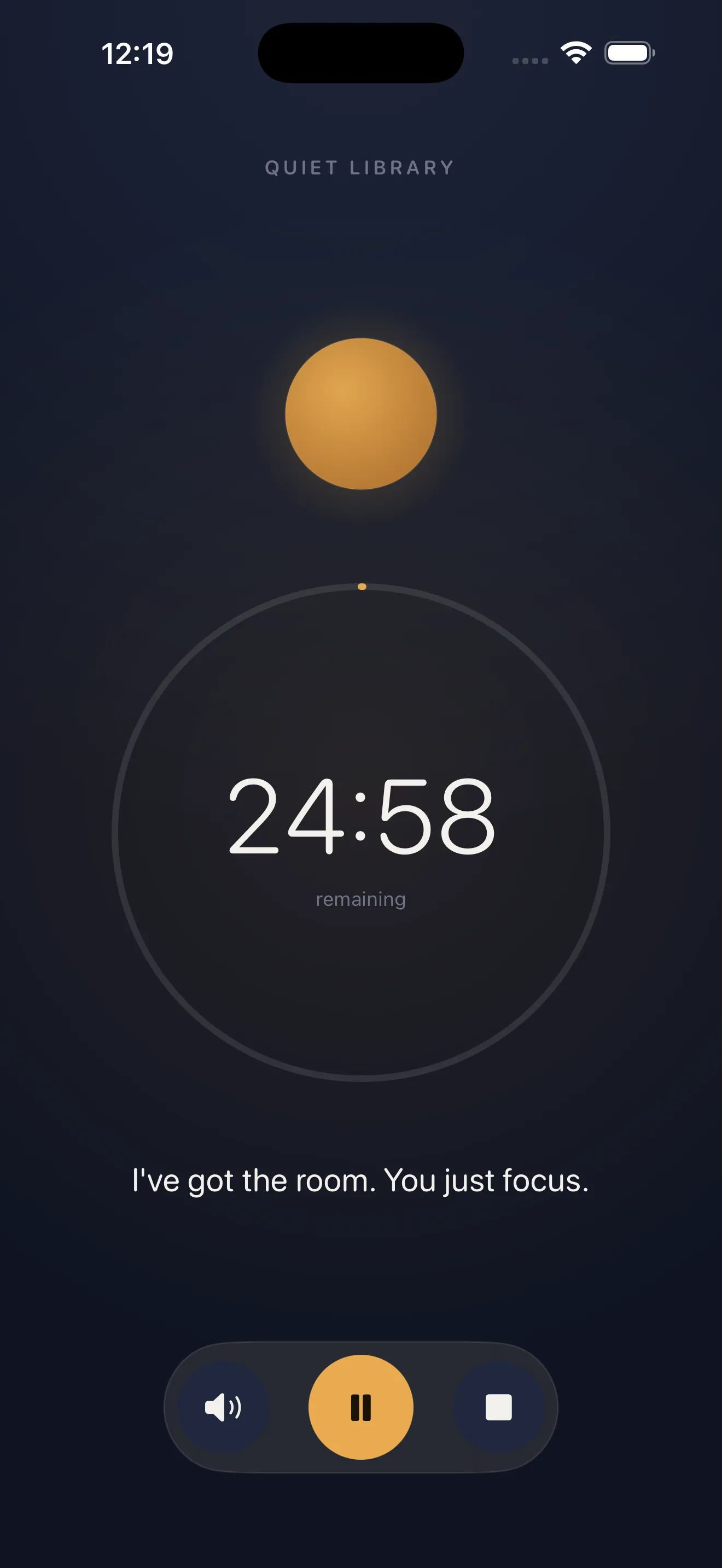
Four vibes launch with the app: Quiet Library, Rain Desk, Cafe, and Late Night. Each creates a different kind of presence. Quiet Library is the library hum—focused, steady, calm. Rain Desk brings the sound and comfort of rain while you work. Cafe offers the warm murmur of people around you without distraction. Late Night is for the sessions when it's just you and the work. Pick the one that matches your mood and your task.
Each vibe creates a different kind of presence—from library quiet to cafe warmth to rain comfort.
Start your first session
You pick your vibe. You set your time. You tap start. What happens next is the thing that makes Locked In different.
The screen goes minimal. Your timer counts down. The ambient vibe plays. And after a few minutes, a voice checks in. Not cheerful. Not motivational. Just warm. "How are you doing?" It's the presence you needed. No camera watching you, no pressure to perform for anyone, just someone checking that you're okay and still there. That voice—that's your companion.
Watch your session complete and log the win
When your timer hits zero, the session ends. But it doesn't disappear. Locked In logs it.
You see a summary of what just happened—time focused, vibe chosen, companion presence confirmed. Then it goes into your Daily Locked-In Log, a private record of every session you've done. This log is the seed of something more powerful: your streak.
Build your streak and don't break the chain
One session becomes two. Two becomes a week. That's when the streak counter matters. It's not a gamification trick—it's a visual reminder that you've built a habit. You showed up yesterday. You can show up today.
Use widgets to lock in from your lock screen
Your lock screen is where you spend the most time. Locked In gives you a widget that lives there forever, free. Tap it and start a session without opening the app. Live Activity shows your timer in real time, even when the phone is locked. The home screen widget displays your current streak and next focus deadline.
This is where the design intent becomes clear: Locked In wants to be the easiest thing to reach when you're about to focus. Not buried in a folder. Not a cold tap. Just there, waiting for you to lock in.
Everything stays private by default
Your sessions, your notes, your streaks—all of it lives on your device. There is no feed. There are no followers. Nothing is sold or shared. If you want to sync across your own devices, you can sign in optionally. But the default is private. This is deliberate. Focus is personal. Your companion is yours alone.
Sessions, notes, and streaks live on your device. No feeds, no followers, nothing sold.
This article was drafted with AI assistance and reviewed by a human editor before publishing.