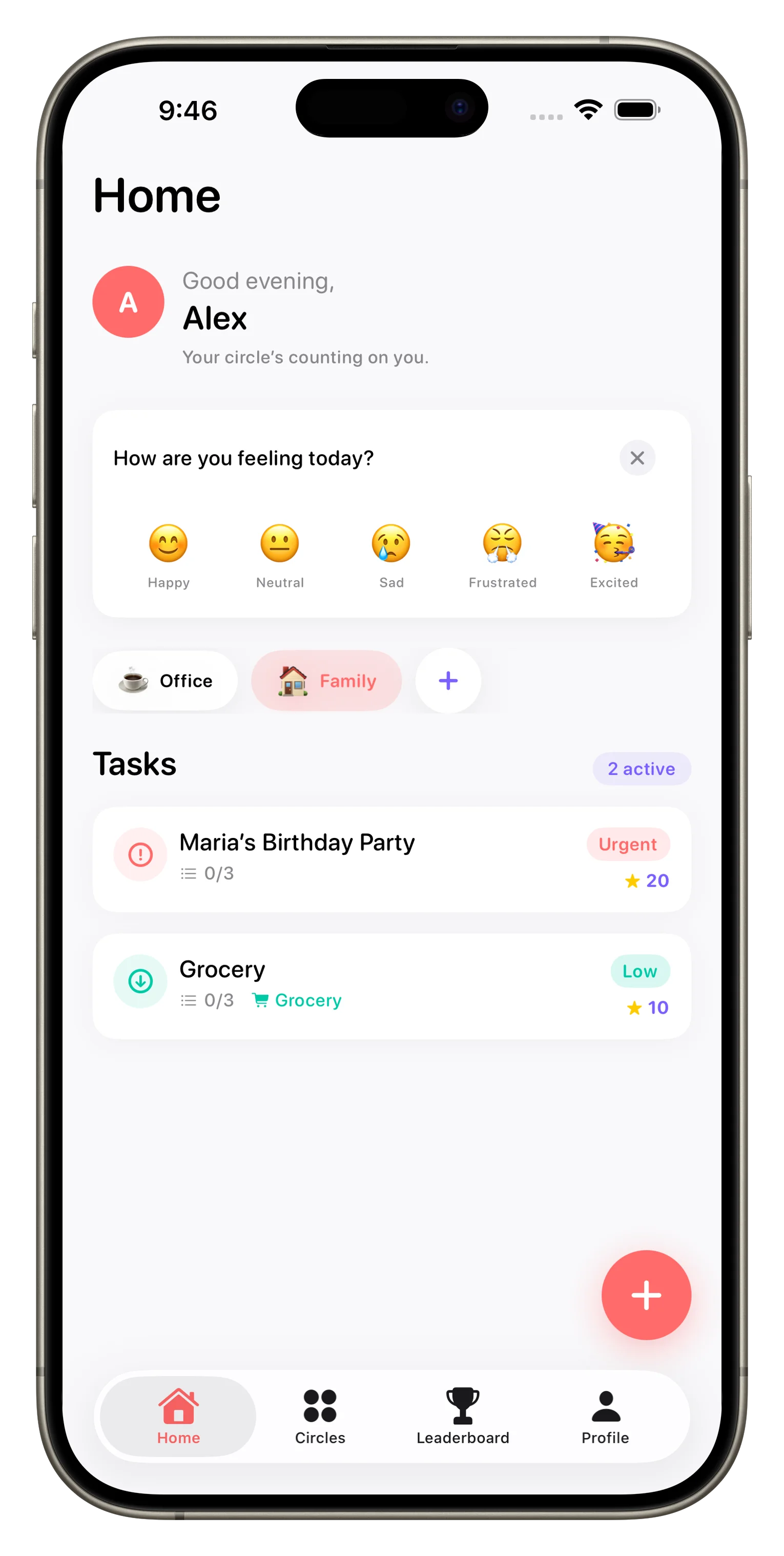
Loopd keeps families, couples, roommates, and friend groups organized through shared task lists, real-time updates, and a light touch of gamification. If you're curious how it works or whether it's the right fit for your household, here are the answers to the questions we hear most often.
What is a Circle in Loopd?
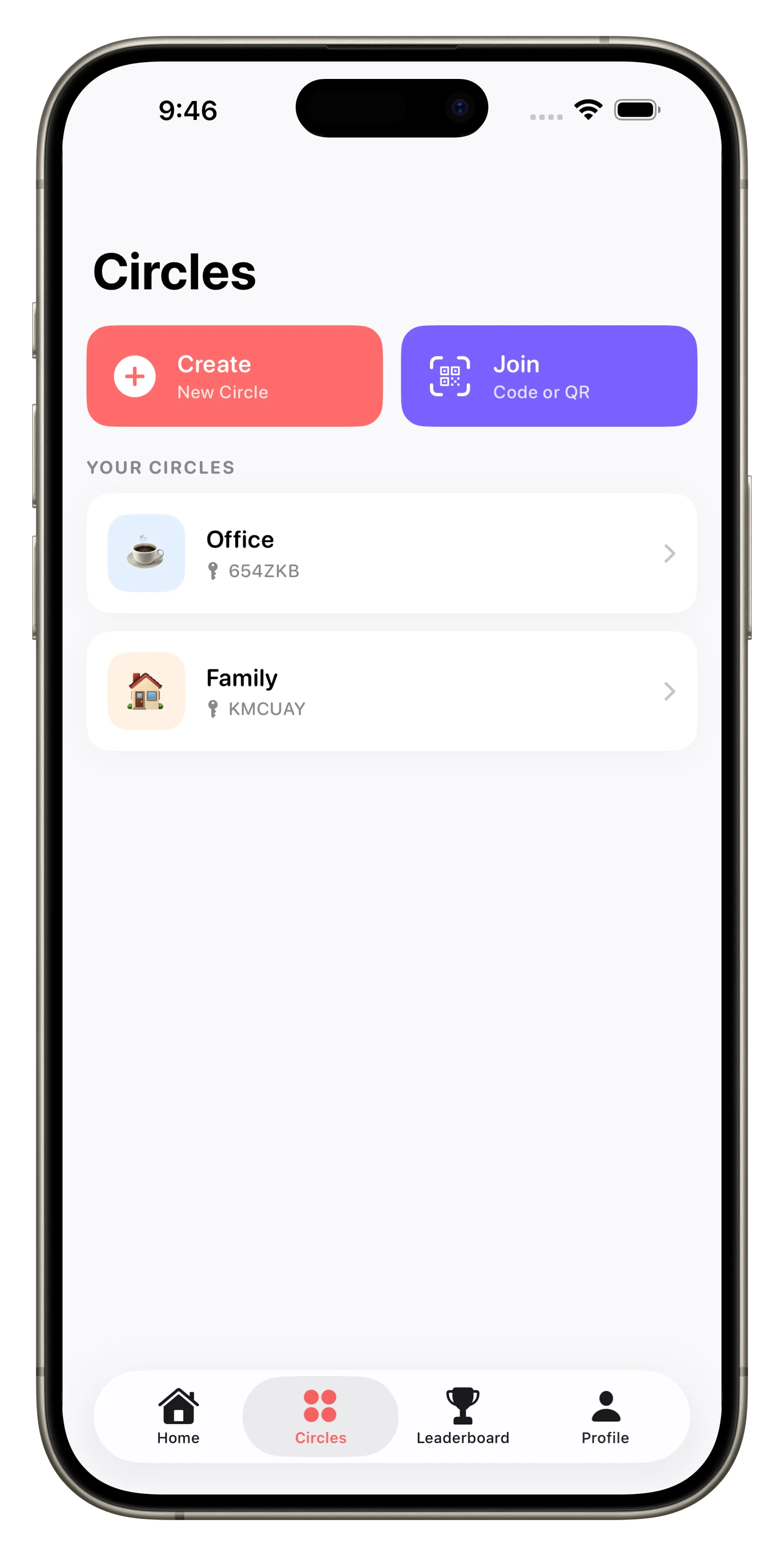
A Circle is your dedicated space in Loopd—a group where you manage tasks, share lists, and stay coordinated with the people who matter most. You might have one Circle for your family household, another for a roommate situation, and another for a friend group planning a trip. Each Circle keeps its tasks, members, and communication separate, so nothing gets tangled.
How do shared task lists work?
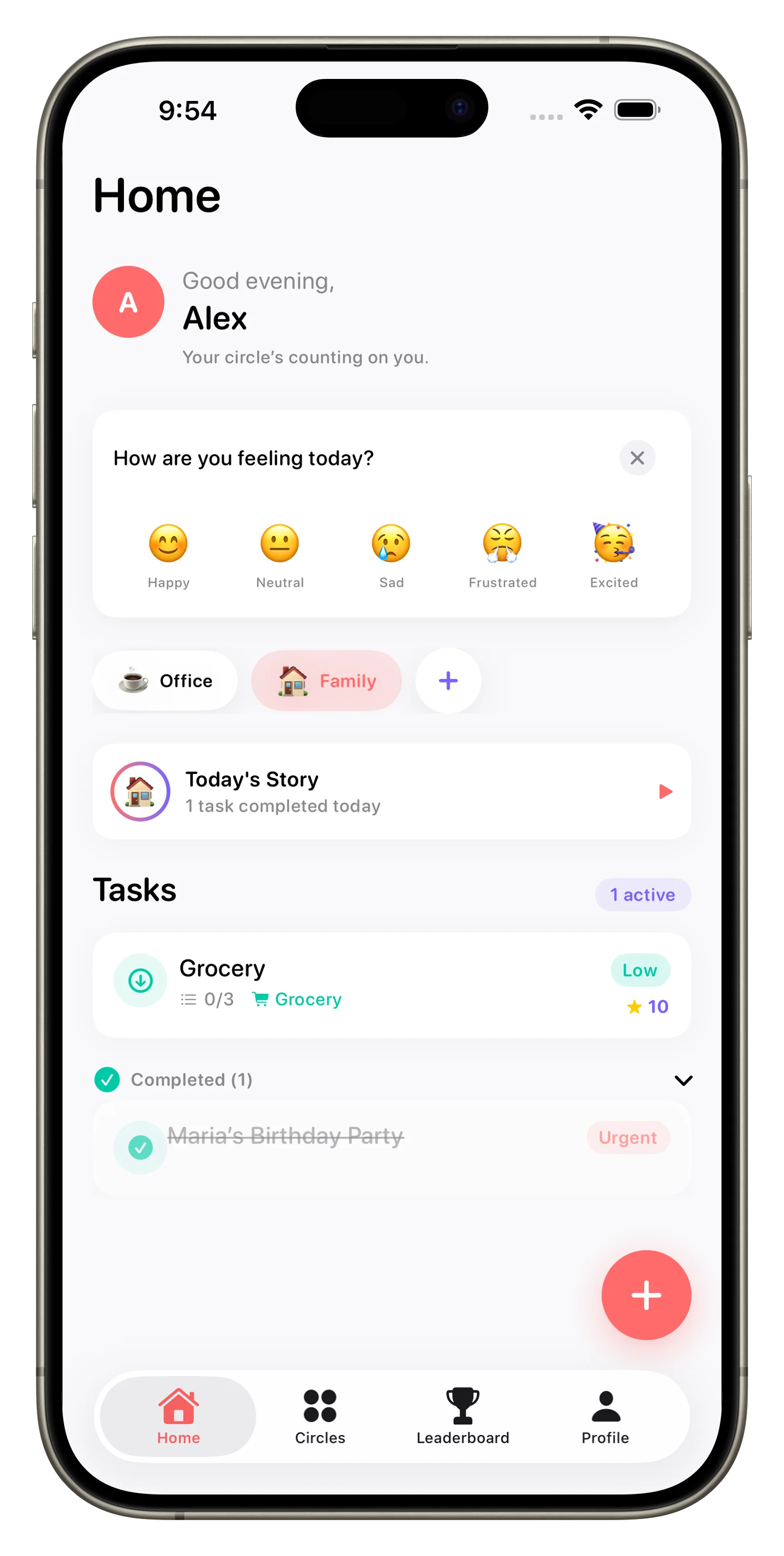
When you create a task in a Circle, everyone in that group sees it instantly. You can assign tasks to specific members, set priorities, attach photos, and leave comments. Updates sync in real time, so when someone marks a task done, the whole group knows immediately. No more texting back and forth to confirm who did what.
What does the gamification in Loopd actually do?
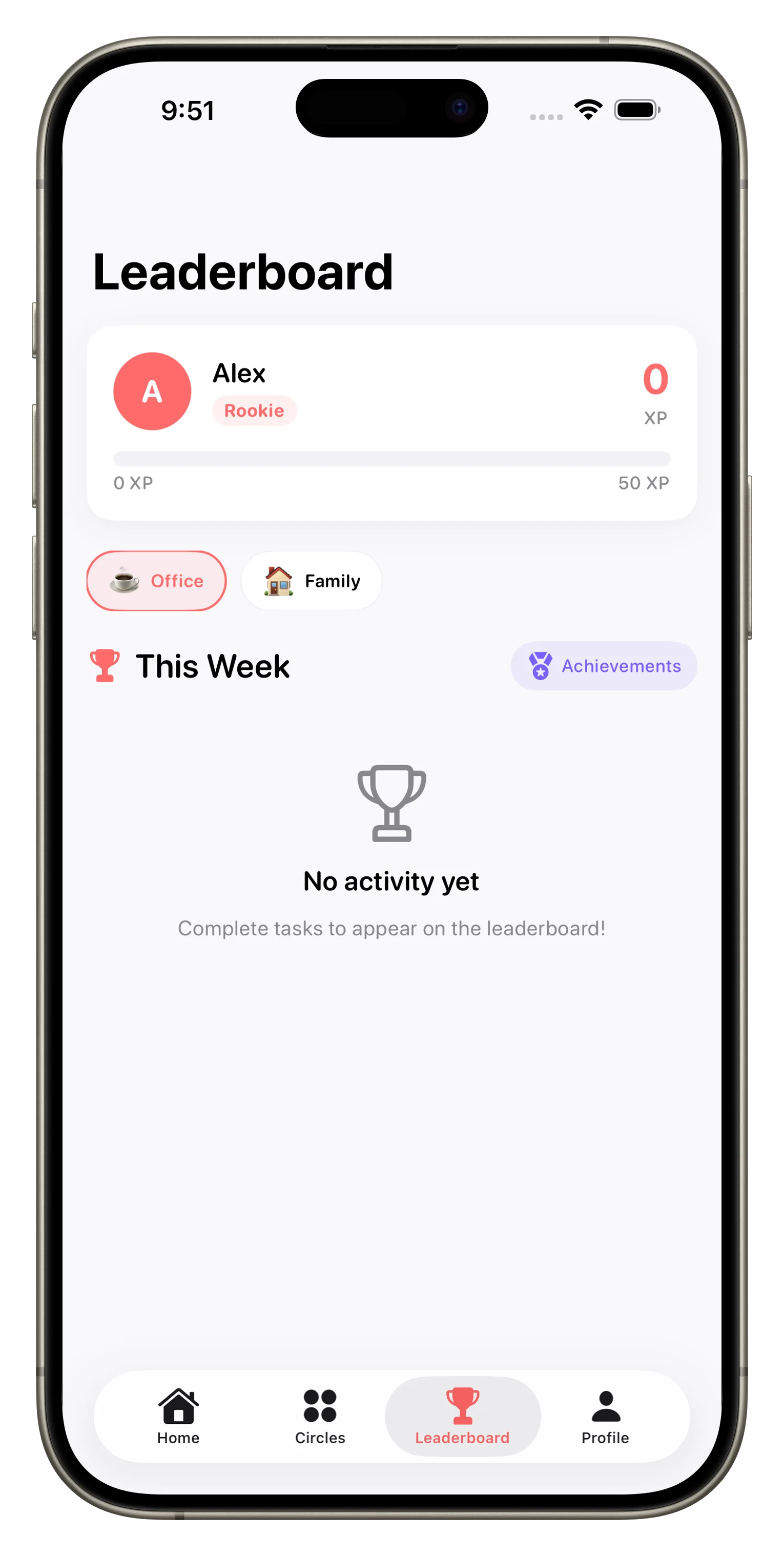
Loopd uses XP (experience points), streaks, and leaderboards to make task completion feel rewarding rather than like a chore. When someone completes a task, they earn XP and work toward unlocking achievements and badges. Streaks track consecutive days of activity, and leaderboards show who's been most active—all optional, and all designed to encourage participation without creating real pressure. Learn how Loopd turns family coordination into a game for a deeper look at how these systems work together.
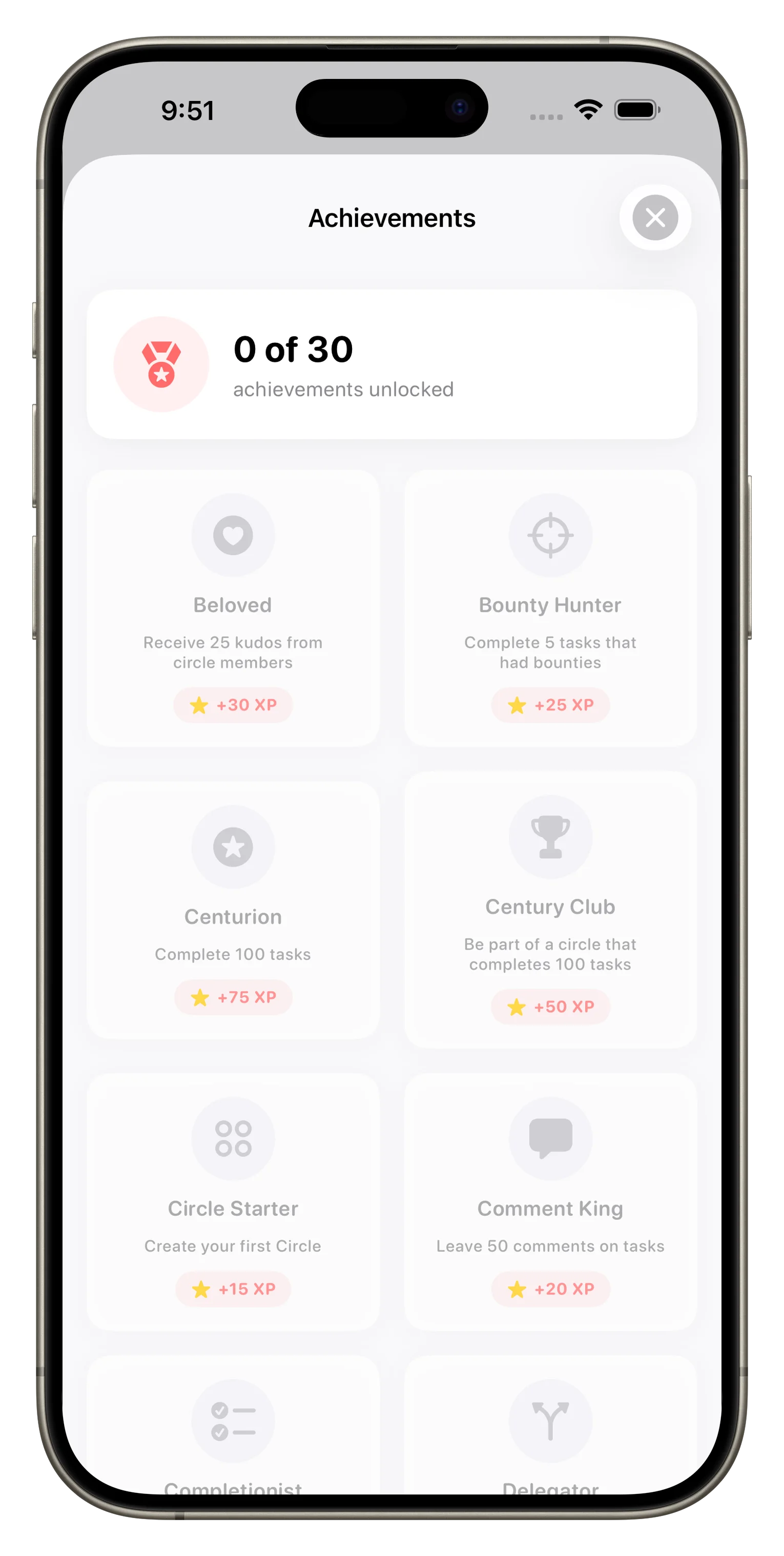
Gamification in Loopd isn't about competition—it's about making coordination feel good instead of like nagging.
Can we use Loopd for grocery lists?
Yes. Loopd works for any shared list—groceries, errands, meal planning, packing lists, you name it. Create a task, set it as a checklist item, and everyone in the Circle can see and check off what's needed. It's especially helpful if someone can grab things on their way home and mark items done in real time so others don't duplicate the effort.
How many people can be in a Circle?
The free plan lets you create a Circle with up to 3 members. The Plus plan unlocks unlimited members per Circle, and the Family plan supports up to 10 members with added household features like shared billing and parental controls. Choose the plan that matches your group size and feature needs.
- Plan
- Members per Circle
- Free
- Up to 3
- Plus
- Unlimited
- Family
- Up to 10
Is Loopd good for families with kids?
The Family plan includes a kid-friendly UI and parental controls, making it straightforward to set up Loopd for households with children. You can assign age-appropriate chores, monitor completion in real time, and use the gamification features to encourage responsibility without micromanaging. Our beginner's guide walks through setup for households of any age mix.
This article was drafted with AI assistance and reviewed by a human editor before publishing.