
Every kitchen app is trying to solve the same three problems: what should I cook, what do I need to buy, and how do I actually get through the recipe without burning something. Almost none of them solve all three. Most pick one job, do it well, and leave the rest to sticky notes and memory. Understanding which category an app belongs to, before you download it, saves you from the slow disappointment of realizing it only ever does a third of what your kitchen actually needs.
The Three Ways People Organize a Kitchen Today
Strip away the branding and most kitchen apps sort into three families. There are recipe collectors, built for browsing and saving. There are meal-plan calendars, built for deciding what happens Monday through Sunday. And there are grocery list specialists, built for the walk down the supermarket aisle. Each one is genuinely good at its narrow job. The friction shows up in the gaps between them, where you're retyping an ingredient list by hand or trying to remember which app has this week's dinner plan.
The Recipe Collector
This is the pinboard model: screenshots, saved links, photos of a friend's handwritten card, all piling up in one place so you can find them again. It's a real need, and these apps are often beautiful to browse. But browsing isn't cooking. A saved screenshot doesn't scale from four servings to six. A saved link doesn't turn into a grocery list. And when three different recipes live in three different formats, someone still has to sit down and translate them into something usable before dinner.

- Strength: fast to save almost anything, from a blog post to a photo of a cookbook page
- Weakness: ingredients stay trapped in whatever format they arrived in
- Weakness: no built-in path from 'saved' to 'shopped for' to 'cooked'
The Meal-Plan Calendar
This category treats the week as the unit of work. You drag recipes onto days, look at the shape of your week, and feel briefly in control of it. It's a genuinely useful mental shift, especially for anyone who used to decide dinner at 5:45pm every single night. The catch is that most calendar-first apps assume you're bringing your own recipes, already scaled and ready, and that you'll build the grocery list yourself afterward. The calendar gets easier. The shopping doesn't.
A plan that ends at the calendar and doesn't reach the grocery aisle is only half a plan.
The Grocery List Specialist
These are the sharpest, simplest tools in the kitchen app world, and often the ones people keep the longest, because a good shared list genuinely fixes a real household friction point. But specialists specialize. They don't know what's for dinner, they don't know what a recipe calls for, and they definitely don't know that you already have half the ingredients from last week's grocery run. Every item still has to be typed in by a human, one at a time.
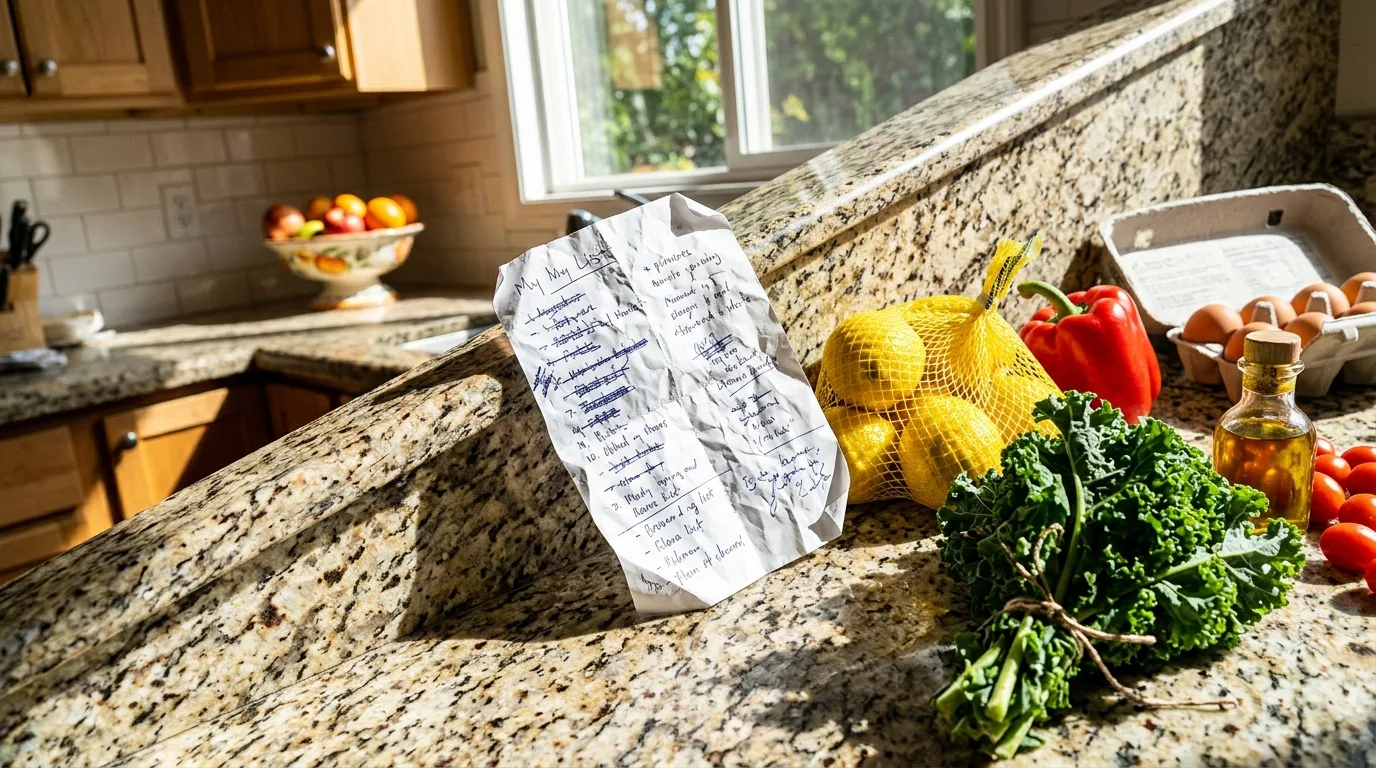
Where an All-in-One Kitchen App Fits
The fourth category, and the one MiseMate belongs to, tries to close the gaps between the other three instead of picking one. Recipes come in from a URL, a photo, or a search across 2 million+ online results with built-in nutrition data, then flow directly into ingredient scaling, a shared grocery list, and a weekly calendar without anyone retyping a thing. Cook Mode carries the recipe through to the stove with built-in timers, and an AI kitchen assistant (powered by Claude) can suggest what to cook from what's already in your pantry, swap ingredients you don't have, or rewrite a recipe for a different diet on request.

Choosing the Right Approach for Your Kitchen
None of these categories are wrong. If you mostly want a well-organized shoebox of family recipes you'll never scale or plan around, a pure collector is fine. If your household already has a rock-solid grocery list habit and just needs a calendar, a planner-only tool might be all you need. But if the actual pain point is the seams between deciding, shopping, and cooking, the all-in-one approach is built for exactly that. MiseMate's core loop of browsing, scaling, and grocery lists is free; meal planning and the AI assistant sit behind Premium for anyone who wants the full flow. The guide to what to look for in a recipe and meal prep app is a useful next stop if you're still comparing options.
- Recipe collector
- Best for saving and browsing; no scaling or shopping list built in
- Meal-plan calendar
- Best for weekly structure; usually needs your own recipes and manual lists
- Grocery list specialist
- Best for the store run; disconnected from recipes and planning
- All-in-one (MiseMate)
- Discovery, scaling, planning, and grocery lists in one connected flow
For a closer look at how that flow plays out in a real week, this account of turning Sunday night panic into a week of planned dinners walks through it start to finish, and the full MiseMate review covers where the app earns its keep and where it doesn't.
Common questions
Do I need an all-in-one app if I already have a favorite recipe app?
Are all-in-one kitchen apps more expensive than single-purpose ones?
Can an all-in-one app really replace a dedicated grocery list app?
This article was drafted with AI assistance and reviewed by a human editor before publishing.