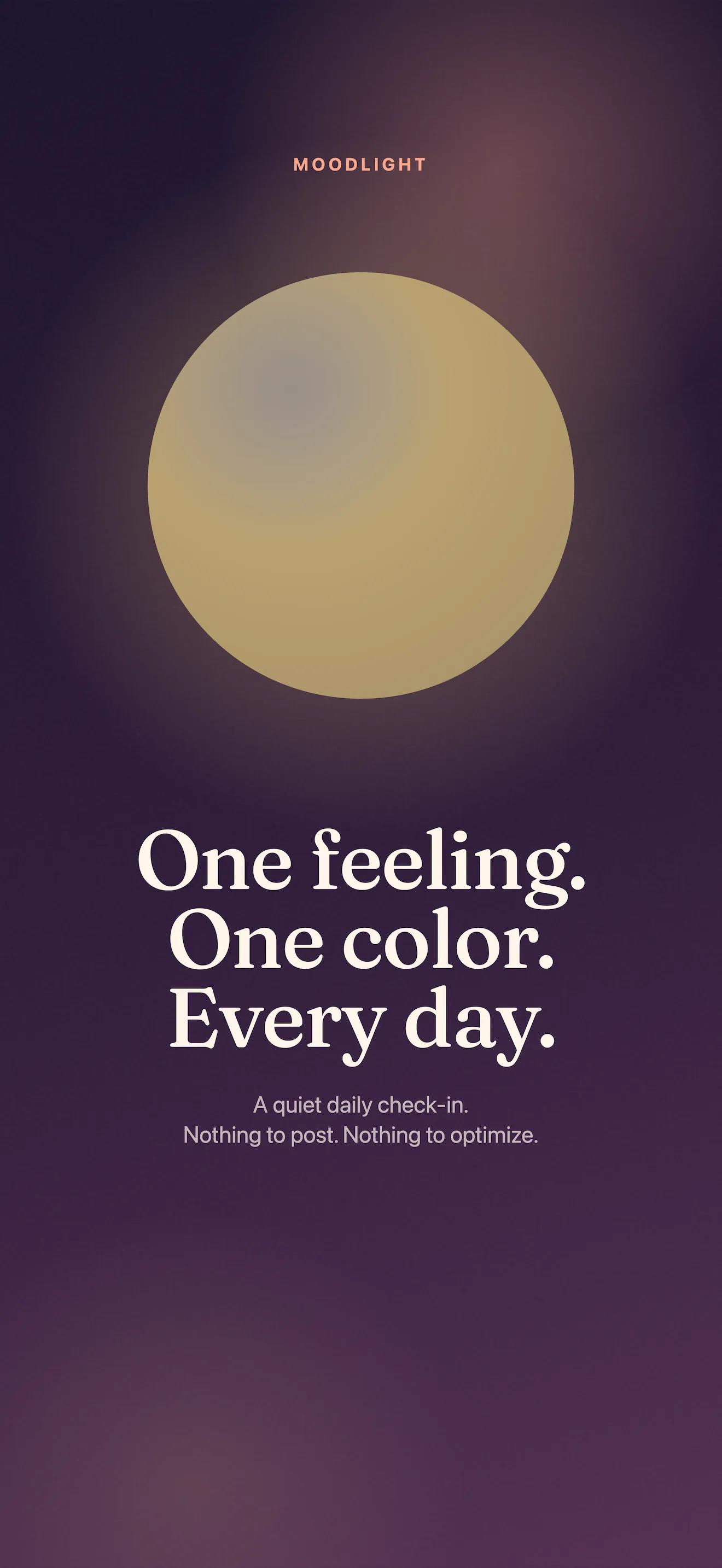
MoodLight asks one question every day: how are you, really? There's no 1-10 scale, no clinical wheel, no streak counter waiting to guilt you into opening the app. Instead, you tap one of five orbs—calm, bright, heavy, off, numb—add an optional note if you want, and you're done. Thirty seconds. That's it. Over a week, those taps become a colored gradient that actually feels true to your life.
Your first open: the five orbs
When you launch MoodLight for the first time, you'll see five soft-colored orbs on the check-in screen. Each one represents a real state of mind that most mood-tracking apps ignore. Unlike generic happy-sad scales, these five states—calm, bright, heavy, off, numb—map to how people actually feel on any given day.
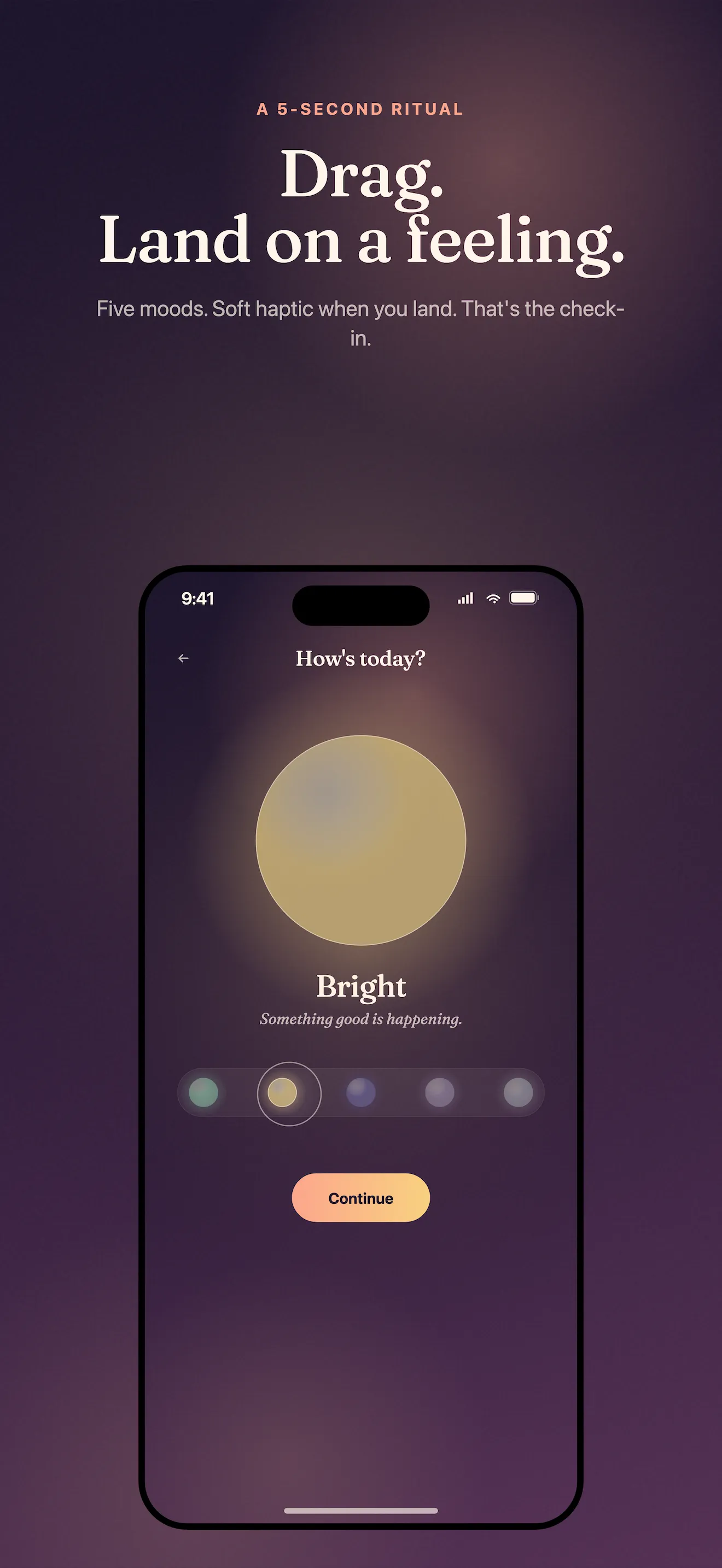
- Calm: grounded, at peace, steady
- Bright: energized, uplifted, clear
- Heavy: weighed down, stuck, overwhelmed
- Off: disconnected, irritable, out of sync
- Numb: flat, checked out, going through the motions
There's no right answer. Your mood is yours. If you woke up heavy and stayed that way, you tap heavy. If you had three good hours and then felt off for the rest of the day, you choose whichever orb felt most true when you opened the app.
The daily check-in ritual
Each check-in takes about 30 seconds. Tap an orb. That's required. If you want to add context—a single line about why you felt that way—tap the note field below. Type a sentence, a phrase, or nothing at all. Then you're done. Your check-in is saved instantly to your device.
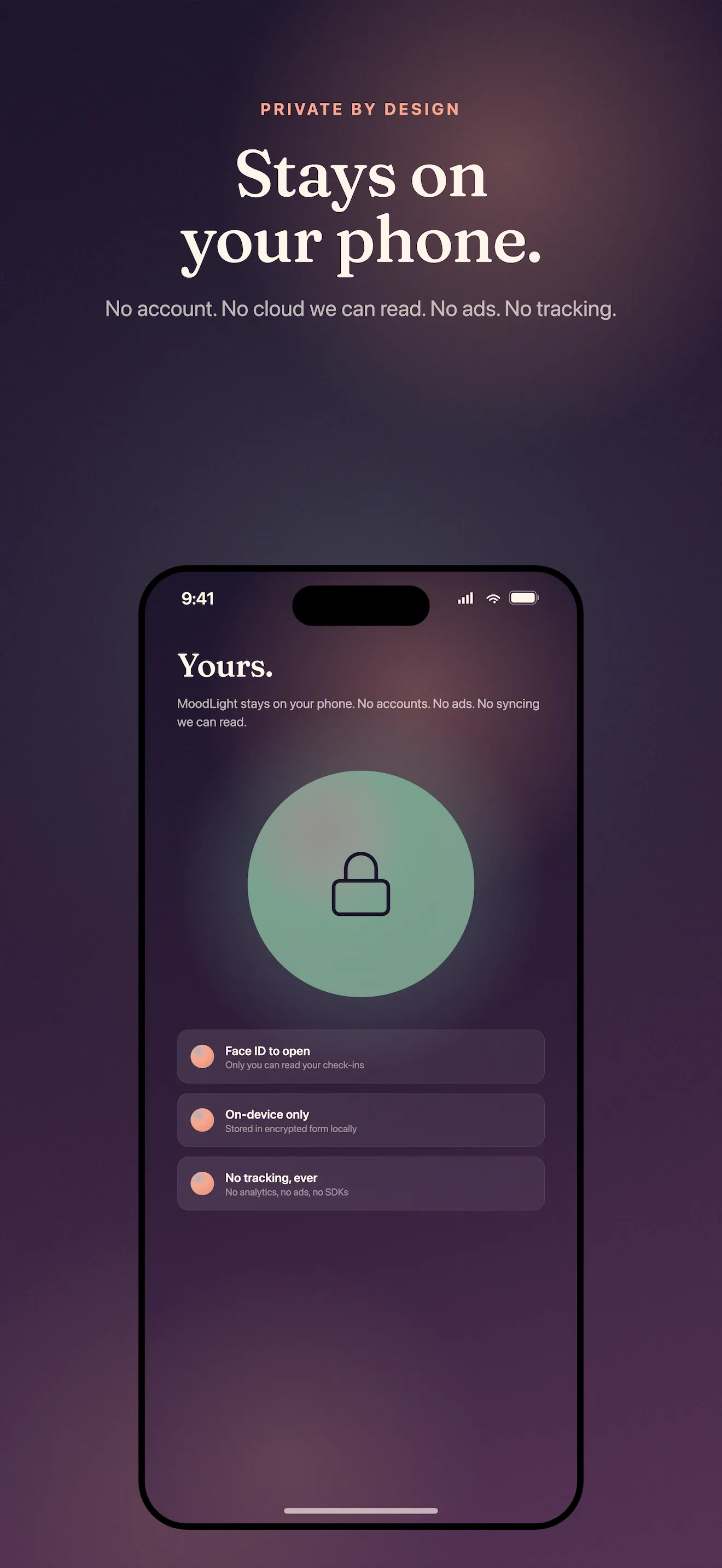
No account, no cloud, no streak you can lose. Your check-ins live only on your device, and we never punish you for skipping a day.
Seeing your week in color
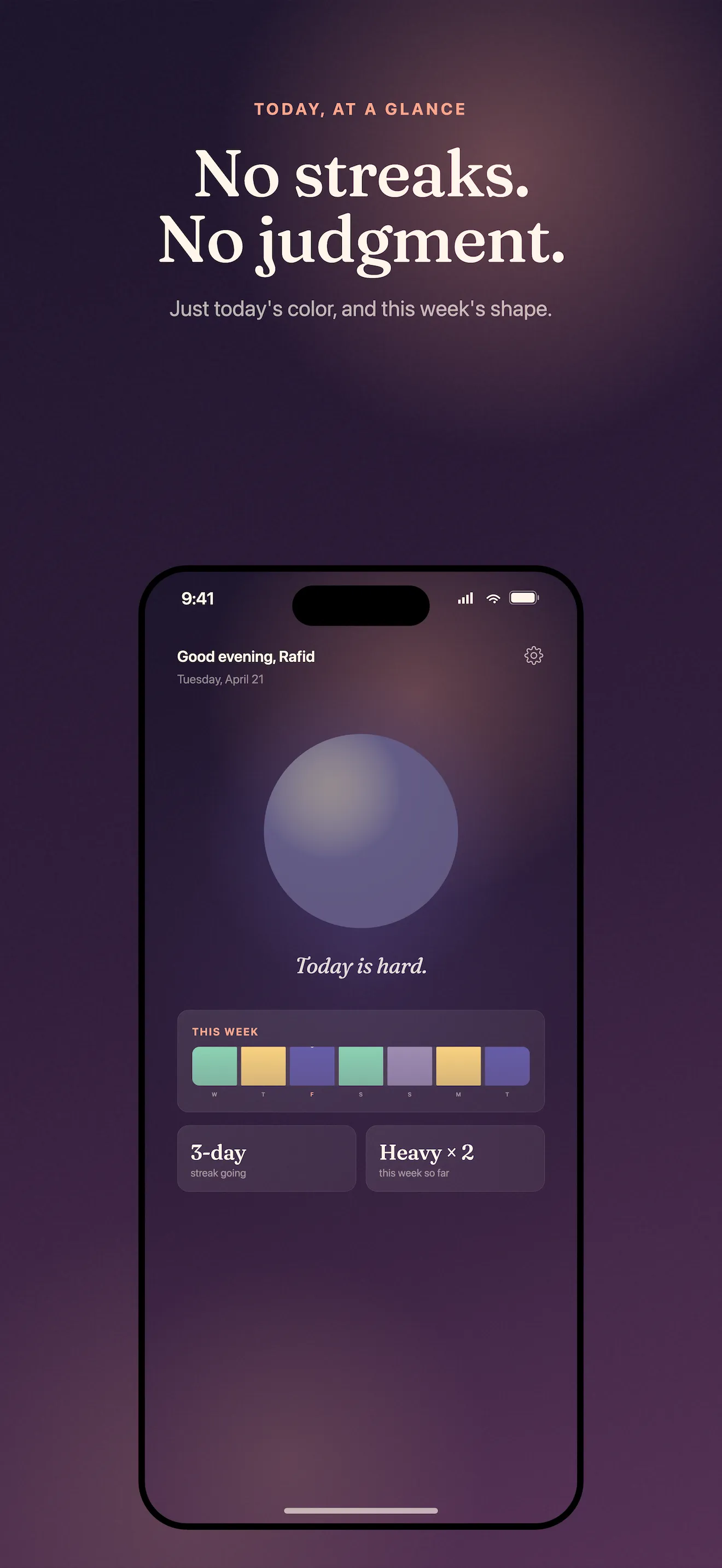
After three or four days of check-ins, something shifts. Your home dashboard shows a colored gradient strip—a visual summary of your week. No numbers, no pie charts, no performance metrics. Just color. You'll start to notice patterns without a tracker telling you what they mean. That calm orb you hit on Tuesday stands out. The cluster of off days mid-week is obvious. Your week becomes a story you can actually see.
What happens over a month
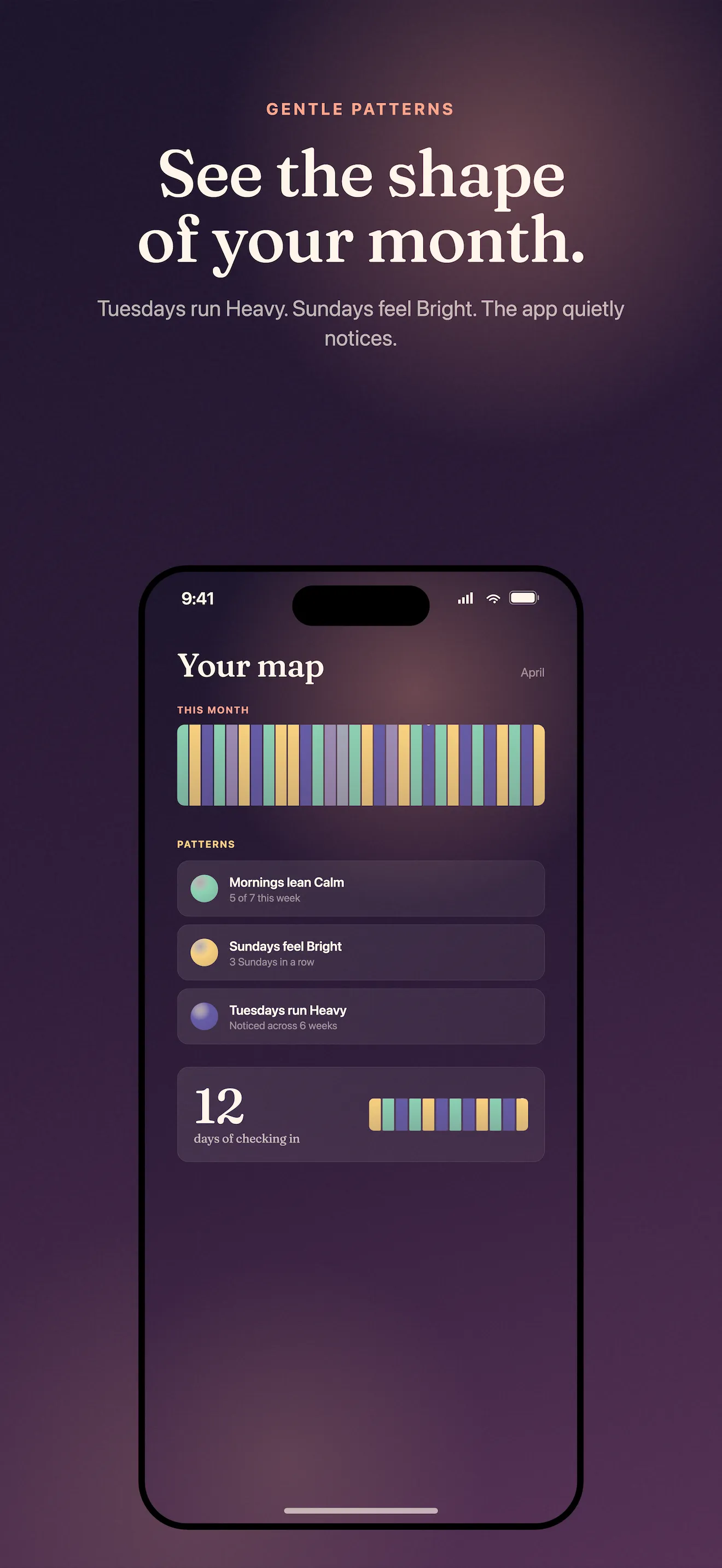
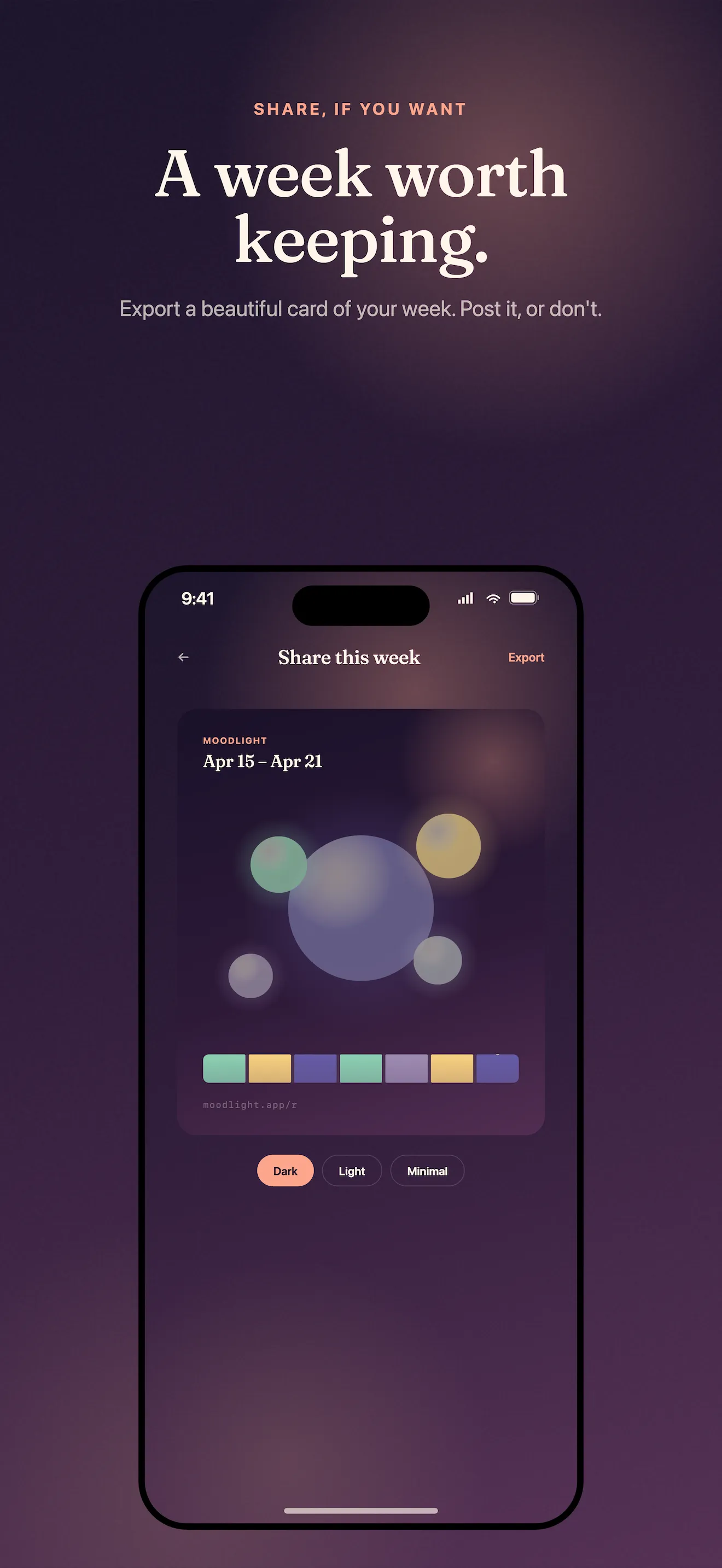
Stay with it past a week, and the monthly mood map becomes your real win. Each day's orb color fills a single cell on a calendar. Over 30 days, you see the shape of your emotional life without judgment. If you skipped three days last week, those cells stay blank—no shame, no broken streak counter waiting to reset your progress. If you want to bring your mood history to therapy, print it, or share a soft-edged mood card with someone you trust, MoodLight lets you do that too.
Privacy and design philosophy
MoodLight works offline. You don't create an account. Your check-ins never touch the cloud. The app stores everything on your device, and if you uninstall it tomorrow, nobody else ever sees what you recorded. This privacy-first approach isn't a feature. It's the foundation. The five-orb design and the 30-second check-in both exist because tracking your mood should feel safe and gentle, not clinical or obligatory. For a deeper dive into how this approach differs from traditional mood scales, read The Five Orbs: How MoodLight Rethinks Daily Mood Tracking.
If you're looking for practical ways to make the daily check-in stick, our MoodLight Tips: Quick Check-Ins That Actually Stick guide walks through common patterns that work.
This article was drafted with AI assistance and reviewed by a human editor before publishing.