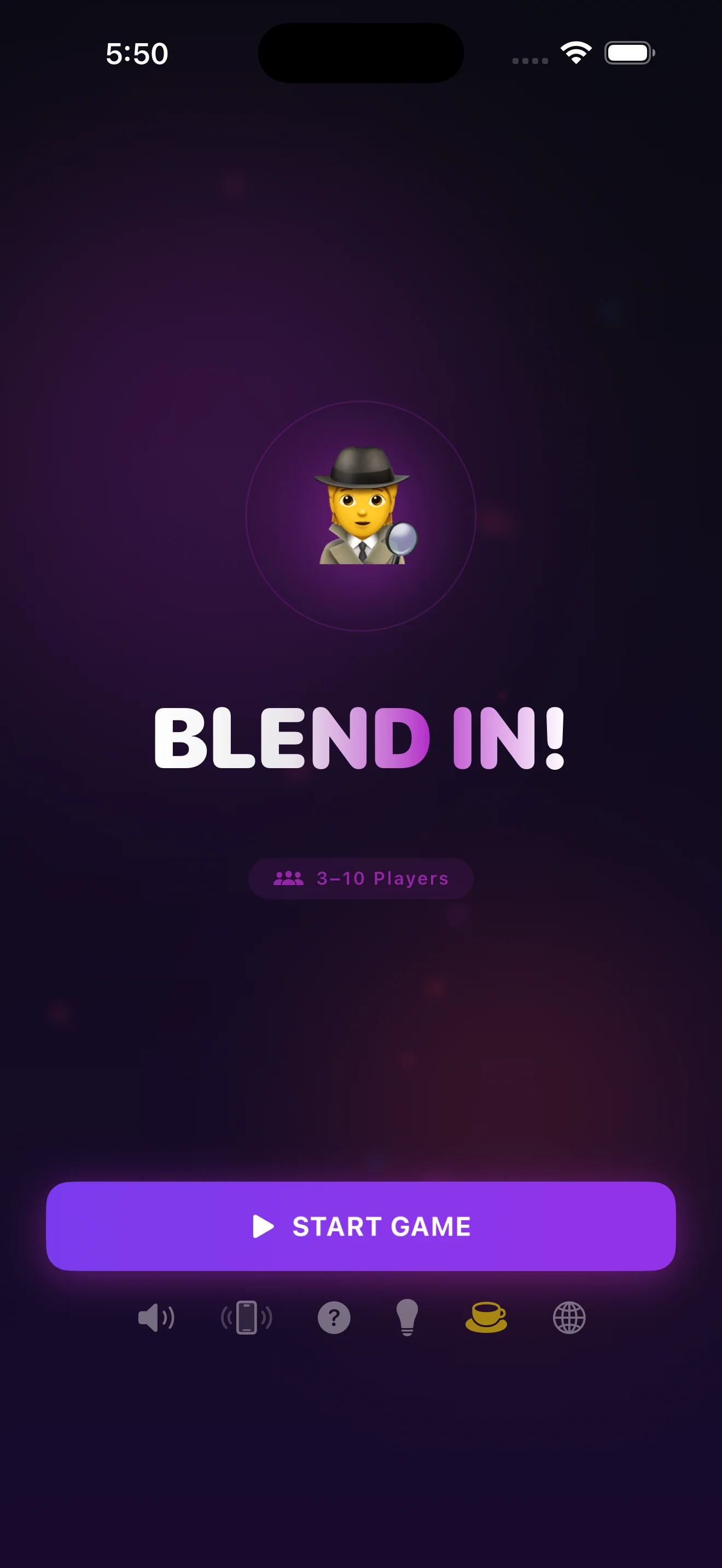
How do you play a party game with just one phone?
What do you need before you start?
You need one iPhone, 3 to 10 people, and about five minutes. That's the whole list. Blend In! works fully offline, so there's no waiting on Wi-Fi at a cabin, a campsite, or the back seat of a car — the app ships with free word packs (Food & Drinks, Movies & TV, Countries & Cities, Animals, Sports, each with 100+ entries) already loaded and ready to go.
How do you set up a round in Blend In!?
Step 1: Add your players
Step 2: Pass the phone for secret roles
Step 3: Give clues, one word at a time
Step 4: Discuss, then vote
Step 5: Check the reveal and scoreboard
How is this different from other phone-pass party games?
The main difference is that everything — roles, timers, word packs, scoring — lives inside one app instead of relying on paper, a group chat, or someone acting as judge. That's the gap Blend In! is built to close; the game mechanics breakdown covers how the role-assignment and voting logic actually works under the hood.
- Devices needed
- Blend In!: 1 phone · Improvised phone-pass games: 1 phone + paper/timer · App-per-player games: 1 phone per player
- Internet required
- Blend In!: none · Improvised games: none · Multi-device apps: usually yes, for syncing
- Accounts required
- Blend In!: none · Improvised games: none · Multi-device apps: often yes
- Player range
- Blend In!: 3–10 · Improvised games: varies, hard to scale · Multi-device apps: limited by who has the app installed
- Setup time
- Blend In!: under a minute · Improvised games: needs a rules explainer · Multi-device apps: install + sync for each player
What if the group wants more chaos or more players?
Turn on Chaos Modes for twists on the standard round, like extra imposters or scrambled rules, once your group has the basics down. Blend In! also supports multiple languages and scales up to 10 players, so it holds up for a big family gathering just as well as a three-person road trip — see the beginner's guide for a walkthrough of your very first game.
One phone, zero trust — that's the whole game.
Common questions
Do all players need to download the app?
Can you play with only 3 people?
Does the game need Wi-Fi or cell service?
How long does one round take?
What happens if the imposter wins?
Is there anything to set up before game night?
This article was drafted with AI assistance and reviewed by a human editor before publishing.