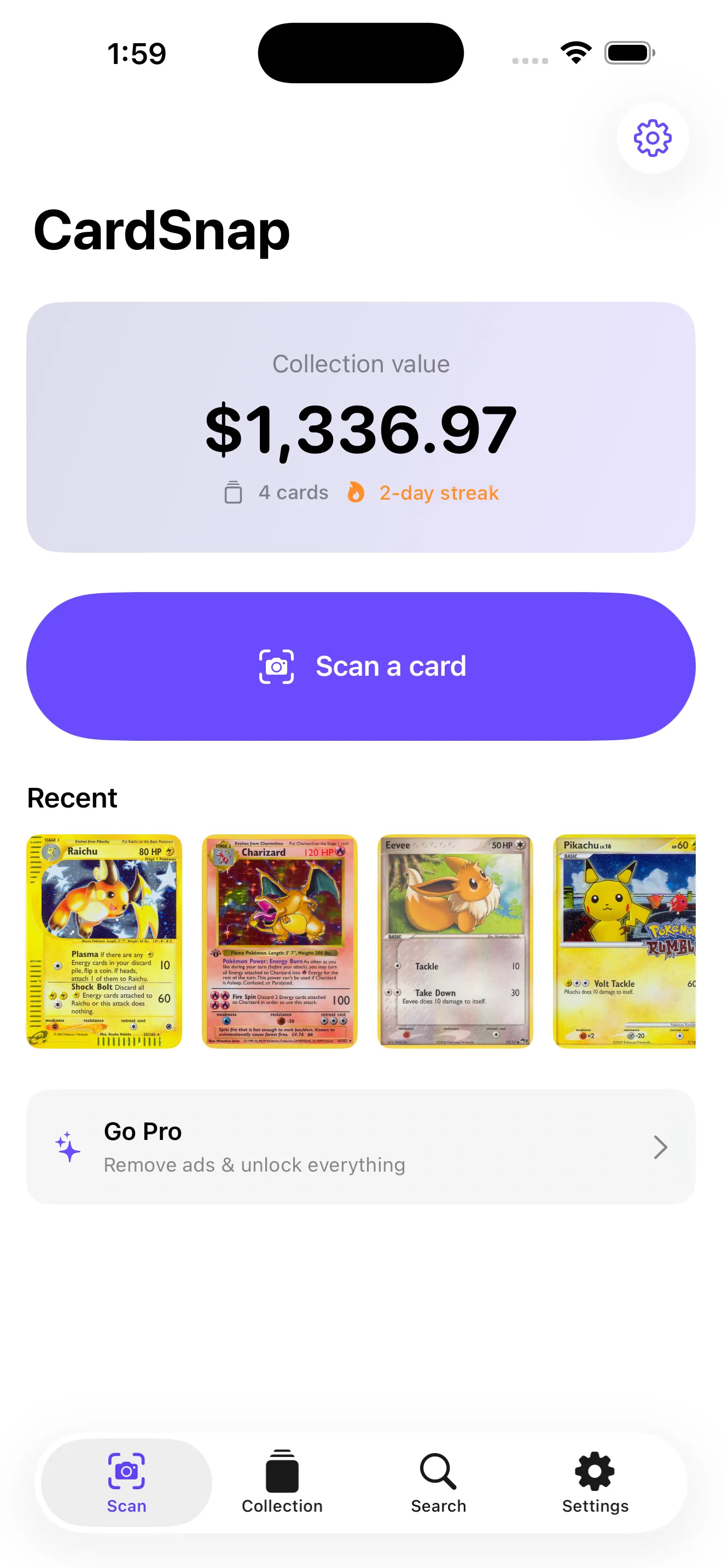
Whether you're dusting off a childhood collection or building a new one, knowing what your Pokémon cards are worth is the first step. CardSnap makes that instant and easy. Here are the answers to the questions collectors ask most.
How does CardSnap scan Pokémon cards
CardSnap uses on-device machine learning to identify Pokémon cards from your camera. Point at a card, tap the shutter button, and the app reads the card image to determine which Pokémon, set, and edition you're holding. No internet connection is required for scanning itself—recognition happens right on your phone.
Can I use CardSnap without paying
Yes. Scanning and searching for cards are completely free and unlimited. You don't need an account to start, and there's no paywall before your first scan. Paid features unlock unlimited collections, price history, graded card values (PSA and CGC), price alerts, and CSV export—but the core scanning and valuation features stay free.
Scanning and searching are free and unlimited — no account required.
Where do CardSnap prices come from
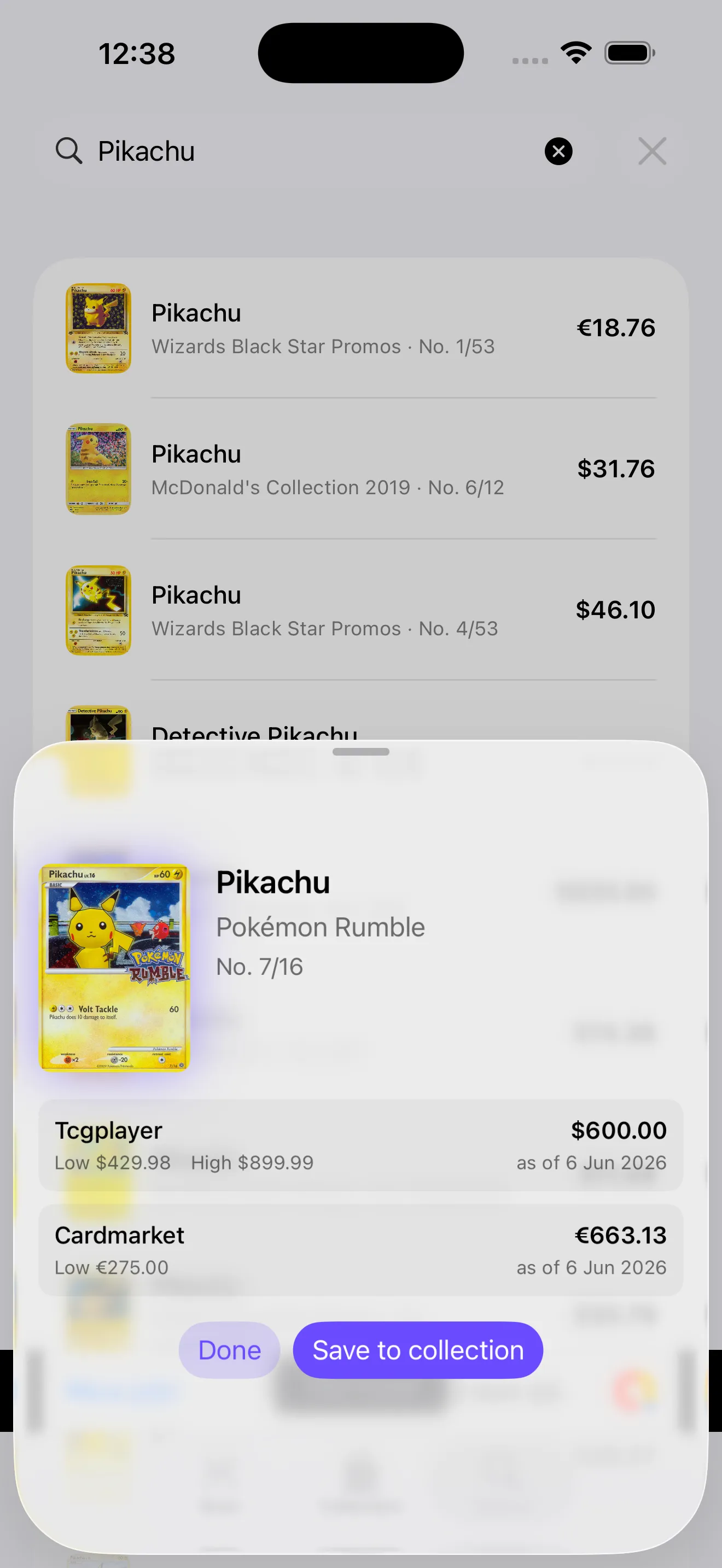
CardSnap pulls live market prices from two major sources: TCGplayer (the largest Pokémon card marketplace in North America) and Cardmarket (Europe's leading platform). For each card, you see low, market, and high prices, each stamped with an "as of" date so you know how current the data is. This gives you a real picture of what collectors are actually paying.
How do I track my Pokémon card collection
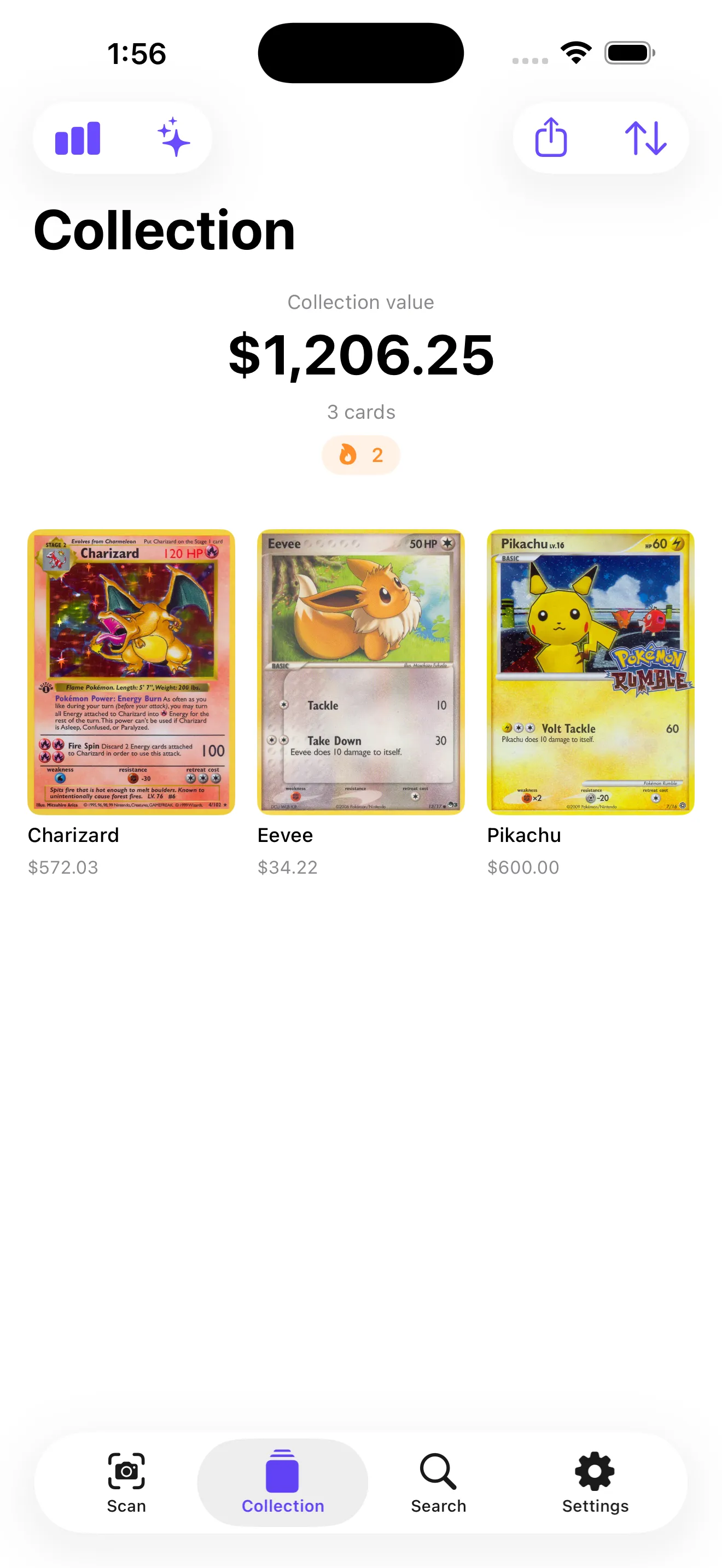
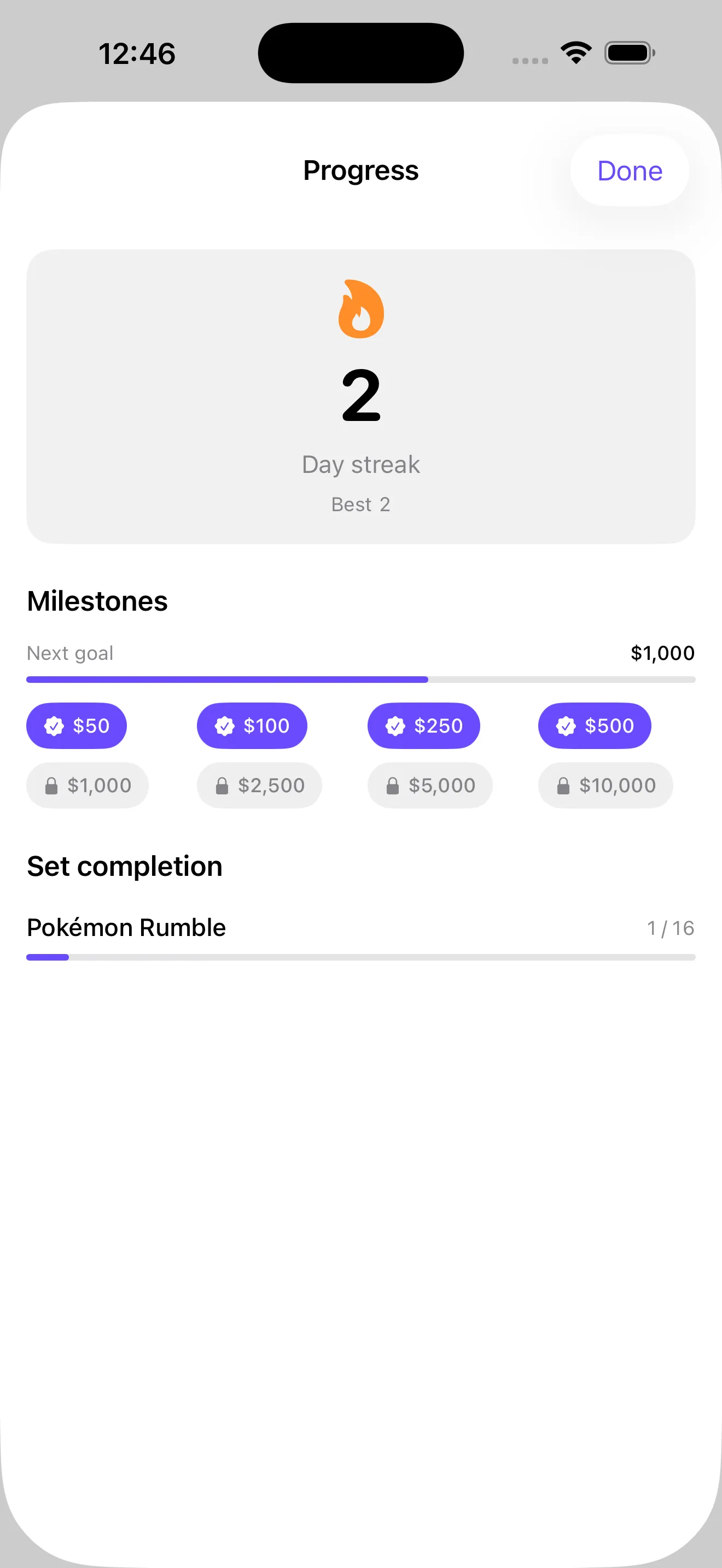
After you scan a card, tap the save button to add it to your collection. CardSnap automatically totals your collection's value and updates it as you add or remove cards. You can organize by set, rarity, or custom groups, and sort by price, date added, or other criteria. The app also tracks streaks (consecutive days scanned) and value milestones to celebrate your collection's growth.
Can I search for cards without scanning
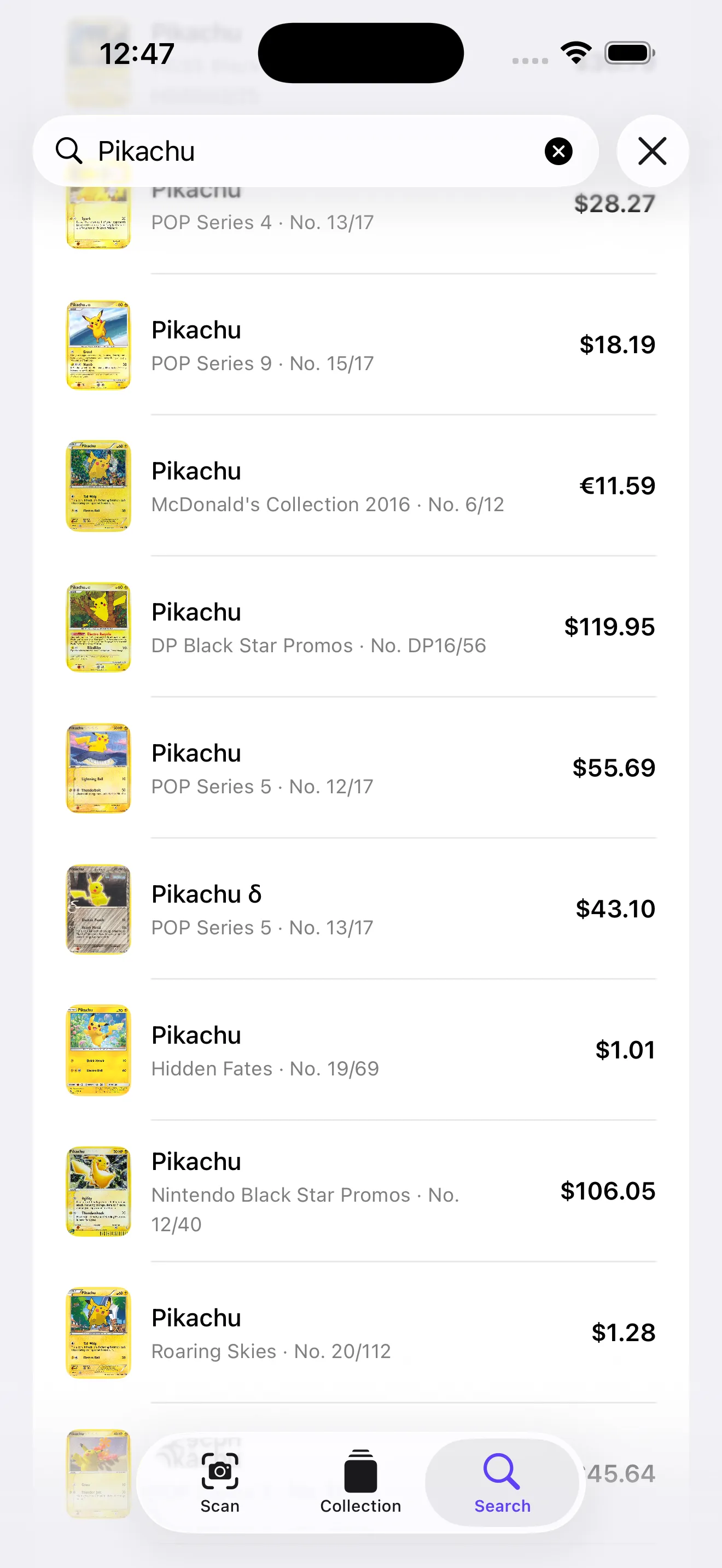
Absolutely. CardSnap includes a text search feature so you can look up any card by name, set, or edition without using the camera. This is handy if you want to check a price before you scan, or if you're researching cards you don't physically own yet. Search results show the same live pricing and let you add cards to your collection just like scanned cards.
For more practical guidance, check out our CardSnap tips for scanning, valuing, and organizing your cards. If you're exploring different ways to value your collection, we also have a guide on Pokémon card valuation methods and tools.
What premium features does CardSnap offer
The paid version removes ads and unlocks price history (so you can track how a card's value changes over time), graded card values (PSA and CGC grades with their own markets), price alerts (notifications when a card you're watching hits a target price), unlimited collections, and CSV export (to back up or analyze your data elsewhere). Free users get unlimited scans, searches, and one collection—enough for most casual collectors to start.
This article was drafted with AI assistance and reviewed by a human editor before publishing.