If you collect Pokémon cards, you've probably asked yourself: what's this card actually worth? The answer depends on condition, market demand, and where you're selling. Collectors have traditionally relied on manual price checks — opening TCGplayer in a browser, typing in card names, cross-referencing set numbers, recording values in a spreadsheet. It works, but it's slow. Today, faster methods exist, and they fall into a few clear categories: marketplace browsing, spreadsheet-based tracking, and AI-powered scanning. Each has trade-offs. We'll break down what each approach offers and where modern scanning tools like CardSnap fit in.
The Traditional Approach: Manual Marketplace Browsing
The oldest method is still the most direct. You open TCGplayer or Cardmarket, search for a card by name and set, and note the asking prices. It's reliable because you're seeing real market listings. You get an instant sense of price range and condition-adjusted value.
The downside is speed and scale. For a casual card or two, it's fine. For a binder of fifty cards, it becomes tedious. Typing each name, confirming the set, writing down numbers — the friction adds up. And if you want to track value over time, you're manually re-checking cards weeks or months later to spot trends.
The Spreadsheet Route: Structured Tracking
Many serious collectors use spreadsheets to log cards and prices. A spreadsheet gives you control: custom columns, formulas to total collection value, filters for set or rarity, the ability to flag cards for grading or selling. If you're comfortable with Excel or Google Sheets, you can build a system that's genuinely powerful.
The friction here is data entry. You still need to find and record each price. And unless you're automating price lookups with scripts, you're manually updating numbers. For large collections, that's a real time sink.
The Modern Option: On-Device Scanning
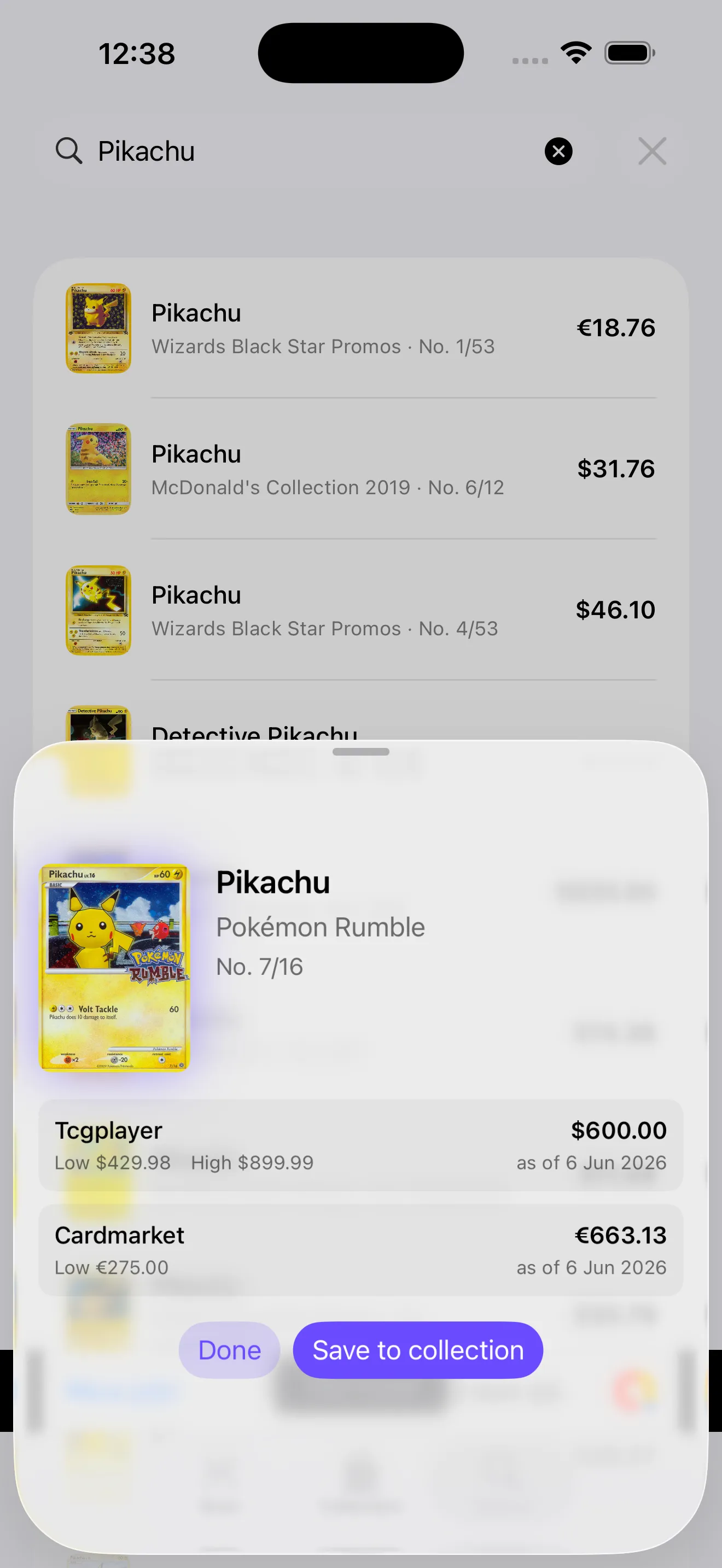
AI-powered card scanning eliminates the typing step. Point your phone's camera at a card, and the app identifies it instantly. The system then fetches live prices from TCGplayer, Cardmarket, or both, so you always see current market data. Add the card to your collection with one tap. That's the full cycle: scan, see value, collect.
Scanning collapses a five-minute manual lookup into a five-second camera point.

The advantage for most collectors is obvious: speed and convenience. You're no longer bound to your desk with a browser. You can scan cards anywhere — at your desk organizing your binder, at a local card shop, at a trade show. And because scanning is instant, you're more likely to track your entire collection, not just the high-value cards.
CardSnap: Scanning Plus Collection Tracking
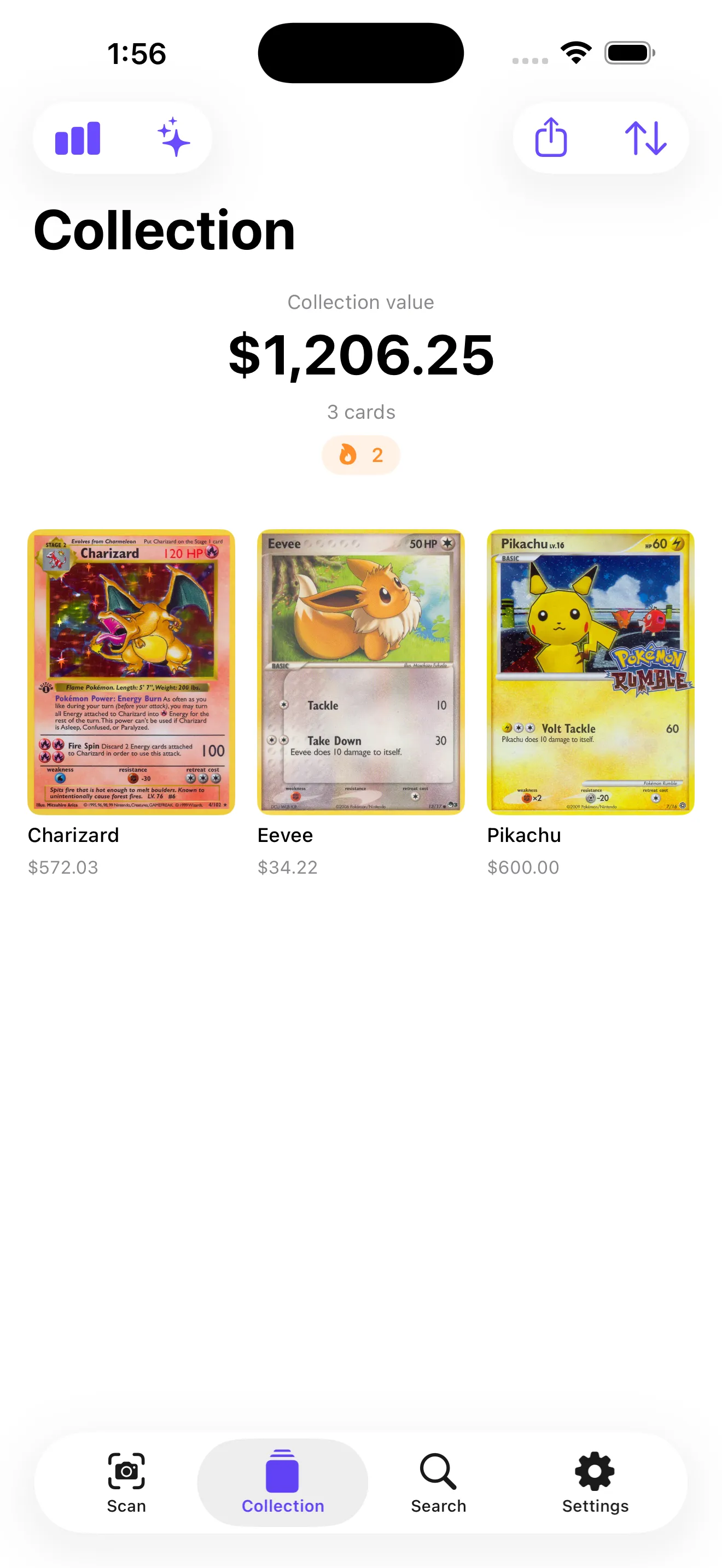
CardSnap combines scanning with a lightweight collection tracker built into the app. The workflow is scan a card, see its live low/market/high price from TCGplayer and Cardmarket, and save it to your collection. The app totals your collection's value in real time, shows price history, and surfaces milestones like completing a set or hitting a collection value target.
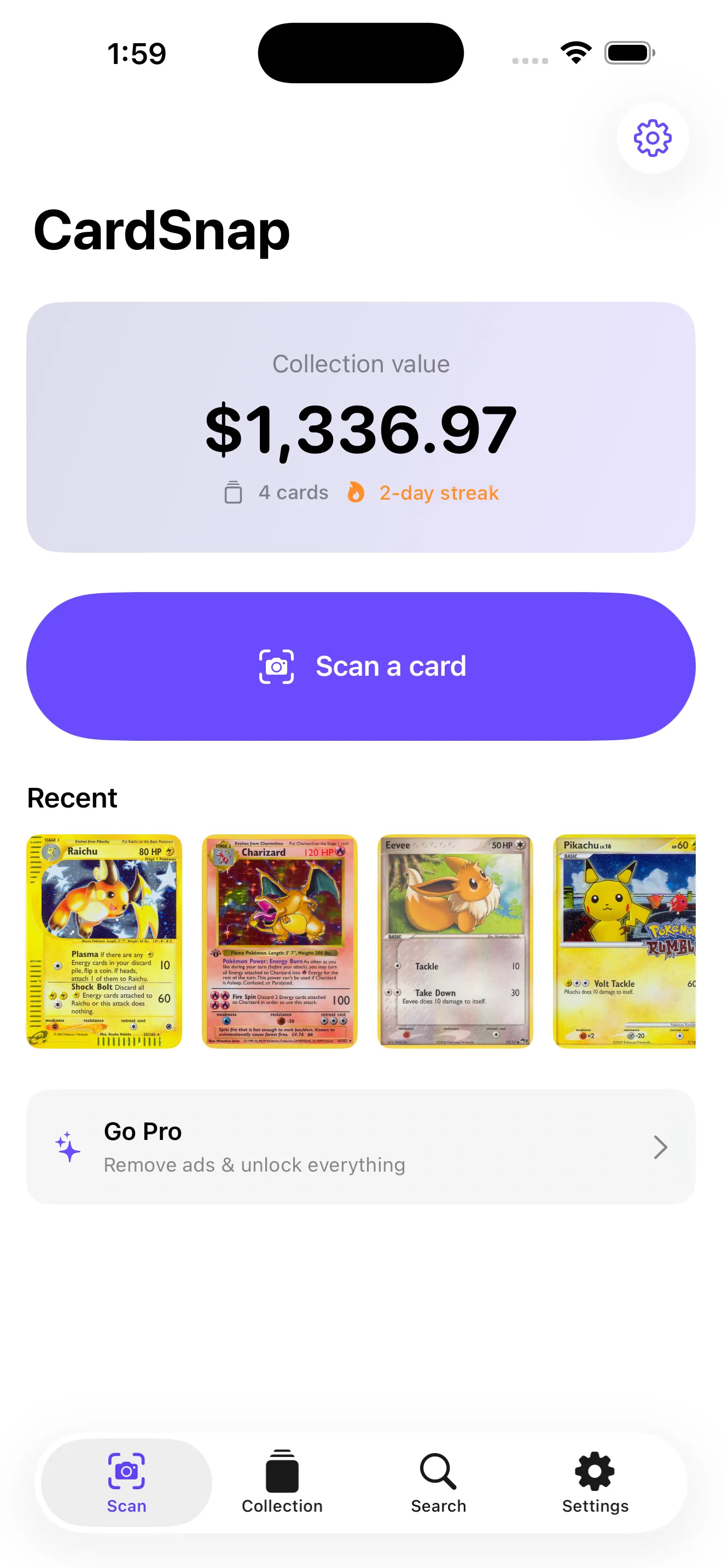
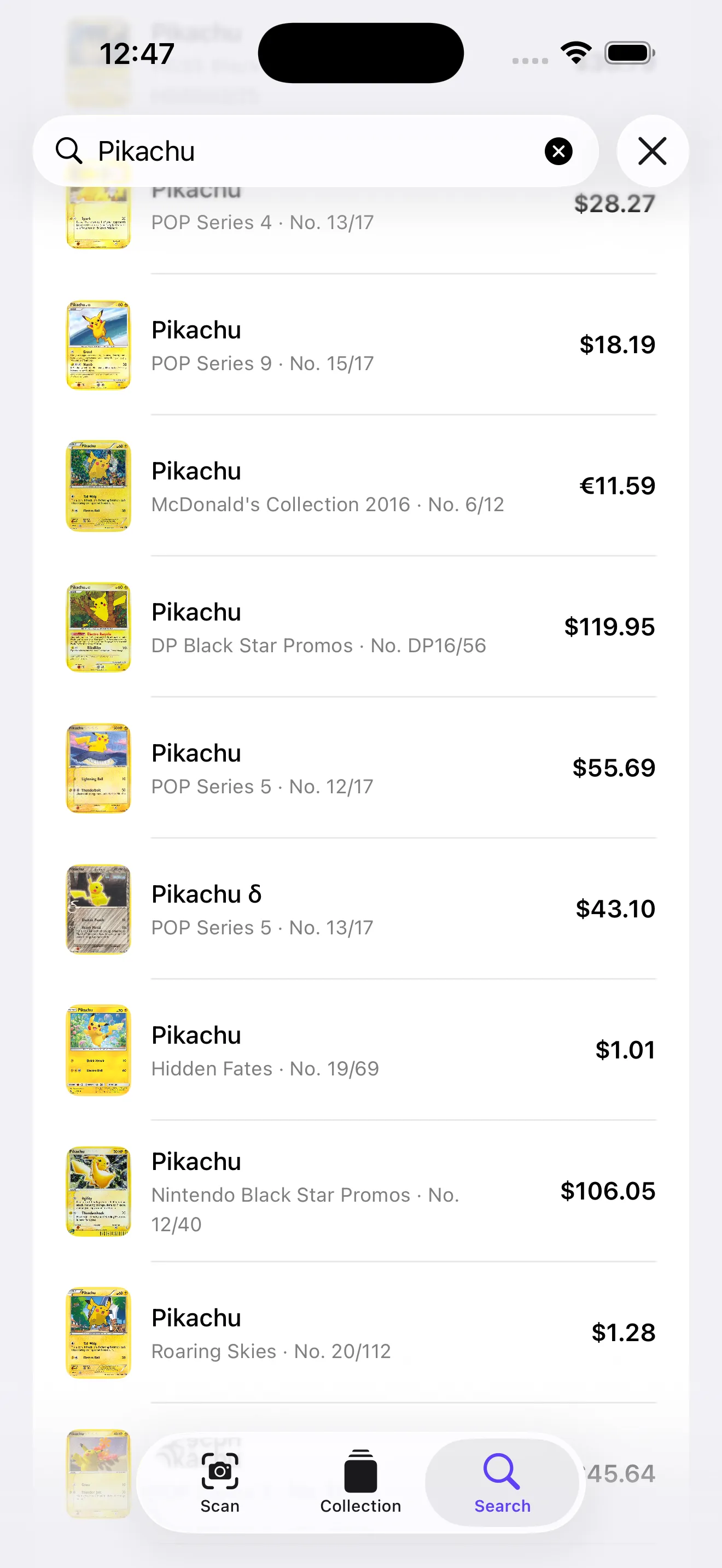
What sets it apart: scanning and text search are unlimited and free. No account required before your first scan. You can search by card name if you don't want to scan. On-device recognition means your scans stay private — the app doesn't log or upload your activity. If you want price alerts, graded card values (PSA/CGC), price history, or the ability to export your collection as CSV, those are premium features. But the core scanning and free collections are genuinely unlimited.
When to Use Each Approach
- Casual price checks (1–3 cards): Open a marketplace browser. Direct, simple, no setup.
- Organized tracking with custom logic: Use a spreadsheet. You have full control and can build complex formulas.
- Speed and convenience: Scanning tools like CardSnap. Ideal if you're tracking 20+ cards or want to scan on the go.
- Privacy-first tracking: CardSnap's on-device scanning means no logs of your collection elsewhere.
This article was drafted with AI assistance and reviewed by a human editor before publishing.