
Every pregnancy photo journal starts the same way: someone snaps a bump photo in the bathroom mirror, promises to do it every week, and by week twelve the photos are all slightly off — different distance, different angle, different light. Little Lapse was built around a simple bet: if the app handles the hard part, alignment, people will actually finish the journey. Here's how that promise is kept, on your phone, without a single photo ever leaving it.
The real problem isn't remembering. It's lining up.
Most pregnancy apps focus on reminders and milestone facts. Useful, but they don't solve the thing that actually ruins a bump time-lapse: inconsistency. A photo taken two feet closer than last week's, or a few degrees off-center, breaks the illusion of smooth growth entirely. The magic of a time-lapse depends on precision that's almost impossible to eyeball week after week, especially when you're the one nine months pregnant trying to hold the phone steady.
Little Lapse treats that precision problem as the core design challenge, not an afterthought. Everything in the capture flow — the ghost overlay, the grid, the self-timer — exists to make this week's photo match last week's photo before you even press the shutter.
Smart Align: the quiet work happening after the shutter clicks
The ghost overlay helps you frame the shot in the moment, but Smart Align is what finishes the job. It's an on-device process that analyzes each new photo and repositions it so your bump lands in the same spot as every other week in your journey, correcting for small shifts in distance, tilt, or where you happened to stand. You don't tap anything to trigger it and you don't need to understand how it works. It just runs, quietly, right after you capture.
That combination — a guide before the shot, a correction after it — is what makes the final time-lapse feel effortless instead of shaky. No app can force you to stand in the exact same spot every single week for nine months. Smart Align exists because that expectation was never realistic in the first place.
The best alignment tool is the one you never have to think about.
Missed a week? That's not a broken streak, it's normal
Pregnancy doesn't leave room for a perfect weekly ritual. Some weeks you're exhausted, some weeks you forget, some weeks you just don't feel like it. Little Lapse doesn't treat a missed week as a failure to fix later with a fake photo — it lets you backfill from your existing camera roll, pulling in a photo you already took and slotting it into the correct week of your timeline.
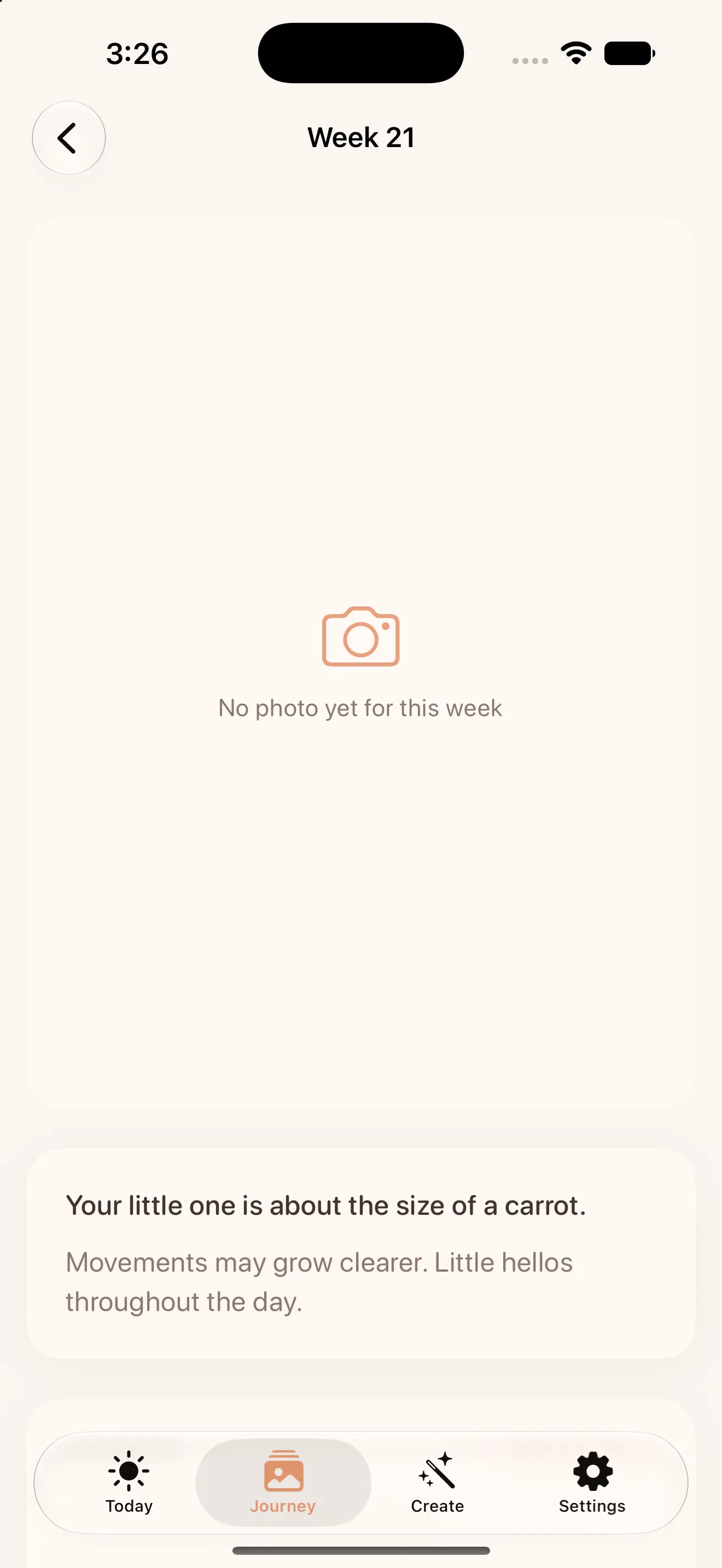
This matters more than it sounds. Apps that demand perfect consistency quietly punish the people who most need a low-pressure way to document this. Little Lapse's week-by-week view, paired with size milestones, is built to be forgiving first and complete second. For a full walkthrough of setting up your first weeks, the beginner's guide to Little Lapse covers the setup end to end.
Private by default, not private if you dig into settings
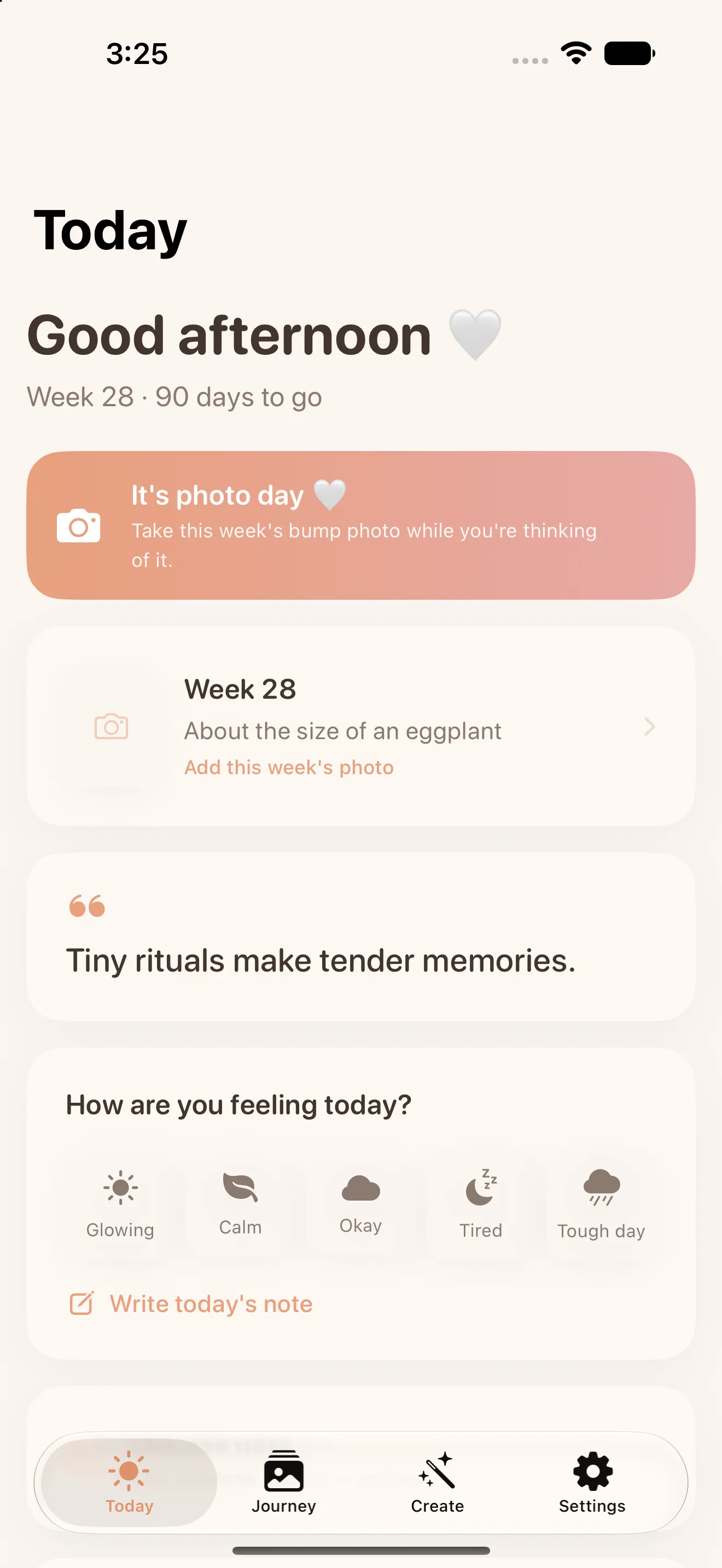
Pregnancy photos are some of the most personal images anyone takes, and they're often shared without a second thought once they're on a random app's server. Little Lapse doesn't have servers to send them to. There's no account to create, no sign-in wall, no analytics tracking your usage in the background. Every photo, note, and timeline entry stays on your device. If you turn on backup, it goes to your own iCloud, not to Culi's infrastructure, because there isn't any infrastructure to go to.
One purchase, then it's done
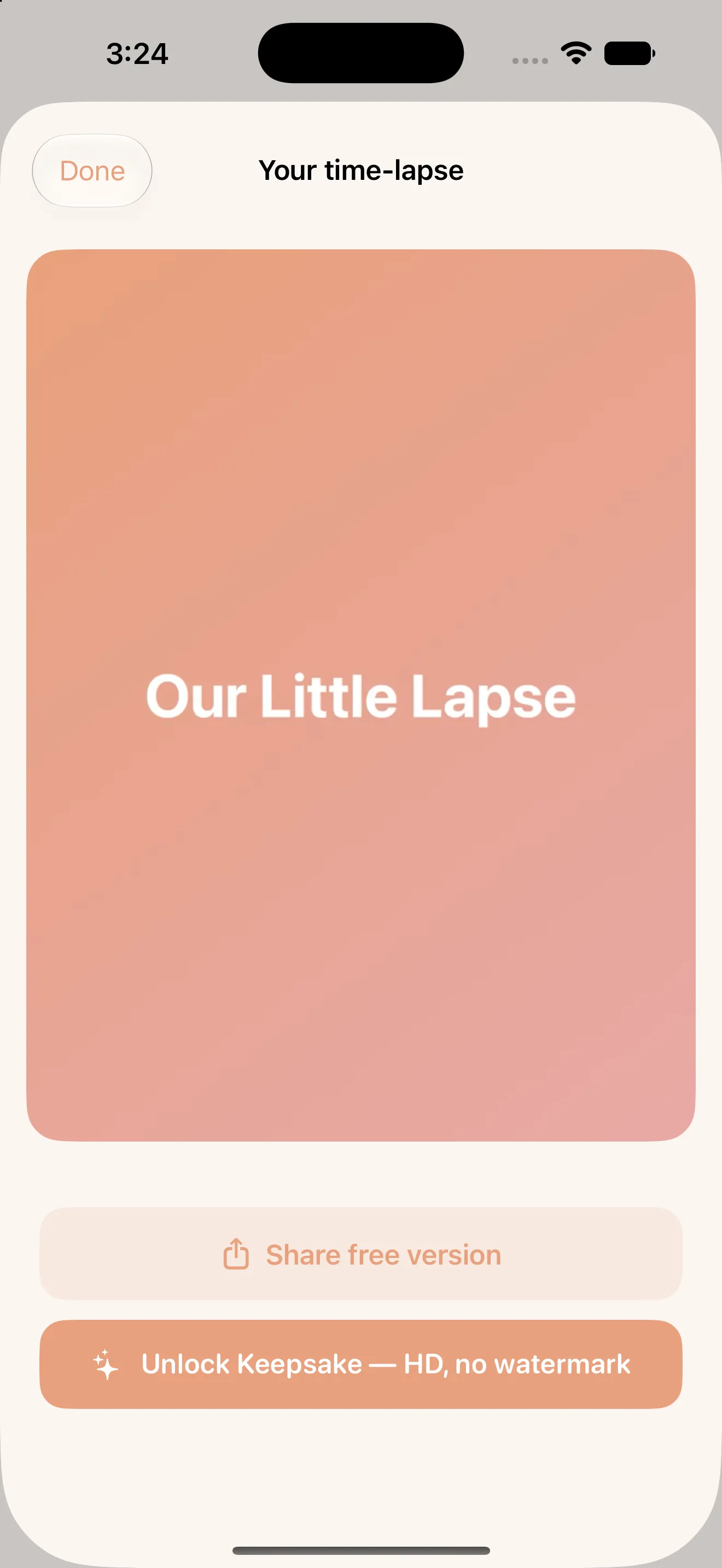
Capturing your weekly photos, using the ghost overlay and Smart Align, and building your full timeline is free, with exports carrying a watermark. The Keepsake Unlock is a single one-time purchase that removes the watermark and unlocks full HD export — no subscription, no recurring charge, no reminder emails asking you to renew a memory you already made.
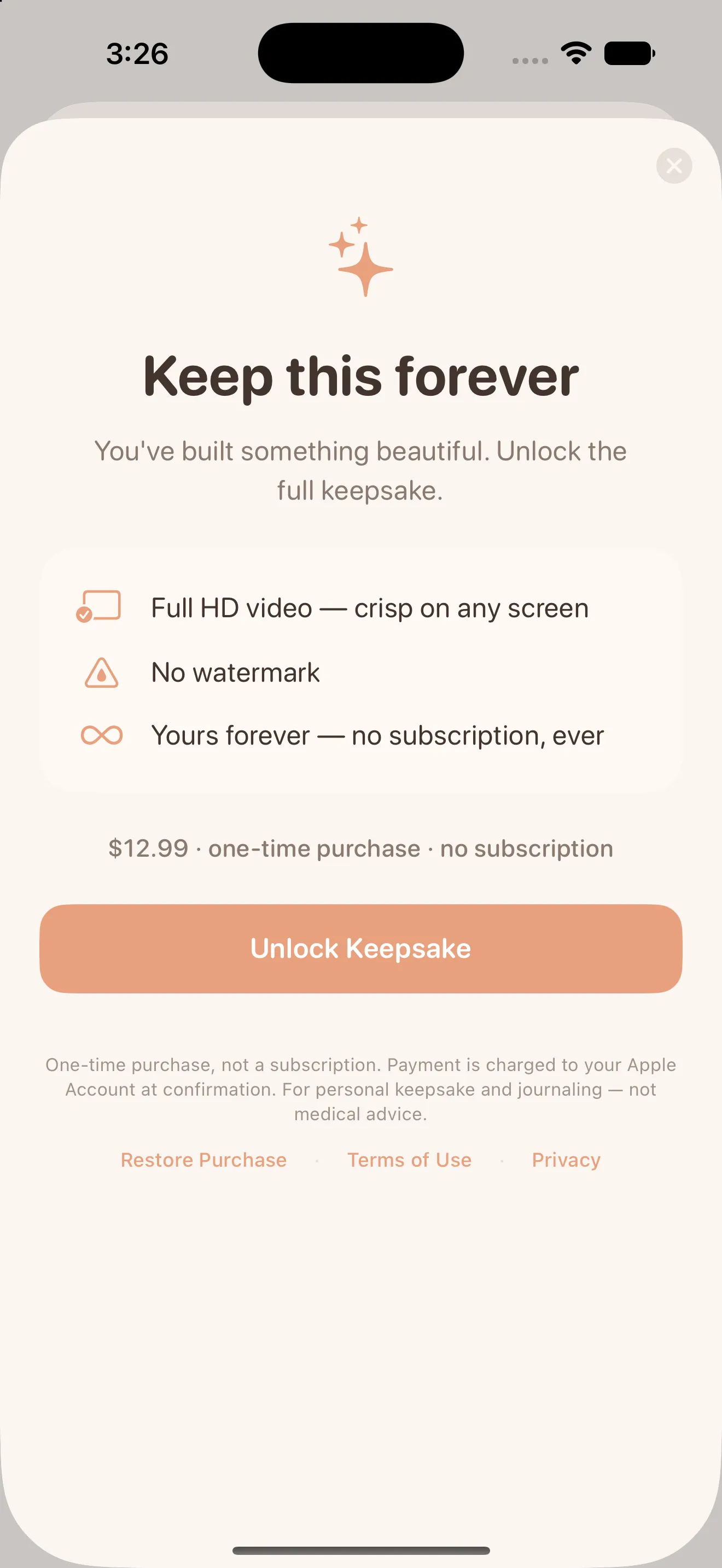
- Free forever: full capture flow, ghost overlay, grid, Smart Align, week-by-week journey
- Watermarked exports at no cost, so you can preview your time-lapse anytime
- One-time Keepsake Unlock removes the watermark and exports in full HD
- No subscription, no recurring billing, ever
What you end up with
The end result is a short, smooth video — your bump growing week by week, every frame lined up like it was filmed by a tripod that never moved. It's the kind of keepsake that's easy to imagine sharing at a baby shower or watching back years later, and it exists because the app absorbed the tedious, error-prone parts of the process instead of asking you to.
This article was drafted with AI assistance and reviewed by a human editor before publishing.