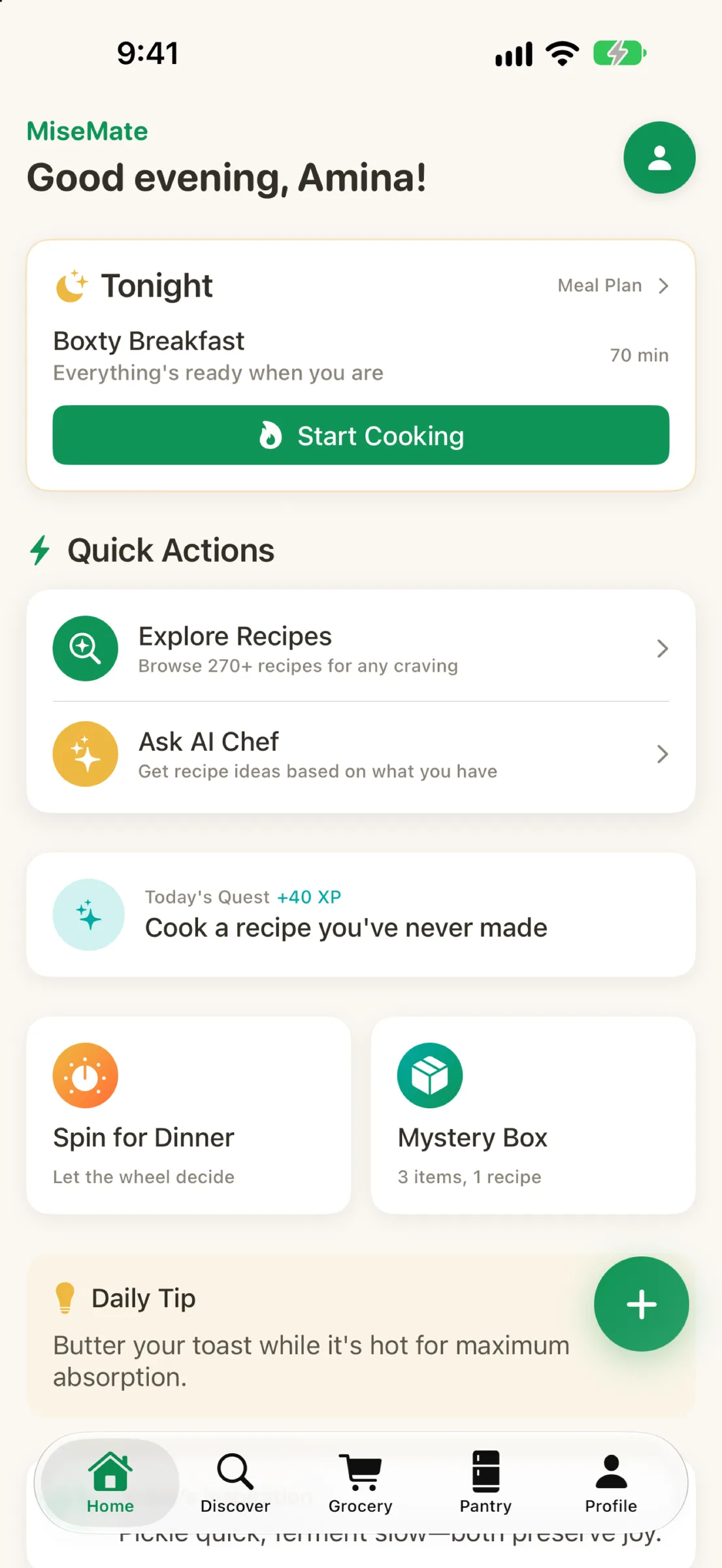
The moment you decide to cook three recipes for the week, chaos follows: you're copying ingredients onto a notepad, cross-referencing quantities, wondering if you already have garlic. MiseMate solves this by letting you collect recipes and generating a smart grocery list that's already scaled, de-duplicated, and ready to take to the store.
Why the old approach doesn't work
Manually building a grocery list from multiple recipes is prone to mistakes. You miss items, buy duplicates, and end up with ingredients you don't use. If you're cooking for more than yourself, scaling quantities across recipes becomes a math exercise that invites errors. MiseMate turns recipe chaos into kitchen confidence by automating the entire process.
Step 1: Add recipes to your meal plan
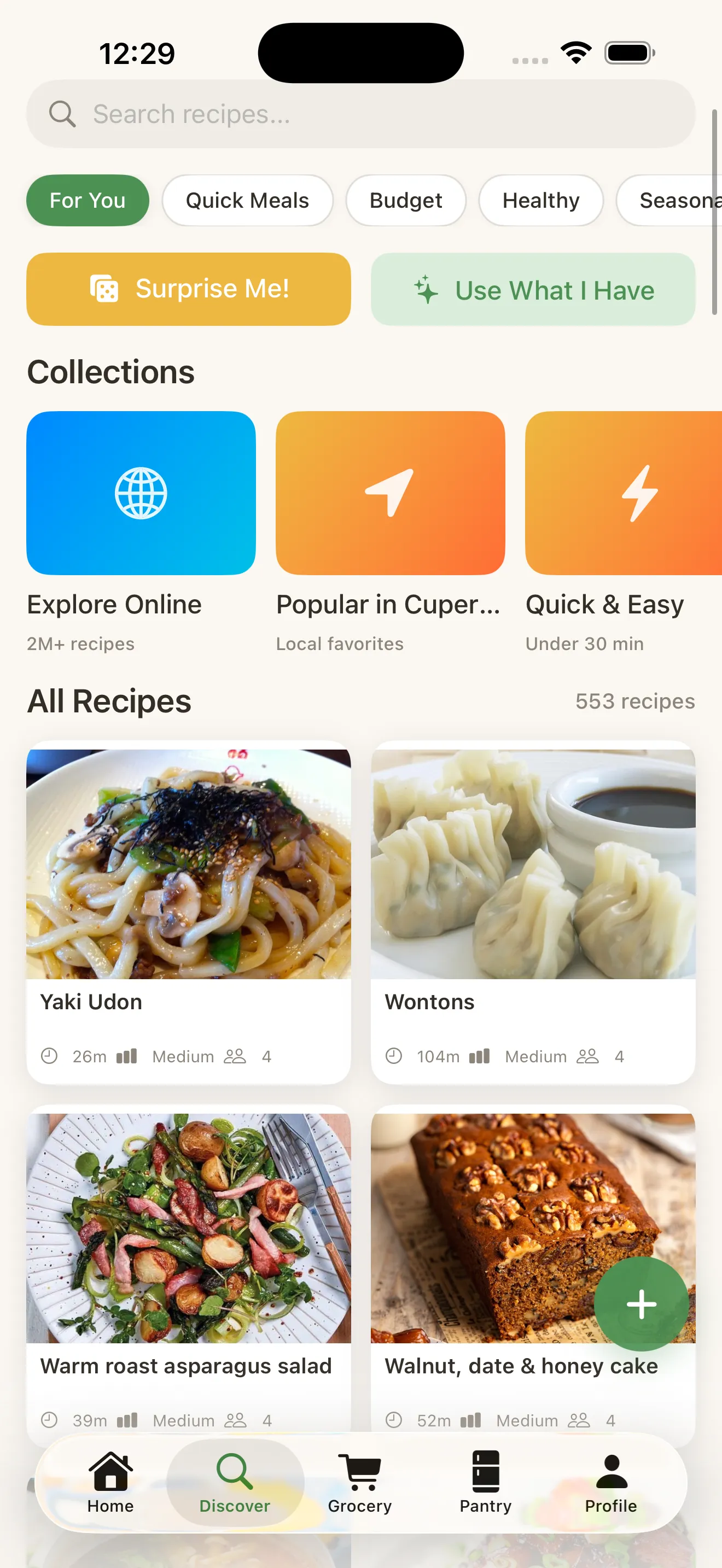
Start by browsing MiseMate's collection of 2 million+ recipes or search for specific dishes you want to cook. Once you find a recipe, tap "Add to Meal Plan" to select the date or meal you're preparing for. You can add as many recipes as you want—the app handles the coordination.
Step 2: Set your household size and dietary needs
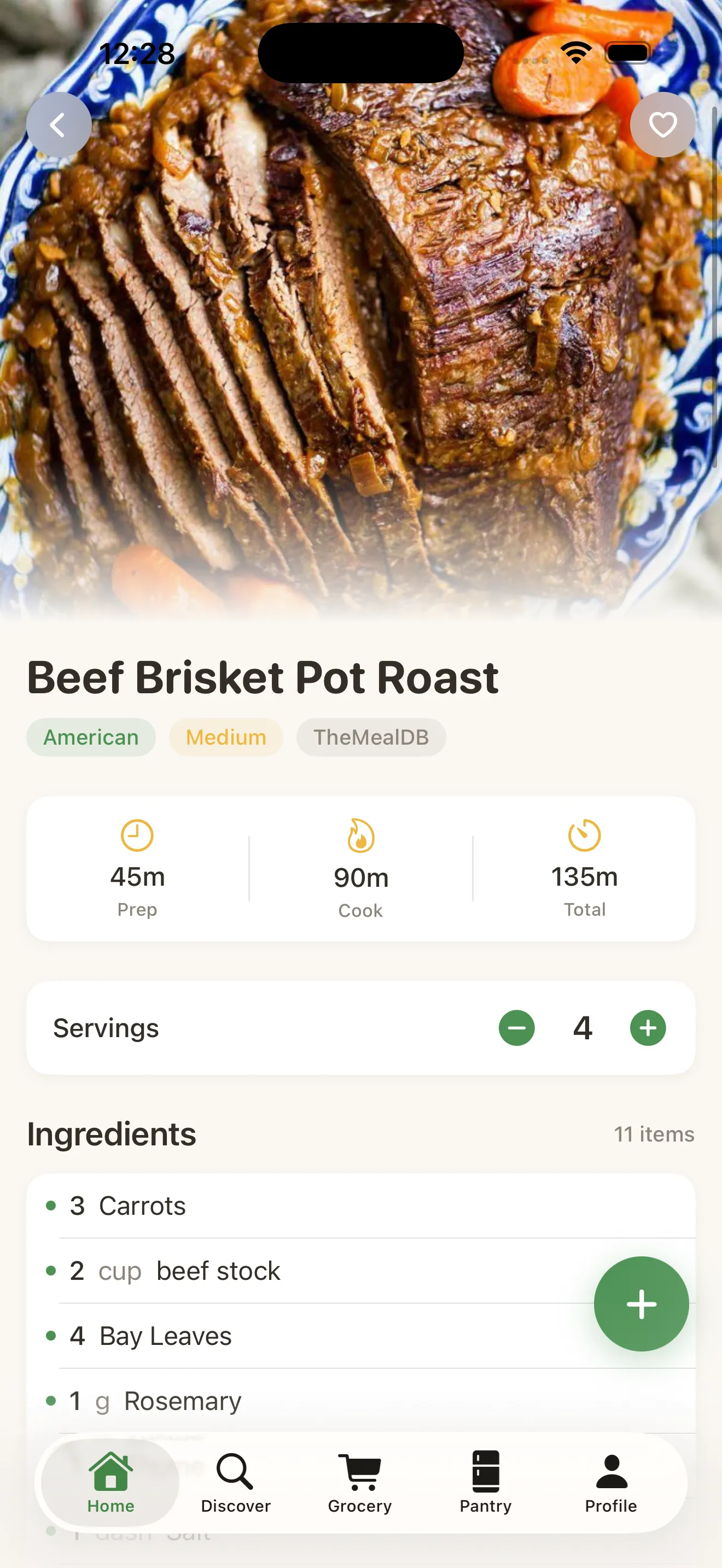
MiseMate scales ingredients based on how many people you're cooking for. During setup, you'll specify your household size and any dietary preferences. The app remembers this, so every recipe you add automatically adjusts quantities to match your needs.

Step 3: Generate your smart grocery list
After you've added your recipes, tap "Generate Grocery List." MiseMate consolidates all ingredients across your selected recipes, removes duplicates, and combines quantities. If three recipes call for onions, the list shows the total amount you need in one line.
Step 4: Review and customize before you shop
The generated list is organized by grocery section (produce, dairy, proteins) so you can shop efficiently. You can check off items as you add them to your cart, remove things you already have at home, or adjust quantities on the fly. If you realize you want to swap an ingredient, the app keeps the list consistent across all your recipes.
One smart list replaces the math, the guesswork, and the sticky notes.
Pro tips for best results
- Plan your meals a week in advance so the app can batch your shopping trips.
- Use MiseMate's dietary filters during recipe discovery to avoid adding dishes you'll need to modify.
- Check pantry staples before shopping—the app can exclude common basics if you toggle them in settings.
- Share your grocery list with a household member or household manager via the app to coordinate shopping.
MiseMate also pairs this smart list feature with its AI kitchen assistant, which can suggest recipes based on ingredients you already have and recommend substitutions if you're out of something. For a deeper look at how the app simplifies your entire cooking workflow, read about how recipe apps move you from discovery to the dinner table.
This article was drafted with AI assistance and reviewed by a human editor before publishing.