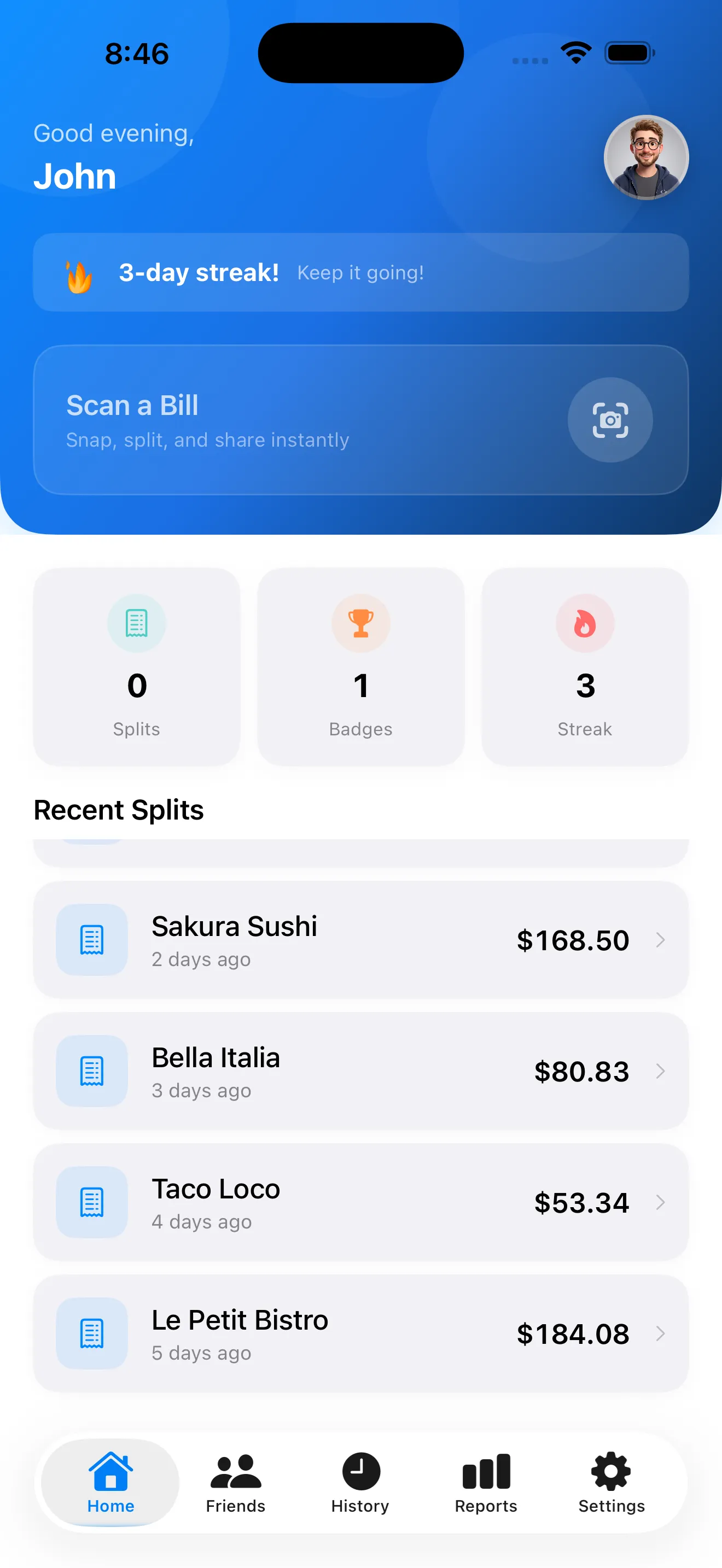
Bill splitting used to mean phone calculators, negotiation, and someone inevitably getting shortchanged. SplitSnap changes that. Point your camera at a receipt, let AI do the work, and move on. But if you're new to the app, you probably have questions. We've collected the ones we hear most and answered them here.
how fast does splitsnap actually scan receipts
Our AI reads every line of your receipt—items, prices, tax, tip—in 1 to 3 seconds, powered by Claude Haiku Vision. No waiting, no uploading to a server farm. The scan happens on your phone, stays on your phone, and you get a verified split card ready to share before you've even put your wallet away.
what does splitsnap cost
SplitSnap is free to start. You get 5 full-featured scans per month on the free tier—that includes item assignment, tax, tip calculation, and a shareable split card. If you scan more than 5 receipts a month or need live currency conversion for travel, Pro unlocks unlimited scans and multi-currency support.
can i assign items if people ordered different things
Yes. After SplitSnap scans your receipt, you verify the items it found, add the people splitting the bill, then assign each item to whoever ordered it. Use the colorful name chips to tap items into each person's column. The app calculates their subtotal, then splits tax and tip based on their share—no manual math required.
how does splitsnap handle tax and tip
SplitSnap extracts the tax amount from your receipt automatically. For the tip, you choose how to split it: equally across everyone, proportionally to what each person spent, or manually. Same goes for delivery fees or service charges. The app shows each person's final total before you share, so no one is surprised.
can i use splitsnap with receipts in other languages
SplitSnap works with receipts in over 30 languages. Point your camera at a receipt in Spanish, French, Japanese, or dozens of other languages, and it reads and splits the same way. The free tier handles single-currency receipts; Pro adds live conversion if you're traveling and splitting bills across different currencies.
No typing, no mental math, no arguments about who ordered what.
what if the ai gets an item wrong
You review everything before finalizing the split. If SplitSnap misread an item name, price, or tax line, edit it right there. You can also manually type in items if they didn't show up. The verification step only takes a few seconds and catches mistakes before anyone gets the wrong total.
can i share a split or save it for later
Yes on both counts. Once you've assigned items and calculated the split, SplitSnap generates a shareable split card you can send via text, email, or any messaging app. The app also keeps a history of every split you've created, so you can re-share an old one or refer back to it. Learn more in our guide on mastering bill splitting with AI.
what if i want to import a receipt from my photos instead of scanning
SplitSnap lets you upload a photo from your phone's camera roll. SplitSnap will scan it the same way—reading items, prices, and totals in seconds. This is useful if you snapped a receipt earlier or if someone else sends you a photo of the bill.
does splitsnap work offline
The scan happens on your phone, so you don't need an internet connection to read the receipt or do the math. You only need connectivity if you want to share the split card via a messaging app or use Pro features like live currency conversion.
is my receipt data private
Your receipt scans on your device. SplitSnap doesn't upload your receipt to the cloud or store it on a server unless you explicitly choose to back up your split history. Your data stays yours. For more on how AI receipt scanning works, read our detailed breakdown.
This article was drafted with AI assistance and reviewed by a human editor before publishing.