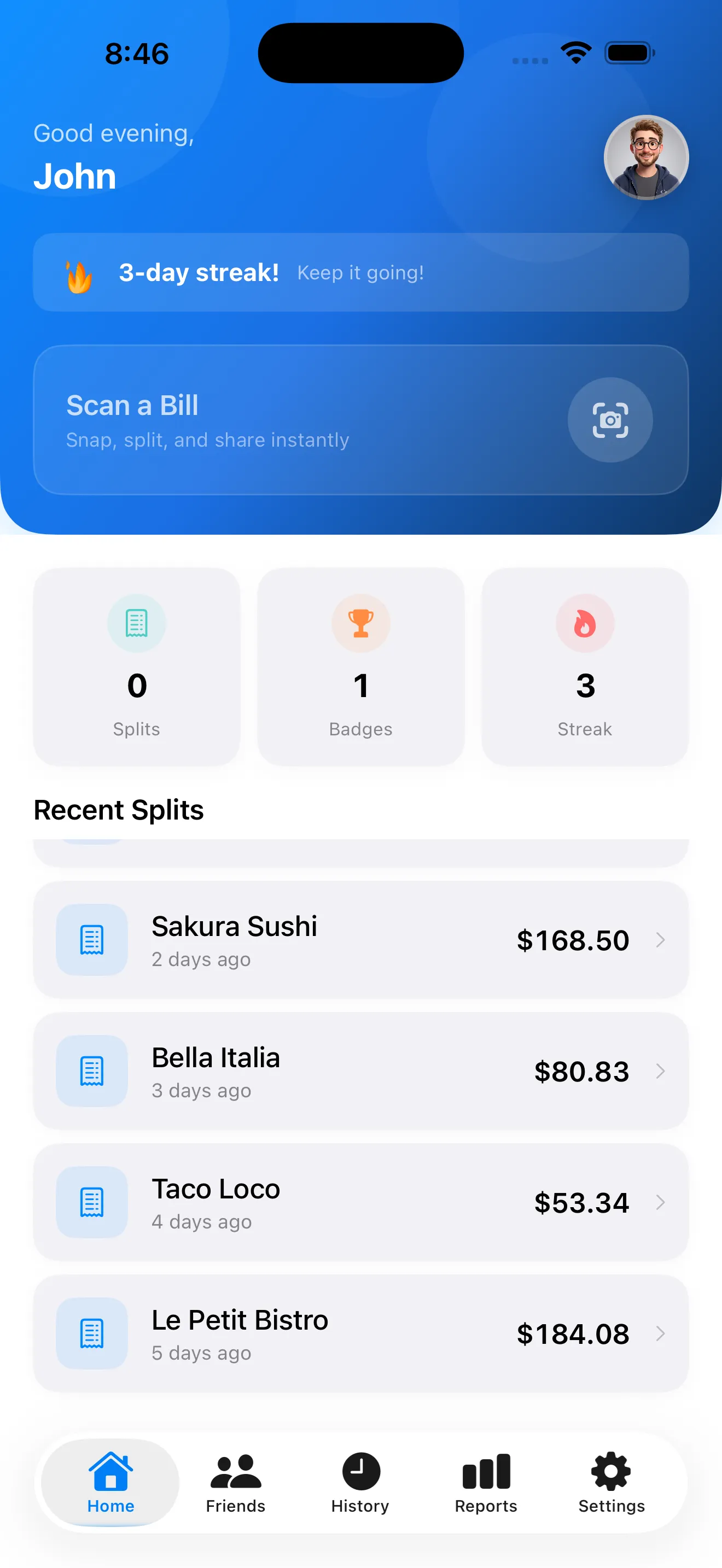
SplitSnap turns receipt chaos into a moment. Point your camera at the bill, let our AI read every item and price, assign dishes to people, and get a shareable split in seconds. If you've ever sat around a table doing mental math or squinting at tiny receipt text, you know why we built this. Here are the questions we hear most.
How does SplitSnap scan receipts so fast
SplitSnap uses Claude Haiku Vision, an AI model that reads text from images in 1–3 seconds. Point your iPhone camera at the receipt, tap scan, and the AI extracts every item, price, tax, and tip line automatically. No typing. No squinting at small print. It works in over 30 languages and handles receipts from restaurants, bars, grocery stores, and anywhere else you need to split a bill.
Can I trust the AI to read my receipt correctly
The AI gets it right the vast majority of the time, but we built SplitSnap with a review step so you can verify before splitting. After scanning, you see every item the AI extracted. You can edit, delete, or add items if something looks off. Then you assign each item to the person who ordered it. This two-step process means no surprises when you share the bill.
How do I assign items to people
Start by adding the names of everyone splitting the bill. SplitSnap shows you colorful name chips so you can quickly tap items and assign them. One person ordered the burger? Tap the item, tap their name. Someone shared an appetizer? You can split a single item between two people. The app totals up what each person owes—including their share of tax and tip—and generates a clean split summary.
How does SplitSnap handle tax and tip
The AI reads the tax and tip amounts directly from the receipt. SplitSnap then distributes them proportionally based on each person's share of the subtotal. If you want to adjust the tip or add a custom tip amount, you can do that before finalizing. The split updates instantly so everyone sees exactly what they owe, including their piece of the tax and tip.
No more "wait, did that include the tip?" or "whose tab covers the tax?" It's all automatic and transparent.
Can I share the split with my friends
Yes. Once you finalize the split, SplitSnap generates a shareable split card that shows each person's total and what they ordered. You can send it via text, email, or AirDrop. Friends get a clean view of the bill and their amount without any back-and-forth. If you split with the same group regularly, SplitSnap saves your friends in a re-use list so next time you're just a few taps away.
How much does SplitSnap cost
The free tier includes up to 5 receipt scans every month with full AI scanning, item assignment, tax, tip, and share card generation. Pro unlocks unlimited scans, spending reports and trends, live multi-currency conversion for travel, and priority support. Most casual users never need Pro, but if you split bills frequently or travel internationally, it's there when you need it. Check the App Store for current pricing.
What if I don't have a physical receipt
You can import a photo from your camera roll or take a new one. If you don't have a receipt at all, SplitSnap supports manual entry—type or paste in items and prices, and the same assignment and split logic applies. For more advanced techniques, learn how to get the best results from AI receipt scanning and master bill splitting with AI.
This article was drafted with AI assistance and reviewed by a human editor before publishing.