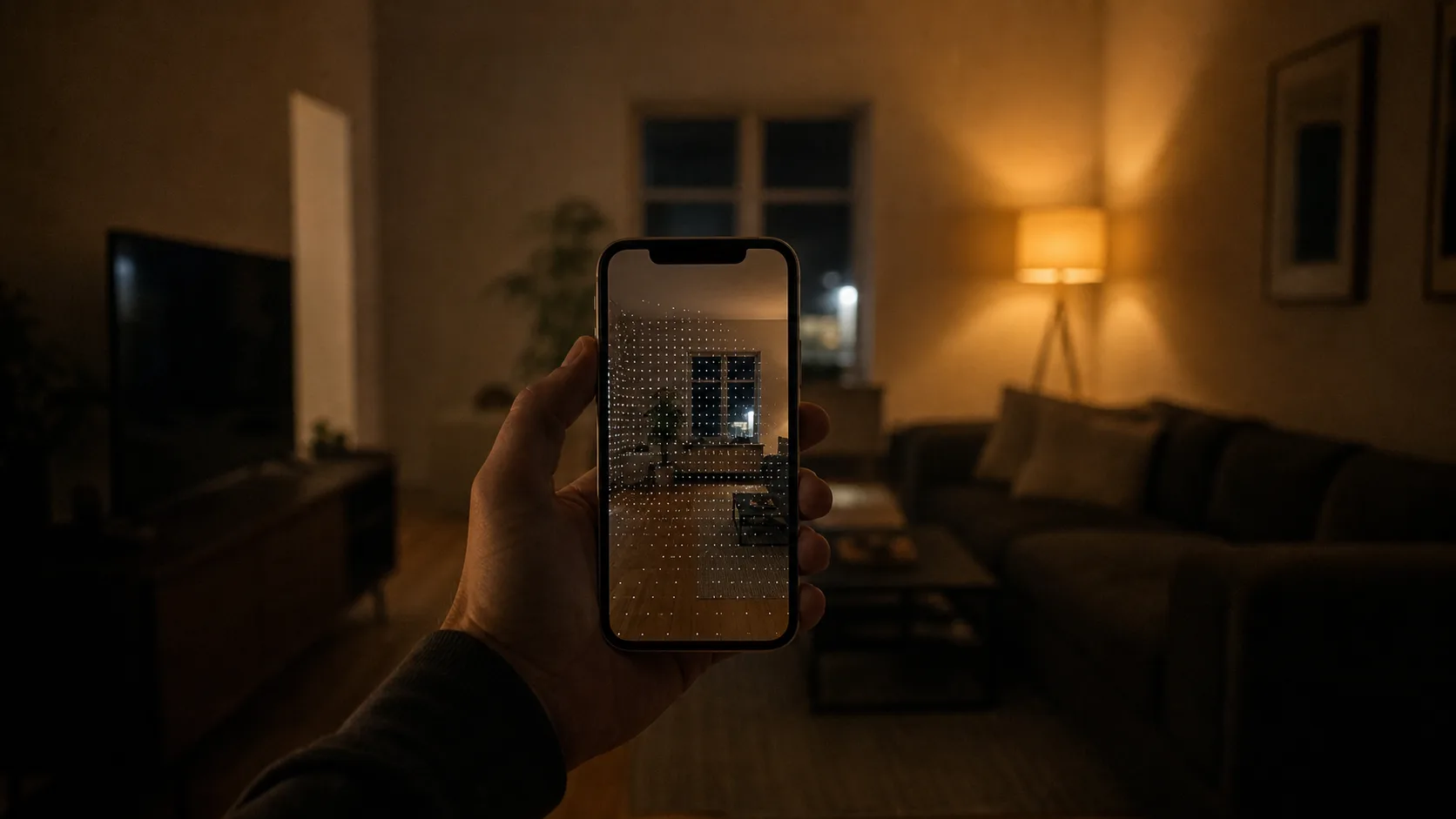
A number on a screen means nothing until you can explain where it came from. TrueMeter is built around that idea — every reading comes with its limits stated plainly, and every session can be recorded, reviewed, and exported. These tips are about using that structure on purpose, so the next time you need proof of something loud, dim, or crooked, you already have it.
Start with the accuracy screen, not the reading
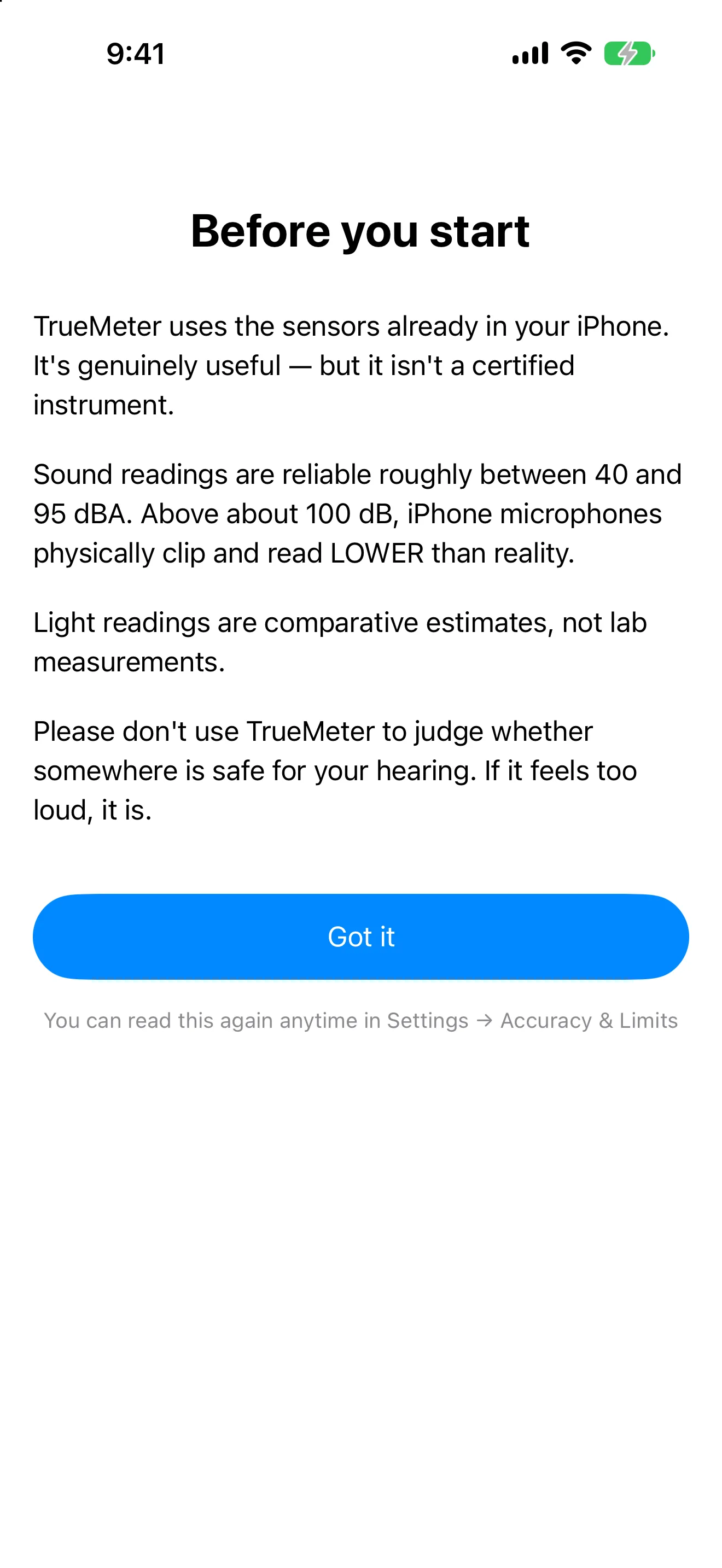
Before you trust any number, open the accuracy and limits screen. It tells you the reliable measurement band for your device — the range where the sound level meter or light meter is actually doing its job, and where it starts to guess. Most apps bury this in a settings menu nobody opens. TrueMeter puts it front and center because a reading outside its stated band isn't wrong, exactly, it's just not evidence of anything.
Record while it's happening, not after
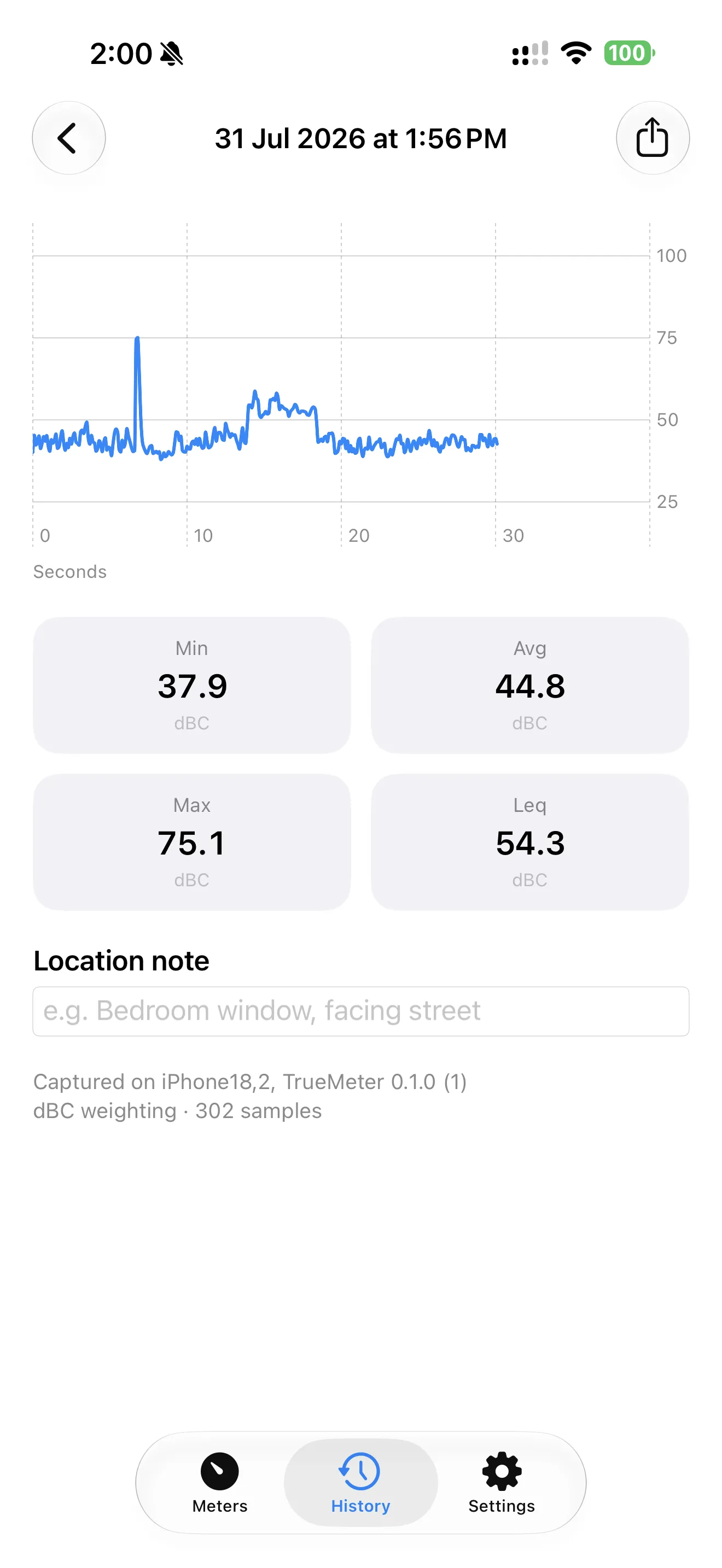
A single dB reading is a snapshot; a recording is a timeline. If a sound is intermittent — a neighbor's bass, a dripping pipe, a barking dog — open the sound meter and hit record the moment it starts. TrueMeter timestamps the whole session and tracks min, avg, max, and Leq as it runs, so you end up with a shape of the noise over time instead of one number you can't place in context. If you're building a case against a specific disturbance, this is the difference between 'it was loud' and 'it was loud, here, for eleven minutes, starting at 11:42pm.' For a full walkthrough of building that kind of case, see how to document a noisy neighbour with your iPhone.
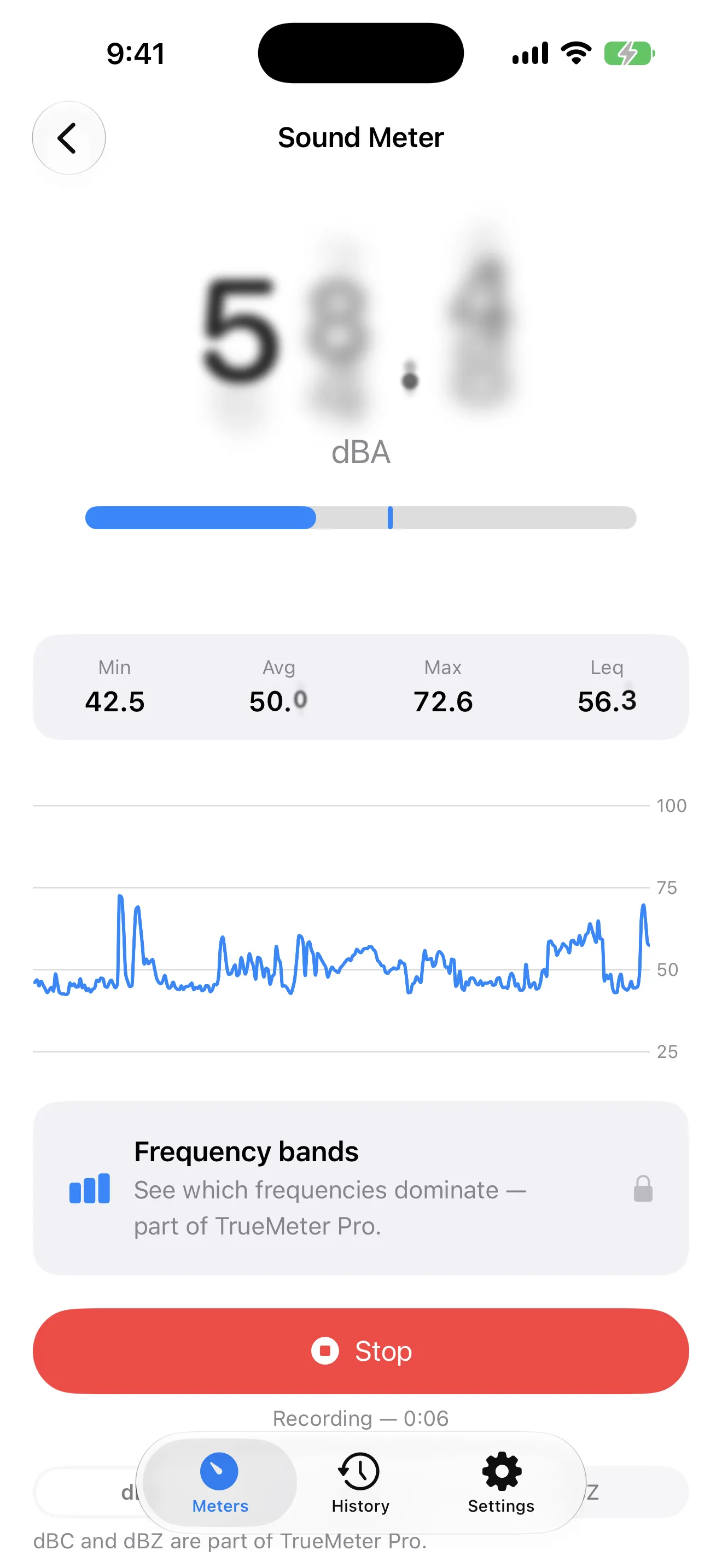
One number is a claim. A timestamped session is evidence.
Read the graph and frequency bands, not just the headline number
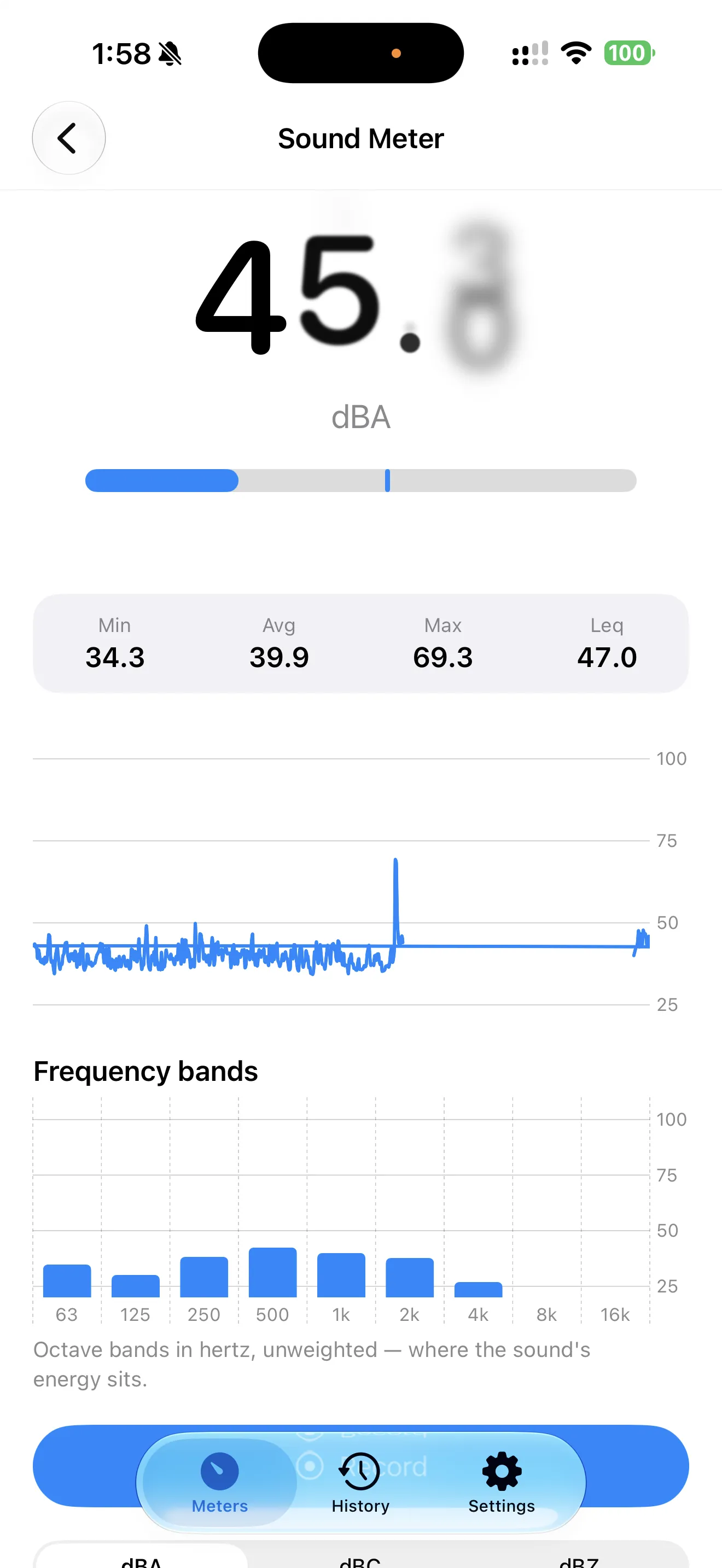
The live dBA reading screen shows more than a single value — there's a running graph plus frequency bands underneath it. The headline number is useful for a quick check, but the bands tell you what kind of sound you're dealing with. A low rumble and a high-pitched whine can register the same overall dB but feel completely different, and the bands make that visible. If you're trying to figure out whether a noise complaint is about traffic, HVAC, or something else entirely, that breakdown is often more convincing than the average number on its own. TrueMeter's approach to this is covered in more depth in why most phone decibel meters lie, and TrueMeter doesn't.
Compare spots before you decide anything with the light meter
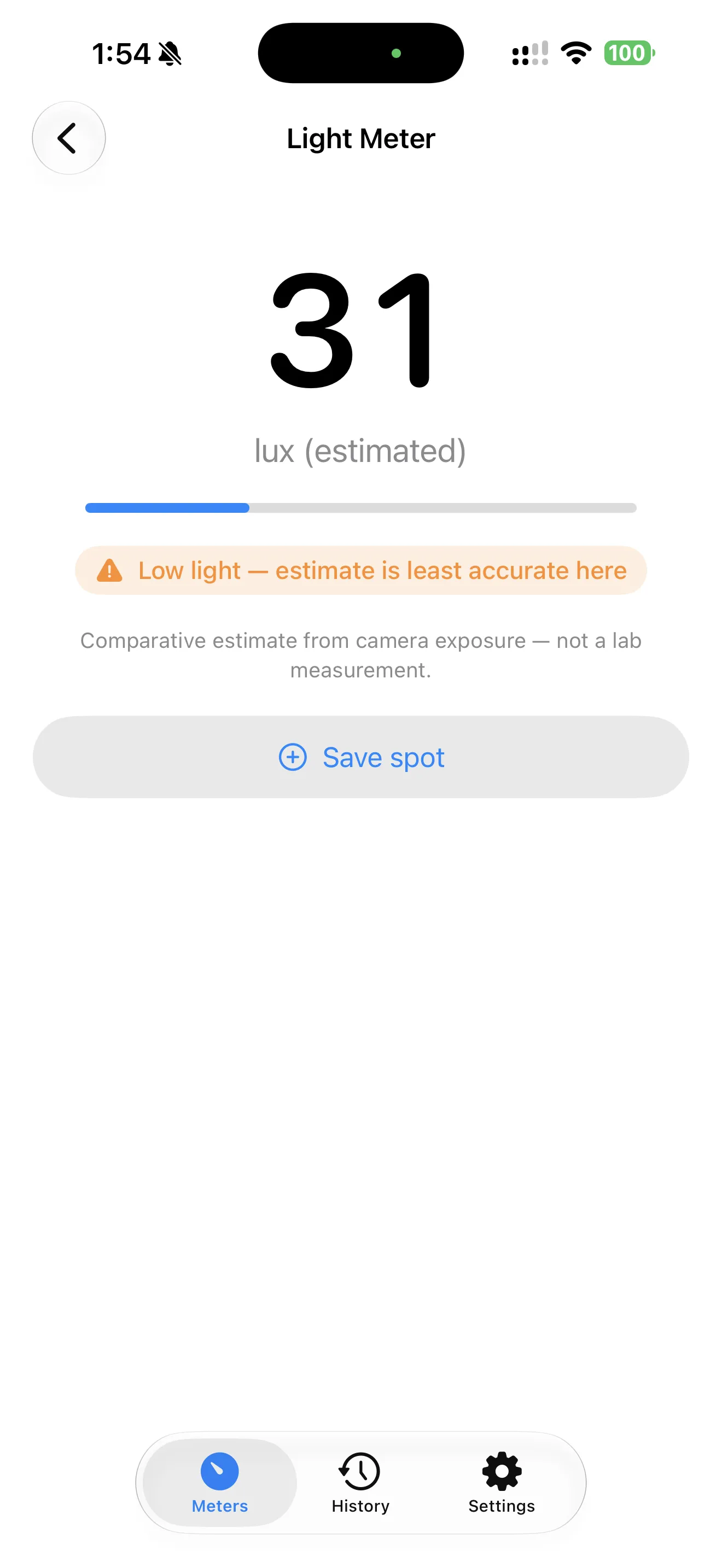
A single lux estimate tells you almost nothing on its own — light readings only mean something in comparison. Before you conclude a room is too dark for a lease requirement, or that a desk needs a different lamp, save two or three readings from different spots and let TrueMeter's saved comparison show you which one is actually brighter and by how much. This matters more than it sounds: human eyes adapt so quickly that 'this side feels darker' is often wrong, and a saved comparison catches that.
Use the level & vibration tool without touching a single setting
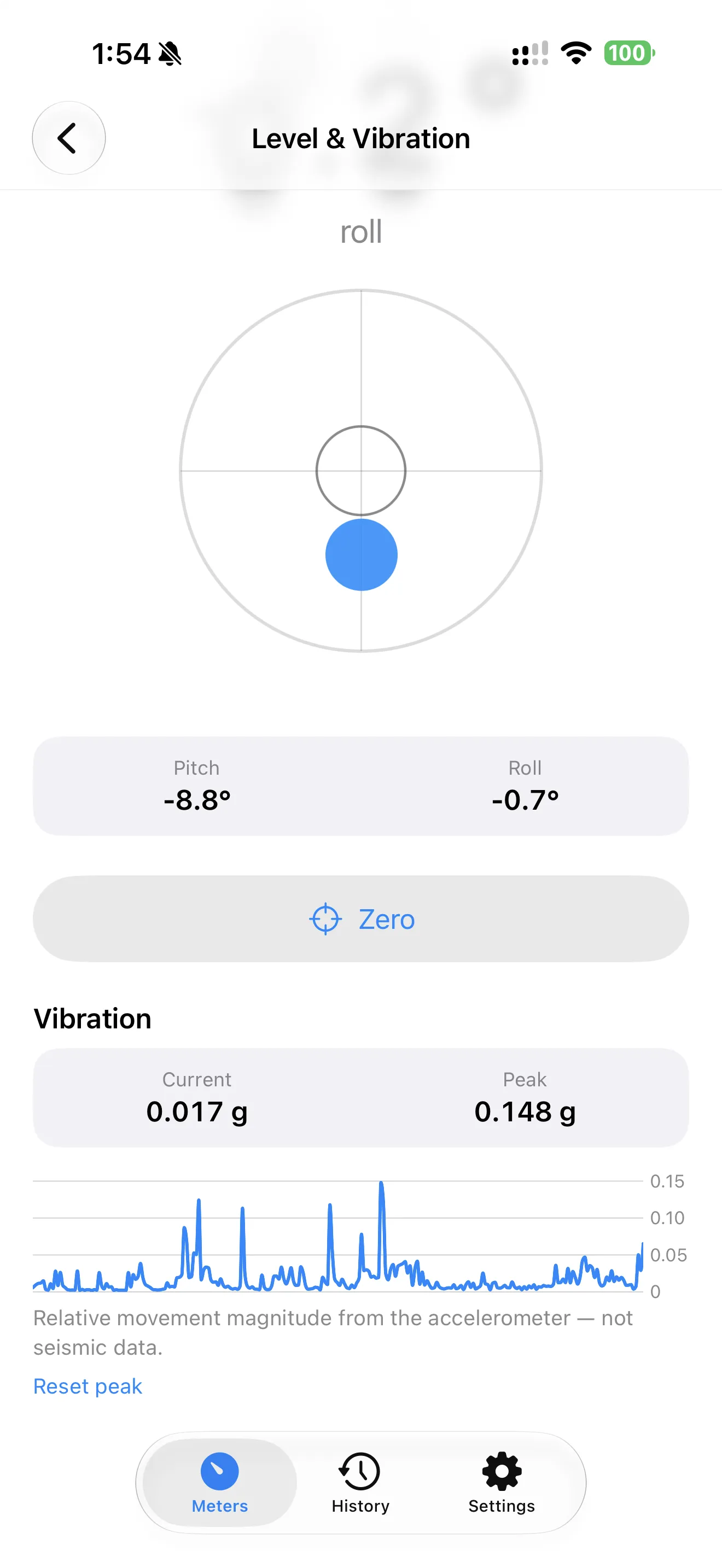
The level & vibration tool needs no permissions and no setup — open it and it's already reading angle and vibration axes. Set your phone flat on a shelf, a picture frame, or a laid appliance and watch the digital angle readout settle. It's the fastest of the three tools precisely because there's nothing to configure, which makes it worth reaching for even for small five-second checks you'd otherwise skip.
Build a history you can actually search later
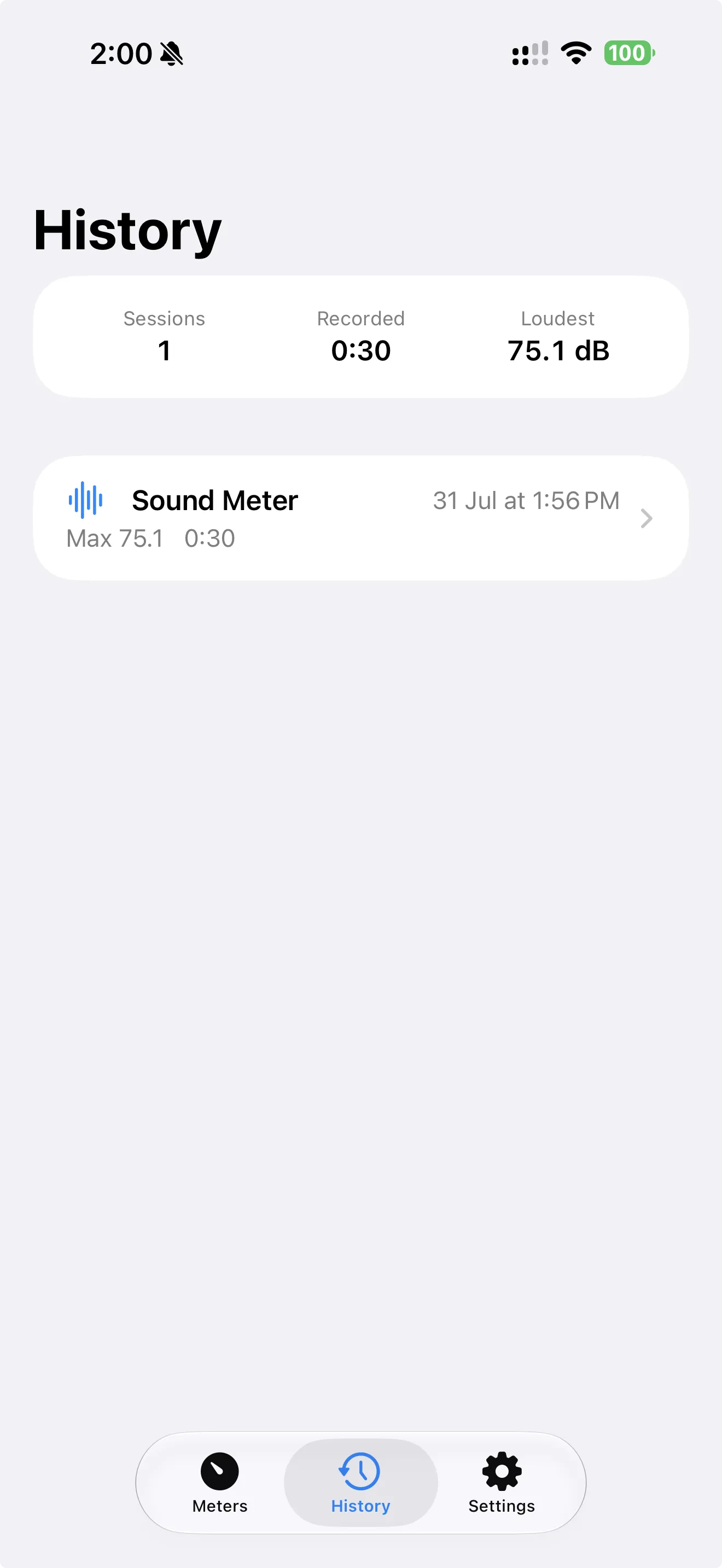
Every recorded session lands in history automatically, with full stats and graphs preserved in the session detail view. The habit worth building is naming or noting sessions right after you record them — 'upstairs neighbor, Tuesday night' is far more useful six weeks later than 'session 14.' Once you have a handful of sessions logged, patterns show up on their own: same time each night, same rough decibel range, same room.
Export the report before the conversation, not during it
TrueMeter Pro turns any session into a landlord-ready PDF report — stats, timestamps, and graph included. The tip is timing: export it before you have the conversation, not while you're standing in someone's doorway trying to open the app. Have the PDF ready to send or hand over, so the discussion starts from a document instead of a phone screen someone has to lean in to read.
Do I need a subscription to export reports?
Common questions
Does TrueMeter need an internet connection to work?
Why does TrueMeter show accuracy limits instead of just a clean number?
Can I use the light meter to settle which room is actually brighter?
For more on the reasoning behind TrueMeter's approach, browse all TrueMeter articles, or start with the beginner's guide if you're just getting oriented with the app.
This article was drafted with AI assistance and reviewed by a human editor before publishing.