You have an idea worth capturing. But by the time you open a notes app, unlock your phone, and find the right place to type, the thought has already faded. Echo works differently. Tap once, speak naturally, and Echo handles the rest — giving you a transcript, summary, and action items you can actually use.
Start Recording in One Tap
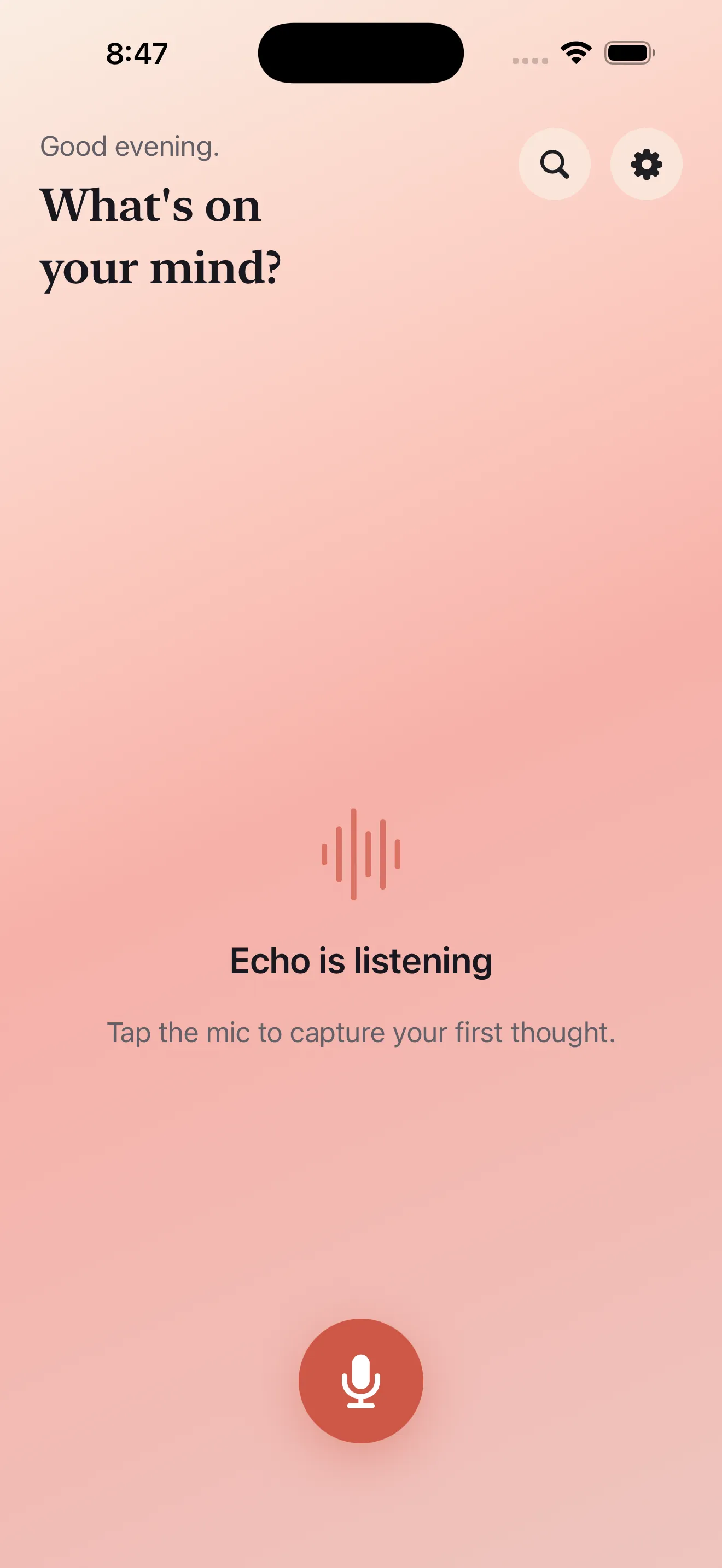
The fastest ideas are captured the fastest. Echo's mic button is designed to start recording immediately, so you never lose a thought to setup screens or confirmation dialogs. Open the app and tap. That's it. Your idea is already being recorded.
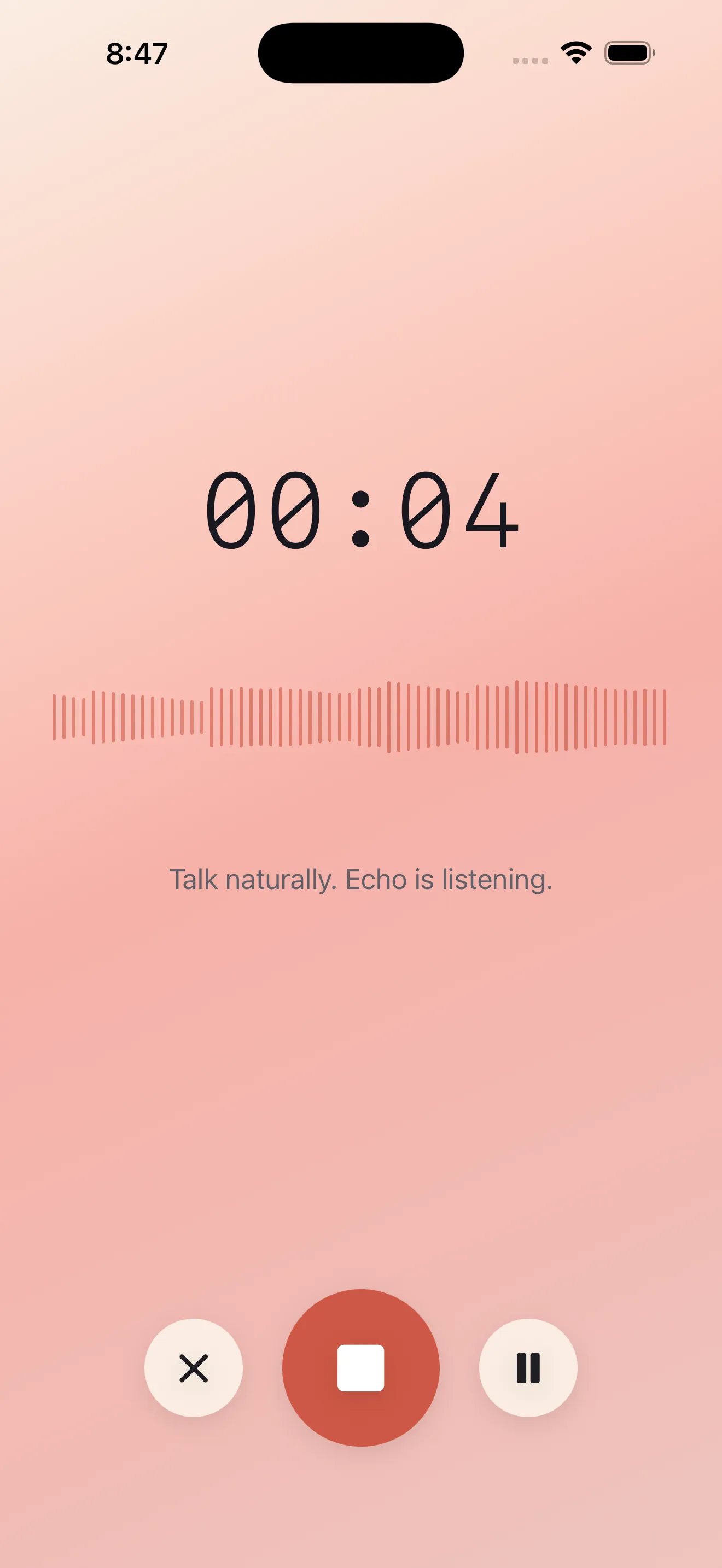
If you're worried about keeping the app open, don't. Echo keeps recording even with your screen locked or the app in the background. You can keep talking while you're driving, walking, or doing whatever prompted the thought in the first place.
Get Your Transcript and Summary Instantly
When you stop recording, Echo immediately transcribes what you said and creates a concise summary. You see exactly what was captured — no guessing, no rewinding through audio. The summary pulls out the core idea so you can skim it in seconds rather than listen to the whole recording again.
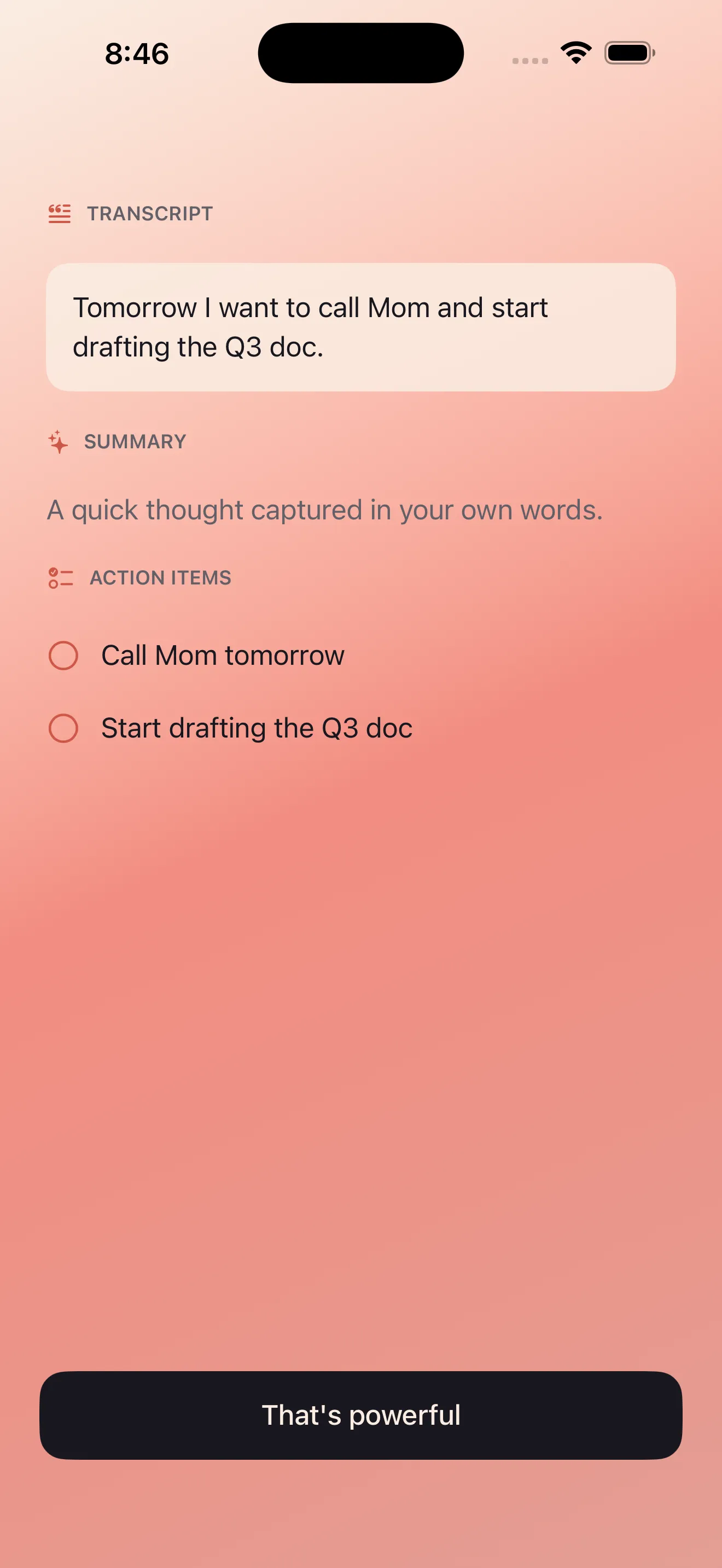
A summary is only useful if it actually saves you time. Echo's summaries are short enough to scan, detailed enough to make sense.
Extract and Send Action Items
The summary isn't the end. Echo also pulls out concrete action items from your recording — the things you actually need to do. These appear as a clean list you can review, edit, or send directly to reminders, calendar, or email. No manual retyping. No copy-paste. The work is already done.
- Review extracted action items Echo creates
- Edit or delete items that don't apply
- Send to reminders, calendar events, or share via email
- Keep them in Echo for later reference
Find Notes When You Need Them
Every note you record is searchable. That means you can find an idea from weeks ago by remembering a single word you said. Echo stores your recordings, transcripts, and summaries so they stay organized without requiring you to file or tag anything manually.
Works in English and Arabic
If you speak both English and Arabic, Echo handles them equally well. Bilingual transcription, RTL text rendering, and mixed-language notes work out of the box. You don't have to switch apps or worry about accuracy dropping between languages.
Privacy First
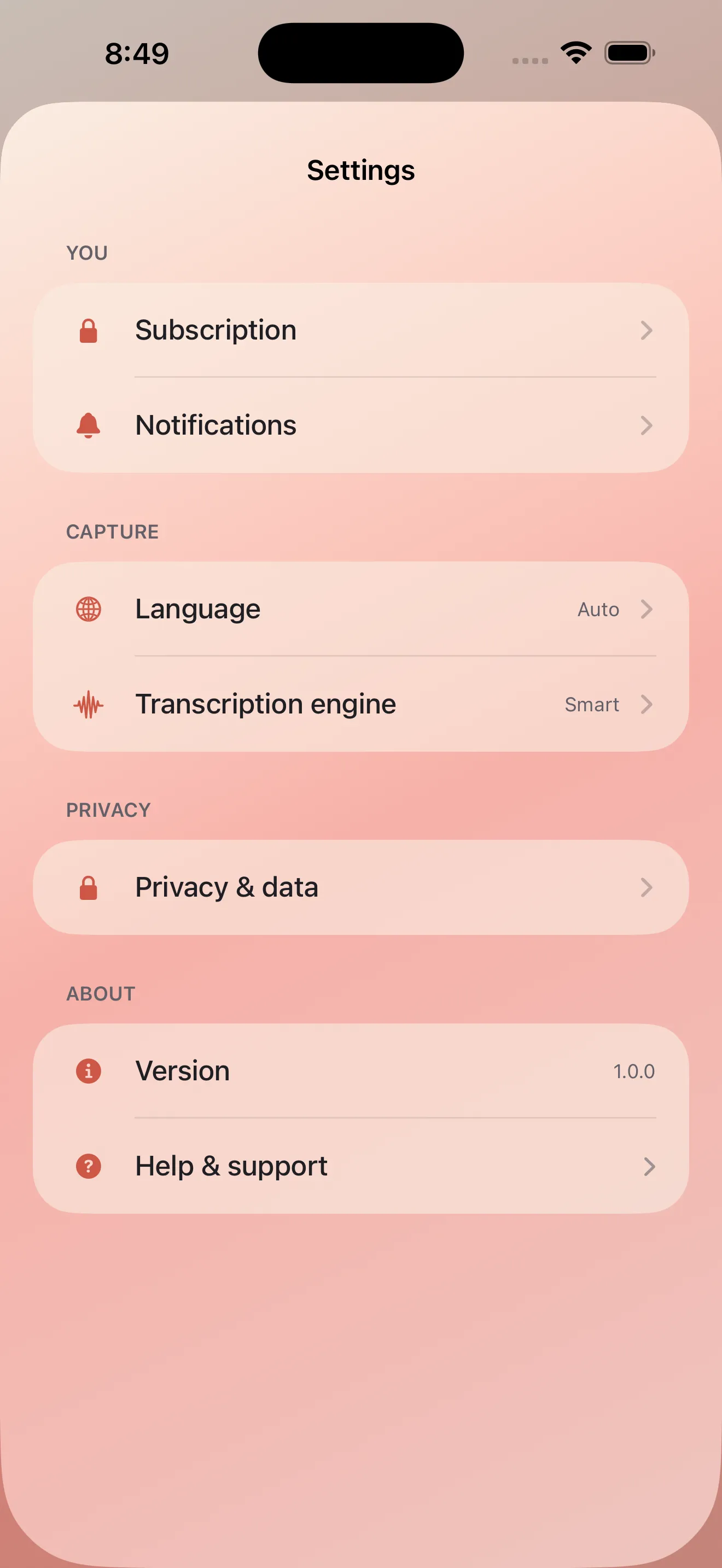
Your voice stays yours. Echo processes audio on your device first, and you control what gets sent anywhere. Read more about how Echo protects your privacy in our beginner's guide, or jump straight into capturing with tips for better voice note habits.
This article was drafted with AI assistance and reviewed by a human editor before publishing.