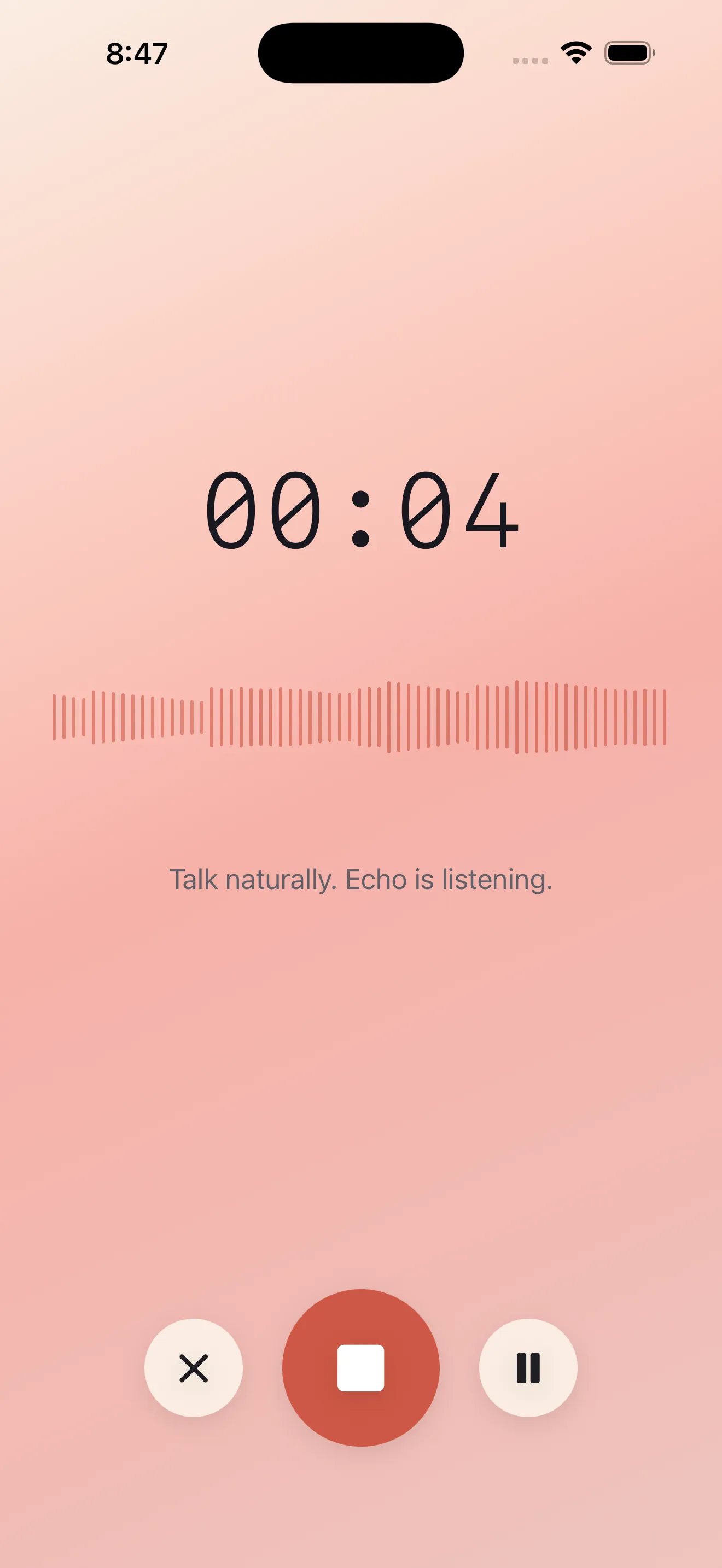
Voice notes sound simple until you try them. You hit record, ramble for two minutes, and end up with an audio file you never listen to again. Echo changes that. Instead of storing voice, Echo captures your thought, transcribes it instantly, summarizes what matters, and extracts action items you can actually use. If you've never tried a voice-first note app before, this guide walks you through what to expect and how to start.
What Echo Actually Does
Echo is built around a single premise: your ideas are faster to speak than type. You tap the microphone, talk naturally, and the app handles the rest. Within seconds, you get a written transcript. Then Echo generates a short summary of what you said, pulls out any action items (things you mentioned doing), and organizes everything so you can find it later. No transcription delays. No guessing what past-you was thinking about.
Your First Week: What to Expect
Day 1: Open the App and Record
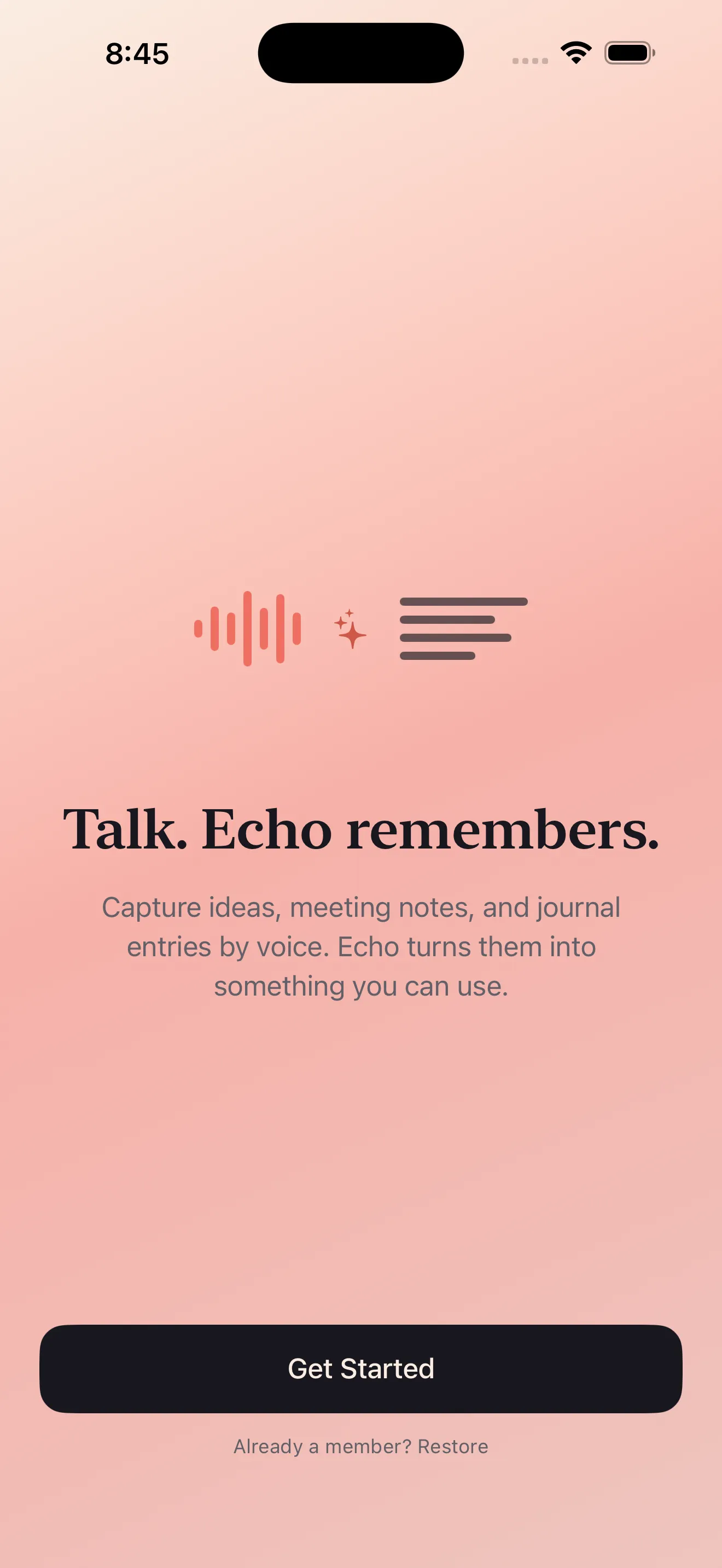
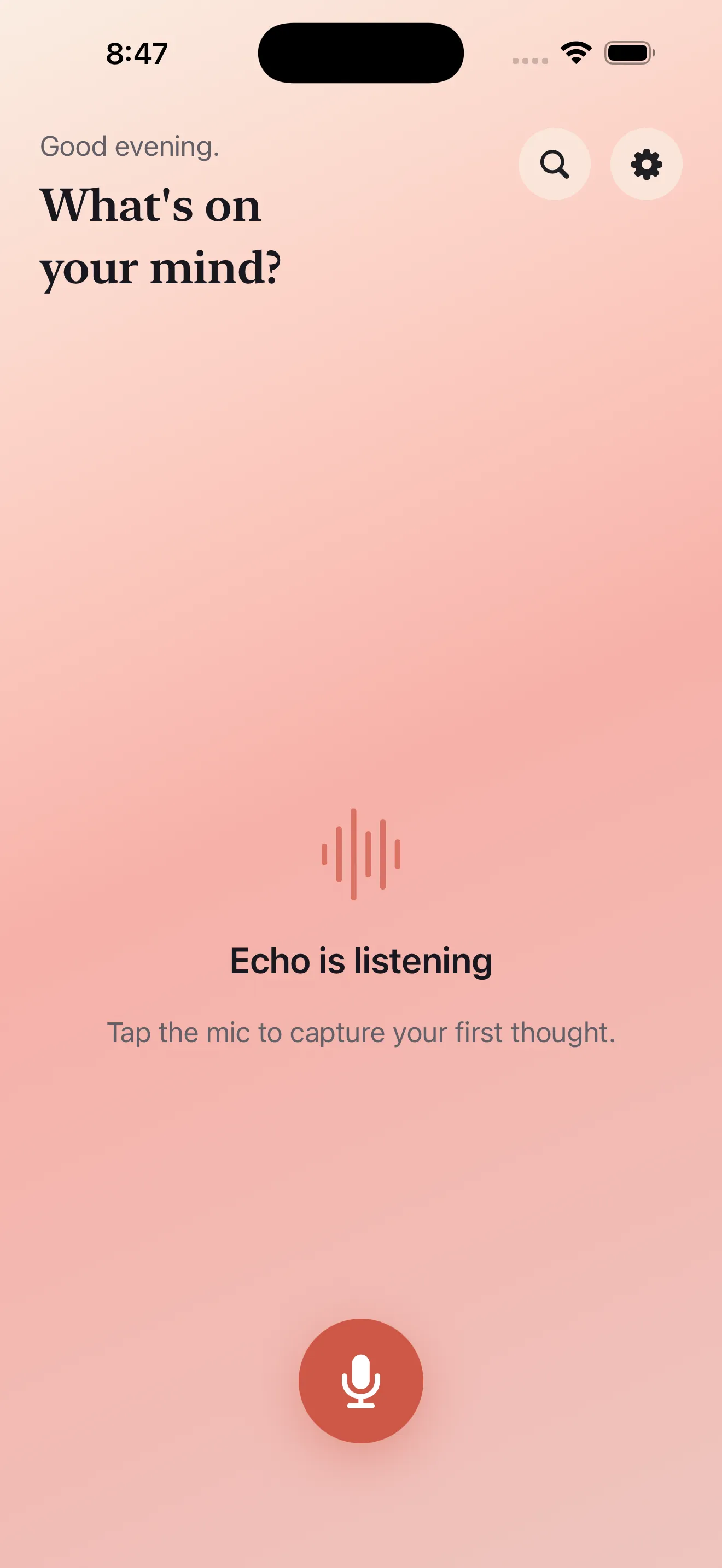
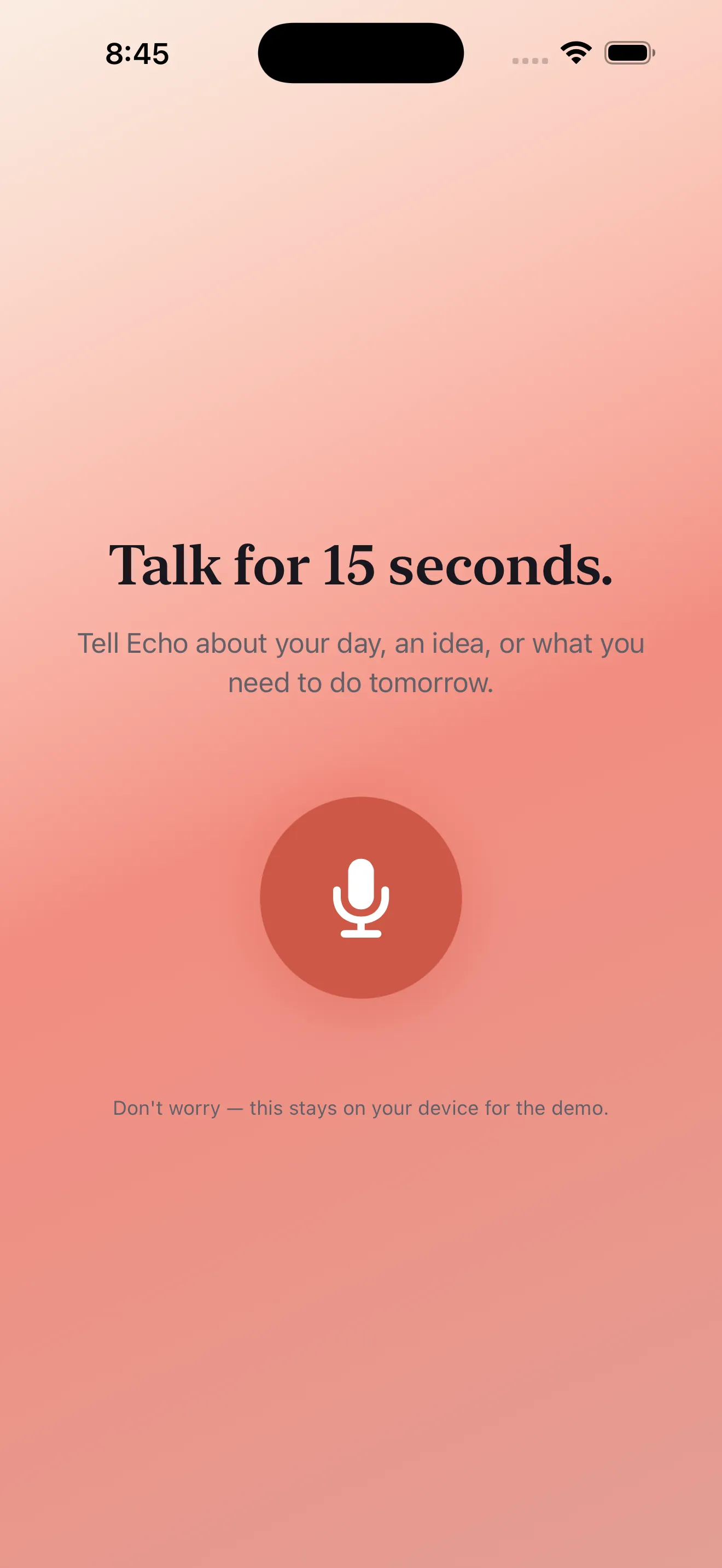
Install Echo, open it, and tap the microphone button. Speak a thought out loud—anything from "call mom on Thursday" to a three-sentence idea about a project. When you stop talking, tap stop. In a few seconds, you'll see your words transcribed on screen. That's the core experience. Everything else builds from there.
Days 2-3: Discover the Extras
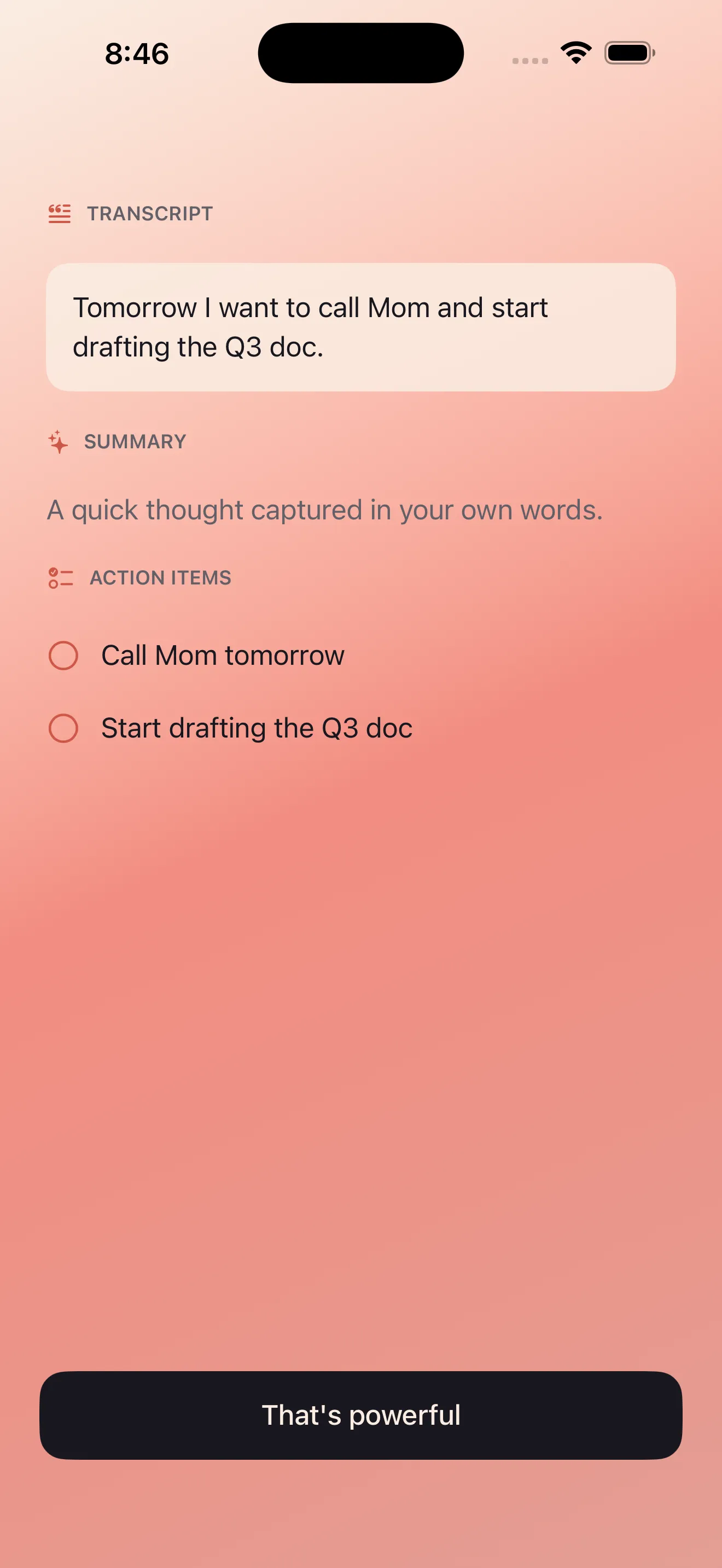
After you record a few notes, scroll down to see the summary. Echo reads your transcript and pulls out the key points in 1-2 sentences. Below that, look for action items—any to-do or commitment you mentioned. These aren't perfect every time, but they save you from re-reading your own notes to remember what you said you'd do.
Days 4-7: Use It for Real
By now you know how Echo works. Start using it for actual thinking. Record meeting notes, ideas that pop into your head during a run, reminders for later, quick voice journals. If you mention a date or time, Echo can create a calendar event. If you want to send a note to someone, tap share and pick your app. The goal of week one is building the habit of reaching for Echo instead of your notes app.
The best note app is the one you actually use. Echo removes the friction between thinking and capturing.
Key Concepts to Understand
Transcription
When you speak, Echo converts your voice to text. This happens on your device using privacy-first processing—your audio doesn't get sent to a cloud server for some company to store or use. You speak, it transcribes, and that recording stays yours.
Summaries
A summary is a condensed version of what you said. If you rambled for two minutes, the summary might be one sentence that captures the core idea. Useful when you're scrolling back through old notes and need to remember what a recording was about without listening to the whole thing.
Action Items
Anything that sounds like a task or commitment gets flagged. Mentioned "send an email to Sarah"? Echo will pull that out as an action item. It's not magic—sometimes it misses things or catches things that aren't tasks. But it saves you from writing to-do lists by hand.
Bilingual Capture
If you switch between English and Arabic, Echo handles both in the same note. You can speak a sentence in English, switch to Arabic mid-thought, and Echo transcribes both correctly. This is built in, not an afterthought—Arabic text renders right-to-left as it should.
Common Questions
Do I need an internet connection?
Transcription works on your phone itself, not in the cloud. So no, you don't need Wi-Fi or cellular to record and transcribe. Just open the app and speak.
What happens to my recordings?
Your audio files stay on your device. Echo doesn't upload them anywhere for storage or analysis. You control what stays, what gets deleted, and what gets shared.
Can I use Echo while my screen is locked?
Yes. You can lock your phone and keep recording. Useful if you're driving, running, or just don't want to hold your phone up while you talk. Echo keeps running in the background.
Getting Started: Your First Steps
- Download Echo from the App Store
- Open the app and tap the microphone button
- Record a single voice note—just one sentence or thought
- Stop recording and read your transcript
- Scroll to see the summary and action items
- Tomorrow, record another note and notice how fast the transcription happens
- By day three, try sharing a note or creating a calendar event from an action item
- Read our Echo tips guide to discover habits that work best with voice capture
If you want more depth on how to make the most of voice notes, our walkthrough covers capture techniques and workflows that turn voice notes into a real part of how you think.
This article was drafted with AI assistance and reviewed by a human editor before publishing.