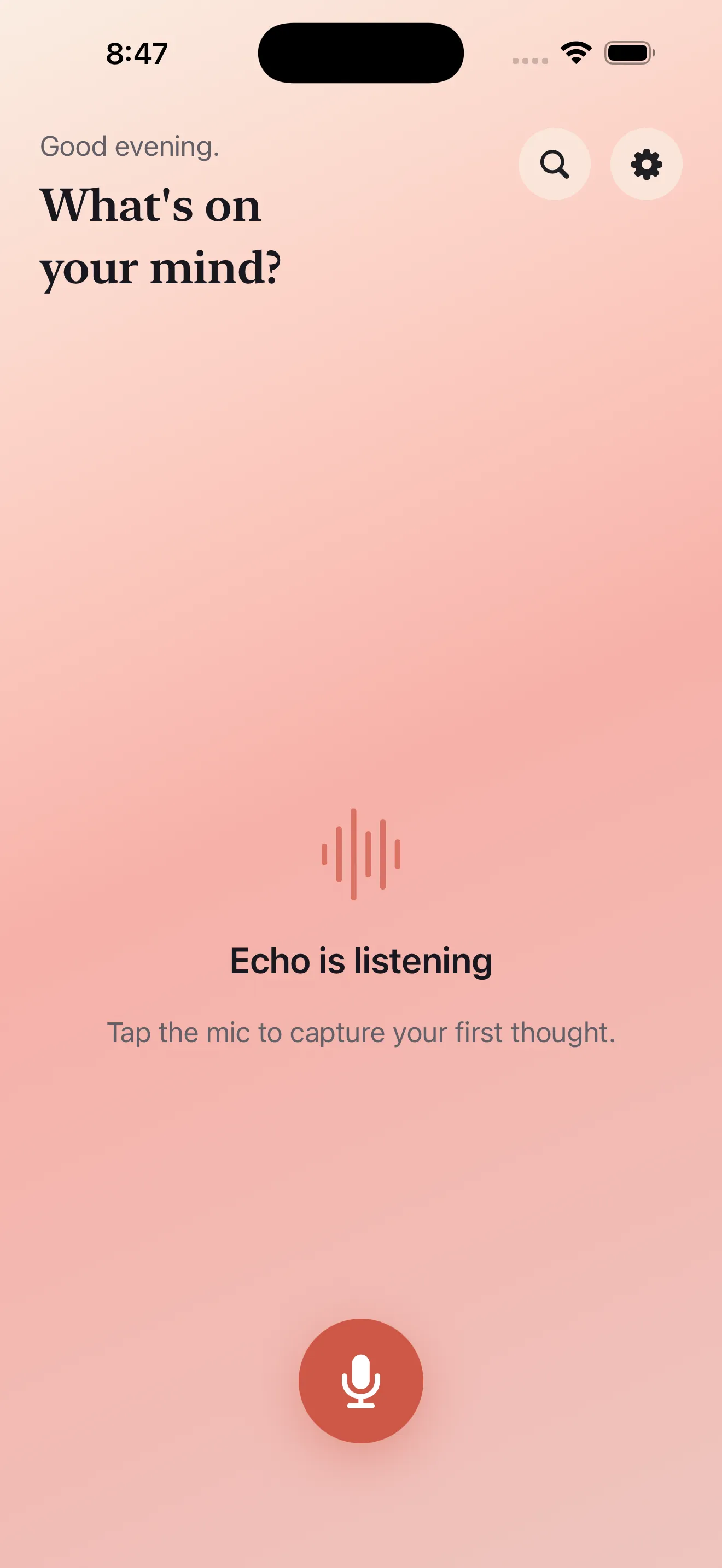
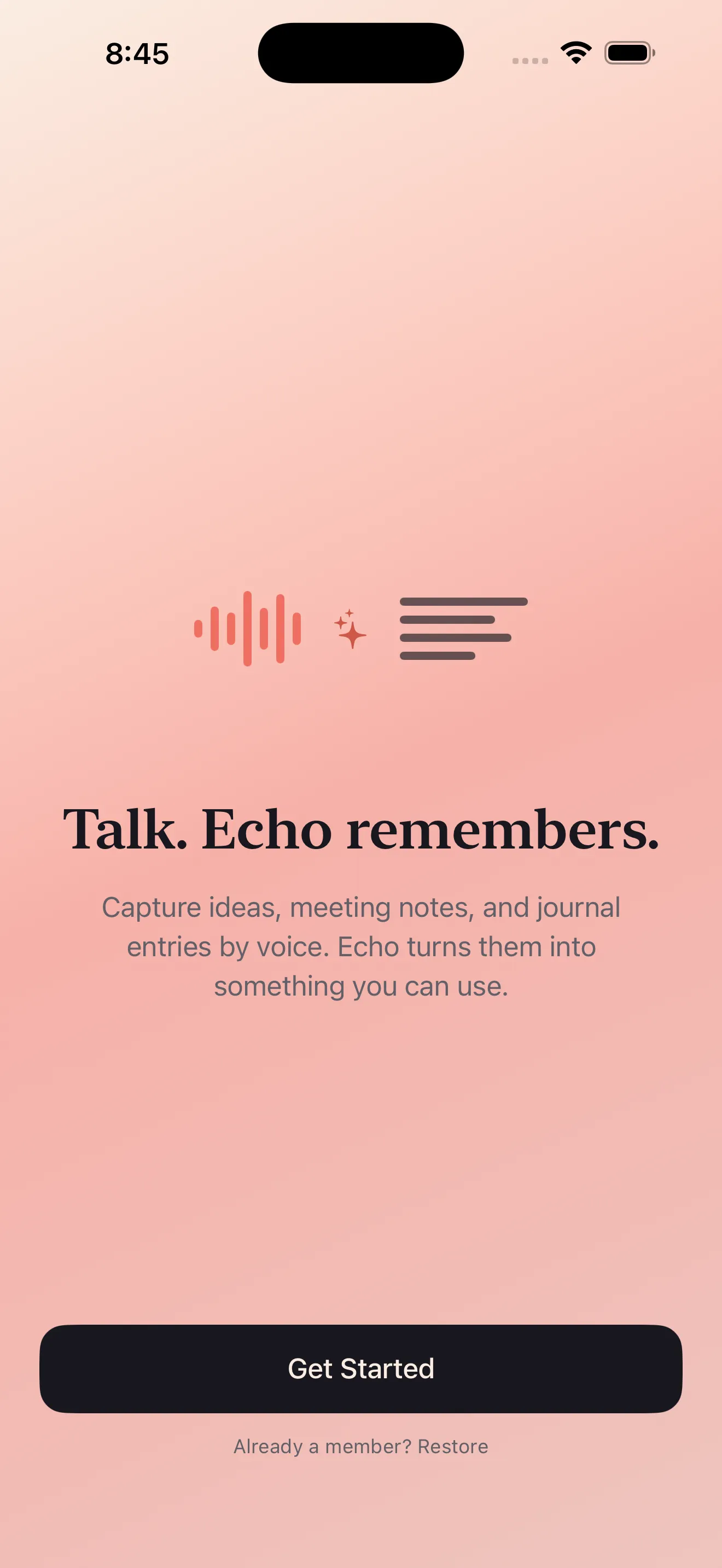
If you've ever had a thought worth keeping, you know the problem: by the time you open a notes app and hunt for the right screen, the idea's half-formed or gone. Voice notes promise speed. But speed to what? A pile of audio files you'll never listen to again? A transcript that sits there unprocessed? Echo starts with a different premise. It assumes your spoken thoughts deserve to become actionable—turned into summaries, tasks, and calendar events—without asking you to do extra work after you've hit stop.
The landscape of voice capture
Voice note tools have evolved into distinct categories. Some are pure recorders—they store audio and leave interpretation to you. Others are transcription-first; they convert speech to text and assume the text is the end product. Still others try to be task managers wearing a voice note costume, burying the capture experience under settings and integration options. And a few sit in the middle: fast capture paired with smart processing that respects your time.
What matters when you're capturing an idea
Speed of capture
The moment between thought and action is fragile. A button that takes two taps to reveal, a screen that loads, a permission prompt—any friction costs you ideas. Echo's mic button is designed to start recording immediately. You tap, you speak. The thought becomes audio before your mind moves on.
What happens after you stop recording
A transcript alone isn't useful. Neither is audio you have to listen to again. The work happens in the space between: extracting what matters. Echo transcribes your recording, then automatically summarizes it and pulls out action items. A thought about updating the project plan becomes a task. A reminder to call someone becomes an event you can add to your calendar. You don't parse it yourself—the app does the parsing.
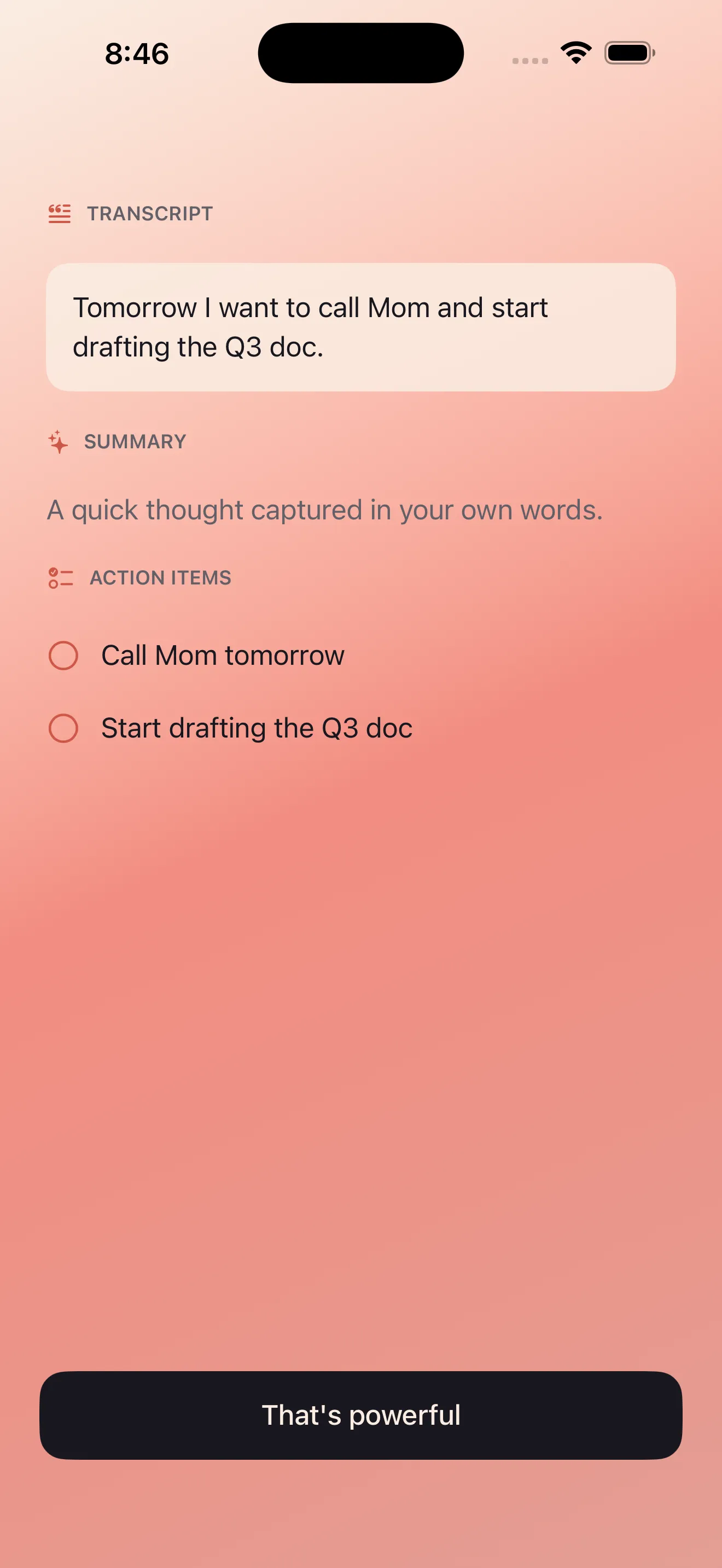
A thought about updating the project plan becomes a task. A reminder to call someone becomes an event you can add to your calendar.
Where Echo differs
Built for bilingual thinking
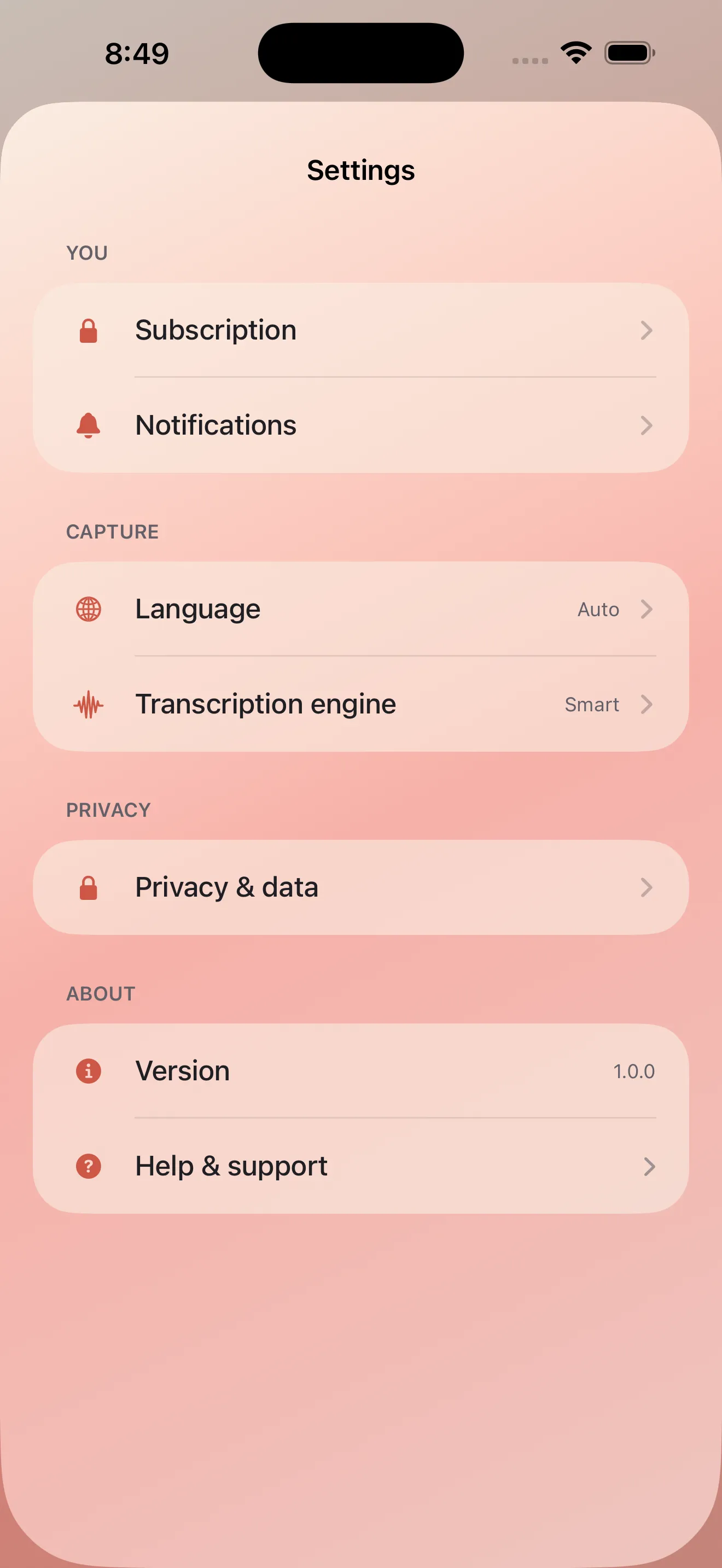
Most voice apps treat English as the baseline and other languages as afterthoughts. Echo was built for English and Arabic equally. Both languages get first-class transcription, summary generation, and proper text rendering—including RTL support for Arabic. If you think and speak in both languages, or mix them in a single thought, Echo handles it naturally.
Privacy-first audio processing
Your thoughts are personal. Echo processes audio on your device first, which means sensitive details don't travel to a server before you've decided what to keep. The architecture respects that boundary.
Notes that actually go somewhere
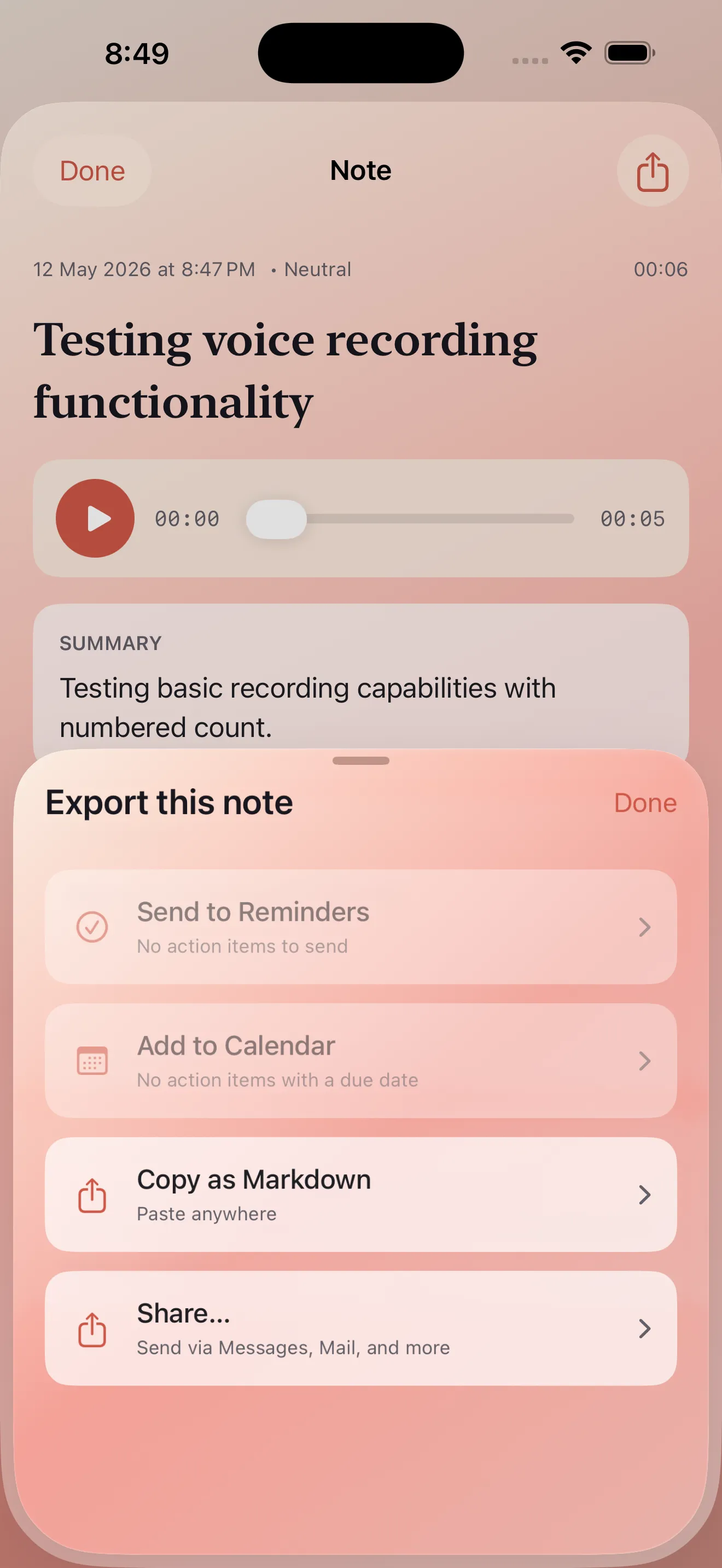
Capture is only half the story. A thought that lives only in a voice notes app is a thought that stays isolated. Echo lets you send processed notes to your calendar, reminders, email, or note-taking apps. Your ideas flow into the systems where you actually use them. Learn more about making the most of this workflow in our tips for capturing ideas better with voice notes.
The comparison at a glance
- Instant capture
- One tap to start. No setup screens.
- Smart processing
- Automatic transcription, summary, and action extraction
- Bilingual support
- English and Arabic as first-class languages
- Privacy handling
- Device-first audio processing
- Integration
- Send notes to calendar, reminders, email, and other apps
- Designed for
- People who think out loud and need ideas to become actions
For a deeper walkthrough of how to use Echo in practice, see our guide to capturing ideas with Echo voice notes.
This article was drafted with AI assistance and reviewed by a human editor before publishing.