Whether you're a solo networker, a sales professional managing dozens of new connections, or a team running events, MeetStack answers the questions that come up most often. We've compiled the real concerns people have when they first try the app—and what they discover once they start using it.
How does MeetStack scan business cards so accurately?
MeetStack uses on-device OCR (optical character recognition) to instantly extract names, titles, companies, emails, phone numbers, and LinkedIn profiles directly from a photo. The technology works offline, which means your card data never leaves your phone unless you choose to sync it. Just point, tap, and the information flows into your contact list in seconds—no manual typing required.
Can I create my own digital business card in MeetStack?
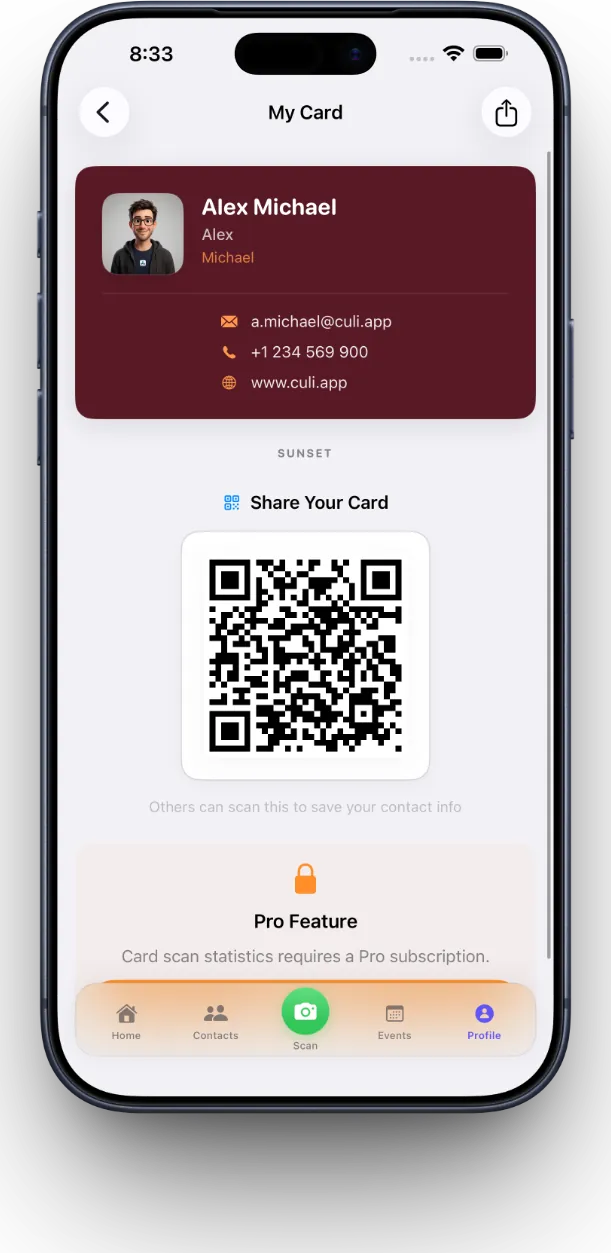
Yes. MeetStack includes a built-in digital business card that you can customize with one of six premium themes: Classic, Midnight, Ocean, Sunset, Forest, and Slate. Your card displays your contact details and generates a unique QR code that others can scan with any camera or QR reader. Share it at events, in your email signature, or anywhere you network—no printing required.
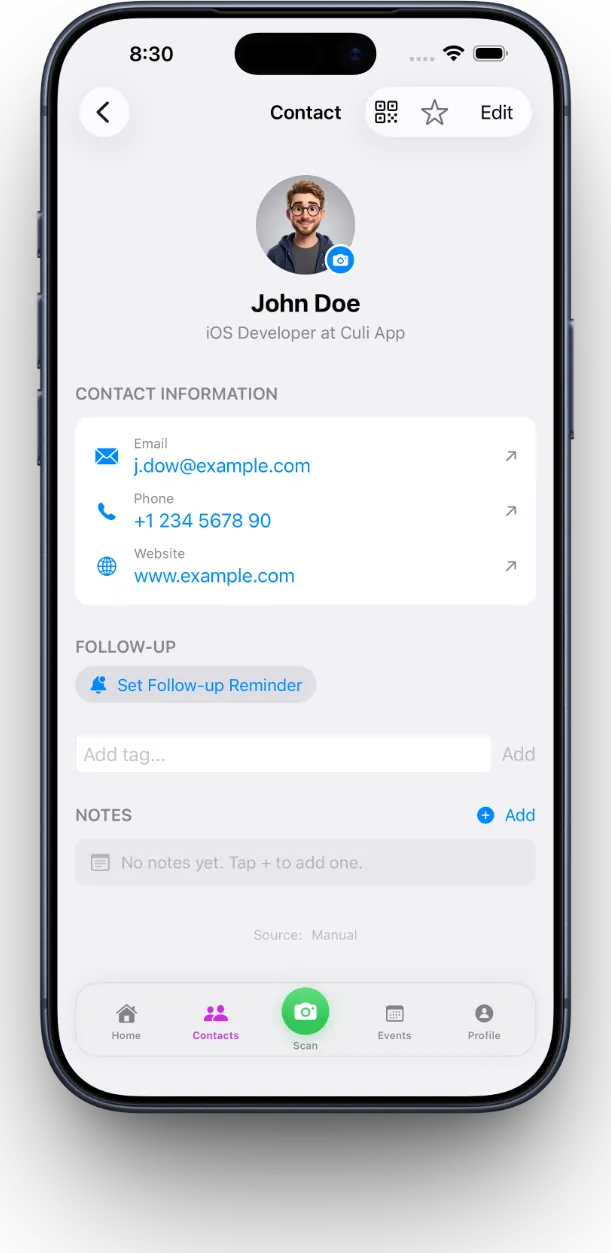
Does MeetStack remind me to follow up with contacts?
Yes. MeetStack's smart follow-up system sends reminders so you never lose track of relationships. You can set custom follow-up dates for each contact or bulk-set reminders for entire groups. The app keeps follow-ups front-and-center on your home dashboard, making it easy to prioritize outreach when it matters most.
MeetStack turns networking events from one-off conversations into ongoing relationships you actually maintain.
What's the difference between MeetStack's free and paid plans?
MeetStack offers three tiers: Free for individuals who want basic card scanning and contact storage, Pro for power networkers who need advanced features like unlimited scans and custom follow-up workflows, and Business for teams running events and campaigns who need lead capture, team collaboration, and analytics. Choose the plan that fits your networking style.
- Plan
- Best For
- Free
- Casual networking and individual contact management
- Pro
- Active networkers who scan frequently and want advanced features
- Business
- Teams, events, and organizations managing multiple users and campaigns
Can teams use MeetStack together for events?
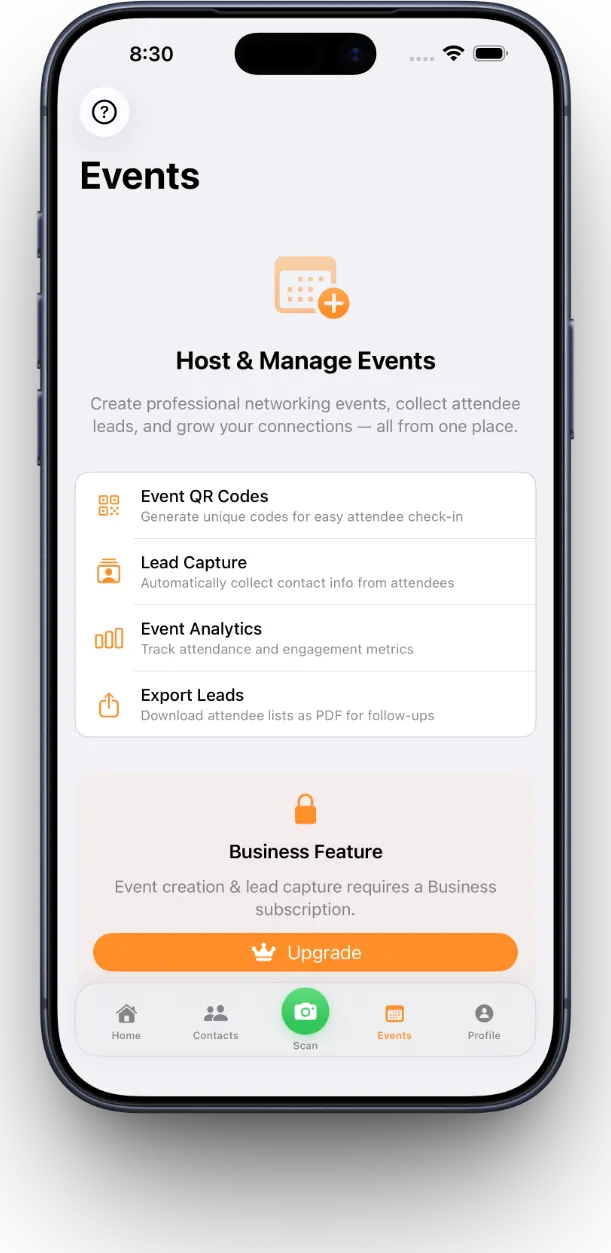
Yes. The Business plan includes team collaboration and event management tools. You can create events, invite team members to collect leads with consent, and export contact data for follow-up campaigns. This makes MeetStack ideal for sales teams, conference organizers, and companies running structured networking or lead-capture programs.
Is my contact data secure?
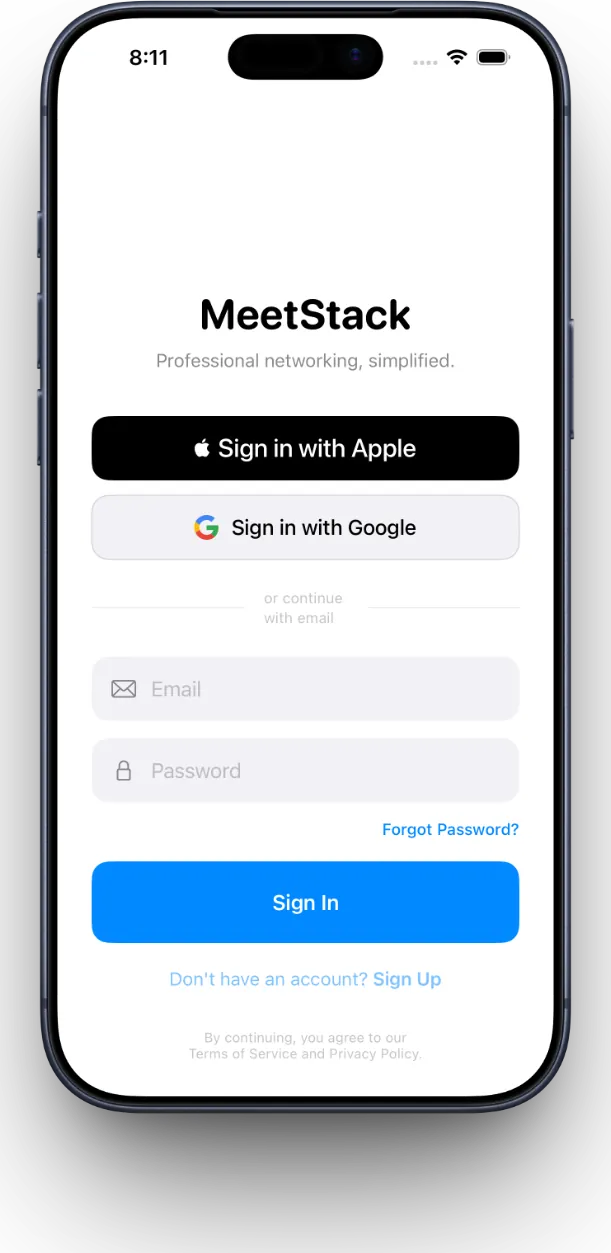
MeetStack supports secure sign-in with Apple or Google, so your account is protected from day one. Card data is processed on-device by default, and syncing across devices is encrypted. Your contacts belong to you—we never sell or share your data with third parties. Learn more about how MeetStack keeps your networking data private and organized.
How do I get started with MeetStack?
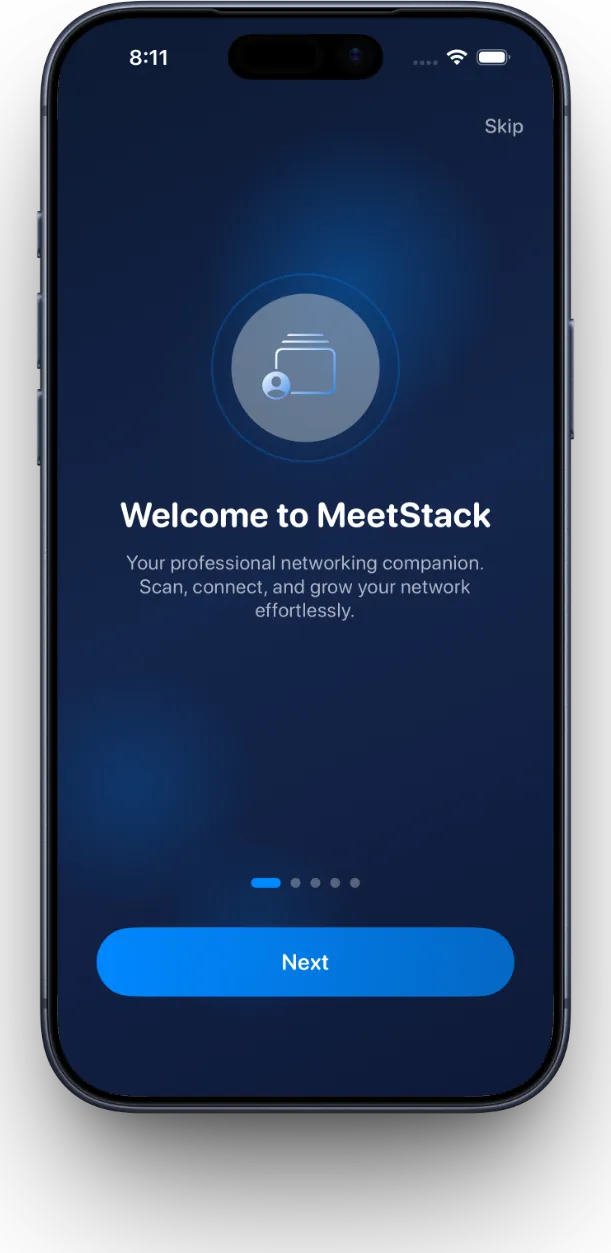
Download the app, sign in, and you're ready to scan. The onboarding experience walks you through creating your digital business card and taking your first scan in under a minute. For a detailed walkthrough, check out our guide on how to scan, organize, and follow up with MeetStack.
This article was drafted with AI assistance and reviewed by a human editor before publishing.