Bills shouldn't feel like a panic attack—and neither should setting up your bill tracker. Crashout Calendar is built to get you calm and organized in minutes, not hours. This checklist walks you through every setup step, from your first bill to sharing costs with roommates.
Before you start
- Download Crashout Calendar from the App Store
- Gather your recent bills (check email, bank app, or physical statements for the last 30 days)
- Find your billing cycle dates if you split costs with roommates
Most people finish this entire setup in under 15 minutes. You don't need your bank login, account numbers, or anything sensitive. Just the bill names, amounts, and due dates.
Step 1: Add your first bill
- Tap the + button on your calendar
- Start typing the bill name (e.g., "Netflix", "Rent", "Phone")
- Let smart categorization suggest the type—accept it or pick your own
- Enter the amount you pay
- Set the due date
- Choose the recurrence (monthly, weekly, yearly, or custom)
- Tap Save
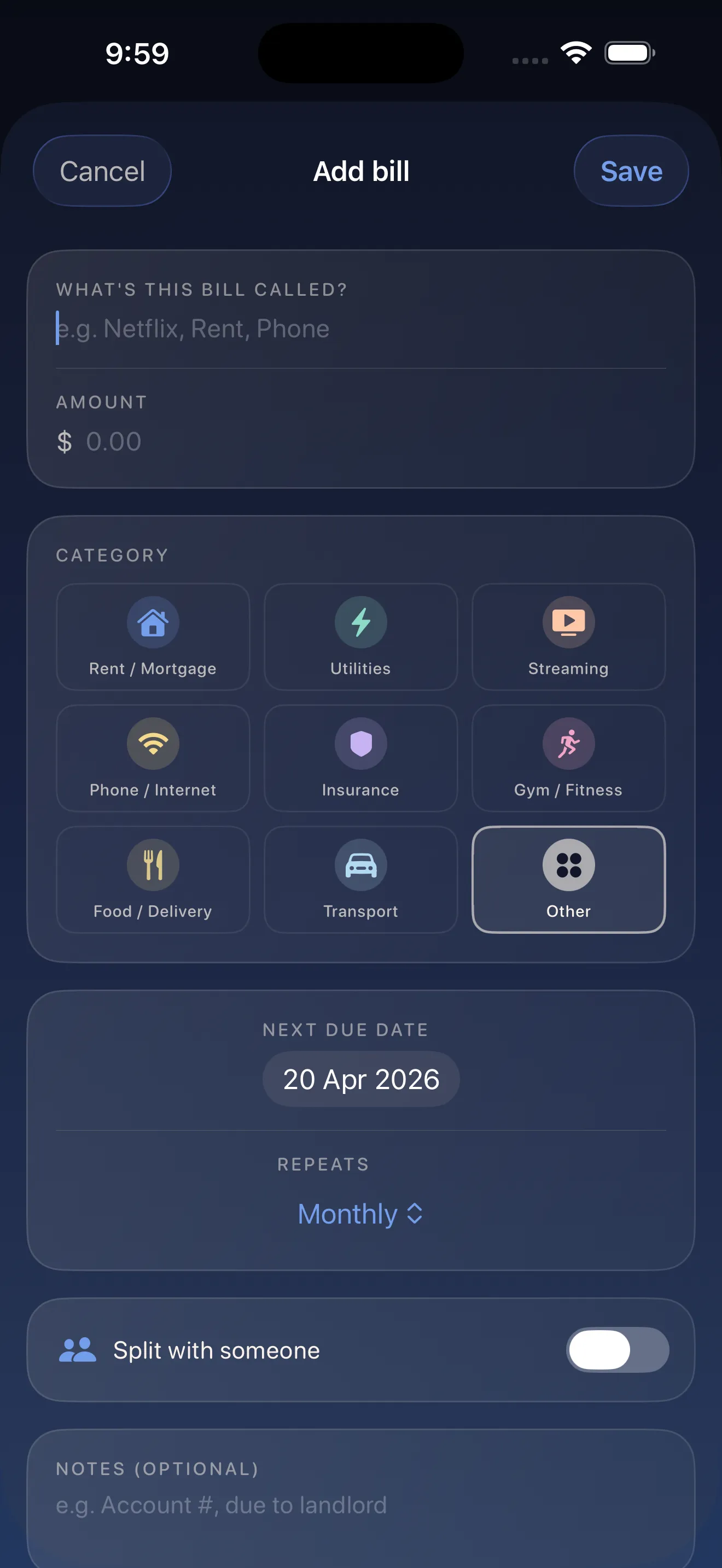
The form learns as you type. If you've added Netflix before, it'll suggest the category, amount, and recurrence next time. You can add a bill in seconds.
Step 2: Add 7 more bills (3 minutes total)
- Go through your last month of spending
- Add any bill that comes back regularly (subscriptions, utilities, rent, insurance, phone, internet, gym, etc.)
- Don't worry about perfect dates yet—you can edit anytime
- Repeat until you've captured the main ones
Smart categorization and recurrence detection do most of the typing for you. Add 8 recurring bills in three minutes.
Step 3: Check your breathing room
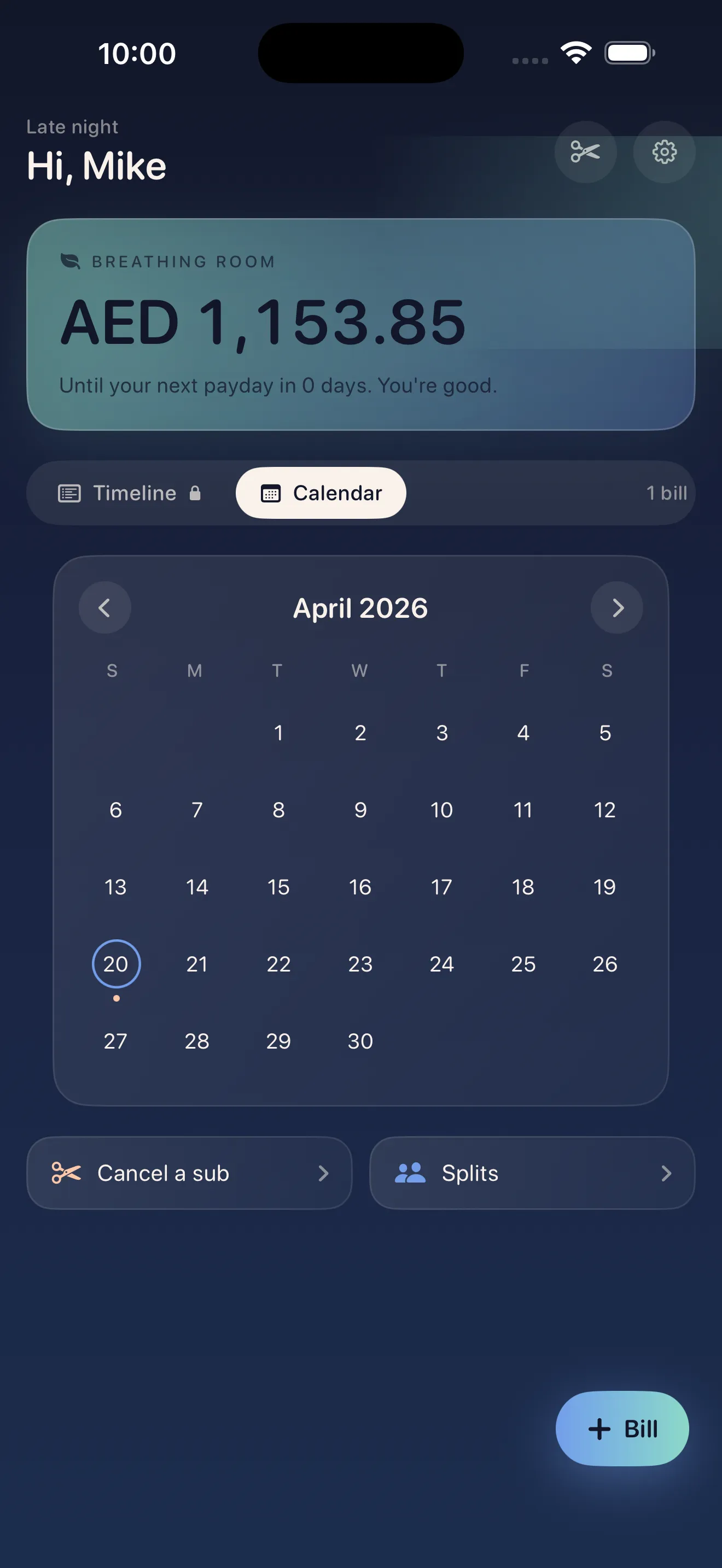
- Open the calendar and look at the monthly view
- Find the breathing room indicator—it shows your best days between bills
- This tells you which weeks are calmer and which are tight
- Use this insight when planning big purchases or unexpected costs
Step 4: Unlock cancel guides (if you want to cut subscriptions)
- Open Settings from the menu
- Scroll to "Cancel Guides"
- Browse the 20+ built-in guides for services like Netflix, Spotify, Hulu, HBO, Disney+, and more
- If you spot a subscription you want to cancel, tap the guide and follow the steps
These guides are written step-by-step—no tricks, no concierge fees, just clear instructions to actually cancel. Many people use this feature to finally drop subscriptions they forgot about.
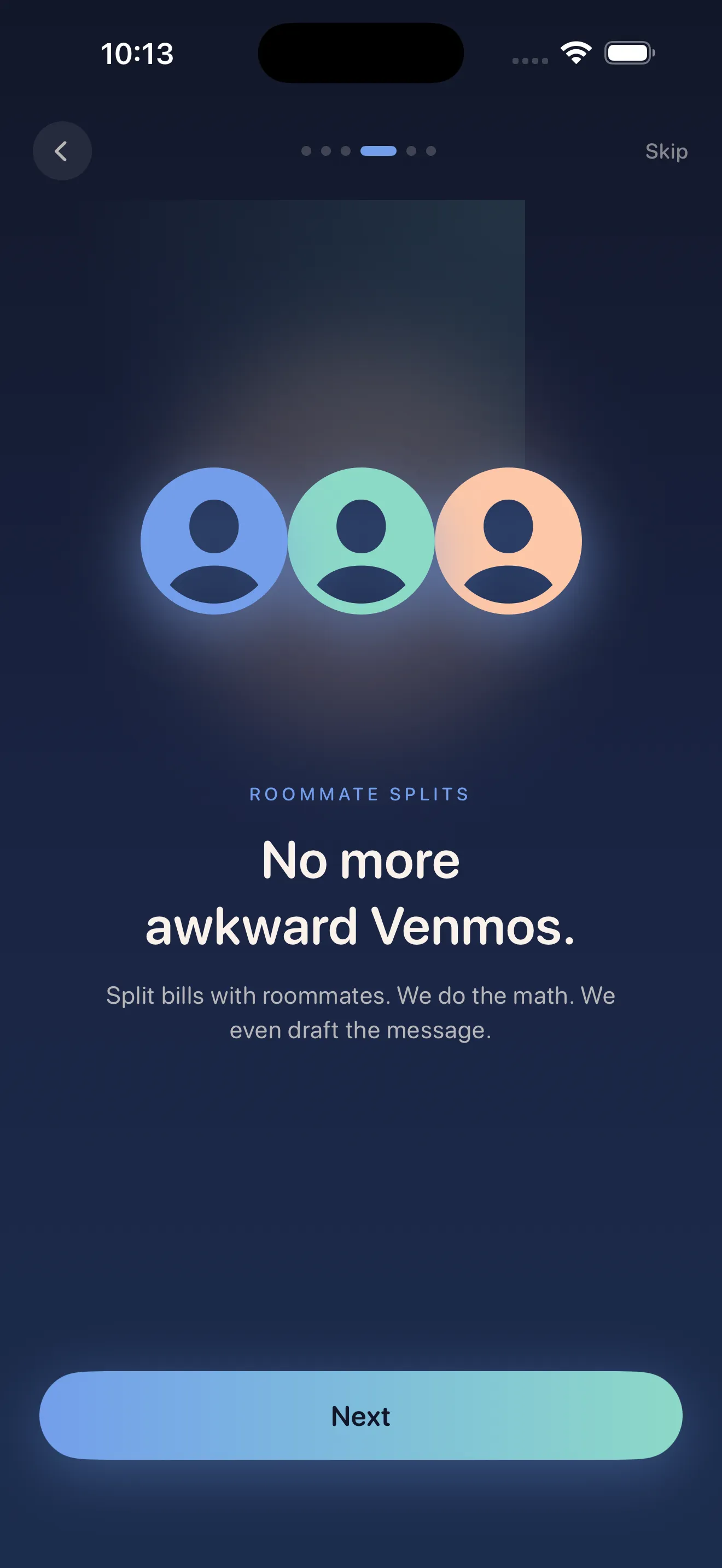
Step 5: Enable splits (if you have roommates)
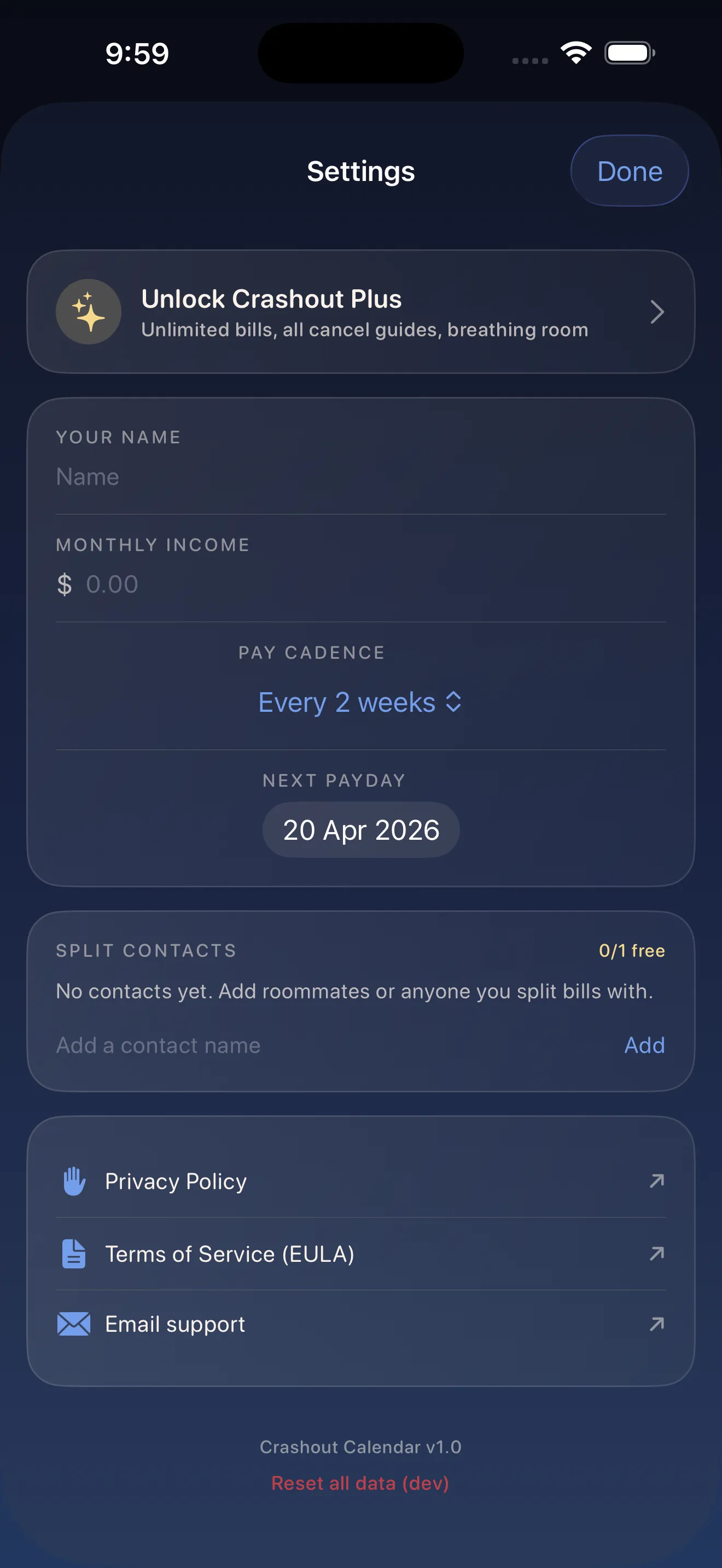
- Go to Settings and tap "Roommate Tools"
- Enter your roommates' names
- Go back to a shared bill (like rent or utilities)
- Tap "Split" and choose who pays what
- Crashout calculates who owes whom—no math, no awkwardness
You don't need roommates to download the app. They can see splits in a simple summary without needing to track their own bills. For more on this, read our guide on recurring payments and split subscriptions made kind.
Step 6: Review and breathe
- Tap the calendar to see your full month at a glance
- Check that all due dates are correct
- Verify amounts match your actual bills
- Notice which weeks feel tight and which feel open
- Done—your tracker is live
Everything is stored locally on your device. No bank login, no credentials floating in the cloud, no privacy concerns. This is intentional. Learn more about how Crashout Calendar makes bills feel less scary.
Common setup questions
Do I need exact due dates right now?
No. Rough dates work fine at first. You can edit any bill anytime to correct the date, amount, or recurrence. The app is forgiving on purpose.
What if a bill changes amount every month?
Add it with an average amount. You can update the amount in the month it changes, and Crashout will track the actual cost separately from the recurring bill.
Can I share my calendar with someone else?
Splits let roommates see what they owe without accessing your full bill list. For anything beyond that, you can screenshot or export—the choice is yours.
This article was drafted with AI assistance and reviewed by a human editor before publishing.