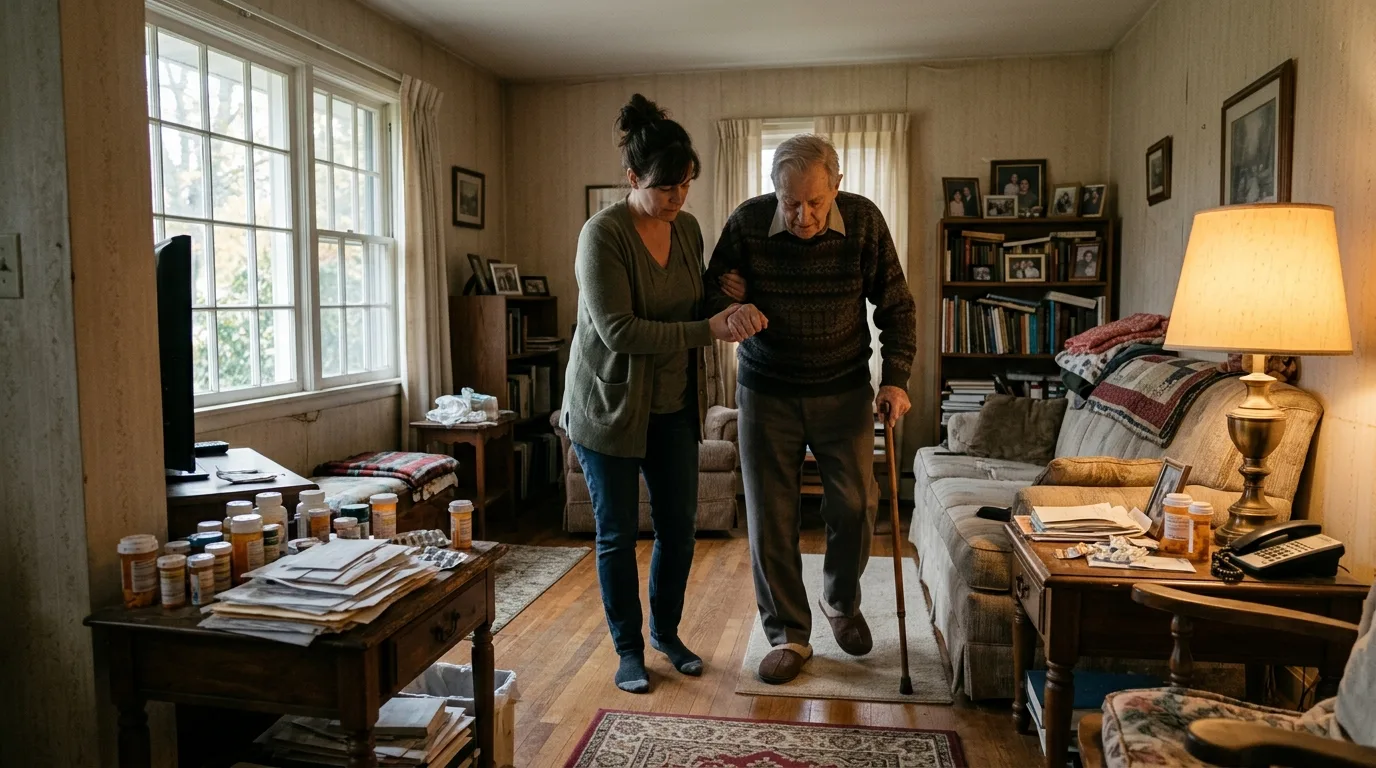
No family sits down and designs a system for caring for a parent. It accretes: a group text here, a notebook by the pillbox there, a patient portal login someone half-remembers, a spreadsheet one sibling built during a bad week and nobody else opens. Most of the friction in caregiving isn't the caregiving itself. It's the coordination layer sitting on top of it, cobbled together from tools that were never meant for this job.
The Patchwork Most Families Start With
Every family caregiving setup starts as a patchwork, because nobody chooses it on purpose. One parent's needs change gradually, then suddenly, and whatever's already at hand becomes the system by default. That's usually some combination of texting, paper, and whatever the doctor's office happens to offer. Each piece works fine in isolation. Together, they leave gaps exactly where the stakes are highest: who gave the last dose, what the specialist actually said, where the insurance card is.
Group Texts and Shared Notebooks
The group text is the most common starting point, and it's easy to see why. Everyone already has it open, it's free, and it feels immediate. But a thread is a timeline, not a record. The answer to "did Dad take his blood pressure medication today" is buried under forty other messages about dinner plans and photos of grandkids. The paper notebook by the kitchen phone solves the searchability problem a little better, but only for whoever is standing in that kitchen. A sibling three states away is reading none of it.

- Texts capture conversation, not status — there's no single place to check what's true right now
- Notebooks live in one house, which quietly excludes anyone who doesn't
- Neither one distinguishes a completed task from a mentioned one
- Both put the burden of remembering on whoever's paying the closest attention that week
Medical Portals Only Show Part of the Picture
Patient portals do one thing well: they're the accurate record from a single provider's point of view. Lab results, visit notes, prescription histories — all correct, all siloed. The trouble is that a parent's care rarely lives inside one provider. There's the primary doctor, the cardiologist, the pharmacy, maybe a physical therapist, each with its own portal, its own login, its own partial view. None of them were built to include a daughter in another city or a brother who handles the insurance calls. They weren't designed for a family. They were designed for a patient and a practice.

A patient portal can tell you what happened at one appointment. It can't tell you what your family is doing about it.
General Organizer Apps Weren't Built for This
Some families skip straight to a general-purpose tool: a shared notes app, a task manager, a spreadsheet with color-coded tabs. These are more flexible than a text thread, and a determined organizer can bend them into something workable for a while. But the bending is the problem. There's no built-in concept of a medication schedule, no field for "what the doctor actually said," no vault for the documents that matter most. Every structure has to be invented and maintained by hand, which means it depends entirely on one person's time and follow-through — the exact bottleneck a family is usually trying to relieve.
Purpose-Built Caregiving Organizers
The last category is apps built around the actual shape of caregiving: medications, appointments, documents, and the people helping with all three. This is where Kindred lives. Instead of asking a family to repurpose a notes app or a spreadsheet, it starts from the caregiving itself — a daily view of what needs to happen today, reminders that don't rely on memory, a private vault for the documents that always seem to go missing at the worst moment, and one-tap summaries after a doctor's visit so the rest of the family isn't relying on a hallway recap.

- Group texts & notebooks
- Free and familiar, but scattered and easy to lose track of
- Medical patient portals
- Accurate records, but siloed to one provider and closed to family
- General task or note apps
- Flexible, but every bit of caregiving structure has to be built by hand
- Purpose-built caregiving organizers
- Medications, appointments, documents, and family sharing already built in
Where Kindred Fits
Kindred is free for one organizer, forever, with no ads. That's a deliberate choice: the person carrying the most of a parent's care shouldn't have to pay just to get organized. When more of the family wants in, Kindred Together opens the care circle to unlimited family members with a shared calendar, activity feed, and task assignment, so the work is visible and split instead of held by one person and reported on secondhand. Everything is encrypted and private by default — only people invited into the circle can see anything, and it can be exported at any time. For a closer look at how the pieces fit together day to day, the guide to coordinating a parent's care with your whole family walks through it in more detail, and the beginner's guide is a good next stop if you're setting things up for the first time.
Common questions
Is a group text really worse than an app for coordinating care?
Can't a shared spreadsheet do most of what a caregiving app does?
Do patient portals replace the need for a family coordination tool?
What makes a caregiving app different from a general organizer app?
This article was drafted with AI assistance and reviewed by a human editor before publishing.