What is MoodLight?
Most mood trackers ask you to rate your day like a hotel stay. MoodLight asks something closer to the truth: not how good or bad, but what kind of day it actually was. Here's what people want to know before they try it.
How does MoodLight's mood check-in work?
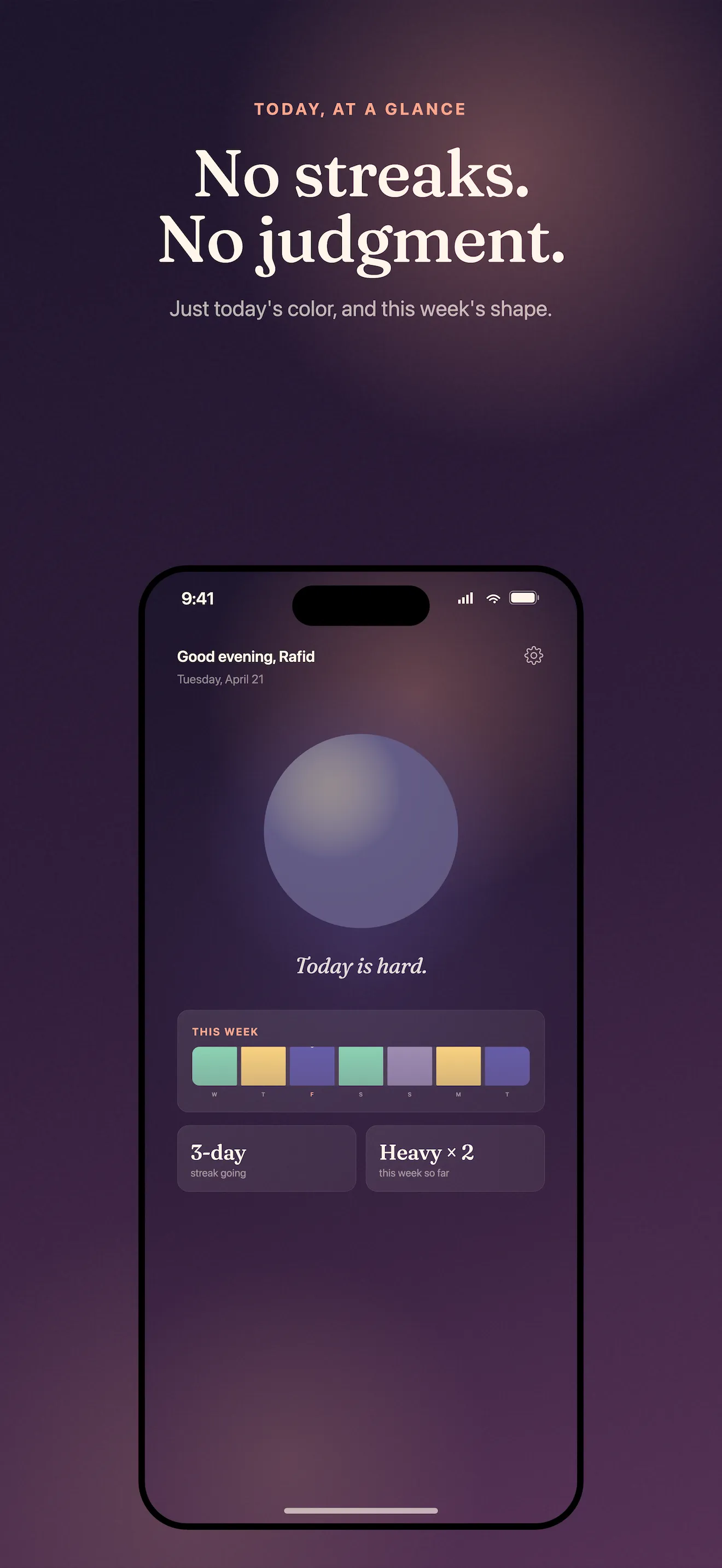
You open MoodLight, tap the orb that matches how you feel — calm, bright, heavy, off, or numb — and optionally add one line of context, and that's it. The whole flow is designed to take less time than typing a single sentence into a journal app, so it survives the days you're too tired to reflect at length. Over a week those taps become a soft gradient you can actually look at, rather than a spreadsheet of numbers you have to interpret. If you want a walkthrough of your first week using it, the beginner's guide covers what to expect day by day.
- Tap the orb that matches your day
- Add an optional one-line note
- Done — no scale, no follow-up questions, no scoring
Why does MoodLight use five orbs instead of a 1-10 scale?
Because most of what people actually feel doesn't fit on a number line — 'off' and 'numb' are real states that a 1-10 scale flattens into a meaningless 4 or 5. The five orbs name the textures most mood apps skip past in favor of a simple happy/sad axis, which also removes the instinct to compare today's score against yesterday's. The full reasoning behind ditching scores is in why MoodLight ditched the 1-10 scale for five orbs instead.
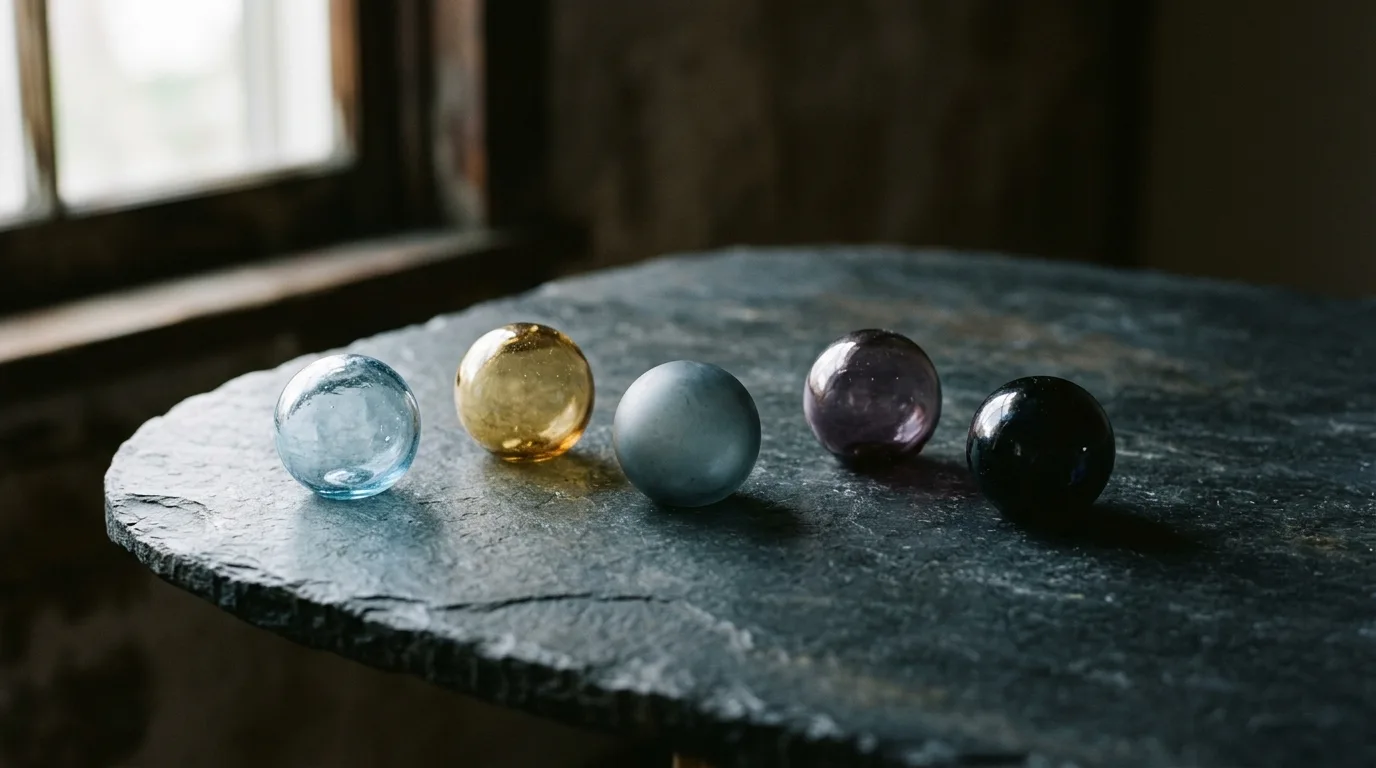
Calm, bright, heavy, off, numb — the real states most mood apps ignore.
Does MoodLight require an account or store data in the cloud?
No — MoodLight doesn't ask for an account, doesn't sync to a cloud, and doesn't track a streak you can break. Your check-ins live only on your device, which means there's nothing to leak, nothing to log into, and nothing that punishes you for skipping a day. For a broader look at what privacy should mean in a mood tracker, see what to look for in a mood tracker app for iPhone.
What do MoodLight's mood cards look like, and can I share them?
MoodLight turns each week into a soft, shareable mood card — a gradient built from your orb taps rather than a bar chart or a number average. You can send it to a friend, a partner, or keep it to yourself, since sharing is a choice rather than a built-in social feed. It's less about showing off consistency and more about having a mood map you'd actually want to look at.
Can I use MoodLight to talk to my therapist?
Yes — the mood cards are built to be brought into a therapy session, giving you a visual week-at-a-glance instead of trying to reconstruct seven days from memory. Because there's no clinical wheel or diagnostic language, it works as a conversation starter rather than a self-diagnosis tool. If you're deciding how to fold a mood tracker into an existing routine, how to track your mood without a 1-10 scale walks through the practical side.
If you're weighing MoodLight against other mood trackers, the differences mostly come down to what each one asks of you daily. Here's the side-by-side, and if you want to browse more head-to-heads, the comparison section has more.
- Scale used
- MoodLight: five orbs (calm, bright, heavy, off, numb) — Typical trackers: 1-10 or emoji scale
- Check-in time
- MoodLight: about 30 seconds — Typical trackers: 2-5 minutes of sliders and prompts
- Data storage
- MoodLight: on-device only, no account — Typical trackers: cloud account often required
- Streaks
- MoodLight: none, skipping a day costs nothing — Typical trackers: streak counters that reset to zero
- Output
- MoodLight: a colored gradient of your week — Typical trackers: charts, averages, and scores
Common questions
Is MoodLight private?
What happens if I miss a day on MoodLight?
What are the five orbs in MoodLight?
Is MoodLight a substitute for therapy?
Can I share a MoodLight mood card?
Does MoodLight ask clinical questions?
This article was drafted with AI assistance and reviewed by a human editor before publishing.