Camera rolls grow quietly. A photo here, a screenshot there, and suddenly you're juggling thousands of images you don't remember taking. Phlash flips the script by turning cleanup into a calm, intentional practice. Instead of endless scrolling or bulk deletions you might regret, you swipe through short piles in five-minute sessions. The app runs all its smarts on your device—OCR to catch screenshots, hashing to find duplicates, detection for space-hogging videos—so your photos never leave home. Here's how to get the most from it.
Build a Daily Cleanup Rhythm
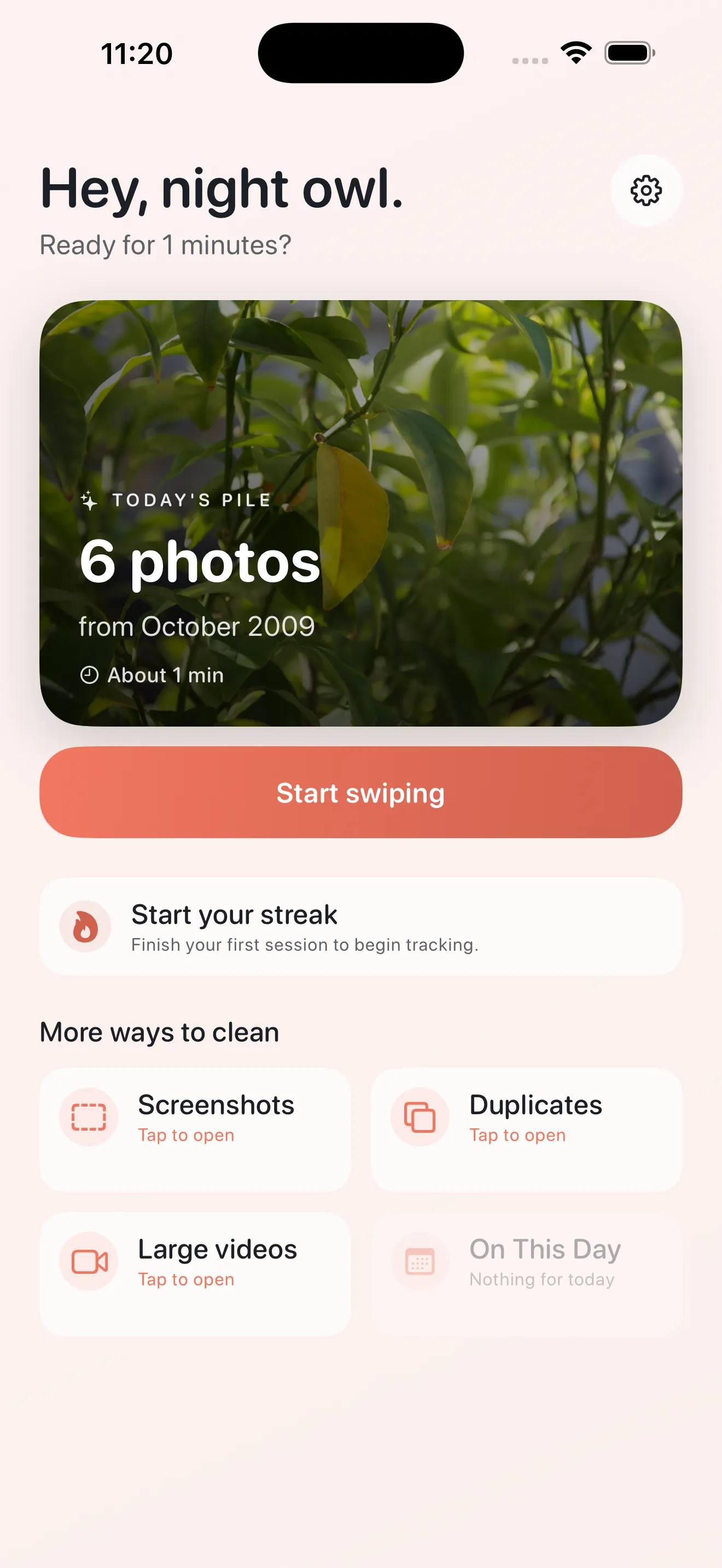
The secret to actually cleaning your camera roll isn't one epic marathon session. It's showing up for five minutes most days. Phlash's home hub surfaces Today's Pile, a curated batch of images ready to swipe through. Start your day by spending a few minutes deciding keep or delete. This tiny habit compounds fast—after two weeks of five-minute sessions, you'll notice your library breathing again.
Use Focused Modes for Targeted Cleanup
Not all photos deserve the same treatment. Phlash includes dedicated modes for the clutter that tends to pile up fastest.
Screenshot Cleanup
Screenshots accumulate without you noticing. Phlash's OCR engine runs on your device to spot them, then lets you review and delete in batches. No cloud processing, no privacy concerns—just you and your accidental text-message captures.
Duplicate Detection
Perceptual hashing finds near-identical photos. Snapped the same moment twice? Phlash catches it. You swipe to keep the best version and remove the rest, reclaiming space without second-guessing.
Large Video Cleanup
Videos are storage hogs. Phlash highlights your largest videos so you can decide if that 30-second clip is worth the megabytes. Delete it or keep it with full confidence.
Master the Swipe Gesture
Swiping is intuitive, but knowing the subtle feedback makes decisions faster. When you swipe right to keep, you'll feel a soft tap—gentle confirmation. Swiping left to delete brings a firmer response. Skip appears as a middle option. The warm haptic feedback turns cleanup from tedious into almost meditative.
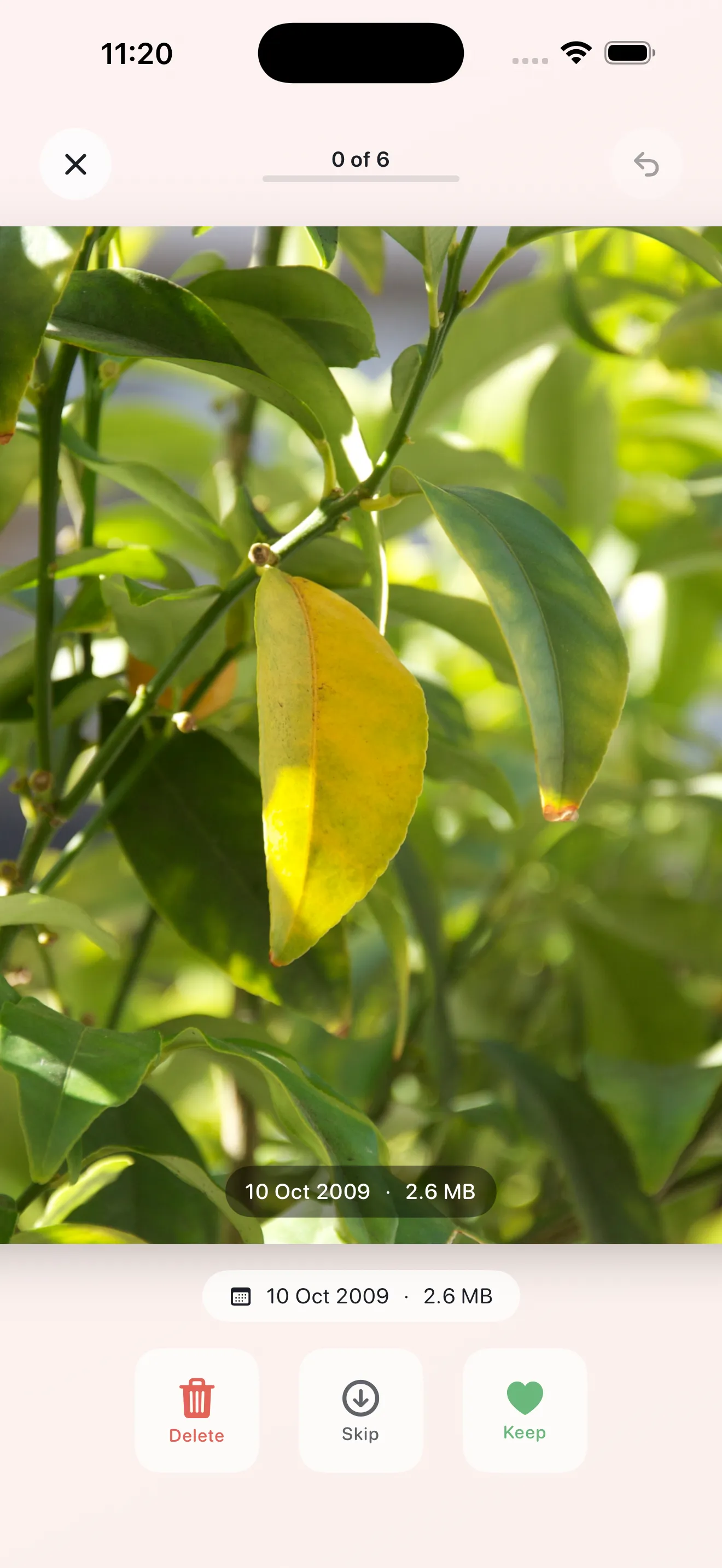
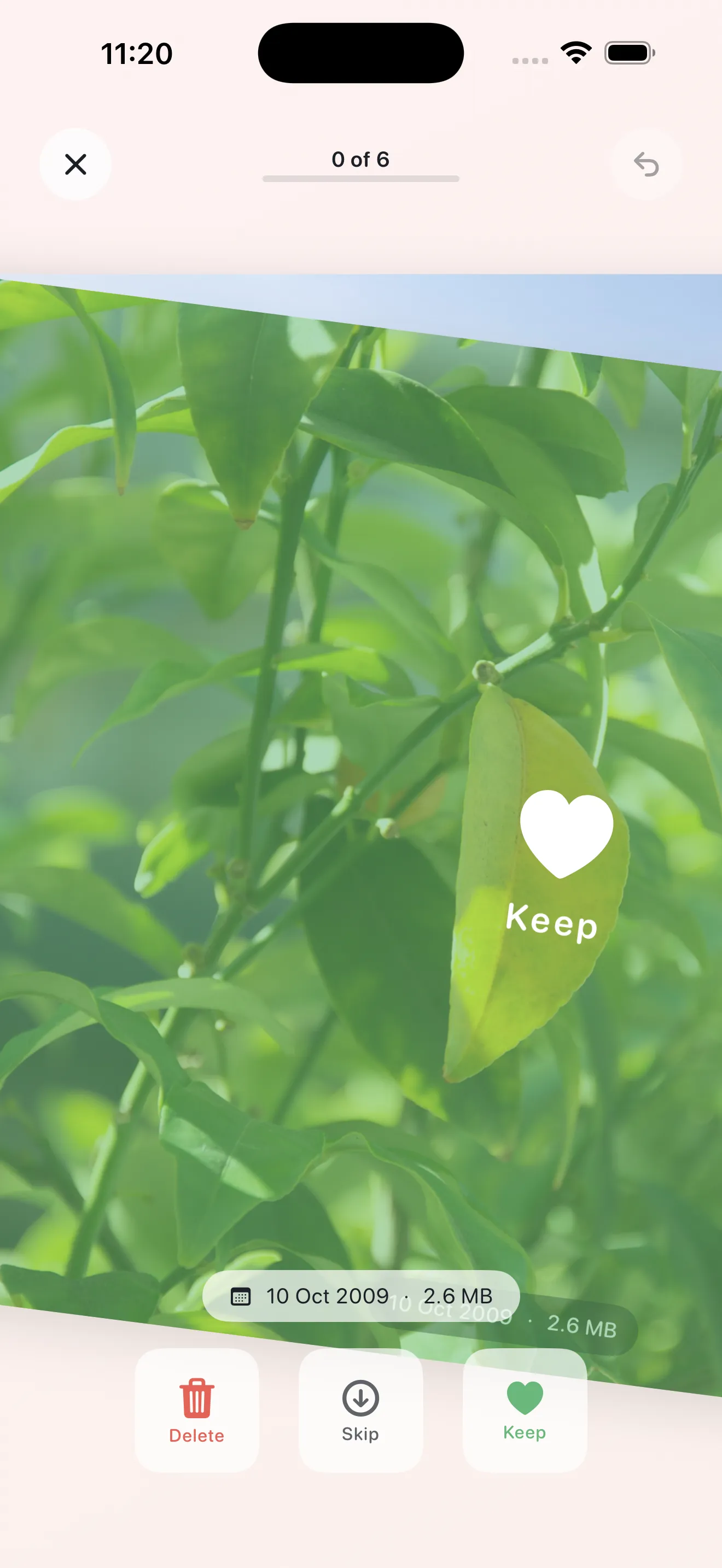
The warm haptic feedback turns cleanup from tedious into almost meditative.
Leverage On This Day to Rediscover Memories
While swiping through today's pile, don't skip the On This Day mode. It surfaces photos from exactly one, two, or five years ago—a gentle time-travel feature that often reminds you why you took those shots in the first place. It's not just cleanup; it's a moment to appreciate what you've captured.
Review Before Final Deletion
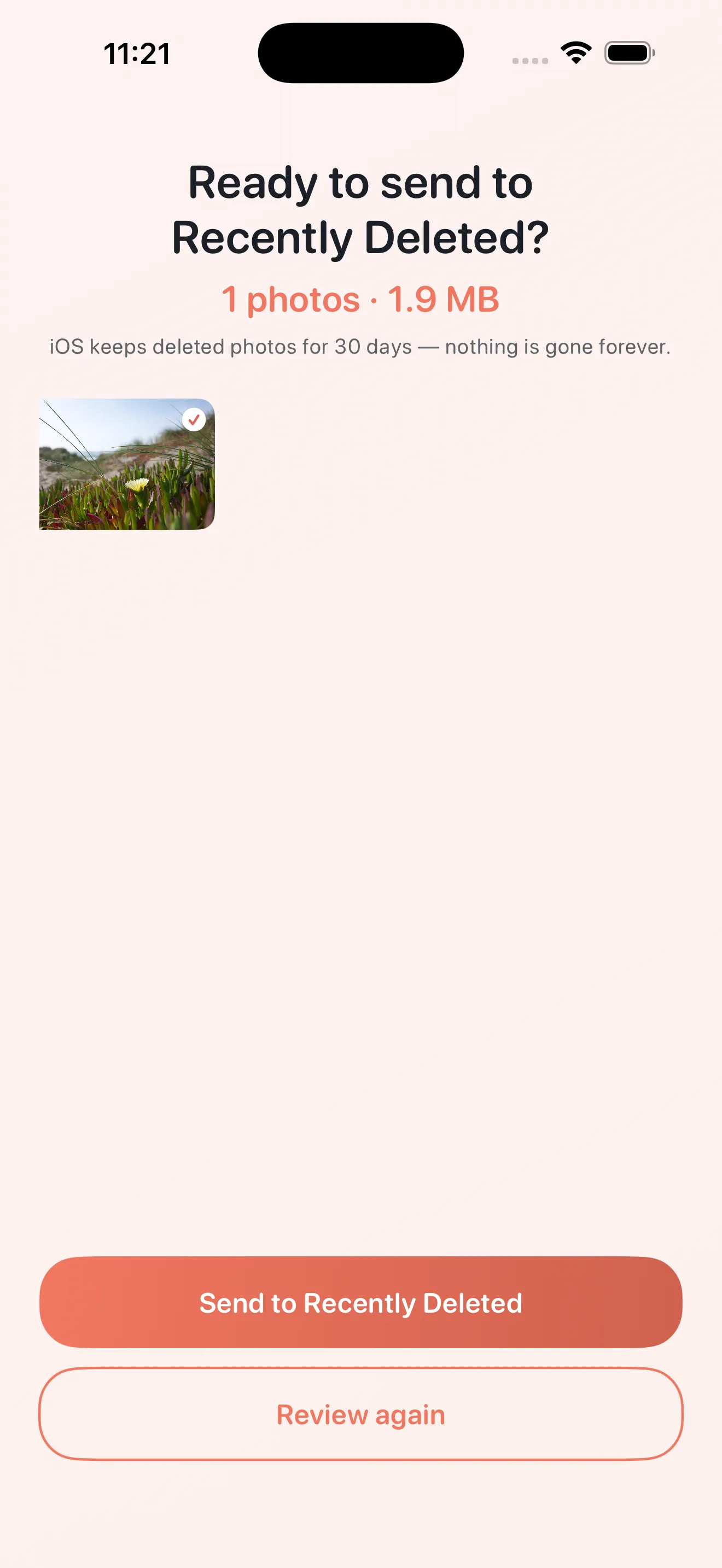
Phlash builds in a confirmation step. After you mark photos for deletion, you get a final review screen showing everything you're about to remove. This safety net prevents accidental losses—you can unswipe anything that gave you second thoughts before it's gone for good.
Keep Your Work Private with On-Device Processing
Every piece of Phlash's intelligence—the OCR scanning, duplicate hashing, video analysis—happens on your iPhone. Your library is never uploaded to a server. You're not trading privacy for convenience. The tradeoff is entirely in your favor: cleanup that respects your data.
Customize Your Settings
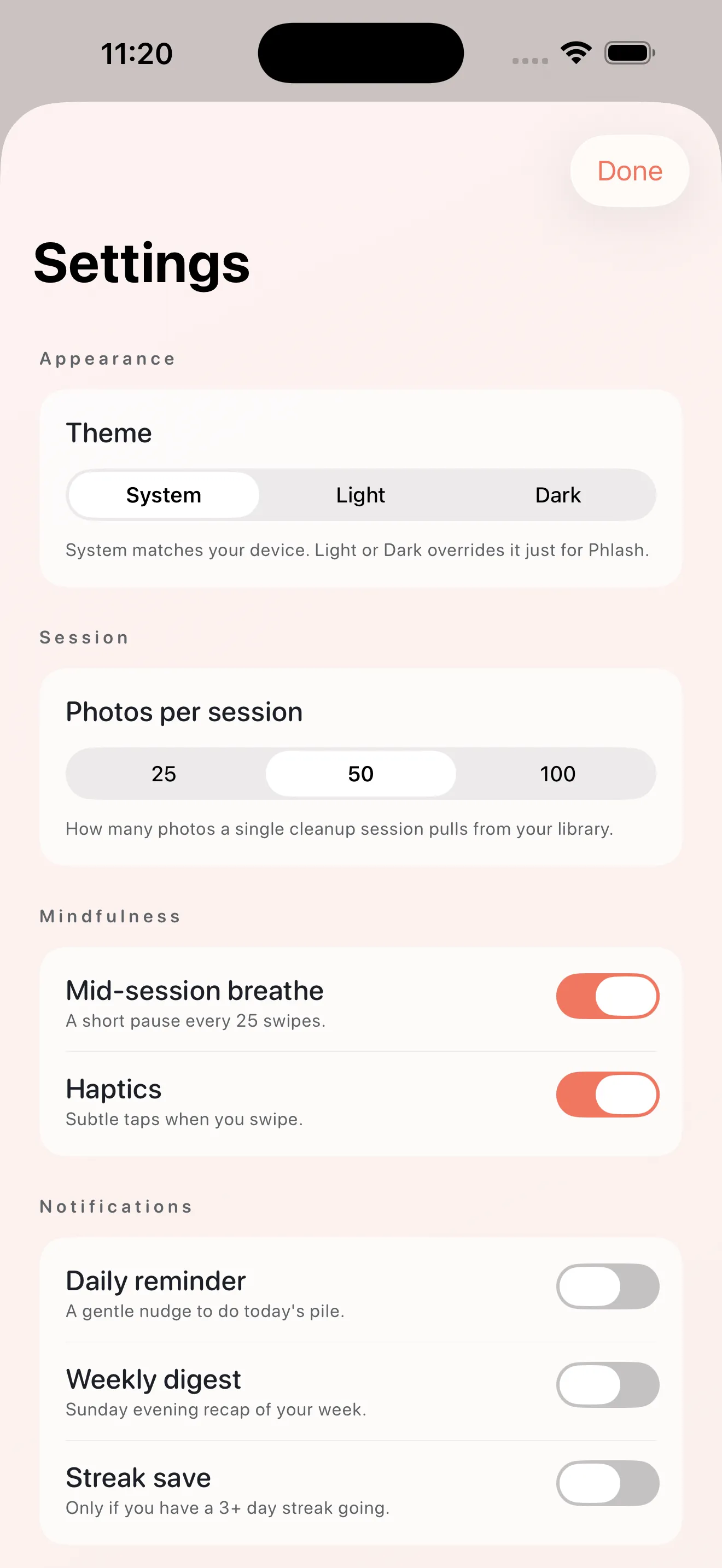
Phlash's settings let you tweak appearance and behavior to fit your preference. Adjust dark mode, haptic feedback intensity, and cleanup pile size so the app feels like yours.
This article was drafted with AI assistance and reviewed by a human editor before publishing.