Your camera roll is a digital closet. Most of us open it, feel overwhelmed, and close it again. The question isn't whether you need to clean it—it's which approach fits your life. Some people want surgical automation. Others crave control but dread the marathon session. Phlash sits in the middle: a calm, deliberate way to reclaim your library without handing everything over to an algorithm or spending your evening scrolling through thousands of photos.
The cleanup landscape
Camera-roll cleaning tools tend to cluster into three camps. The first is automation-heavy: apps that analyze your library, flag blurry shots and duplicates, and let you review results in bulk. Fast, but you're often saying yes to deletions you didn't examine closely. The second is manual and exhaustive: you scroll through every photo, make decisions, and feel proud but also tired. The third approach—the one Phlash takes—breaks cleaning into small, intentional sessions built around specific problems.
Automation vs. intention
Fully automated cleaners promise speed. They identify blurry photos, similar shots, and obvious clutter, then ask you to approve large batches. The trade-off is privacy (your photos often leave your device) and precision (you might lose a photo that mattered). Full manual control is the opposite problem: you get every decision, but the time cost is real. Five minutes into your third hundred photos, you're just deleting everything to finish.
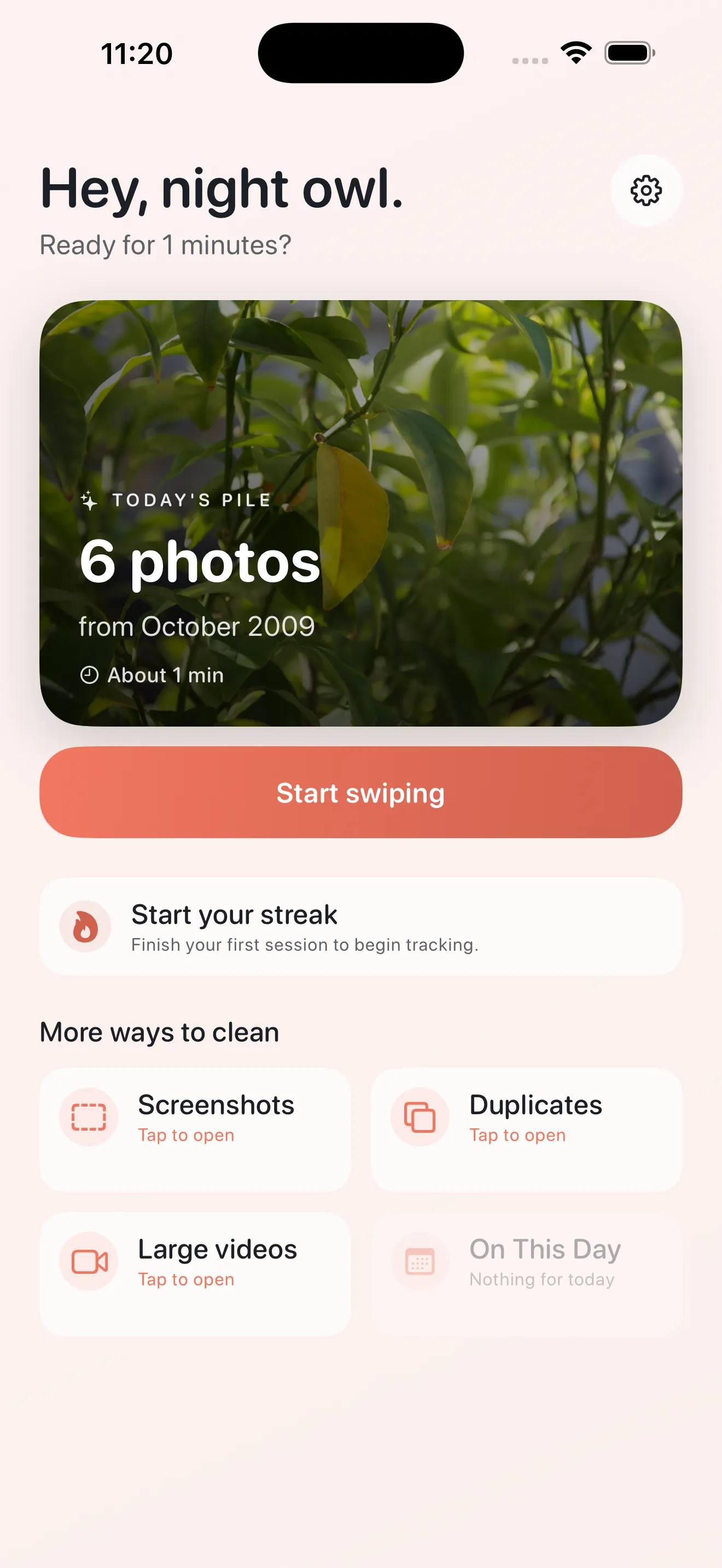
Phlash treats cleanup like a daily habit, not a chore list.
Phlash treats cleanup like a daily habit, not a chore list. Instead of asking you to make a thousand decisions at once, it builds focused piles around specific cleanup tasks. Need to clear out screenshots? That's one mode. Duplicates? Another. Large videos eating your storage? Dedicated mode. On This Day memories you might want to revisit? A separate rediscovery session. Each pile is designed to finish in about five minutes, so cleaning compounds without burning out.
Privacy and smarts on your device
A core difference: Phlash keeps your photos on your device. Duplicate detection, screenshot OCR, and video analysis all happen locally using PhotoKit, Vision OCR, and perceptual hashing. Your library is never uploaded to someone's servers for analysis. This matters if you're uncomfortable with cloud analysis, or if you just want faster, more private cleaning.
The swipe rhythm
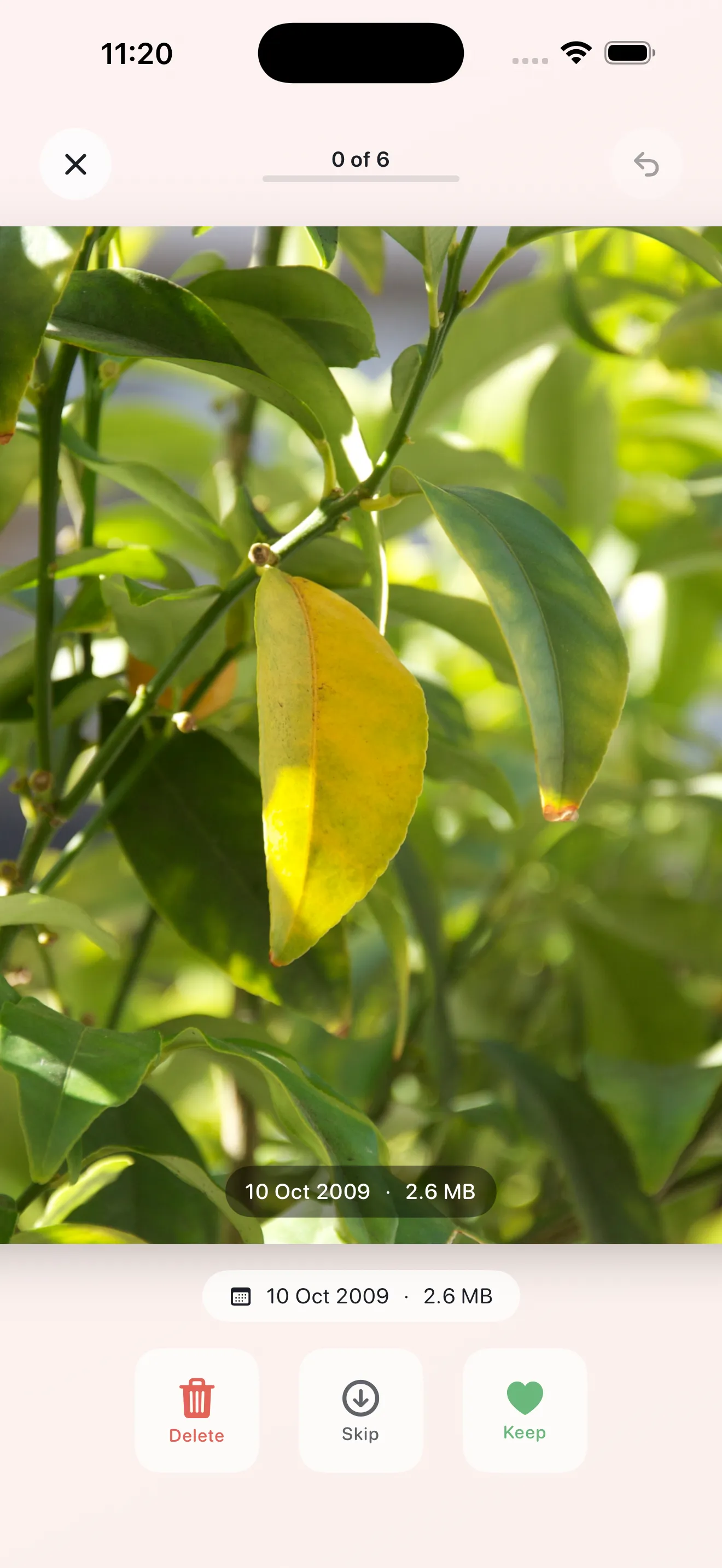
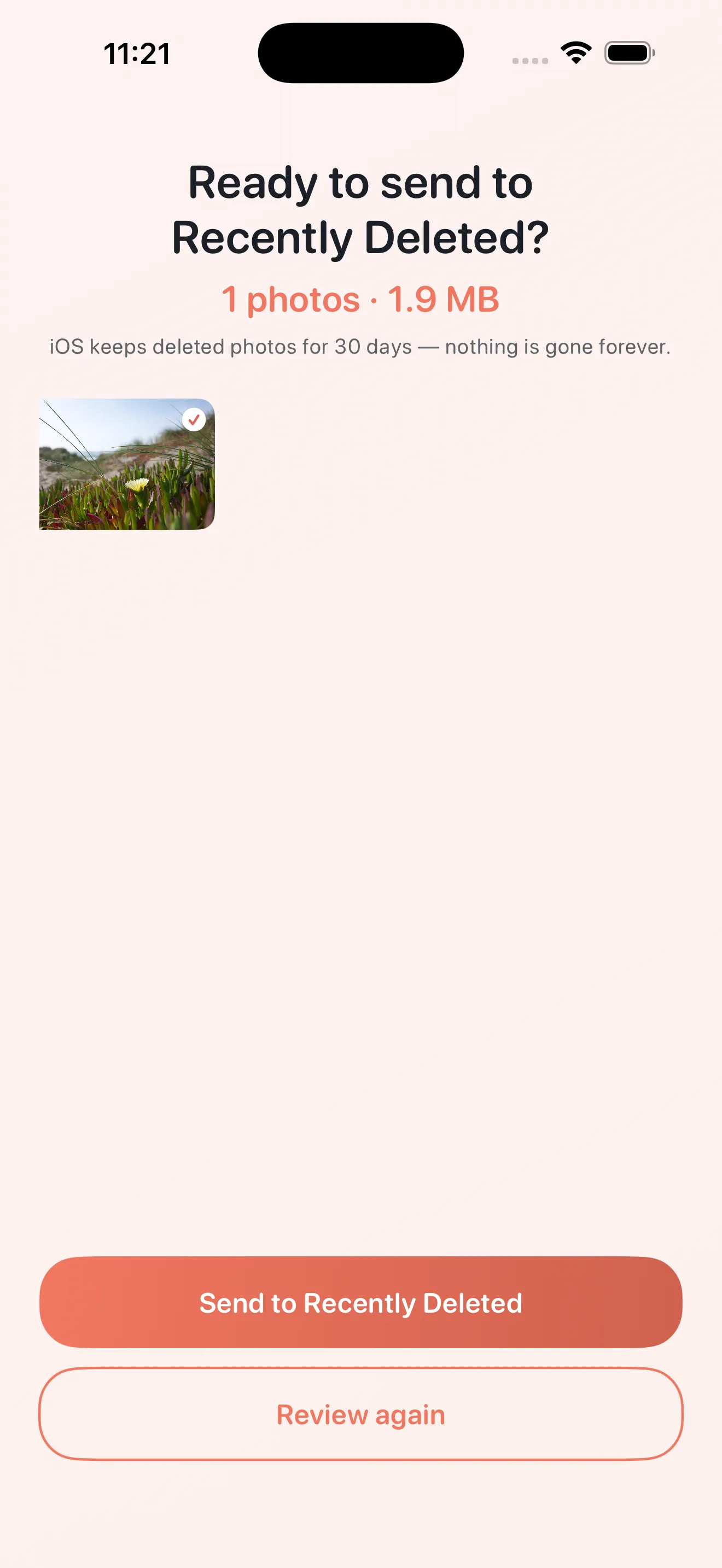
Phlash's core mechanic is a three-option swipe: keep, skip, or delete. This is faster than tapping buttons, but more deliberate than firing off approvals for a batch of 50. You see one photo, make a quick decision, and move on. Skipped photos go back into the pool for another session—no decision is final until you confirm. This rhythm keeps momentum while respecting the fact that you might feel differently about a photo on Tuesday than you did on Monday.
When to choose focused cleanup
- You want privacy and on-device processing
- You prefer decision-making over automation
- You'd rather clean a little each day than all at once
- Screenshots and duplicates are your biggest clutter pain points
- You like clarity on what's being deleted and why
If you're looking to go deeper, our guide on Phlash tips and tricks walks through each mode and how to build a cleanup habit that works. Or jump into our beginner's guide to see the full feature set.
A cleaner library, calm sessions
Camera-roll cleaning doesn't have to feel clinical or stressful. Phlash's approach proves there's a middle path: smart tools that respect your privacy, a design that keeps you in control, and sessions so short they become part of your day rather than a task you dread. Your library is waiting.
This article was drafted with AI assistance and reviewed by a human editor before publishing.