Your camera roll is a mirror of how you use your phone. For some people, it's a carefully curated archive. For most of us, it's a chaotic pile of screenshots, blurry attempts, and photos we meant to delete three months ago. The question isn't whether you should clean it up—it's how. And more importantly, how do you keep it clean without burning out halfway through?
The core philosophies of photo cleanup
There are a few broad ways people approach camera-roll maintenance. The first is reactive: you ignore the problem until your phone storage fills up, then spend an afternoon aggressively deleting. The second is automated: you rely on tools that silently prune duplicates and blurry shots in the background. The third is intentional: you develop a regular habit, a rhythm that prevents the pile from ever getting out of control.
Each approach has trade-offs. Reactive cleanup works if you have patience, but it's demoralizing and usually messy. Fully automated systems preserve your time but ask you to trust an algorithm with decisions about your memories. Intentional rhythm requires discipline but builds confidence—you know what's in your library and why it's there.
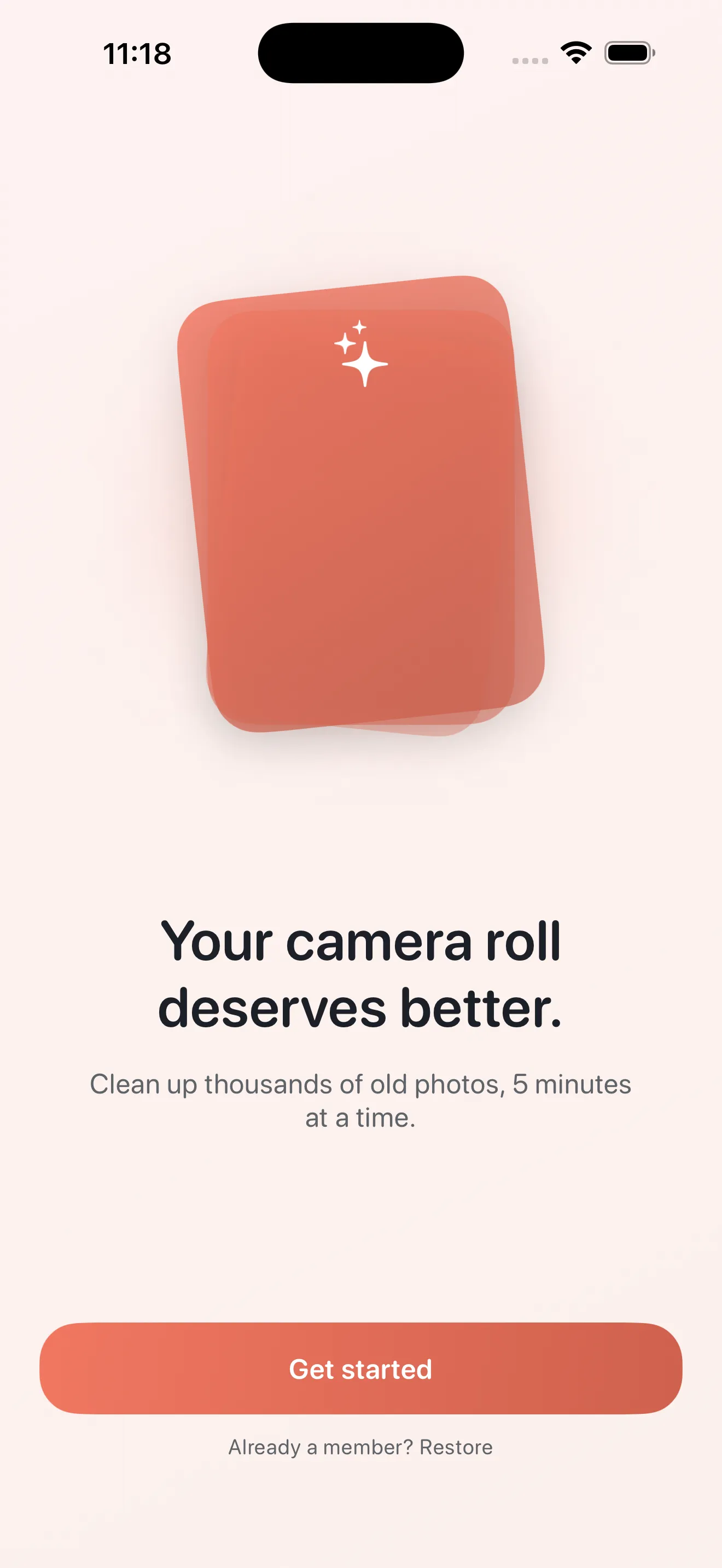
Batch deletion: fast but overwhelming
The oldest approach is simple: open Photos, scroll to the oldest images, and tap delete until your thumb hurts. It's free and it works. But batch deletion is exhausting. You're making hundreds of yes-or-no decisions in rapid succession, and by decision 50 you're not thinking anymore—you're just swiping. You'll accidentally delete photos you wanted to keep. And afterward, you feel burnt out, which means you're unlikely to do it again until the pile is impossibly large.
Background automation: set and forget
Some tools focus on invisible cleanup. They analyze your library and automatically remove near-duplicates, blurry photos, and screenshots—no input required. This sounds great in theory. You get a clean library without lifting a finger. But there's a cost: you're trusting a remote system to make decisions about your photos, your data moves to a server somewhere, and you lose the agency of actually choosing what matters to you. For a lot of people, that trade-off isn't worth it.
Mindful sessions: focused, bite-sized, repeatable
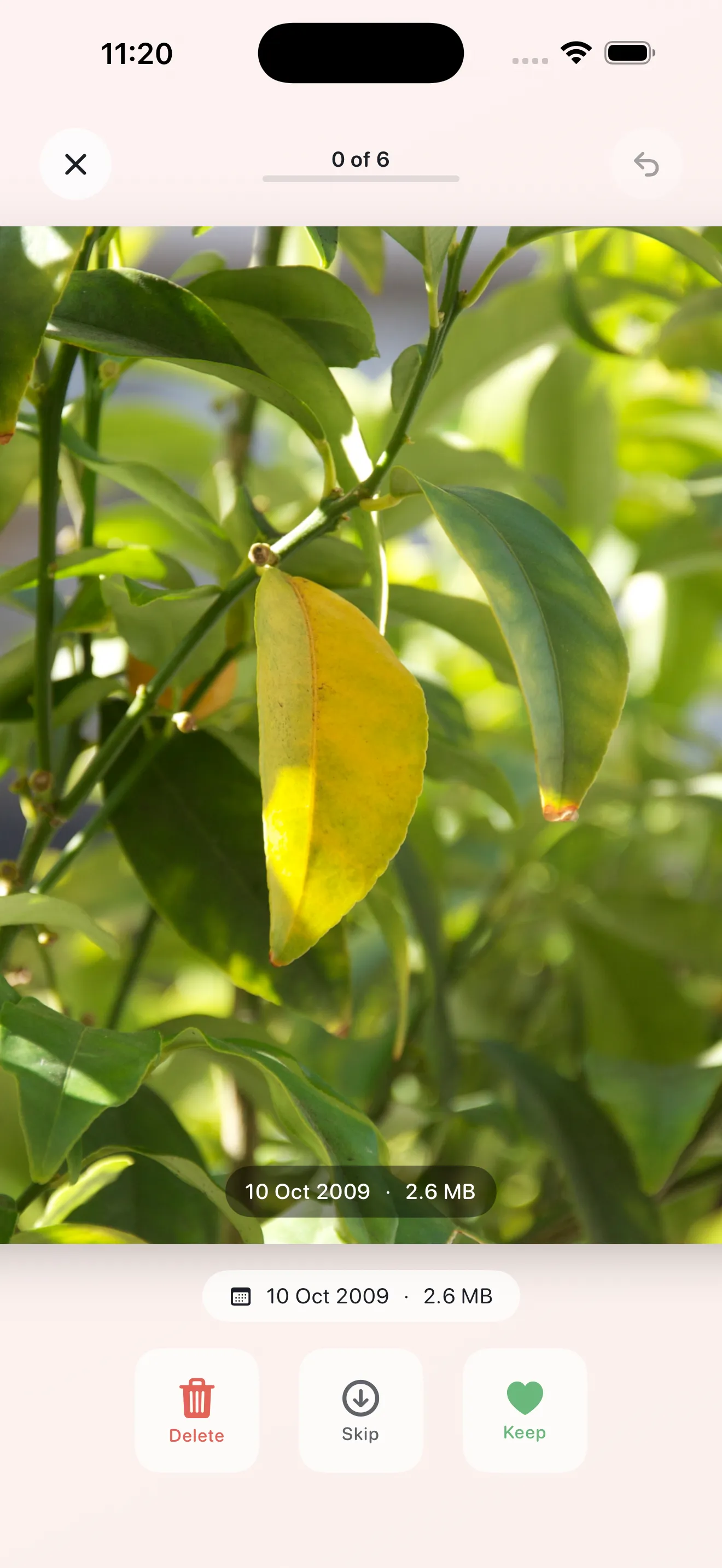
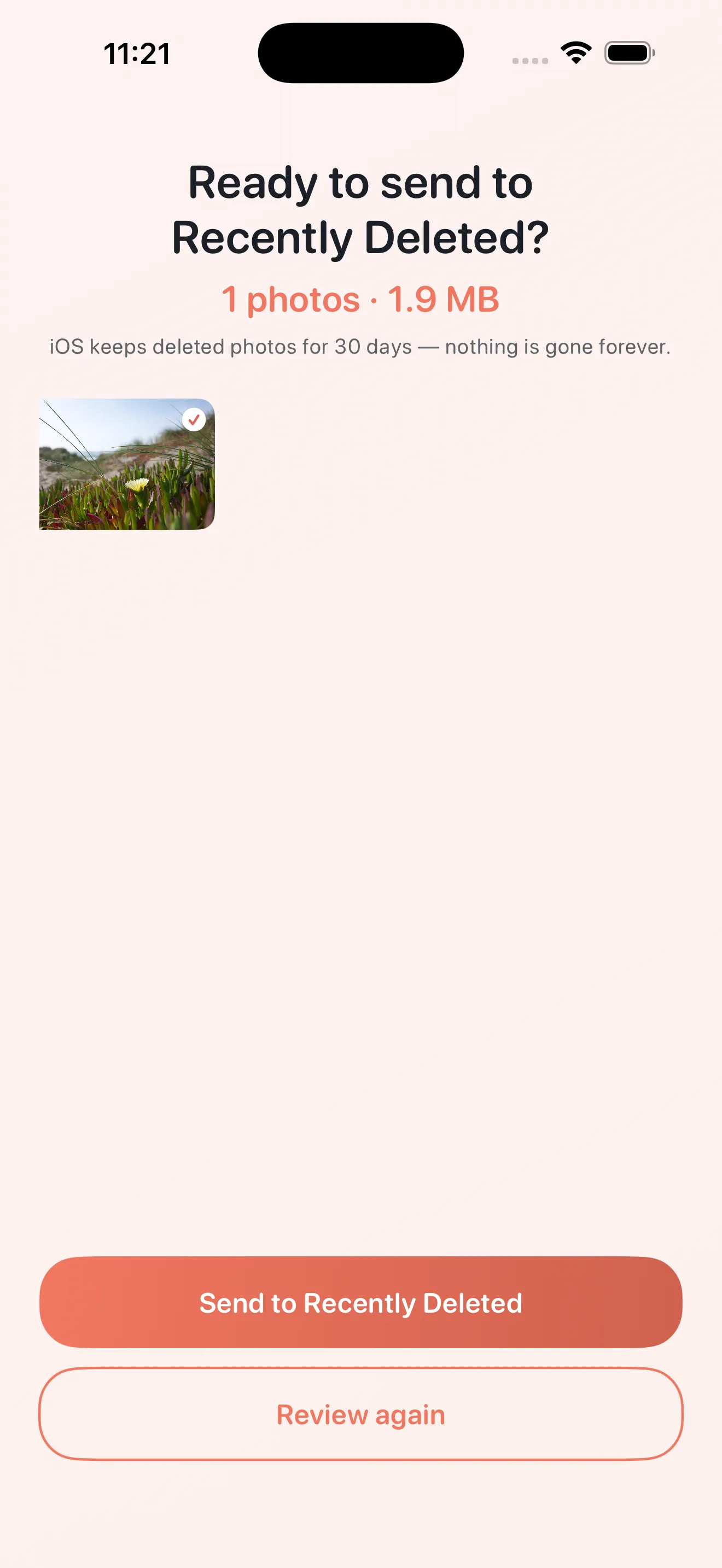
The third approach is where Phlash sits. Instead of cramming cleanup into one draining marathon or hiding it behind automation, you clean in short, focused sessions. Five minutes. One category at a time. Swipe to keep, delete, or skip. When the session ends, you're done. No burnout, no guilt, no delegated decisions. You come back tomorrow and do it again.
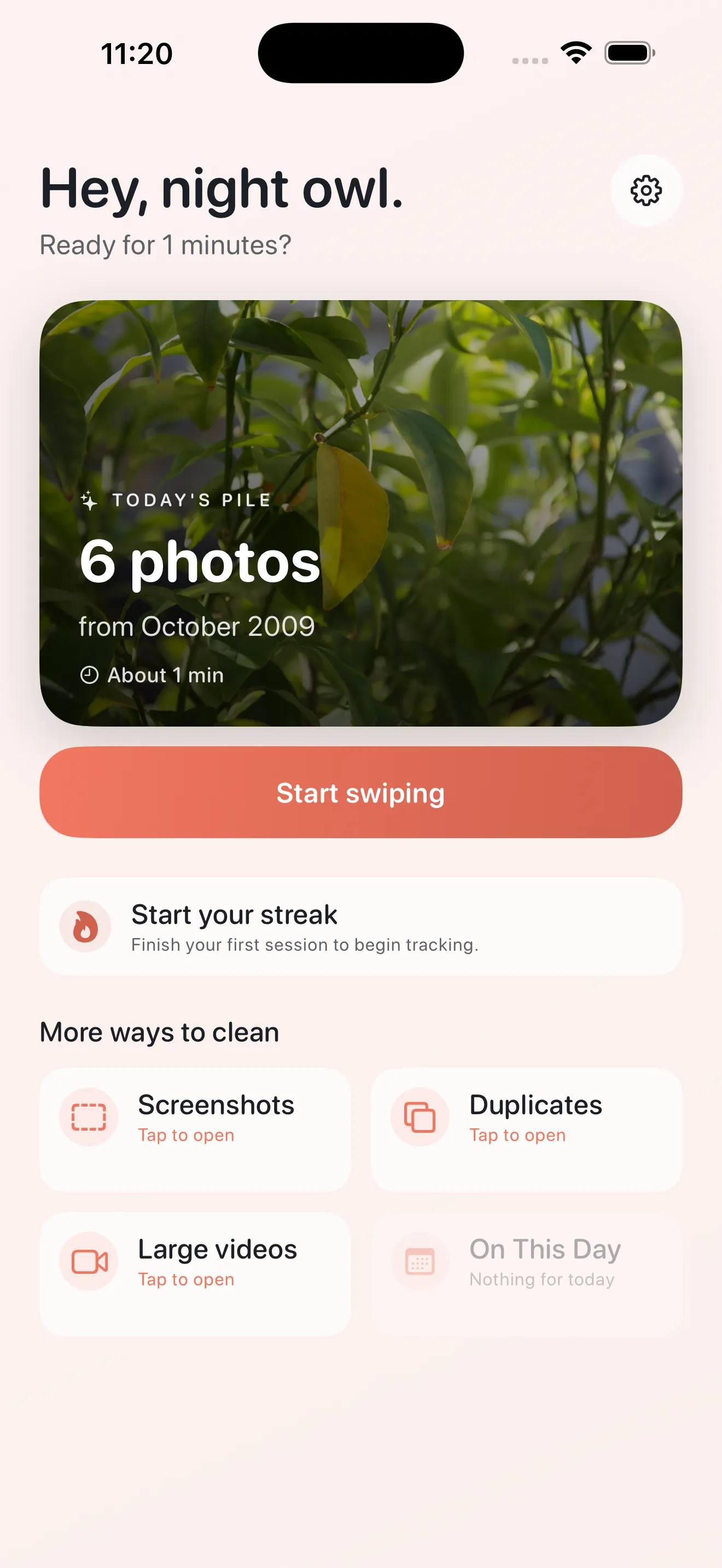
The difference between cleanup you'll actually do and cleanup you'll avoid comes down to friction. Phlash removes the friction.
What makes Phlash's approach work
Phlash builds on this philosophy with a few concrete features. It organizes cleanup into modes: screenshots, duplicates, large videos, and On This Day memories. This focus means you're not staring at thousands of photos at once. You're addressing one problem at a time.
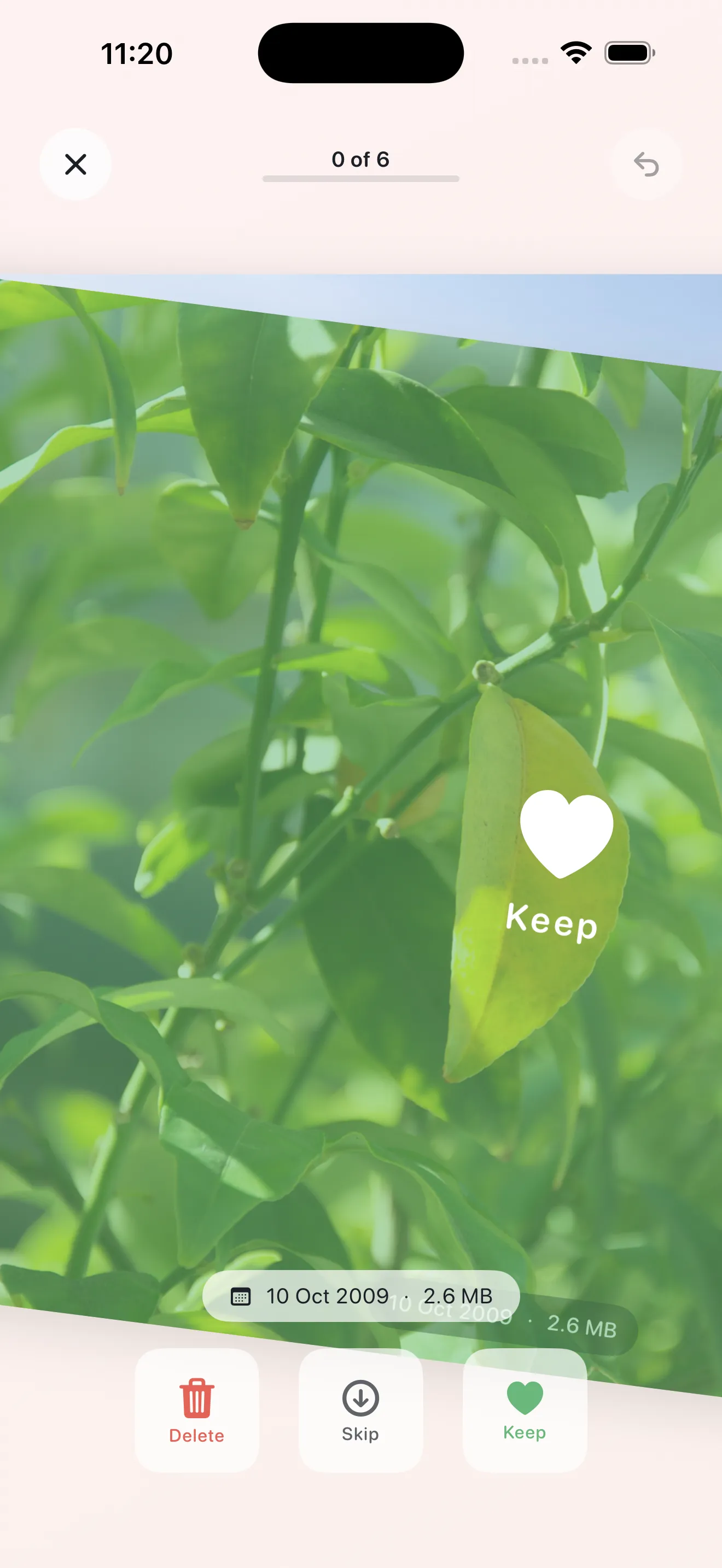
The app uses on-device intelligence—OCR, perceptual-hash duplicate detection, and video analysis—so your photos never leave your phone. You're not trading privacy for convenience. And the swipe interface is satisfying. It's the same gesture billions of people know from dating apps and social networks, but applied to something that actually matters: taking control of your memories.
Comparing the three approaches
- Method
- Batch deletion
- Time per session
- 1–3 hours
- Frequency
- Once every 6+ months
- Friction
- High (decision fatigue)
- Privacy
- Full (local only)
- Best for
- Crisis cleanup
- Method
- Automated tools
- Time per session
- None (background)
- Frequency
- Continuous
- Friction
- None
- Privacy
- Variable (often cloud-based)
- Best for
- People comfortable delegating
- Method
- Mindful sessions (Phlash)
- Time per session
- 5 minutes
- Frequency
- Daily
- Friction
- Low (guided, bounded)
- Privacy
- Full (on-device processing)
- Best for
- Building sustainable habits
For more detailed guidance, check out our comparison of photo cleaning strategies and tips for maintaining your library long-term.
The math of consistency
Here's the thing about five-minute sessions: they add up. Do one every day, and you're spending 35 minutes a week on cleanup. But those 35 minutes are spread across seven days, so no single session feels like work. Compare that to a two-hour marathon every six months, and the math favors small, regular habits. You move less, you burn less emotional energy, and you actually see progress compounding.
On-device means you decide
One more thing: Phlash processes everything locally. The OCR that reads text in screenshots, the hash-based duplicate detection, the video size analysis—it all happens on your phone. This isn't a privacy feature tacked on; it's foundational. You're not trading control for convenience. You're getting both.
Is this the right approach for you?
Mindful sessions work best if you want to stay on top of your library without constant vigilance. If you're someone who avoids cleanup because marathon sessions feel impossible, or if you don't trust apps with cloud access to your photos, the session-based approach clicks. If you prefer setting something on fire and walking away, automation might suit you better. Neither is wrong—it depends on what matters to you.
This article was drafted with AI assistance and reviewed by a human editor before publishing.