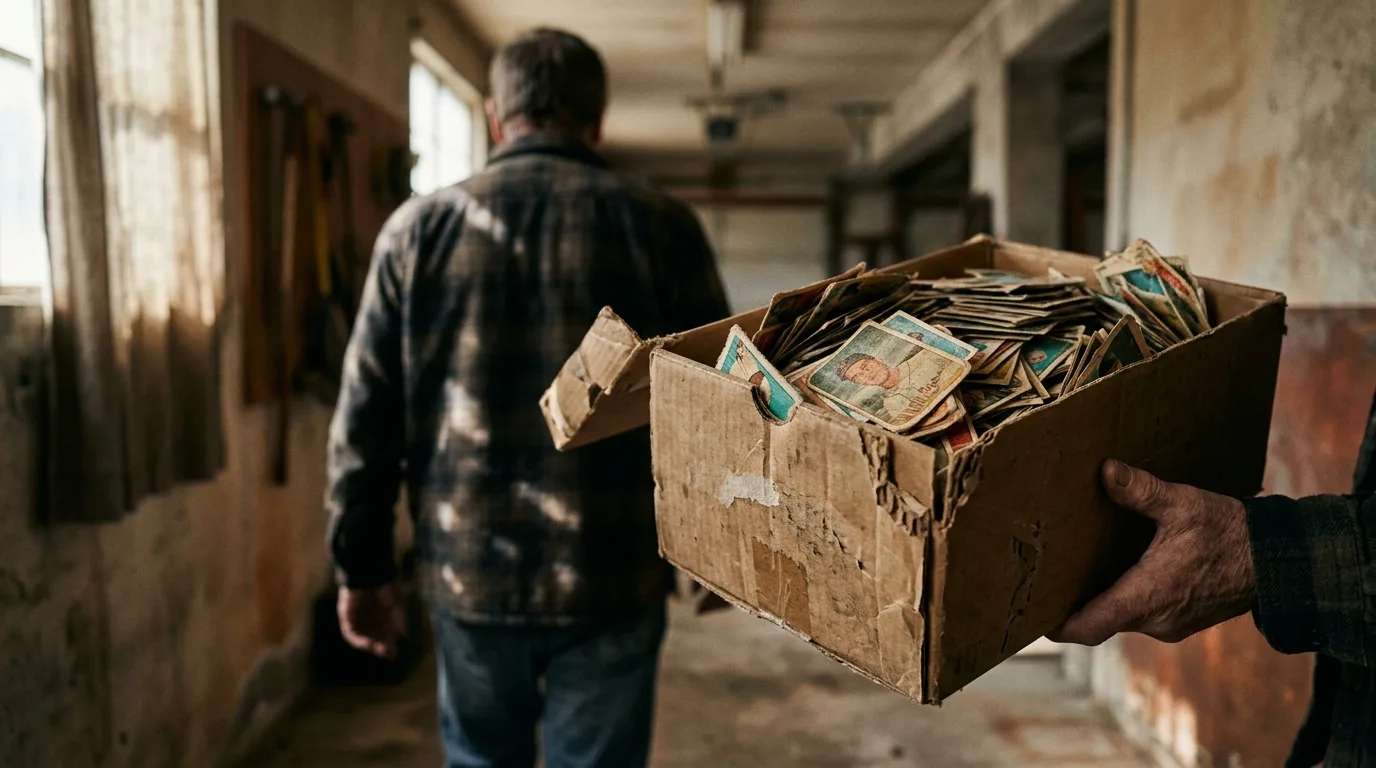
Dana had two weeks until the movers came, a garage full of decisions, and three shoeboxes labeled in her brother's twelve-year-old handwriting: POKEMON — DO NOT THROW AWAY. He hadn't touched them in fifteen years. She didn't know a single card in there from a common to a rare, let alone what any of it was worth. The plan had been simple — donate what's junk, sell what's not — except nobody could tell her which pile was which.
Three Shoeboxes, No Idea Where to Start
The cards weren't sorted by set, condition, or anything close to alphabetical. It was just cards — hundreds of them, some sleeved, most not, a few bent at the corners from being carried in a backpack in 2009. Dana's first instinct was to look them up one at a time on her laptop, but that meant typing card names into a search bar and squinting at listings that didn't match what she was holding. After the fourth card, she gave up and downloaded CardSnap instead.
She didn't need an account to start. She pointed her phone at the first card, and it recognized the printing and pulled a price in under two seconds. No sign-up wall, no email capture, just a number. For someone with two weeks and a garage full of unknowns, that mattered more than any feature list would have.
The Pile That Actually Mattered
An hour in, a pattern showed up. Most cards were worth pocket change — a dollar here, fifty cents there — the kind of thing that made the "donate" pile obvious. But every so often, a card would come back with a price that made her stop and set it aside. A holo she'd almost tossed. A first-edition print she wouldn't have recognized without the scan. CardSnap showed low, market, and high prices sourced from TCGplayer and Cardmarket, each with an as-of date, so she wasn't relying on a single number that might have been stale for months.
That range mattered more than she expected. A card listed at a $40 high and a $12 low is a different conversation than one sitting flat at $40. She read more about why the app shows a spread instead of one figure in this breakdown of how CardSnap prices cards, which explained that market prices move with real listings, not a fixed catalog value.
A stack of cardboard became a set of decisions the moment each one had a number attached.
Turning a Guess Into a Total
By the second afternoon, Dana had scanned close to three hundred cards. Instead of a loose sense of "there might be something valuable in here," she had an actual running total — the collection tracker added every scanned card automatically, so she could see the whole binder's worth climb as she went, not just card by card. She unlocked the full version partway through, mainly for price history and CSV export, since she wanted a spreadsheet to hand her brother rather than a phone screen he'd have to scroll through.
That export turned out to be the most useful part of the whole exercise. She didn't have to retype anything — the full list of cards, conditions, and current values was there, ready to paste into an email. If you're setting up your own system before a big sort like this, this guide to building a collection tracker on iPhone covers the setup in more detail than she had time for that week.
- Scan first, sort second — decide by value instead of by gut feeling
- Check the as-of date on each price before assuming it still holds
- Use the running total to know if a box is worth the effort of selling piece by piece
- Export to CSV when you need to hand off a full list to someone else
Selling Without Guessing
The valuable pile ended up small — nineteen cards — but it was worth more than Dana expected, enough to make listing them individually worth the time instead of dumping the whole lot for a flat price to the first buyer who asked. She kept three for her brother, since a couple were tied to cards he specifically remembered pulling as a kid. The rest went into online listings priced against the market numbers she already had, not a guess pulled from memory of what Pokémon cards "used to" sell for.
The donate pile went to a neighborhood kid down the street who collects. No haggling, no second-guessing whether she was giving away something she'd regret. She knew, card by card, what she was letting go of and what she wasn't.
What This Looks Like for Your Own Boxes
Most people who end up scanning a childhood collection aren't lifelong collectors — they're clearing a closet, helping a parent downsize, or splitting up a sibling's old stuff before a move. The situation rarely comes with time to research each card individually. If this is your first time using the app for something like this, the beginner's guide to your first week with CardSnap walks through the basics faster than trial and error will. And if you want the fuller path from first scan to a complete valued collection, the full walkthrough covers what happens after the sorting is done.
Do I need an account to start scanning?
Common questions
What if I have hundreds of cards and no time to scan each one by hand?
Can I trust the price if I'm about to sell?
What's the difference between the free version and the paid unlock?
This article was drafted with AI assistance and reviewed by a human editor before publishing.