Beginner's Guide to CardSnap: Your First Week With It
New to scanning Pokémon cards? Here's what to expect in your first week with CardSnap, from your first scan to a running total for your whole binder.
What You'll Have After One Week With CardSnap
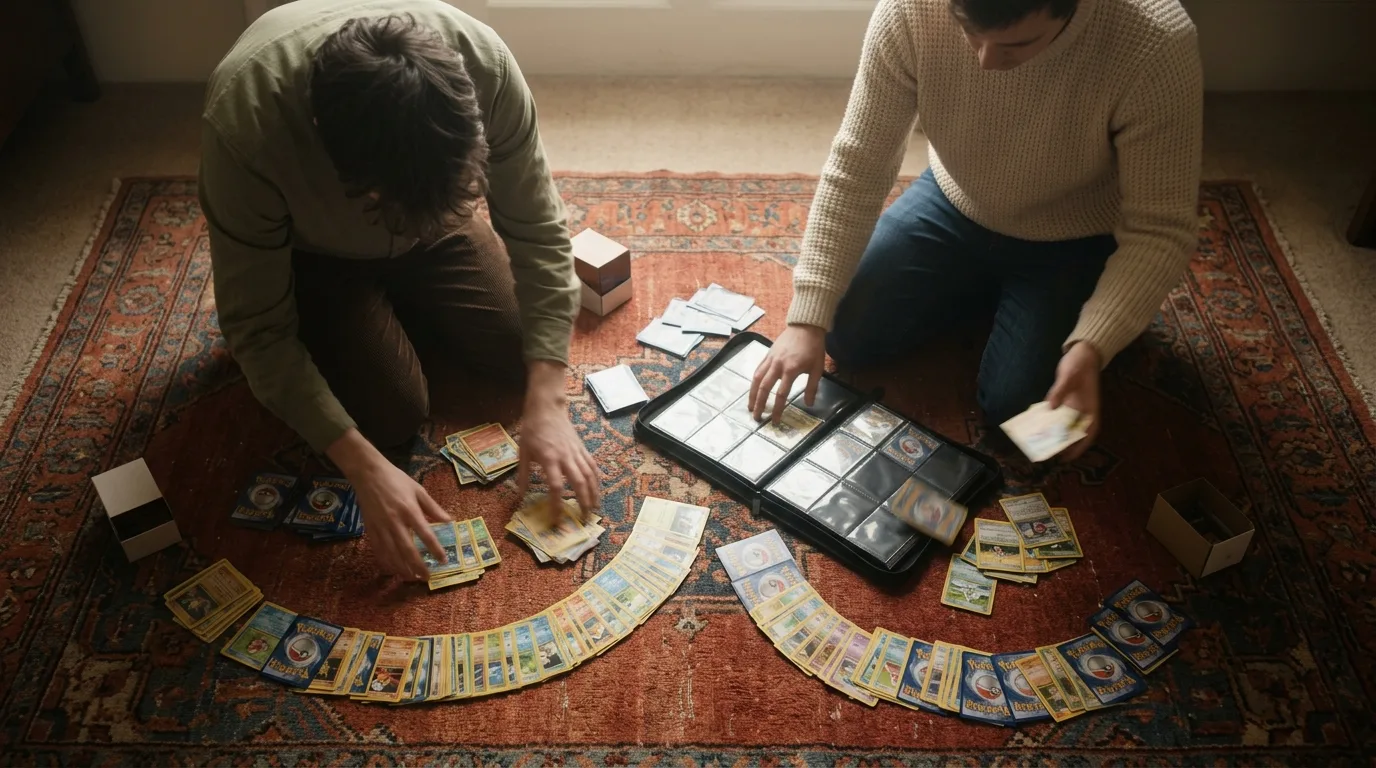
A real sense of what your binder is actually worth. By day seven you'll have scanned or searched most of your collection, added it to a running total, and learned to read a price range instead of chasing a single number. The whole process takes about 20 to 30 minutes spread across a few short sessions, not one long sitting.
An iPhone with a working camera
Your physical Pokémon cards, in any condition
A well-lit room or a lamp — CardSnap reads printed detail, not glare
A few minutes of quiet time to scan without rushing
Wifi or cell data so prices can pull fresh numbers from TCGplayer and Cardmarket
What a Pokémon Card Scanner Actually Does
A card scanner is exactly what it sounds like: point your phone's camera at a card and the app tells you what it is and what it's worth, without you typing a name or set number. CardSnap does this recognition entirely on your device, so the photo of your card never has to leave your phone to get an answer. Here's a closer look at how that recognition works if you're curious about the mechanics.
"Worth" isn't one number, either. Every card shows a low, market, and high price pulled from TCGplayer and Cardmarket, each stamped with an "as of" date so you know how fresh it is. That range matters more than any single figure — it's the honest picture of what a card might actually sell for on a given day.
Your First Week, Step by Step
1
Step 1: Scan one ordinary card first
Pick a common card, not your rarest one, and lay it flat under decent light. Open CardSnap, hold the camera a few inches back, and let the frame settle — no shutter button to tap. Within a second or two you'll see the card identified and a price appear, with no account or sign-in in the way.
2
Step 2: Read the price range before you trust a single number
You'll see a low, market, and high price, each pulled from TCGplayer and Cardmarket with an "as of" date attached. The market figure is your best single estimate, but the range shows how much that estimate actually moves. This breakdown of why CardSnap shows a range instead of one number is worth reading before you price anything rare.
3
Step 3: Search by name when a card won't scan cleanly
Graded cards behind thick plastic, heavy sleeves, and damaged corners can confuse any camera. Tap search, type the card's name, and pick it from the list instead — search is just as free and unlimited as scanning. You lose nothing by typing a few cards manually instead of fighting bad light.
4
Step 4: Start a collection and add your first scans to it
Every card you scan or search can be filed into a collection instead of just sitting in scan history. Create one collection for your binder, add your scanned cards to it, and watch the total value update as you go. This guide to building a tracker on iPhone covers organizing multiple collections once your first one fills up.
5
Step 5: Scan a little each day instead of all at once
Ten cards a day for a week beats a two-hour marathon on day one — your patience holds out better, and so does your lighting setup. CardSnap tracks a daily streak and flags value milestones as your total climbs, which gives you a small reason to come back tomorrow. By the end of the week you'll have covered most of a binder without it feeling like a chore.
6
Step 6: Decide whether to unlock the extras
Once you've scanned enough to trust the app, look at what unlocking adds: no ads, unlimited collections, price history, graded PSA and CGC values, price alerts, and CSV export. None of this is required to know what your cards are worth today — it matters once you want history, grading, or a spreadsheet out the door.
Common Questions New Scanners Ask
Common questions
Do I need to create an account to start scanning?
No. Scanning and text search work immediately, with no account and no wall before your first scan.
Is CardSnap only useful once I own a lot of cards?
It's just as useful with five cards as with five thousand — the collection total simply grows as you add to it, and you can watch value build from your very first scan.
How accurate is scanning compared to typing a card's name myself?
Recognition works well on clean, well-lit cards, and it happens entirely on your device rather than sending anything to a server. When a scan misses, search by name gets you the same pricing instantly.
Why do I see slightly different numbers than a friend scanning the same card?
Prices come from live TCGplayer and Cardmarket data with an as-of date, so timing and which marketplace you're comparing against both explain small differences. The full walkthrough covers how to read those figures side by side.
What's the fastest way to get better at this after week one?
Skim the beginner's guide collection for more first-week tips, then move on to faster scanning and pricing habits once the basics feel automatic.
This article was drafted with AI assistance and reviewed by a human editor before publishing.