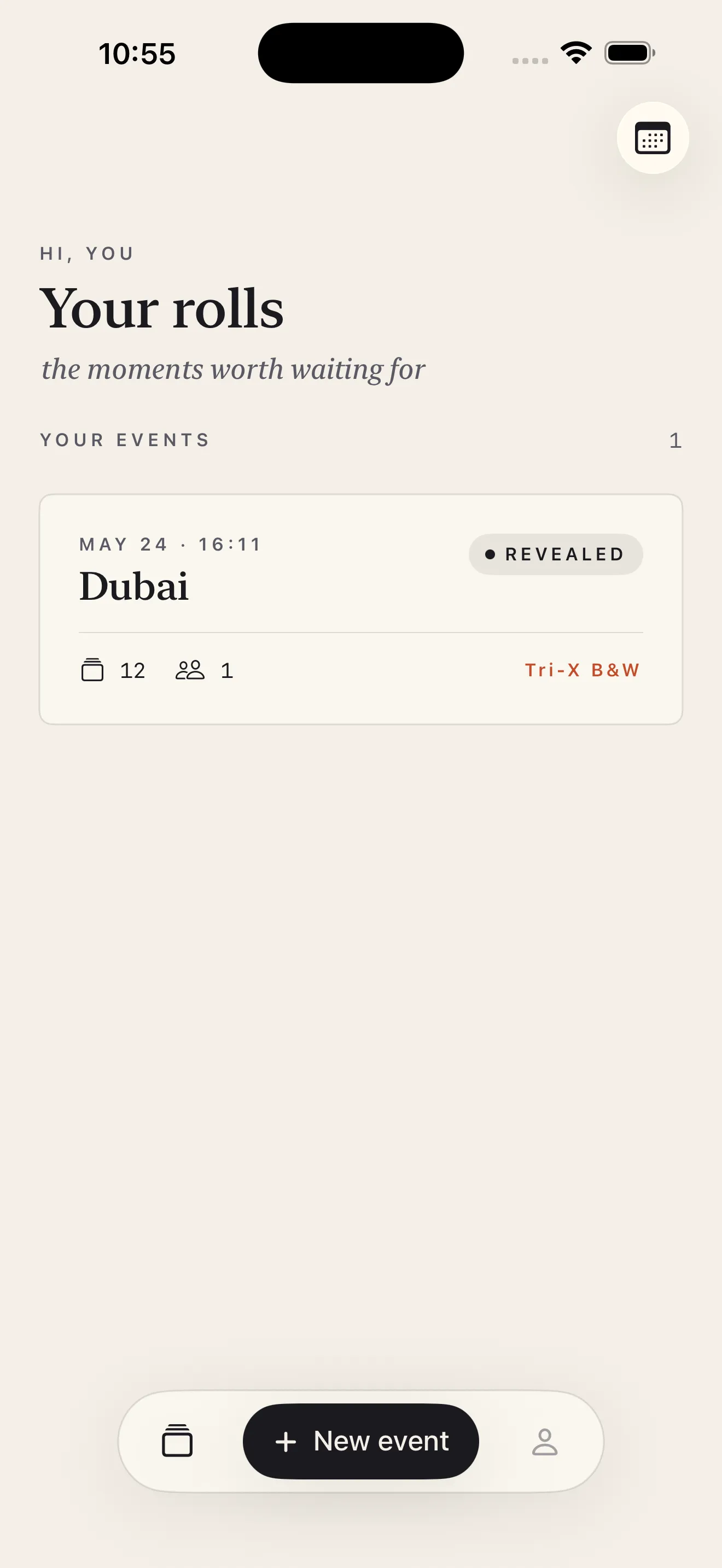
Rolla brings back the magic of disposable cameras—the anticipation, the finite roll, the group reveal. Instead of shooting alone, you invite up to three friends to shoot on the same roll, and nobody sees the photos until the host develops them. It's designed for trips, weddings, parties, and any moment you want to be present rather than endlessly scrolling through your phone.
What makes Rolla different
Most camera apps flood you with instant feedback and infinite storage. Rolla does the opposite. You pick a roll size (12, 24, 36, or 48 shots), choose a film look, and shoot blind. The photos stay locked in a vault until everyone agrees it's time to develop. No sneaking peeks. No editing mid-event. No infinite camera roll dumps. It's a deliberate return to how disposable cameras actually worked.
One roll, one reveal—no infinite camera roll dumps.
The core concepts
Rolls and roll sizes
When you create an event, you decide how many shots fit on the roll: 12 (small), 24 (standard), 36 (full), or 48 (extra). Once that number is hit, shooting stops. Everyone's constrained by the same limit, which encourages intention over volume.
Film looks
Rolla applies three cinematic film filters—Kodak Gold (warm, vintage), Portra 400 (rich color), and Tri-X B&W (black and white)—at the moment of capture. You pick one when you set up the roll, and that's the look for everyone's shots. No mid-shoot tweaking, no personal filters. The effect is GPU-accelerated so it doesn't slow you down.
Shared events and invitations
You create the roll, and Rolla generates a QR code or shareable link. Scan it or send it to up to three friends—everyone shoots on the same finite roll blind. Only you (the host) can develop the roll and reveal all the photos at once.
Your first week with Rolla
Day 1: Set up and invite
- Open Rolla and tap 'New Event'
- Choose your roll size (start with 24 or 36 if unsure)
- Pick a film look based on the vibe—Gold for warm, Portra for vibrant, Tri-X for moody
- Invite friends via QR code or link
Days 2–5: Shoot and wait
Each person shoots when they want during the event window. The camera interface is simple—tap to shoot, no filters, no editing. You'll see a shot counter so everyone knows how many frames are left. Once the roll fills up, shooting stops.
Day 6–7: Develop and reveal
When you're ready, tap 'Develop' as the host. All the photos unlock at once, and everyone sees what everyone else shot. No algorithm, no endless scrolling—just a finished roll of memories.
Setting expectations
- Photos stay locked until the host develops the roll—no cheating or early peeks
- You can't edit photos before reveal; the film look you chose is what you get
- Once a roll is full, it's full; you can't add more shots or extend the limit
- Rolla works best when everyone's present during the event, not as an async photo dump
- The reveal is the payoff—that moment when you all see everything at once
If you want more detailed guidance, check out how to shoot a shared roll in Rolla and the Rolla setup checklist for best practices.
First steps
- Download Rolla from the App Store
- Create your first event and pick a 24-shot roll with Kodak Gold
- Invite 1–3 friends via QR code or link
- Set a shooting window (a trip, night out, or specific day)
- Let everyone shoot blind, then develop and reveal together
This article was drafted with AI assistance and reviewed by a human editor before publishing.