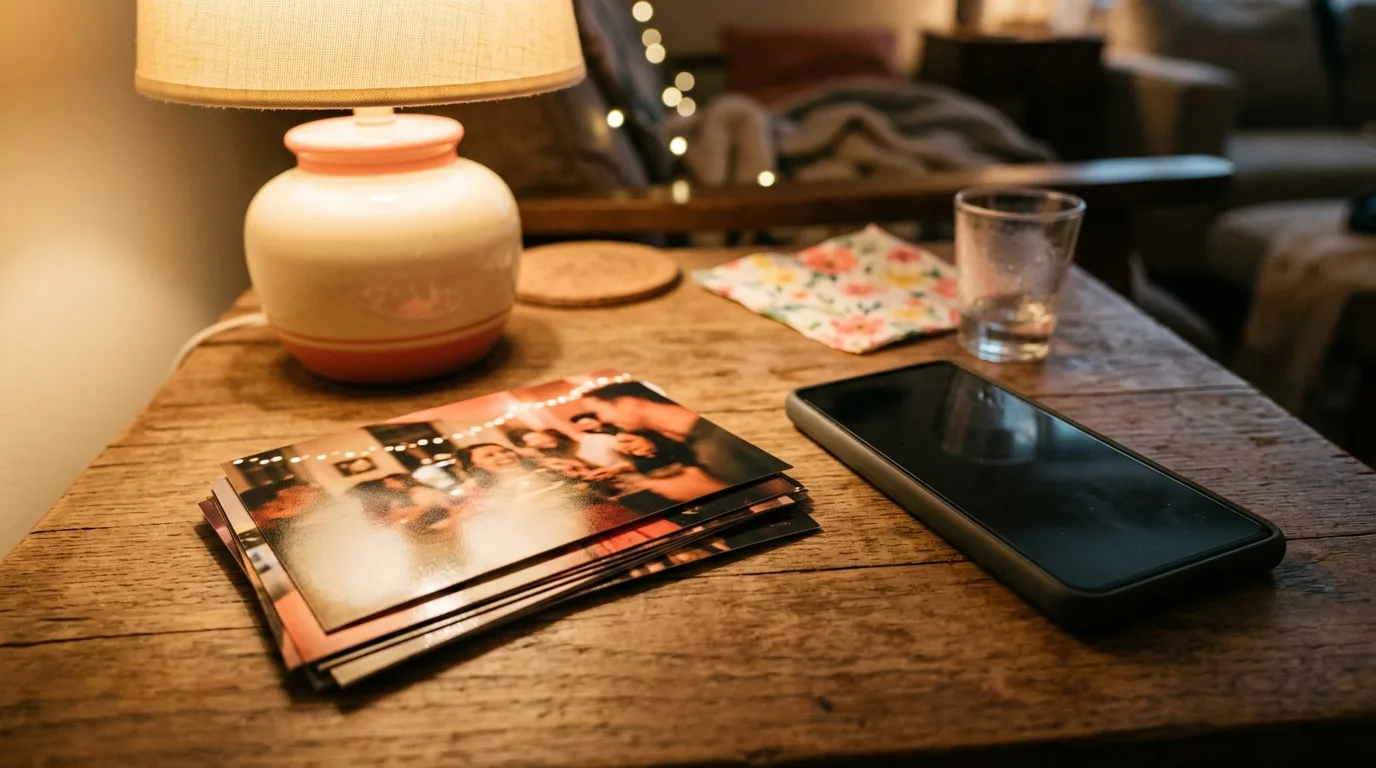
People looking up how to save disposable camera photos are usually past the shoot. The roll has been developed. The frames exist. The open question is how those frames leave the app.
Rolla is the disposable camera. The live version is 1.2.0, released on 26 September 2026 at 9:12pm GST. The seller is Rene Fandida. The bundle is com.culi.rolla. The App Store id is 6772478213. This article is not a setup guide. It starts after the reveal, which is the first moment a save, a share, or a print has a developed roll to act on.
The earlier notes stay earlier. Rolla is the app page. The Rolla articles collect the pieces around it. A shared roll is the shared-roll checklist. A first roll is the beginner guide. Getting the camera ready is the setup article. The Culi blog is the wider index. If the roll is not developed yet, those pages cover the time before this one.
The current description puts the aftermath in one line: save in HD, share to Instagram, print at home. Version 1.2.0 adds a narrower note, a single tap that sends the whole roll to Photos. The lock comes first. The exits come after.
The photos stay locked until the roll is developed
A disposable roll is a wait on purpose. Rolla names it: a locked photo vault until reveal. The photos are in the app. They are not a set you open while the event is still going, and they are not a set you take out of the middle of it. Until the reveal, the vault is where the frames are.
The shoot matches the vault.
Shoot blind — no one sees the photos until the event ends.
The frames stay unseen until the event is over. A save, a share, or a print before then would show the roll early, and the listing does not describe an early look. The event ends, and then the photos can be seen.
No previews. No filters mid-shoot. No instant gratification.
Those lines are the same lock at the moment of the shot. There is no glance at the frame just taken. There is no filter applied while the roll is still being shot. There is no developed picture handed back to mark the tap. The response to a frame, if there is one, comes at the reveal, because that is when the frame is shown.
The reveal waits on the host.
Develop together — reveal the roll as a group on the host's signal.
The host gives the signal. The group is who the roll opens for. The app holds the photos until the host develops the roll. Before that signal, how to save disposable camera photos has nothing to act on.
Stills and short clips are both in that hold. A roll is not stills alone. A short clip is shot into the same vault and shown on the same signal. Both kinds of frame stay locked until the roll is developed, and both are what the group is looking at once the roll has been developed.
Setup, a first roll, and the shared roll already have their own pages. They cover the time before the signal. After the host develops the roll with the group, the frames are a developed roll, and that is the first thing the listing talks about saving, sharing, or printing.
Save in HD, share to Instagram, or print at home
Once the roll is developed, the current description names three ways the photos leave.
Save in HD, share to Instagram, print at home.
Save in HD is the keep. The developed frame stays, and HD is as far as the listing goes on that save. There is no restyle tucked under the word. The shoot had no filters mid-shoot, so the HD save is not removing a look that was never applied. It is the frame from the roll, kept.
Share to Instagram is the send. Instagram is the place the listing names, and the sentence ends on the name. A share is how a developed frame can go there. The app does not promise an Instagram layout. The frame leaves. Whatever happens to it after that is outside the line Rolla writes.
Print at home is the copy you make yourself. Home is the place the listing names. The app does not promise a print lab. Printing, in the words on the page, is at home from the developed roll, not an order the camera places. The fact on the page is the place: at home.
The three sit side by side. The description does not rank them or make one wait on another. They are the ways out.
Stills and short clips are what those ways out apply to. The developed roll holds both. The description names the exits for the roll, after the group has seen it. A save, a share, or a print is a decision about frames that were shot, held, and then revealed.
That is the handoff the current description gives. The save is in HD. The share is to Instagram. The print is at home. They apply once the host has developed the roll. They are how the photos leave, not a way back into the lock.
One tap sends the whole roll to Photos
Version 1.2.0, the live release from 26 September 2026 at 9:12pm GST, adds one fact about saving in What's New. It is labeled here as version 1.2.0. The line reads:
NEW: Save the whole roll. One tap in the gallery sends every frame to Photos — stills and clips, exactly as they were shot.
One tap in the gallery sends every frame to Photos. The gallery and the one tap are the whole route the sentence gives. No further control is named, so no further control is described around it.
Every frame means the roll, not a subset chosen in this article. Stills go. Clips go. They go exactly as they were shot. Photos receives the frame the roll already held, not a corrected copy made on the way out. That matches the shoot. No filters were applied mid-shoot. No preview was there to single out a frame before the reveal. The tap sends what the vault was holding, stills and clips together.
The note does not replace the current description. Save in HD, share to Instagram, or print at home is still how that description says a developed roll can leave. The 1.2.0 sentence is the narrower claim: one tap in the gallery sends every frame to Photos, as shot. Sharing and printing remain the other named exits.
The version does not move the reveal. Version 1.2.0 can send every frame to Photos when a developed roll is there to send. The photos stay locked until the roll is developed. The group still reveals the roll on the host's signal. The gallery tap is a way out after that, not a way around it.
For a developed roll that should end up in Photos, the note is the direct statement. One tap in the gallery. Every frame. Stills and clips, exactly as they were shot. Around it, the listing still says the photos can be saved in HD, shared to Instagram, or printed at home.
The app holds the photos until the host develops the roll, then they can be saved, shared, or printed. It does not promise a print lab or an Instagram layout.
This article was drafted with AI assistance and reviewed by a human editor before publishing.