The mental load—all that invisible thinking and planning that keeps a household running—rarely splits evenly. One person usually ends up holding most of it, even when chores seem divided. FairShare makes that invisible work visible by turning household tasks into ownership cards where you and your partner explicitly split the thinking, planning, and doing. Here's how to set it up and start shifting the balance.
What mental load really is
Mental load isn't just doing dishes or taking out trash. It's remembering that your kid needs new shoes, researching which ones to buy, deciding when to go shopping, and then actually going. It's noticing the fridge is empty and planning meals. It's thinking about your partner's birthday three weeks in advance. Most of it lives in one person's head—usually invisibly, and usually unfairly. FairShare uses Fair Play principles to make mental load visible, so you can split it intentionally.
Set up FairShare with your partner
Step 1: Download and create your account
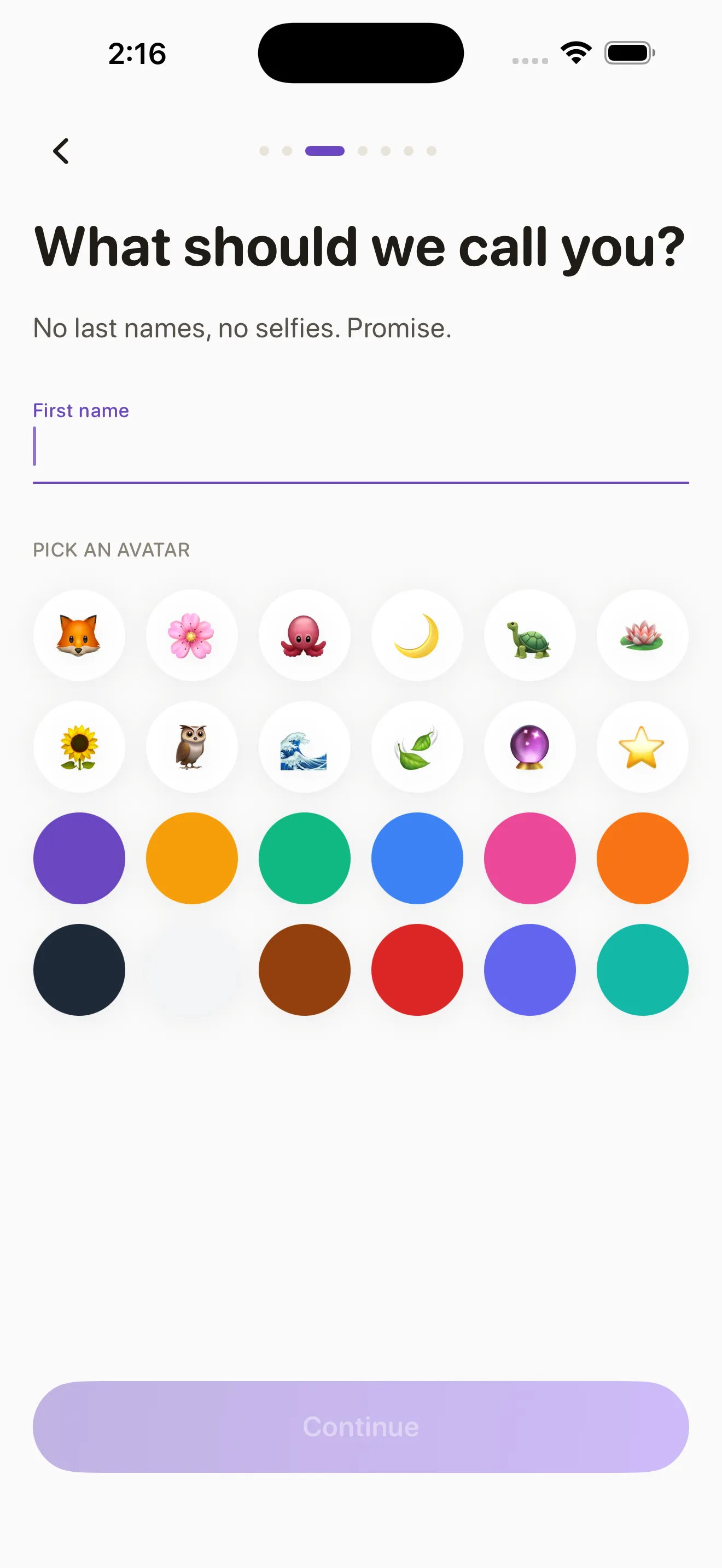
Install FairShare from the App Store. Open it and add your name and basic household info—how many people live with you, whether you have kids, your relationship type. This context helps the app suggest cards that actually matter for your life.
Step 2: Invite your partner
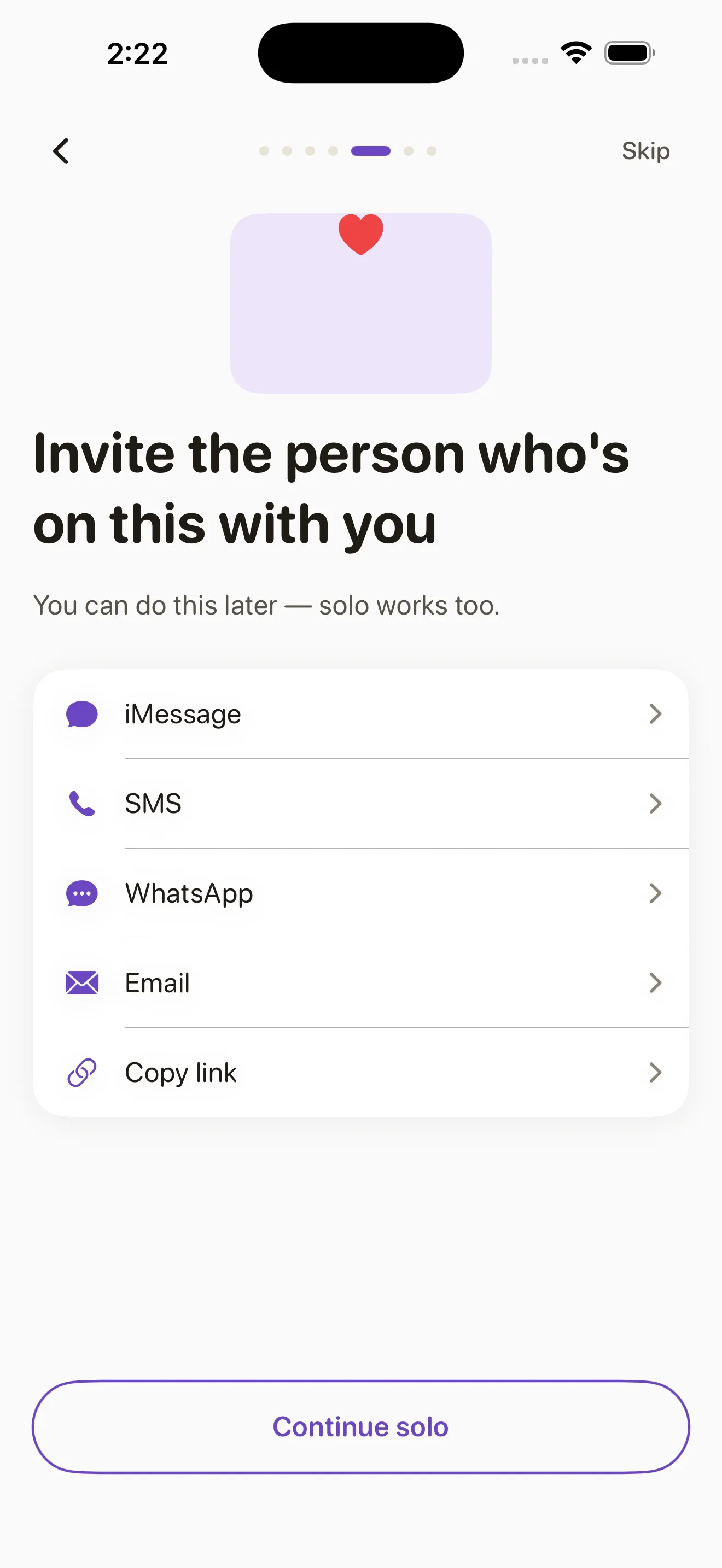
FairShare generates a unique invite link you share with your partner. Tap the invite button, send the link via text or email, and wait for them to accept. Once they join, you're both in the same household account and can see the same cards and check-ins.
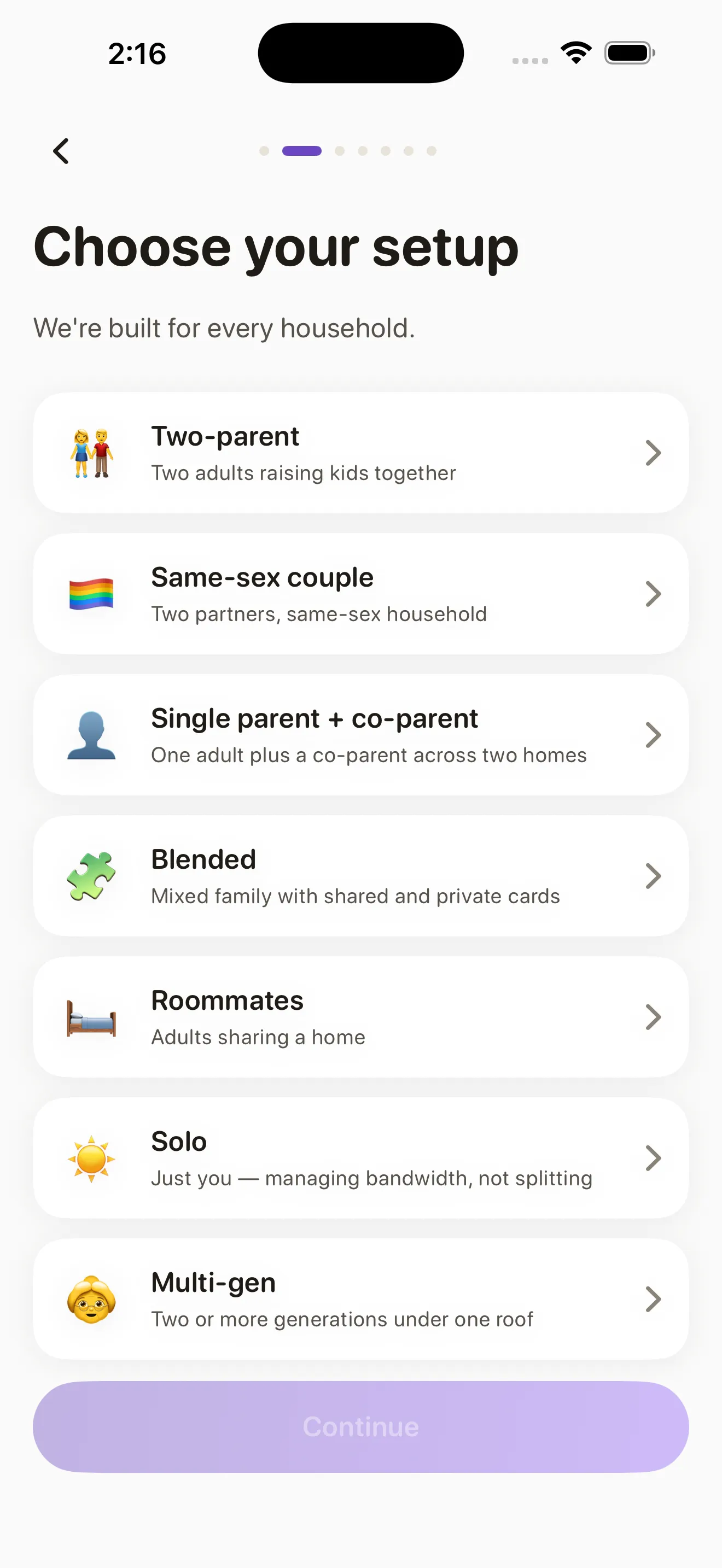
Step 3: Choose your household type
FairShare offers a few starting templates: couples without kids, couples with young kids, couples with school-age kids, or blended families. Pick the one closest to your situation. The app will suggest ownership cards relevant to your household type, so you're not starting from a blank sheet.
Understand the ownership card system
A FairShare card is not a chore. It's a full ownership package with three parts: Conceive (noticing a need, researching options, deciding what to do), Plan (scheduling, organizing, coordinating), and Execute (actually doing the thing). One person owns the full card—all three pieces—so no one is left to wonder who's supposed to think about it.
One person owns thinking, planning, and doing—not split across both of you.
When you assign a card to one person, they own the mental load for that area. Your partner isn't responsible for reminding you or checking if you're on track. You own it. This transparency is what makes imbalance visible and fixable. Learn more about how FairShare's card ownership model works.
Create and assign your first cards
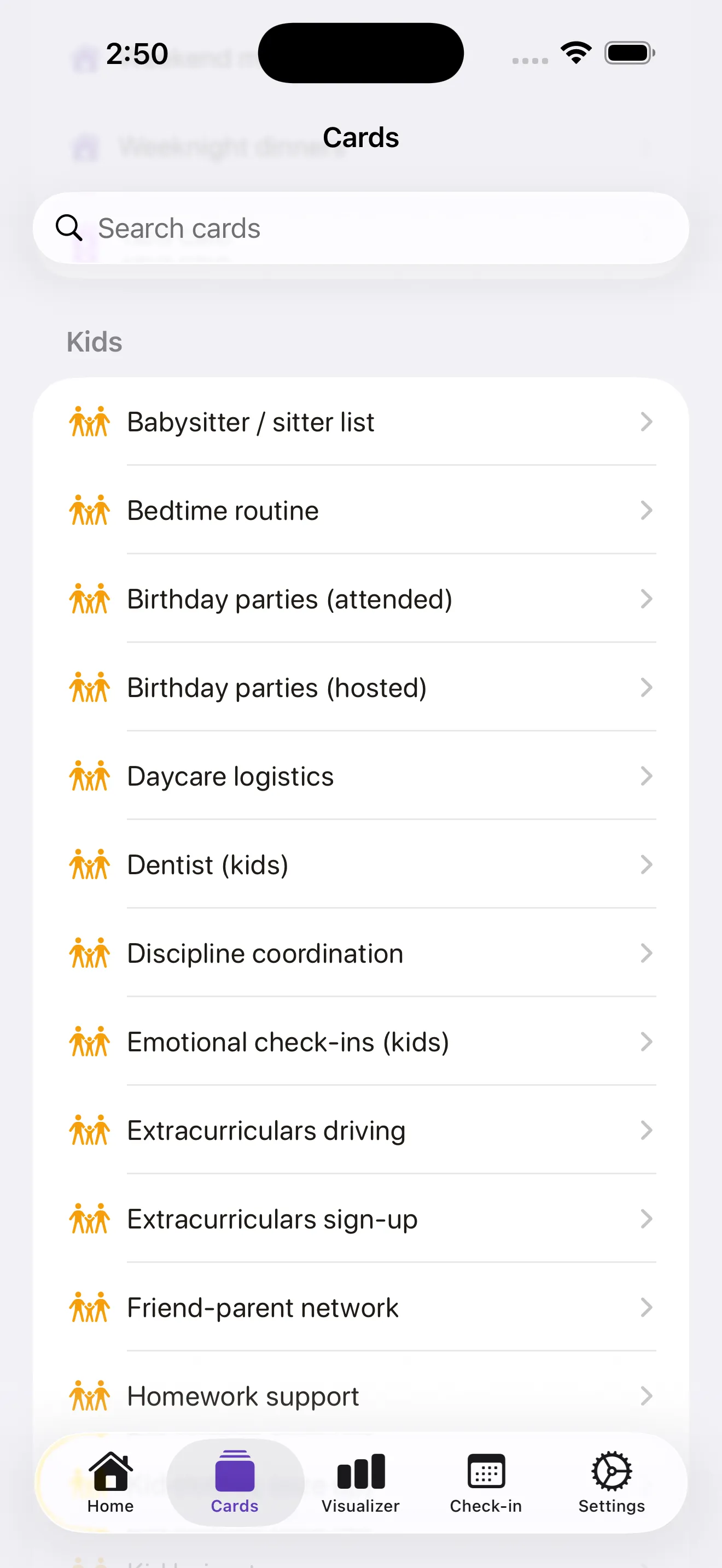
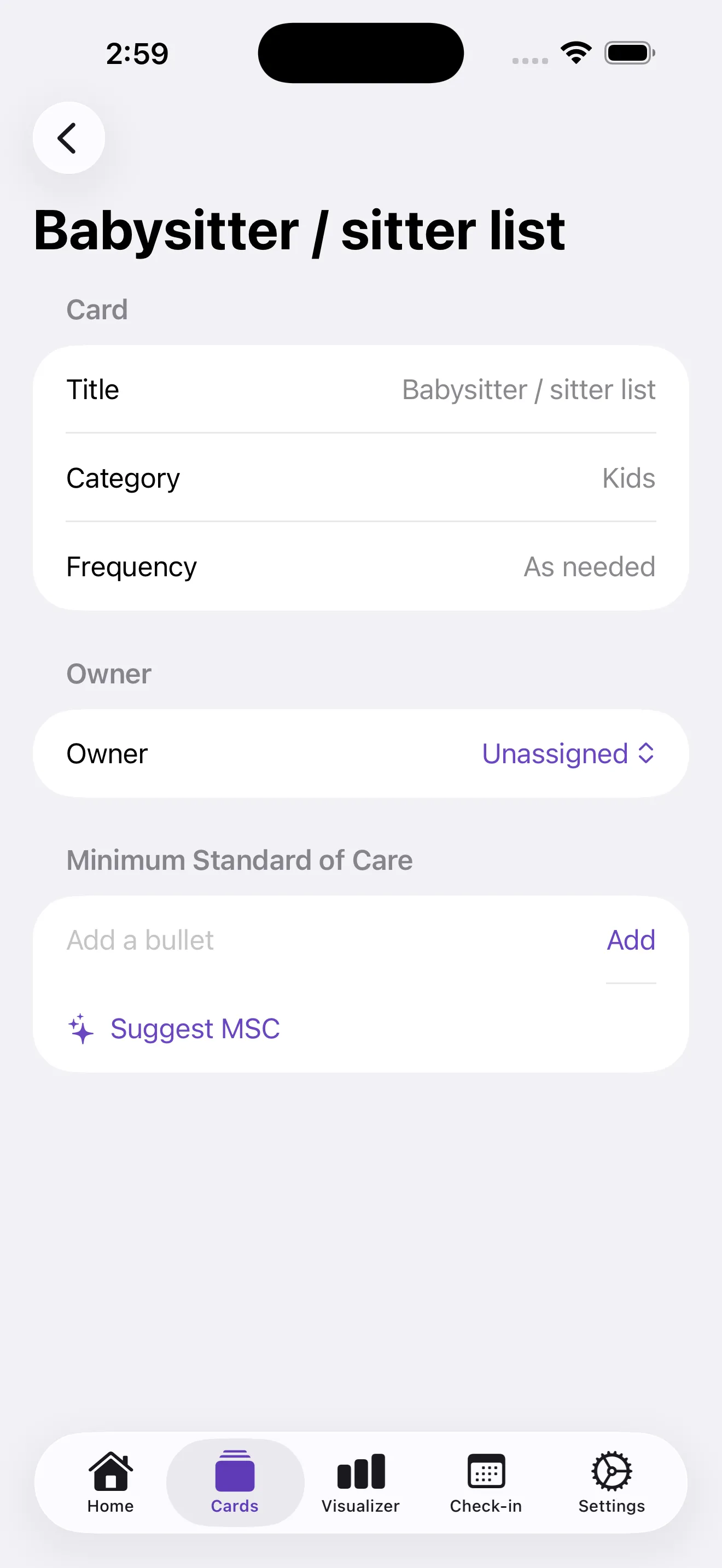
Start with cards that matter most to your household. Common ones include meal planning, grocery shopping, laundry, kids' schedules, and bills. You can edit suggested cards or create new ones. Tap the composer, name the card, describe what full ownership looks like (conceive, plan, execute), and assign it to yourself or your partner. Be honest about who's actually thinking about it now.
Use Brain Dump to catch invisible work
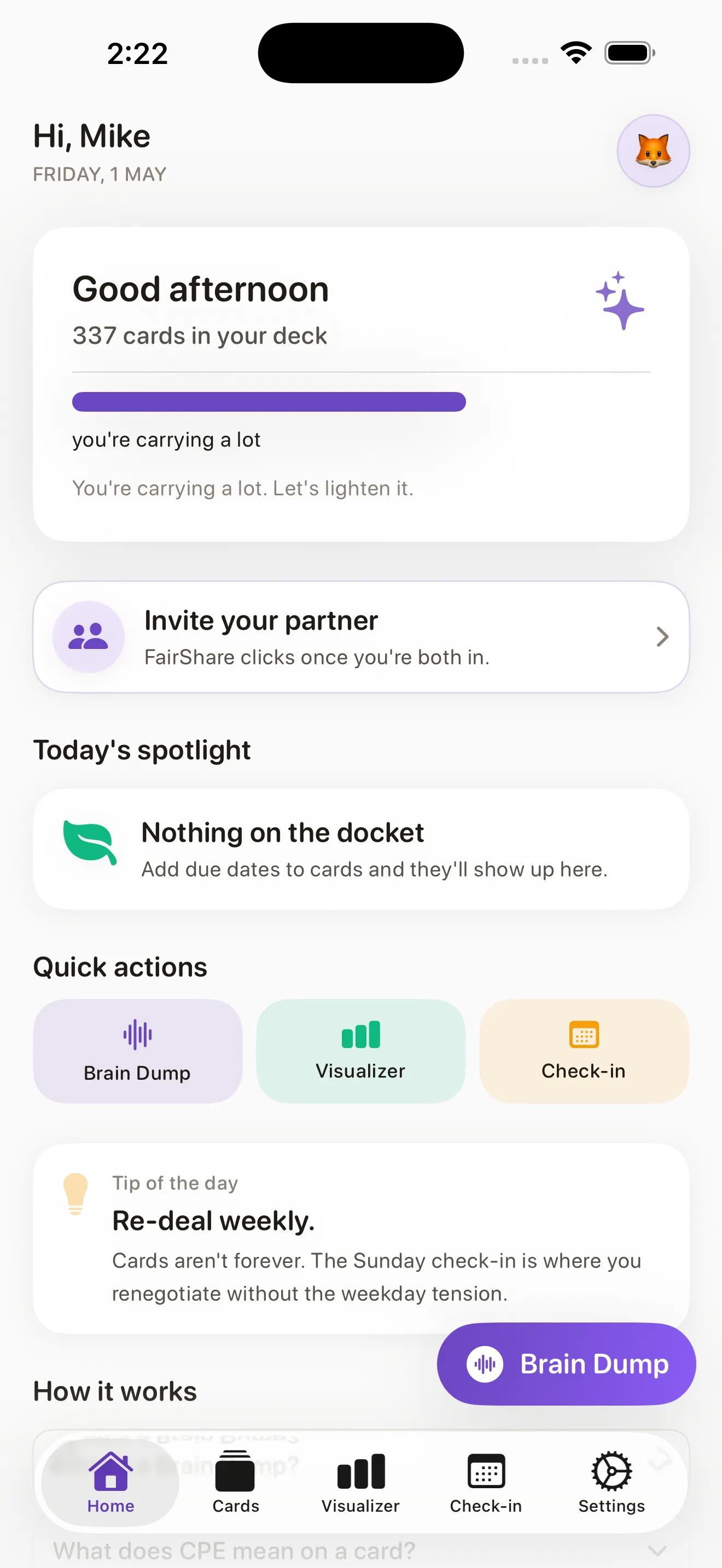
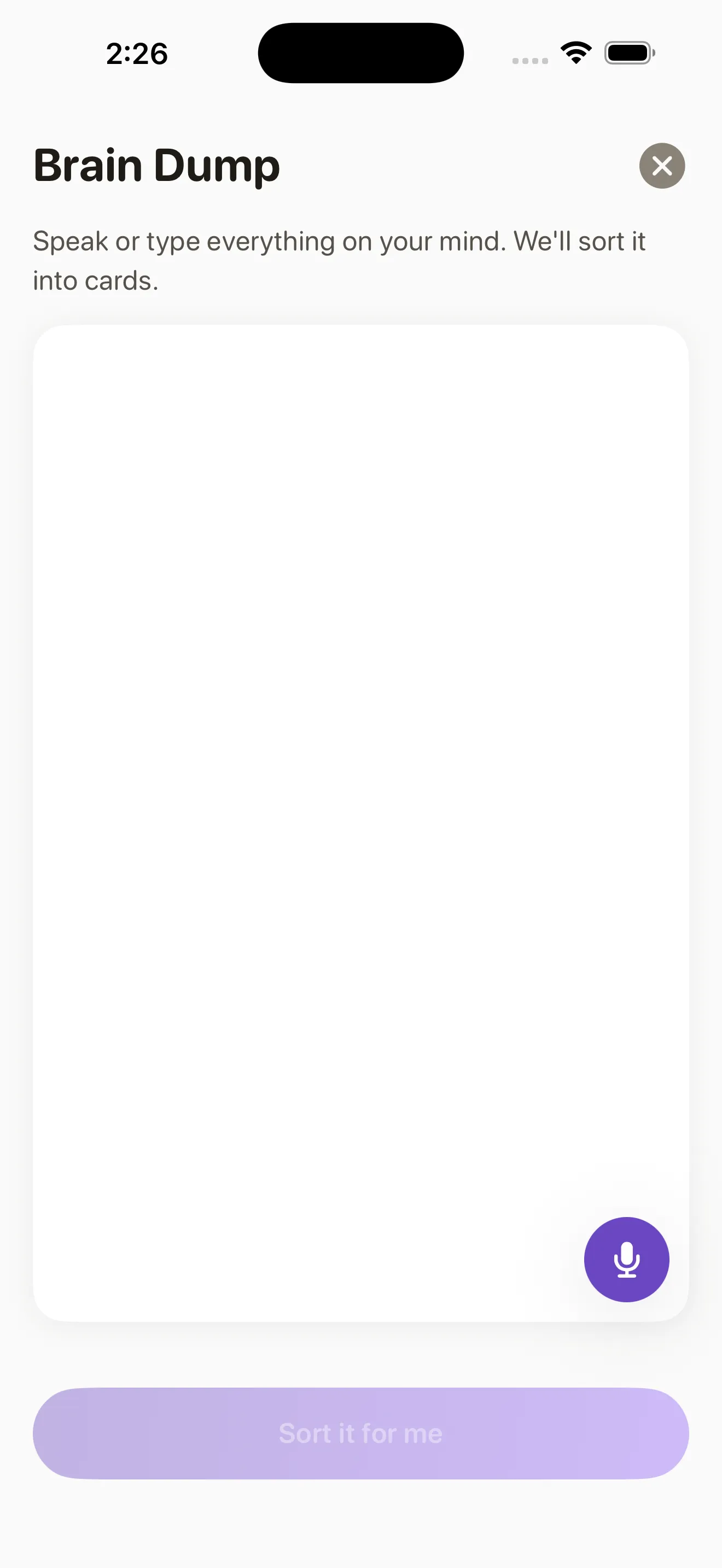
FairShare's Brain Dump feature is a shortcut for capturing all those random mental-load tasks that bubble up during the day. When you think of something that needs doing—a doctor's appointment to book, a gift to buy, a repair to schedule—you dump it into Brain Dump fast. The app intercepts it, helps you figure out which existing card it belongs to, or suggests creating a new card. This keeps invisible work from staying invisible.
Run weekly check-ins
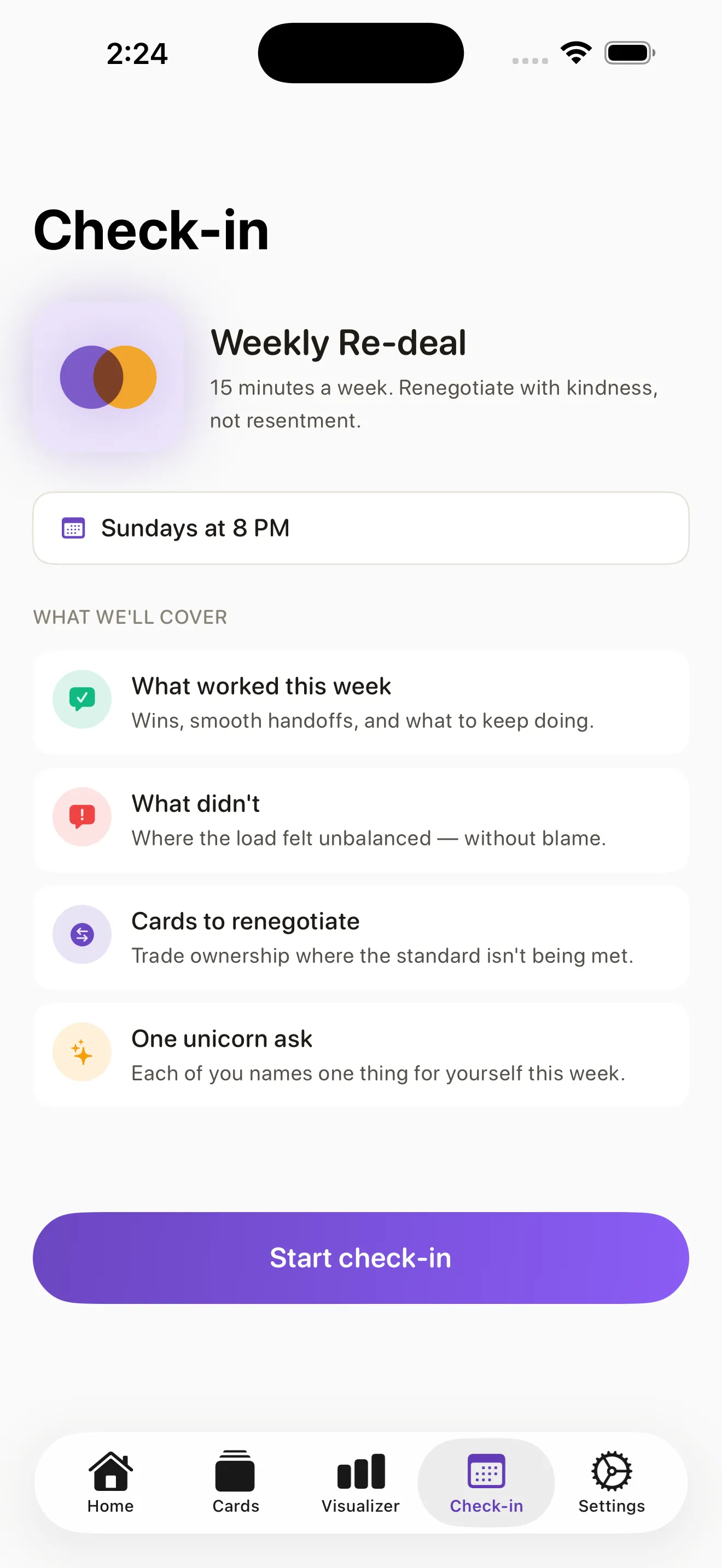
Every week, FairShare prompts you and your partner to check in. You answer short questions: What shifted? Did anyone swap a card? Are there new needs to own? Does the load still feel fair? This rhythm prevents frustration from building up and makes renegotiating natural instead of something that only happens during a fight.
Check the Visualizer to see imbalance
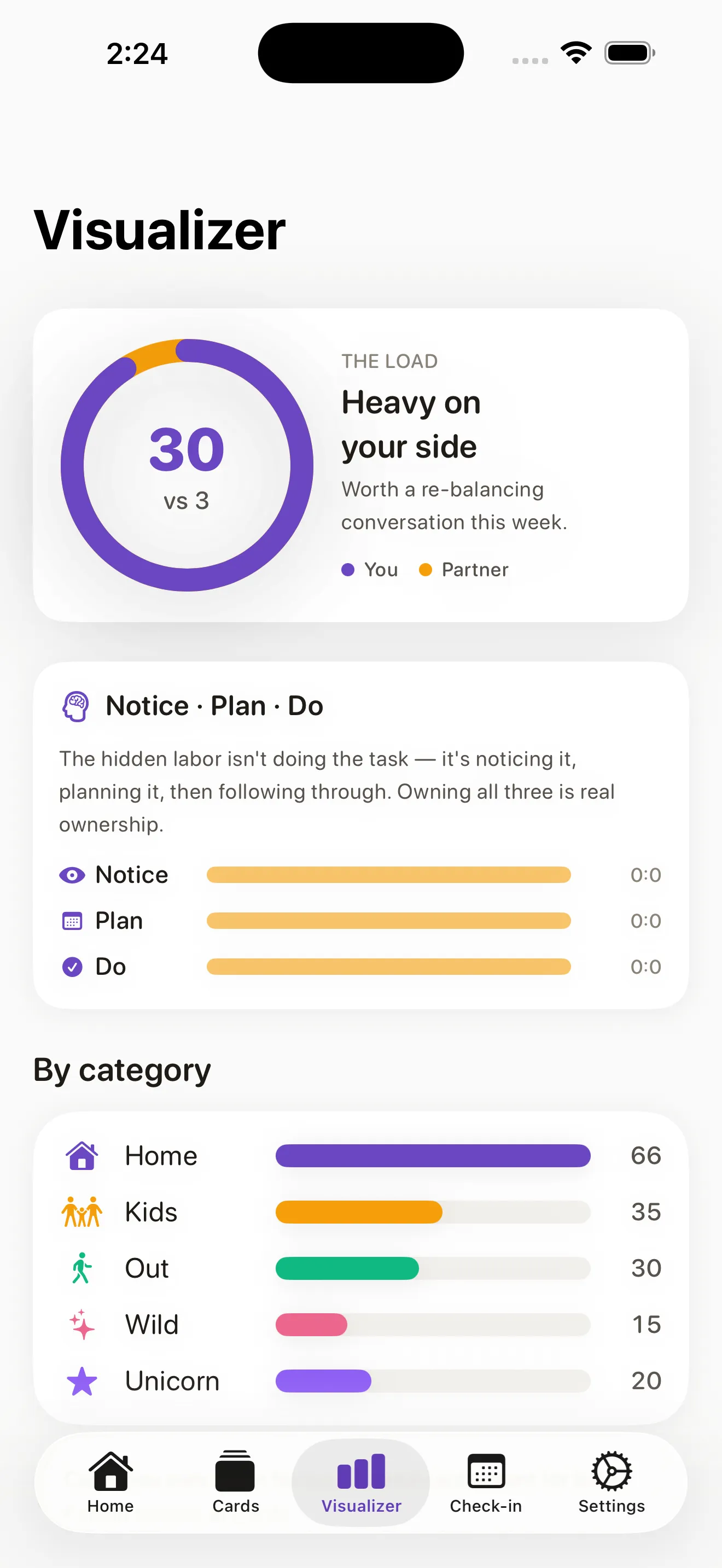
The Visualizer shows you exactly how many cards each person owns. If one partner has significantly more, it becomes impossible to ignore. This visual clarity is what shifts conversations from feeling to fact—you can see the imbalance, discuss it, and rebalance together.
This article was drafted with AI assistance and reviewed by a human editor before publishing.