Maya had seventeen subscriptions she'd forgotten about. Netflix. Hulu. A meditation app from last year. A streaming service for something she watched once in 2022. Every month, money just… vanished. And every month, opening her banking app sent her into a spiral. She'd close it without looking at the balance. Keep scrolling. Check it again three days later when she was feeling brave. The shame compounded. So did the charges.
The panic spiral
Maya isn't alone. Plenty of people feel the same way when bills come up. Financial anxiety is real, and traditional bill trackers don't help. They scream at you with red alerts. They demand your banking password. They make you feel worse for not knowing where your money goes. Maya tried a few. Each one felt like a scolding parent, not a helping hand.
She also couldn't figure out which subscriptions to cancel. Unsubscribe buttons were buried. Some apps made you call a number. Others had no option at all. She gave up trying and just kept paying.
A different approach
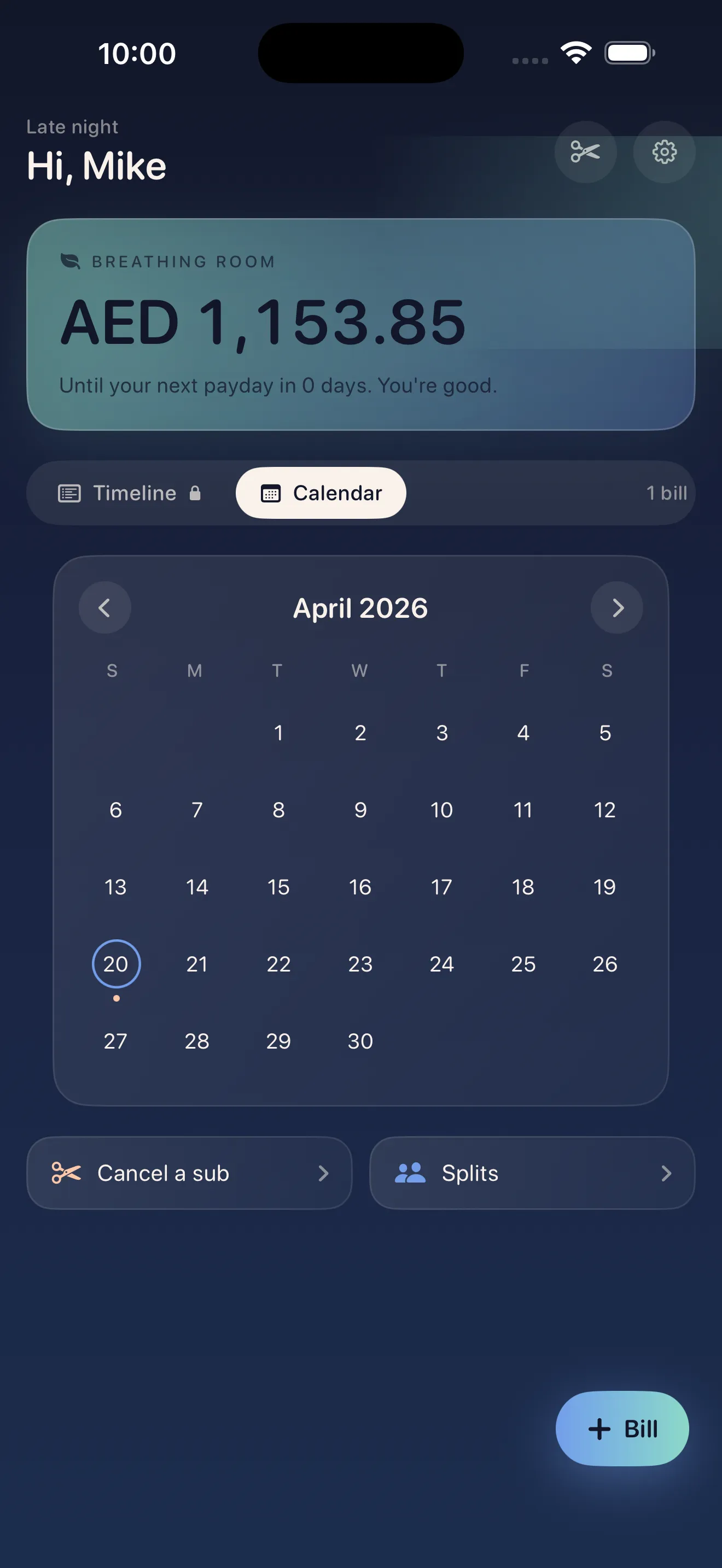
When Maya first opened Crashout Calendar, something felt different. There was no login screen. No request for her banking credentials. No frightening dashboard designed to make her feel guilty. Instead, there was a soft calendar. A breathing room indicator that showed her exactly how many days until her next big bill. And a simple question: what bills do you actually have?
No login. No red alerts. No shame — just a soft calendar, your breathing room until payday, and step-by-step cancel guides.
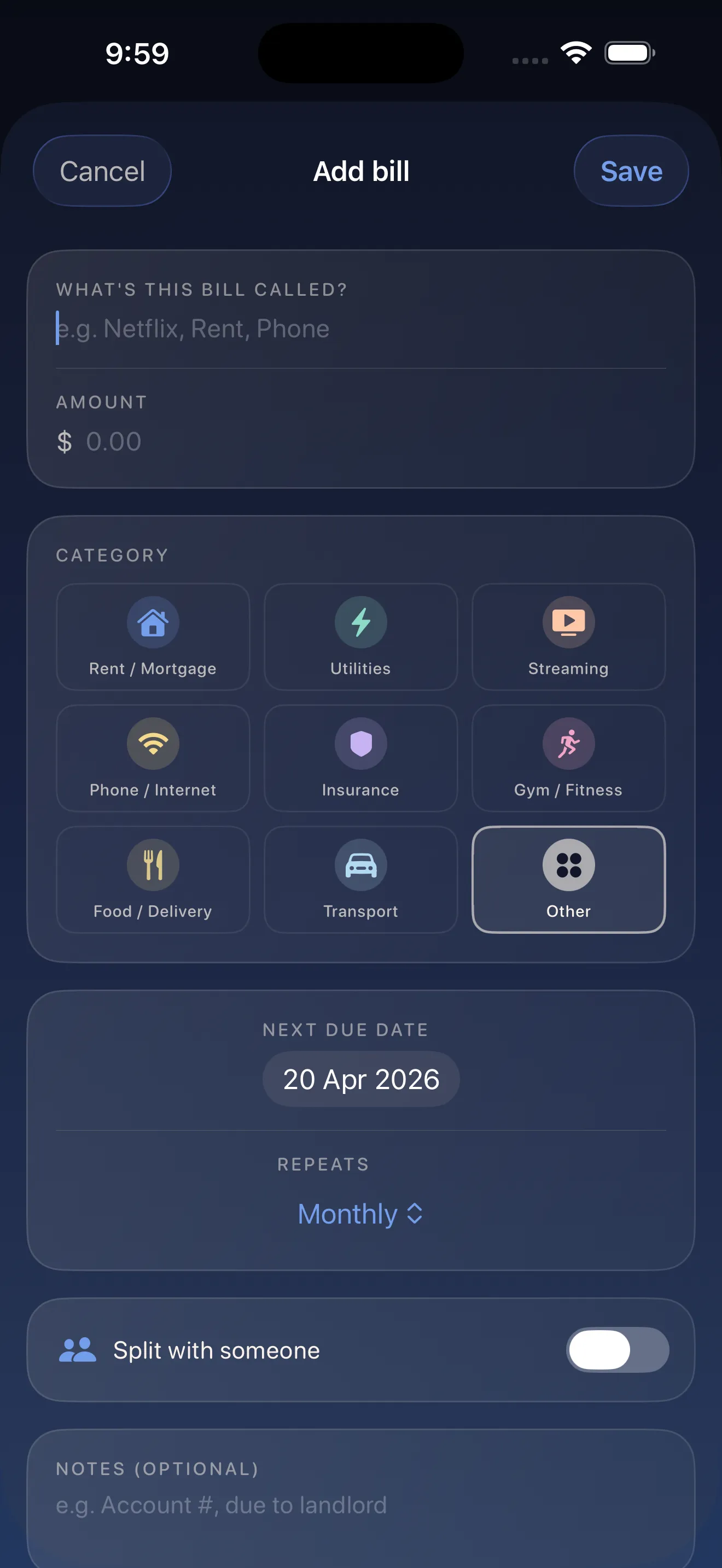
She started adding her bills. Netflix. Hulu. Spotify. The meditation app. As she typed, Crashout Calendar suggested the right category and recurrence pattern automatically. Eight bills took three minutes. No data entry nightmare. No spreadsheet. Just a clean calendar view of her whole month.
The moment everything changed
Then Maya found the cancel guides. Seventeen services, and Crashout Calendar had step-by-step instructions for how to turn off each one. No concierge fees. No hidden buttons. Netflix: three steps. Hulu: four steps. That meditation app: two steps. She spent one evening cancelling five subscriptions she'd completely forgotten about. That month, she freed up $87.
Breathing room matters
But the real shift came from seeing her breathing room. Crashout Calendar showed her exactly how many days until her biggest bills hit. Rent on the first. Car insurance mid-month. The rest scattered around. Knowing that she had a 12-day cushion between payday and her car insurance felt like permission to breathe. She wasn't flying blind anymore. She wasn't opening her banking app in shame. She was looking at a soft calendar that told her exactly what she owed and when.
Learn more about how Crashout Calendar makes bills feel less scary through thoughtful design, or dive into the 5-minute setup guide to get started yourself.
The data stays with her
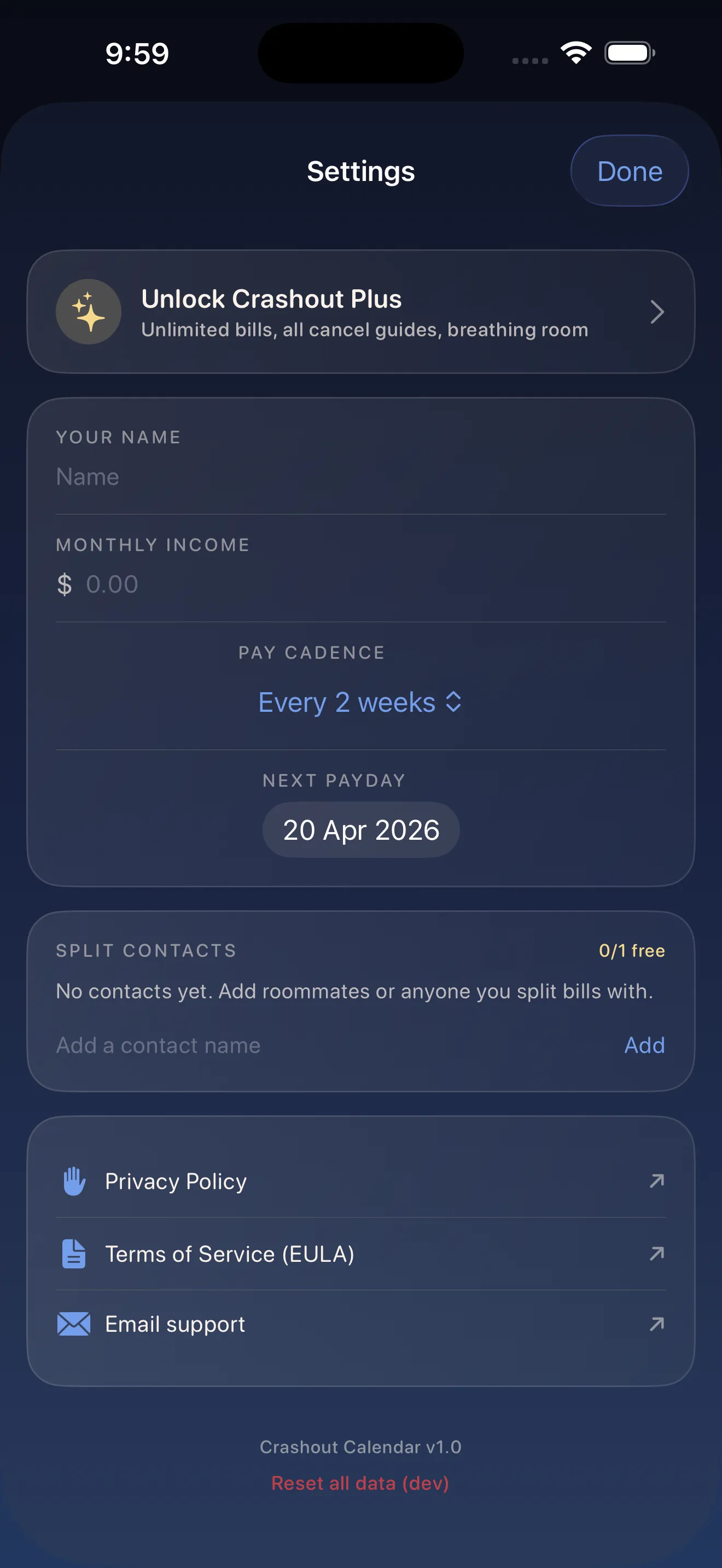
Maya also appreciated that Crashout Calendar never asked for her banking login. No Plaid integration. No credentials shared. Everything stayed encrypted on her phone. She owns her data. She doesn't have to wonder if a third party is looking at her account. For someone who already felt vulnerable about money, this privacy meant she could actually open the app without that flutter of additional anxiety.
Where Maya is now
Six months in, Maya's relationship with her bills has fundamentally shifted. She opens Crashout Calendar every Sunday evening and knows exactly what's coming. She's cancelled the subscriptions that don't serve her. She uses the breathing room feature to plan when she can safely spend on things she actually want. And she's shared the roommate split feature with her housemate, so they split the Wi-Fi bill cleanly without awkwardness or spreadsheet arguments.
Bills shouldn't feel like a panic attack. They should feel like information you can trust.
This article was drafted with AI assistance and reviewed by a human editor before publishing.