Maya hadn't opened her banking app in weeks. Every time she thought about checking her balance, her chest tightened. She knew subscriptions were draining her account — Netflix, Spotify, a meal kit service she'd stopped using — but the thought of facing the actual numbers, or hunting down cancel buttons buried in account settings, felt overwhelming. She wasn't bad with money. She was just tired of feeling like a failure every time she logged in.
The panic spiral
Maya's relationship with her finances had become avoidance wrapped in shame. She'd set up automatic payments for bills and subscriptions when she had more mental bandwidth, but checking in on them felt like opening Pandora's box. Red alerts in banking apps made her feel watched, judged. Cancel pages on streaming sites were intentionally labyrinthine. And she definitely wasn't going to link her bank login to some app and hope her data stayed safe. The whole experience felt adversarial — her money against her peace of mind.
She wasn't bad with money. She was just tired of feeling like a failure every time she logged in.
A different kind of bill tracker
A friend mentioned Crashout Calendar in passing — "It's like a calendar but kind." Maya was skeptical. Another app? But she downloaded it anyway, mostly because it promised no bank login required. That alone felt like permission to breathe.

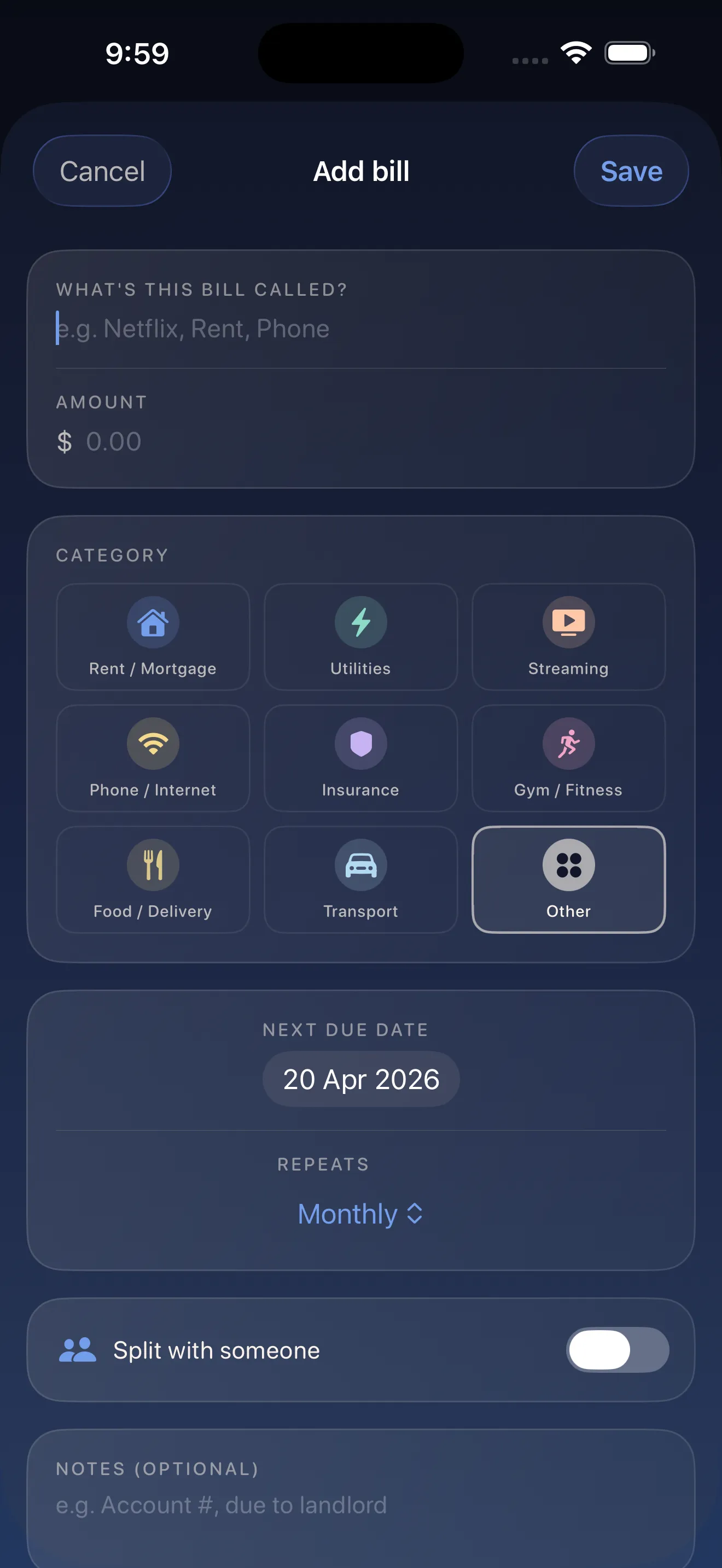
The onboarding was gentle. No aggressive setup wizard. No dark patterns. Just a soft calendar and an invitation to add her bills. When she added her first subscription, the app suggested the category and recurrence automatically — it already knew that Netflix was a streaming service that bills monthly. She added eight recurring bills in three minutes, mostly just confirming what the app had already guessed.
Seeing the whole month
Once her bills were in, something shifted. The soft monthly calendar showed her exactly when money would leave her account. No red alerts screaming at her. Just a clear view of the month ahead. She saw that her payday was the 15th, and most of her bills hit between the 1st and the 10th. That gave her breathing room — a window where she could spend without panic.
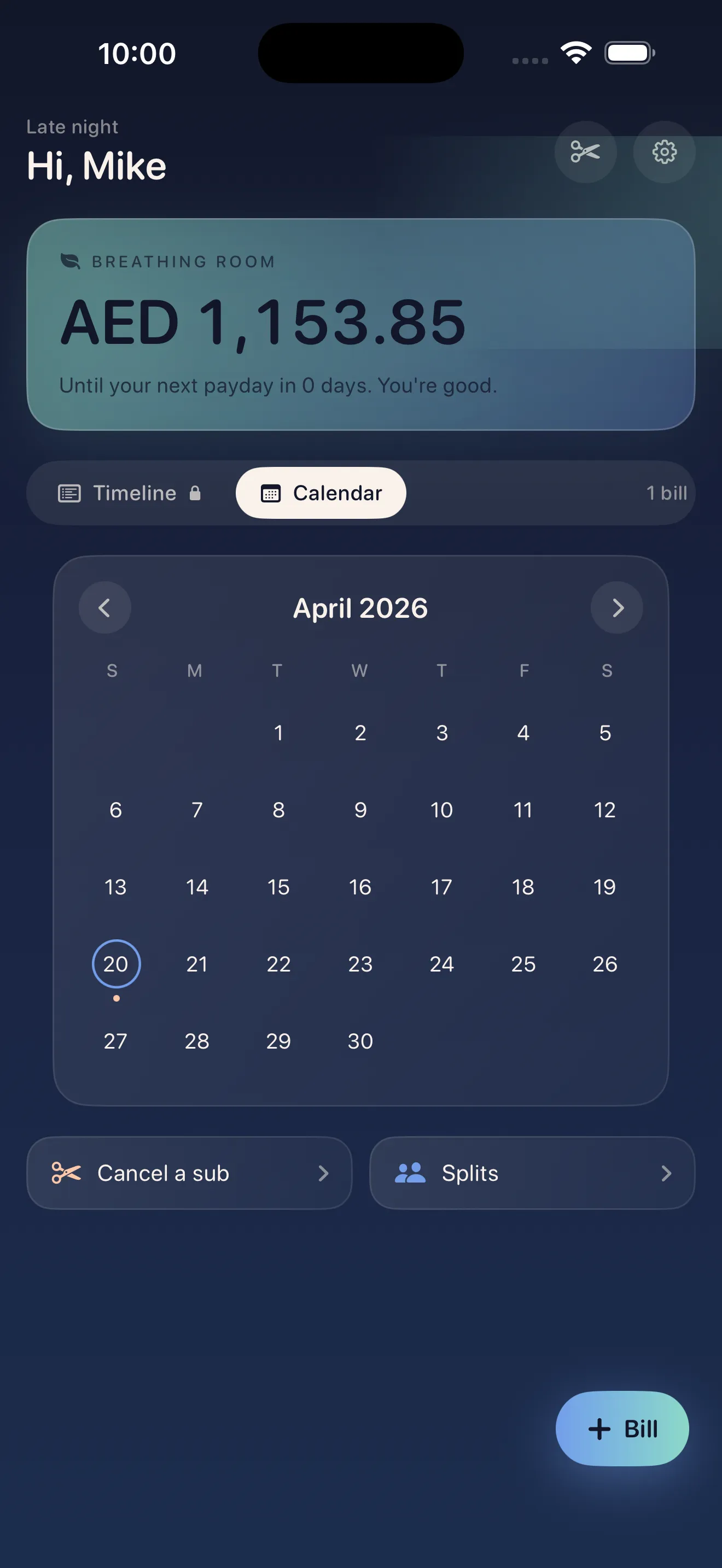
No red alerts screaming at her. Just a clear view of the month ahead.
Canceling what she didn't want
Looking at the calendar, Maya realized she was paying $12.99 a month for a meal kit service she hadn't used in four months. That was $52 she'd lost to inertia. Canceling usually meant digging through account settings, finding a tiny unsubscribe link, confirming her password. Crashout Calendar had built-in step-by-step cancel guides for Netflix, Spotify, Hulu, and 15 other services. She tapped the cancel guide for her meal kit, followed five simple steps, and it was done. No shame. No concierge fee. Just a guide that treated her like she belonged there.
Breathing room and control
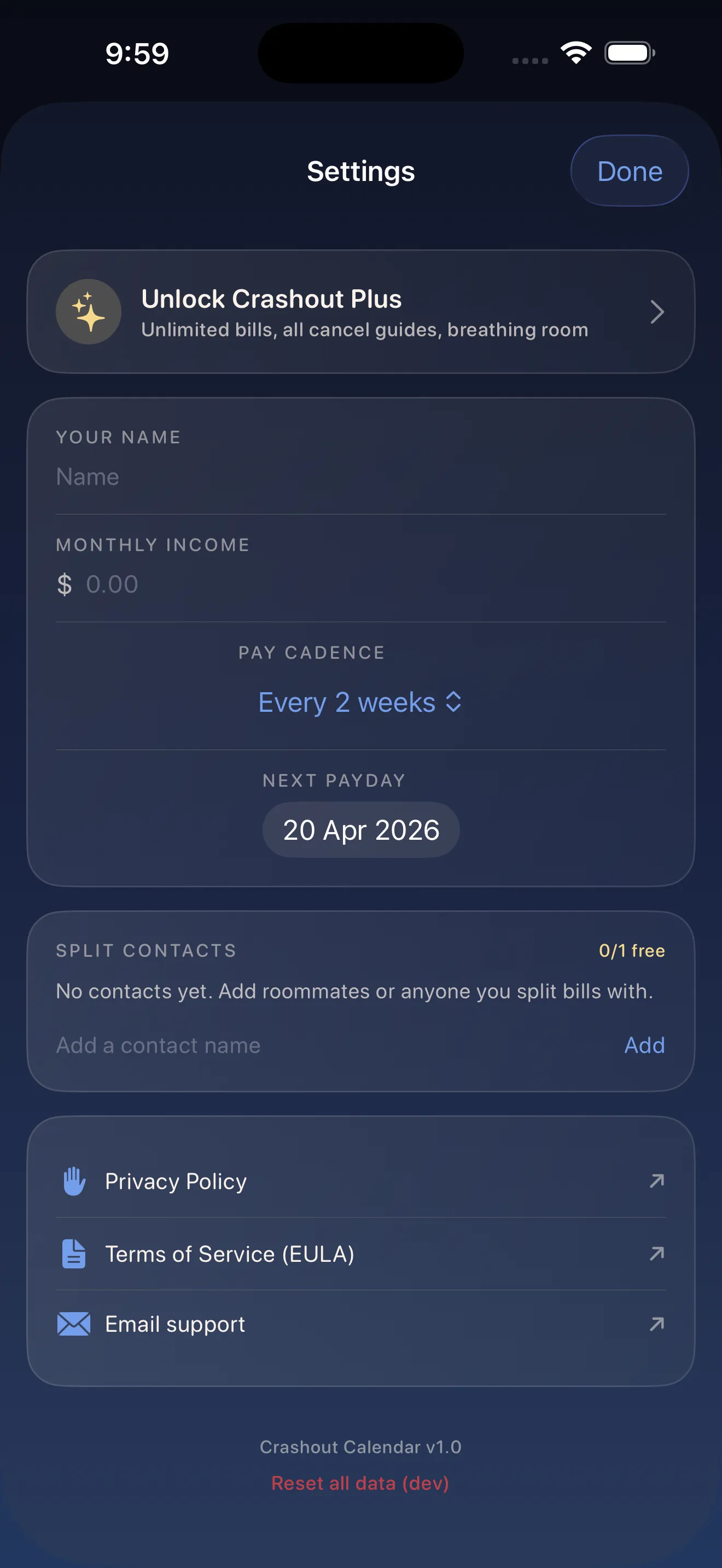
Over the next month, Maya canceled two more subscriptions she'd forgotten about. That was an extra $30 a month back in her pocket. She downloaded Crashout Calendar tips to master bill tracking, learned about splitting costs with her roommate for the WiFi bill, and stopped avoiding her finances. When her friend asked how she was managing money differently, Maya said: "I'm not panicking anymore. I just know what's happening."
If you're curious about how a kinder approach to bill tracking works, learn how Crashout Calendar makes bills feel less scary — or check out the quick-start guide to get set up in 5 minutes.
This article was drafted with AI assistance and reviewed by a human editor before publishing.