If checking your bills sends you into a spiral, you're not alone. Most bill trackers feel like they're designed to stress you out: angry red numbers, urgent notifications, demands to link your bank account. Crashout Calendar works differently. It's a soft, judgment-free space to see what you owe, when you owe it, and how much breathing room you have until payday. No bank login. No shame. Just you and a calendar that actually feels kind.
What Is Crashout Calendar, Really?
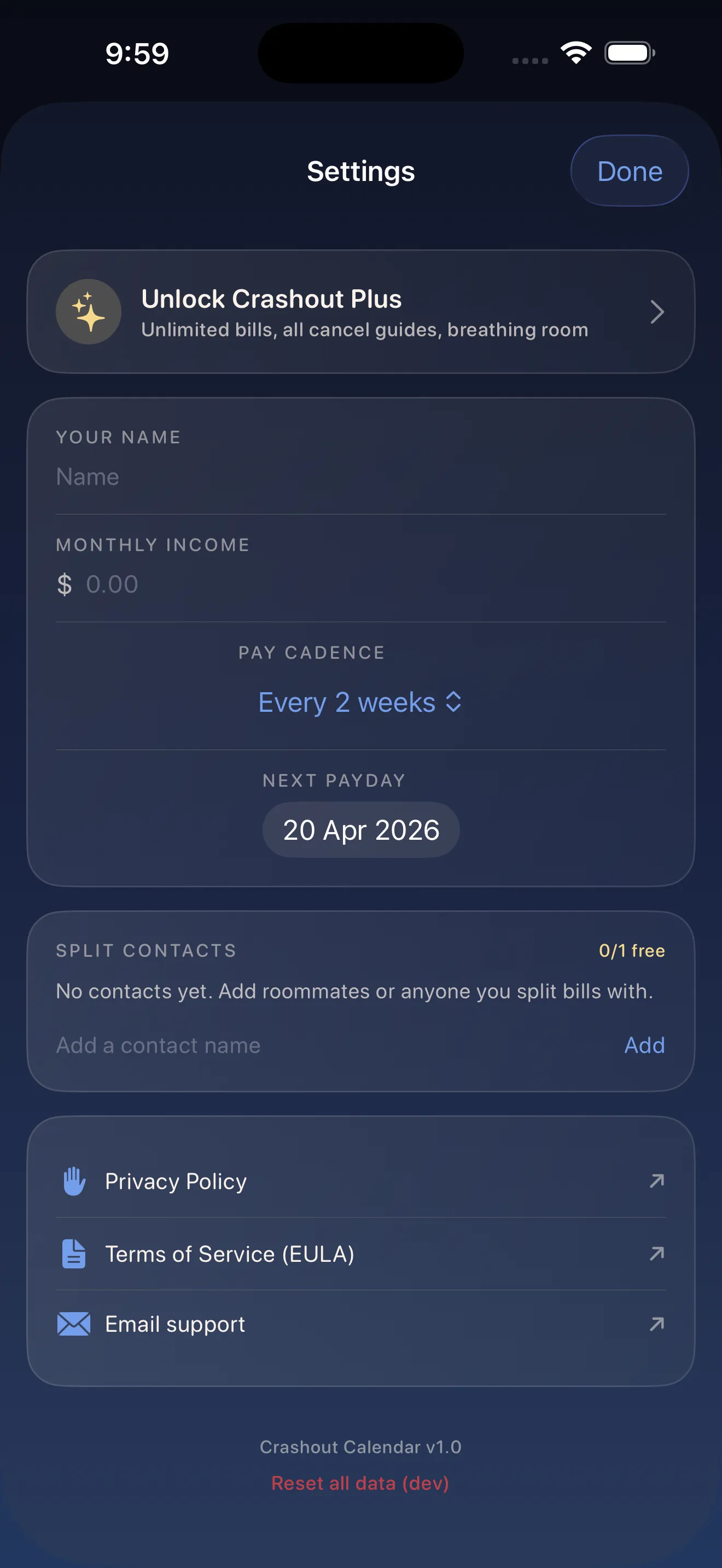
Crashout Calendar is a bill tracker built for people whose nervous system spikes when they think about money. Instead of bombarding you with alerts and red flags, it shows you your month at a glance on a soft calendar. You manually add your bills—Netflix, rent, phone, insurance, whatever—and the app does the heavy lifting: it remembers when they recur, calculates your breathing room (how much money sits between today and your next bill), and keeps everything private on your phone. No cloud sync. No third-party access. No Plaid credentials.
The Core Concepts
Breathing Room
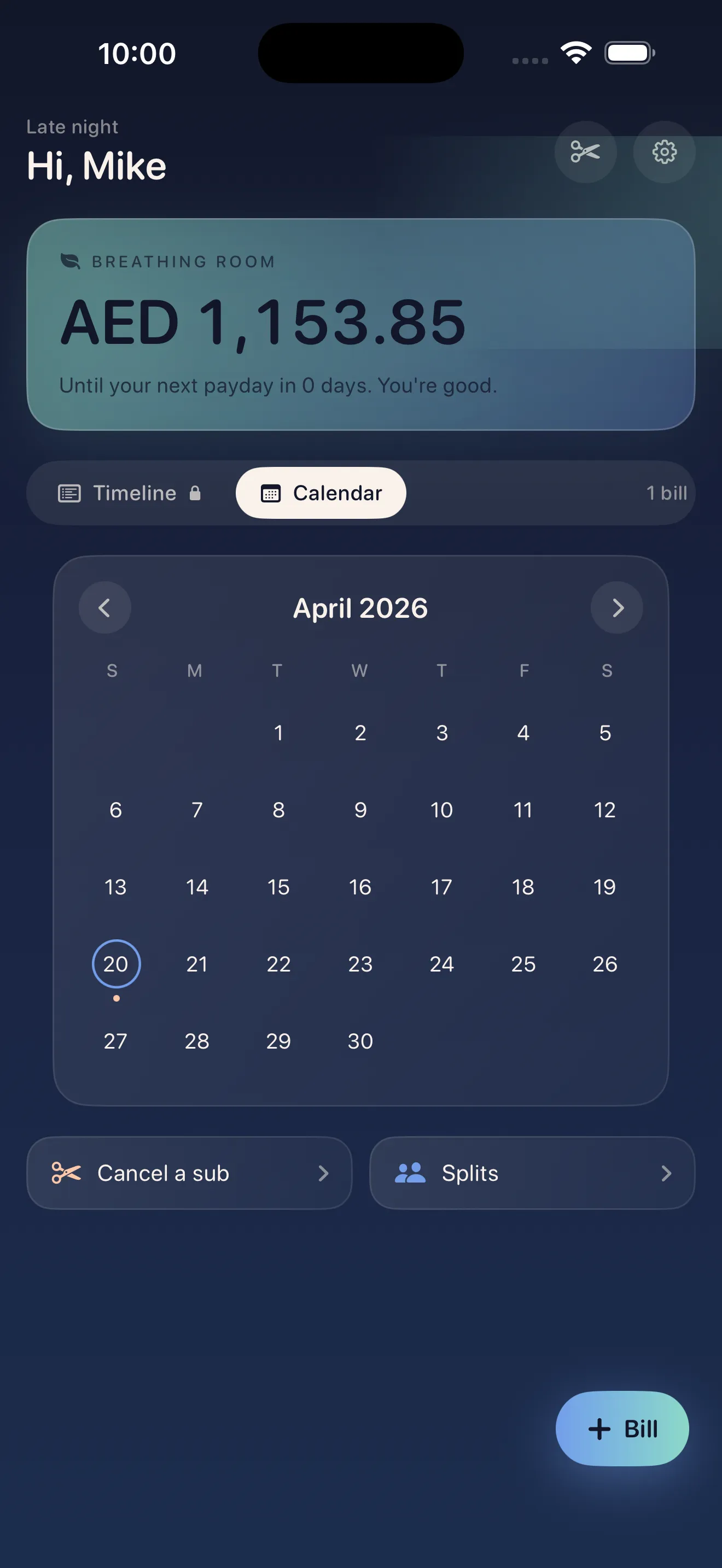
This is the number that matters most in Crashout Calendar. Breathing room is the dollar amount between today and your next bill due date. If you have $800 in the bank and your next bill isn't until five days from now, you have five days of breathing room. That's the space where you can actually breathe. The app shows this front and center so you're not guessing about whether you can afford coffee or groceries today.
The Soft Calendar View
Instead of a scary list of upcoming charges, Crashout Calendar spreads your bills across a calendar. You see the whole month at once, which makes it easier to spot when multiple bills hit the same week (the dreaded "bill week"). The visual layout is gentle—soft colors, no alarm bells—so opening the app doesn't trigger your fight-or-flight response.
No Bank Login Required
You don't give Crashout Calendar access to your bank account. You add bills by hand (or let smart suggestions do it for you). This has two big benefits: your financial data never leaves your phone, and you're in total control. You choose what to track and what to ignore. For people with anxiety around financial apps, this control is huge.
You choose what to track and what to ignore. For people with anxiety around financial apps, this control is huge.
Your First Week: What to Expect
Day 1: Add Your Recurring Bills (3 minutes)
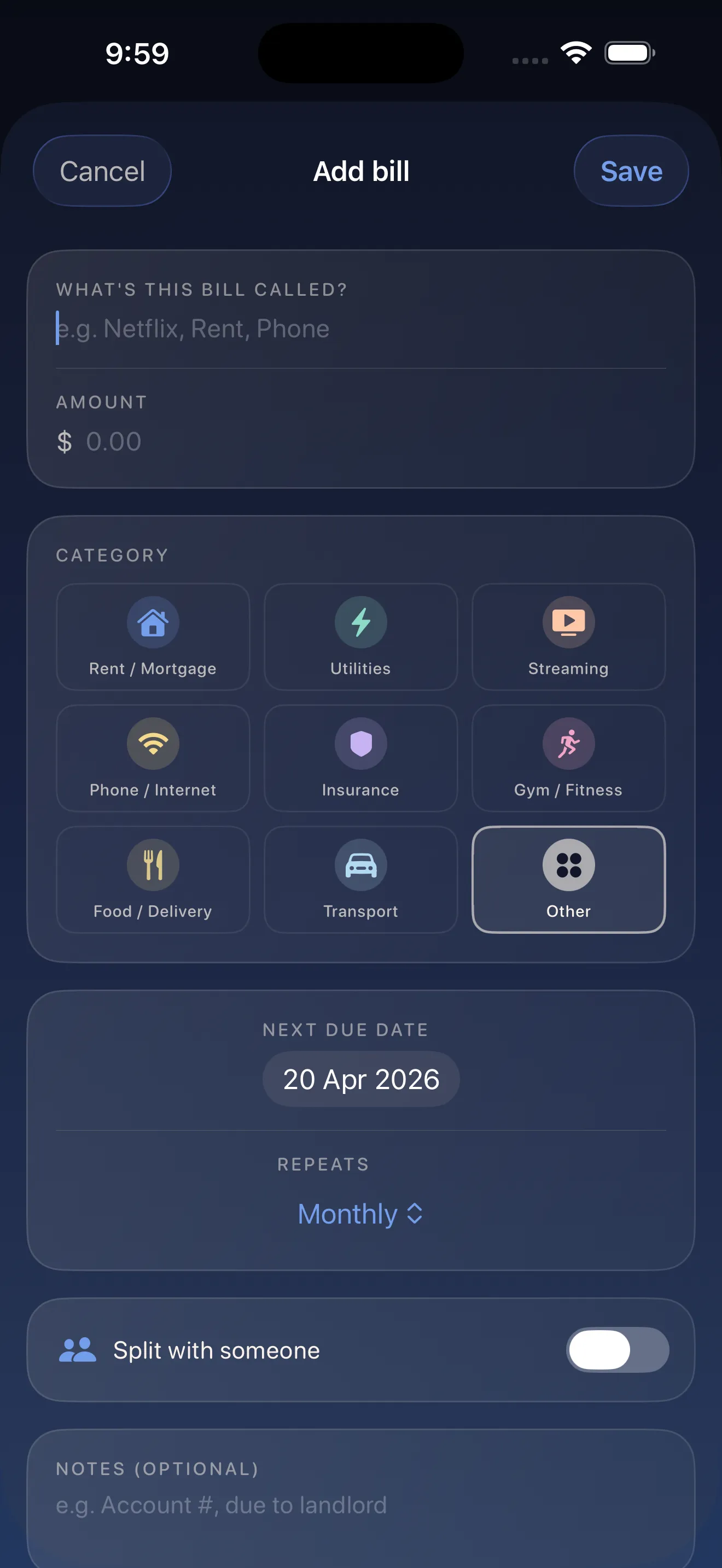
You'll open Crashout Calendar and start adding bills. The app's smart categorization and recurrence detection mean you don't have to type much. You say "Spotify" and it fills in the category and the monthly schedule automatically. Most people add 8 bills in about three minutes. Don't stress if you forget one—you can add it anytime.
Days 2–4: Get Oriented
You'll open the calendar a few times and actually look at your month. You might feel relief when you see your breathing room number. You might notice a bill you forgot you were paying and decide to cancel it. That's the app working. You're starting to see what's real and what's dragging you down.
Days 5–7: Use the Cancel Guides
If you spot a subscription you don't actually use, Crashout Calendar has step-by-step cancellation guides built in for Netflix, Spotify, Hulu, HBO, Disney+, and 15+ other services. No concierge fee. No confusing support chat. Just clear, friendly instructions on how to actually turn it off. This is where many people recover money they didn't realize they were hemorrhaging.
Features You'll Discover Later
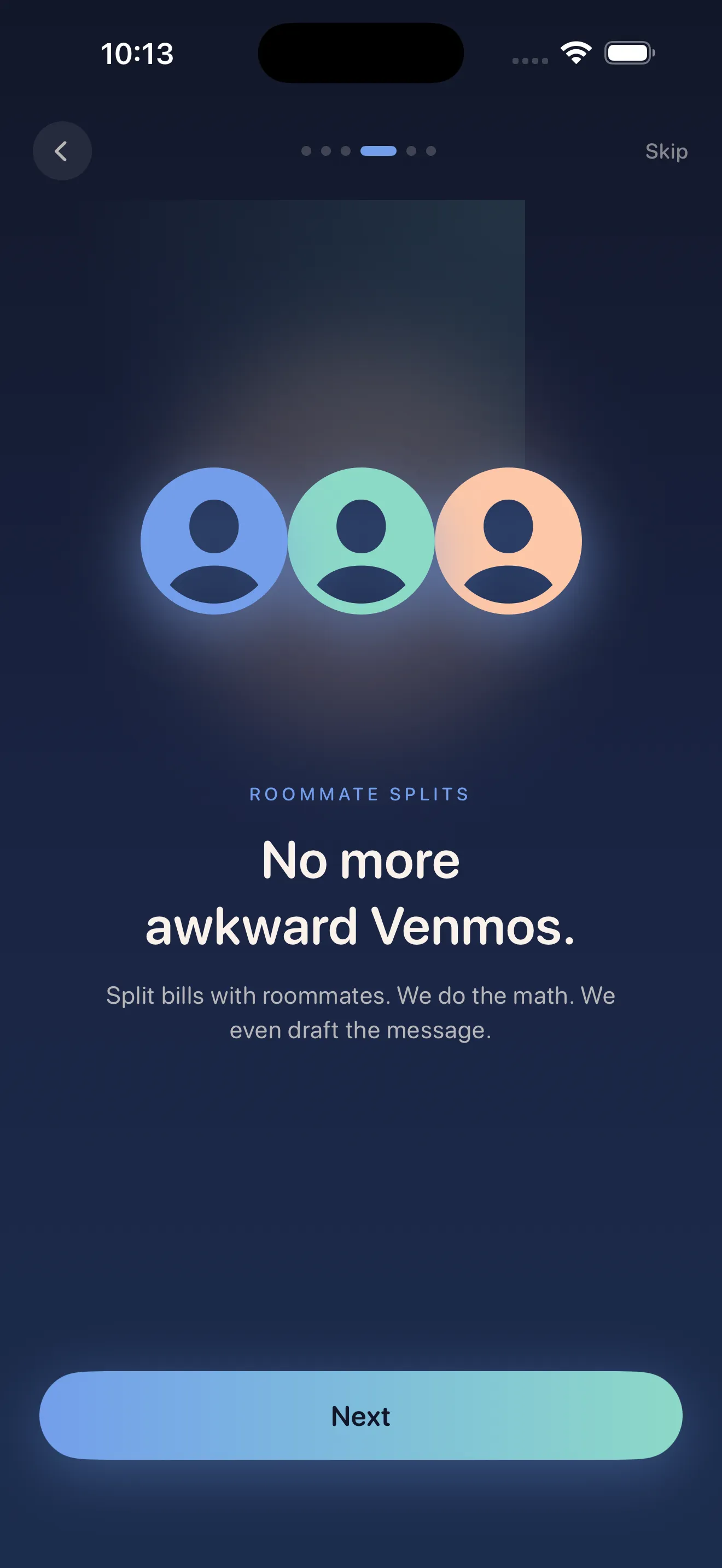
- Splits with roommates: divide rent or utilities without the awkward money conversation
- Smart notifications: reminders that feel gentle, not aggressive
- Custom categories: organize bills your own way
- Export your data: always in control of your information
If you want to dive deeper once you're comfortable with the basics, check out our guide on mastering Crashout Calendar with tips for calm bill tracking and learn how recurring payments and split subscriptions work in practice.
Getting Started Right Now
- Download Crashout Calendar from the App Store
- Spend 3 minutes adding your biggest recurring bills (rent, insurance, subscriptions)
- Look at your breathing room number. That's real money you can use today
- If you see a bill you don't use, open the cancel guide and turn it off
- Come back to the calendar when you need to see your month. That's it
Bills shouldn't feel like a panic attack. They feel like information when you have the right tool.
This article was drafted with AI assistance and reviewed by a human editor before publishing.