Bills shouldn't trigger a panic attack. If you've ever dreaded opening your banking app or felt shame about forgotten subscriptions, Crashout Calendar is built for you. Below are the questions we hear most often—about how it works, what keeps it private, and how it actually helps you breathe easier.
How does Crashout Calendar work
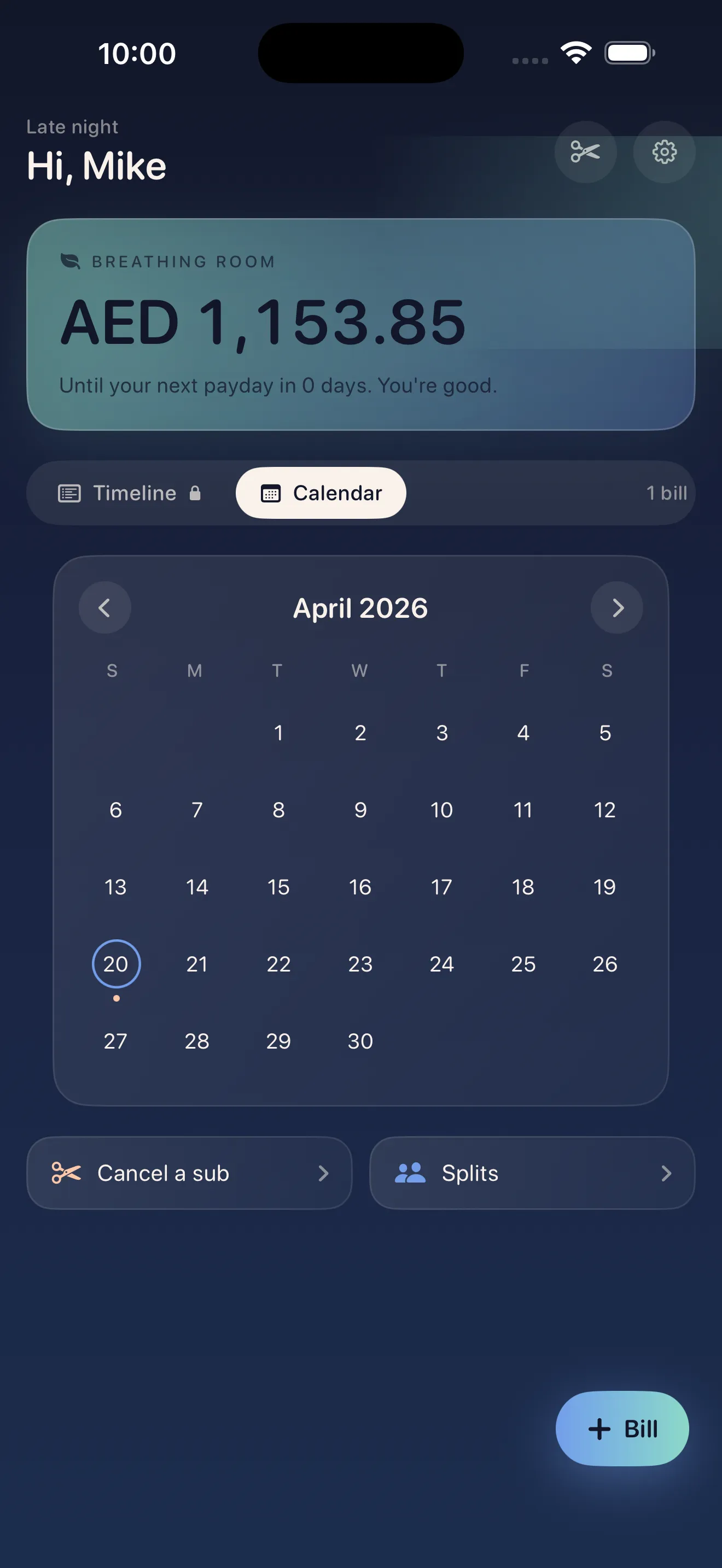
Crashout Calendar works like a calendar meets a soft, judgment-free bill tracker. You add your bills once—subscriptions, rent, insurance, whatever—and the app shows your whole month at a glance. It detects recurring patterns automatically, so you don't have to manually set up every payday or anniversary date. The app then calculates your "breathing room": the money left after bills are paid, so you know what's actually available to spend.
Do I have to connect my bank account
No. Crashout Calendar doesn't require bank logins, Plaid integration, or any credential sharing. You manually enter your bills—which takes about three minutes for eight recurring bills—and everything stays in local storage on your device. This design choice matters: it means no cloud syncing, no third-party access, and no surprise data breaches. Your bill data never leaves your phone.
No Plaid, no credentials, no cloud. Everything stays in local storage on your device.
Can I cancel subscriptions through the app
Yes. Crashout Calendar includes step-by-step cancellation guides for over 20 popular services: Netflix, Spotify, Hulu, HBO, Disney+, and more. When you decide a subscription isn't worth keeping, you tap it and get exact instructions—no hunting through account settings or customer service pages. There's no concierge fee; the guides are built in and free to use.
How do I split bills with a roommate
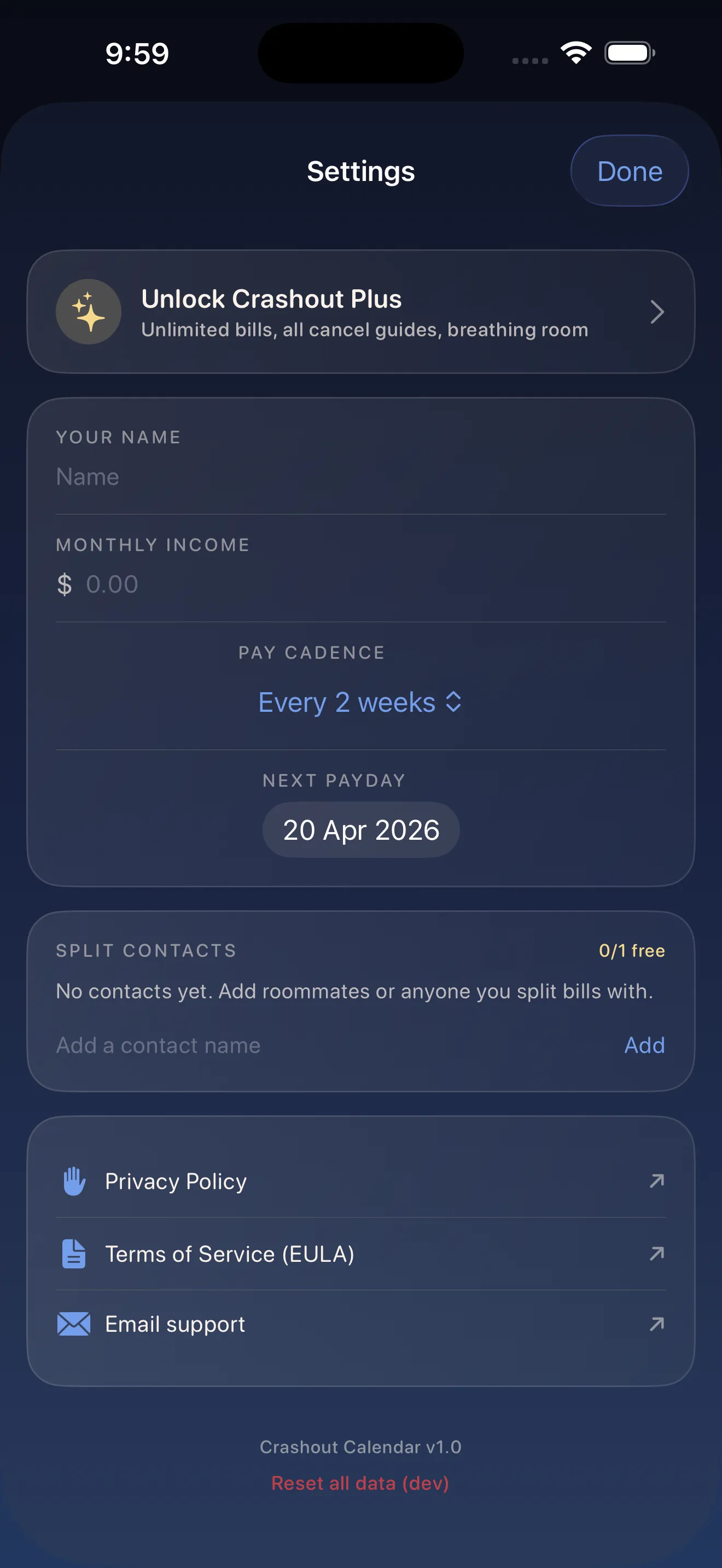
Crashout Calendar lets you mark bills as split and invite roommates to share the cost. You see who owes what, settle up directly with each other, and skip the awkward spreadsheet dance. The app handles the math; you just confirm who's paying and tap to settle when cash changes hands.
What makes Crashout Calendar different from other bill trackers
Most bill trackers optimize for banks or alerts. Crashout Calendar optimizes for calm. There's no aggressive red warnings, no shame-inducing design, no push notifications screaming about money. Instead, you get a soft, readable calendar, your breathing room (how much you have left after bills), and the assumption that you're not stupid—you just need tools that treat you kindly. Learn more about how Crashout Calendar makes bills feel less scary through intentional design.
How long does setup actually take
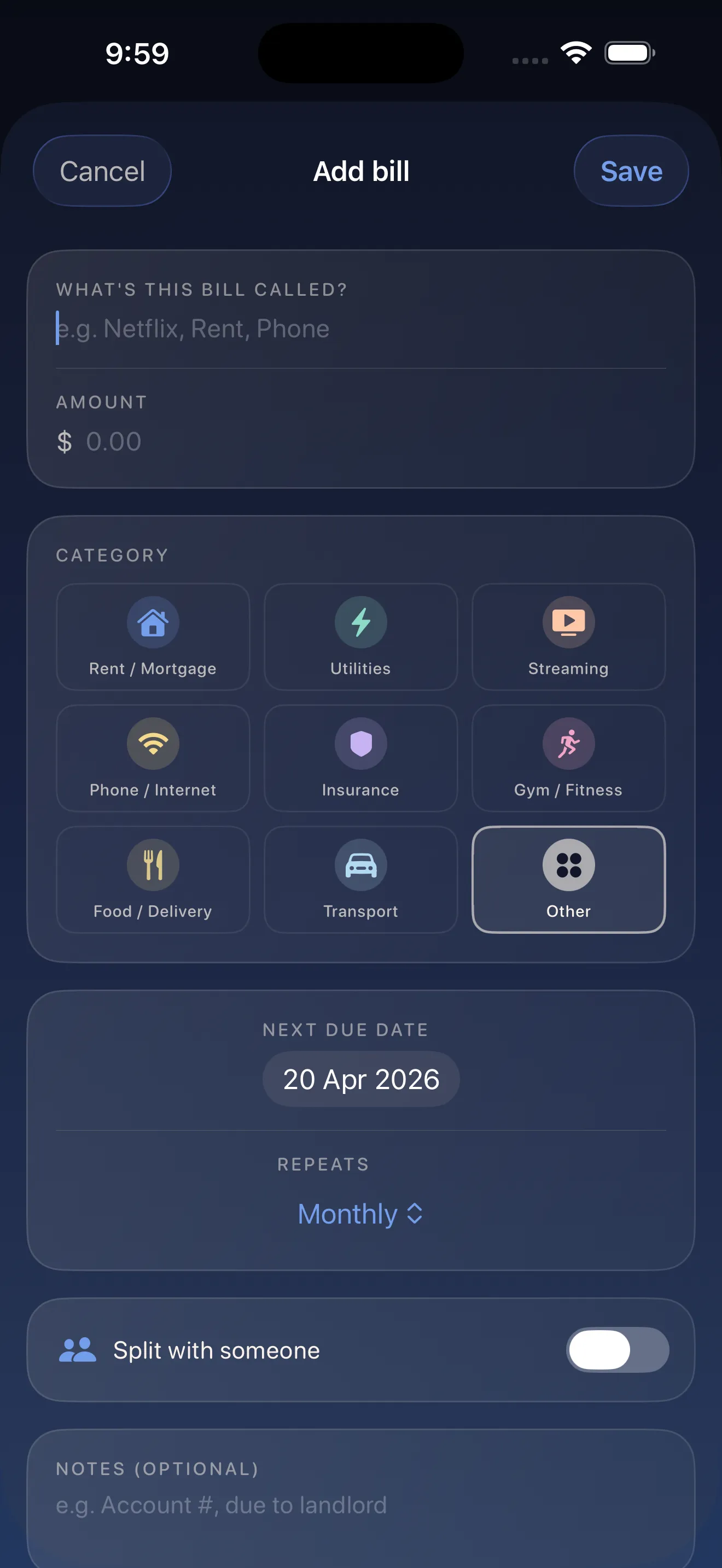
Three minutes for a typical person with 8 recurring bills. The app's smart categorization and recurrence detection do most of the typing for you. You enter a bill, and Crashout Calendar suggests the category (Netflix? Streaming) and the recurrence pattern (monthly, yearly, weekly). You confirm or tweak, and you're done. No spreadsheet wrestling.
If you're new to bill tracking altogether, check out our complete setup guide for a slower walkthrough.
This article was drafted with AI assistance and reviewed by a human editor before publishing.