Bills don't have to feel like a panic attack. Crashout Calendar is built for people who've felt that knot in their stomach when opening their banking app—and it strips away the shame, the red alerts, and the dread. Whether you're new to the app or looking to get more from it, these practical tips will help you build a bill routine that actually feels manageable.
Set up your first bills in minutes, not hours
The hardest part of any bill tracker is that first push to enter everything. Crashout Calendar makes it easier than most. Start by listing your streaming subscriptions, rent or mortgage, insurance, and utilities. You can add eight recurring bills in about three minutes. The app's smart categorisation and recurrence detection do most of the typing for you—just type "Netflix" and it figures out the rest.
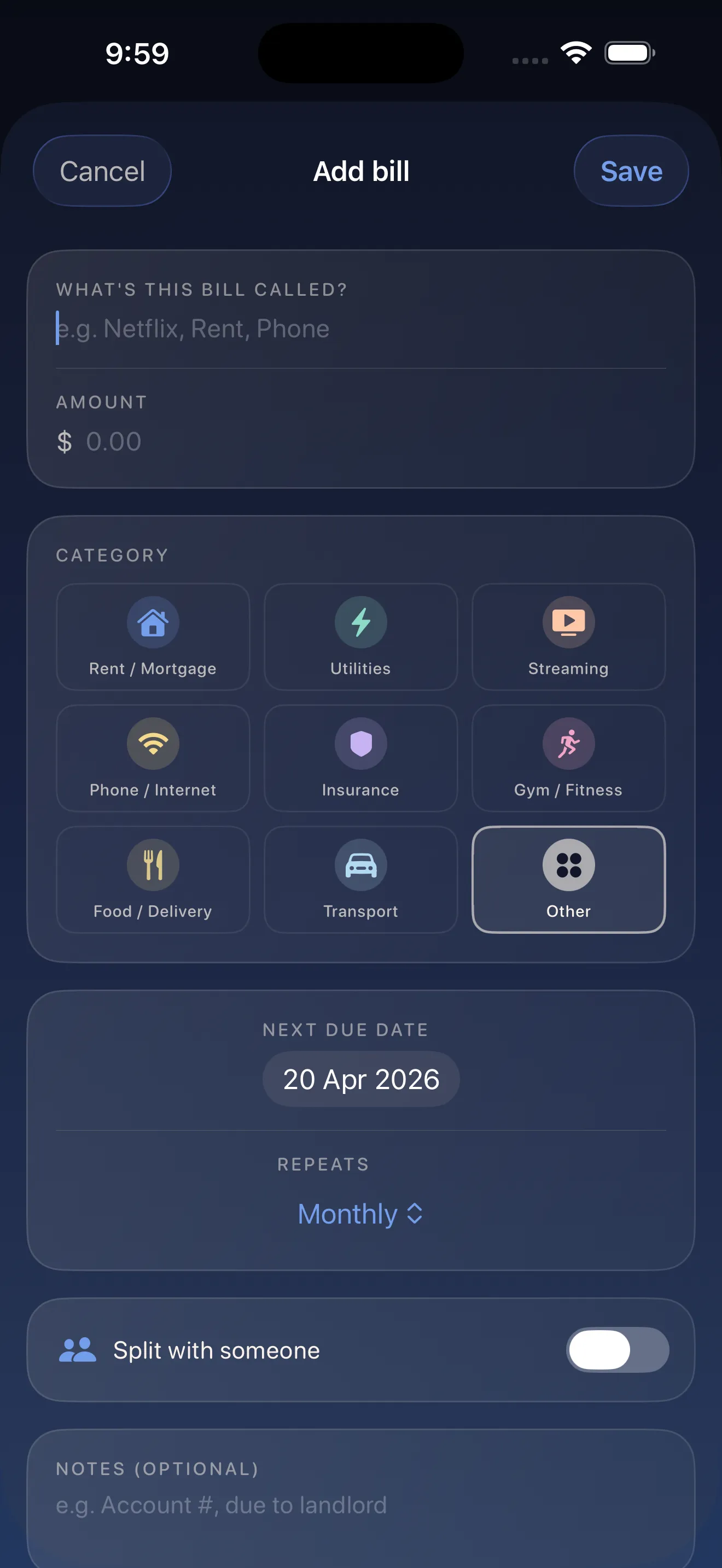
Don't aim for perfection on day one. Add the bills that stress you out most first, then come back for the smaller ones. This gives you immediate breathing room where it counts.
Use breathing room to stop the panic before it starts
One of Crashout Calendar's most calming features is the breathing room indicator. This shows you exactly how much money you have left after your bills are paid—right up until your next paycheck. It's not a judgment. It's a fact. Knowing this number takes away the guesswork and lets you actually relax.
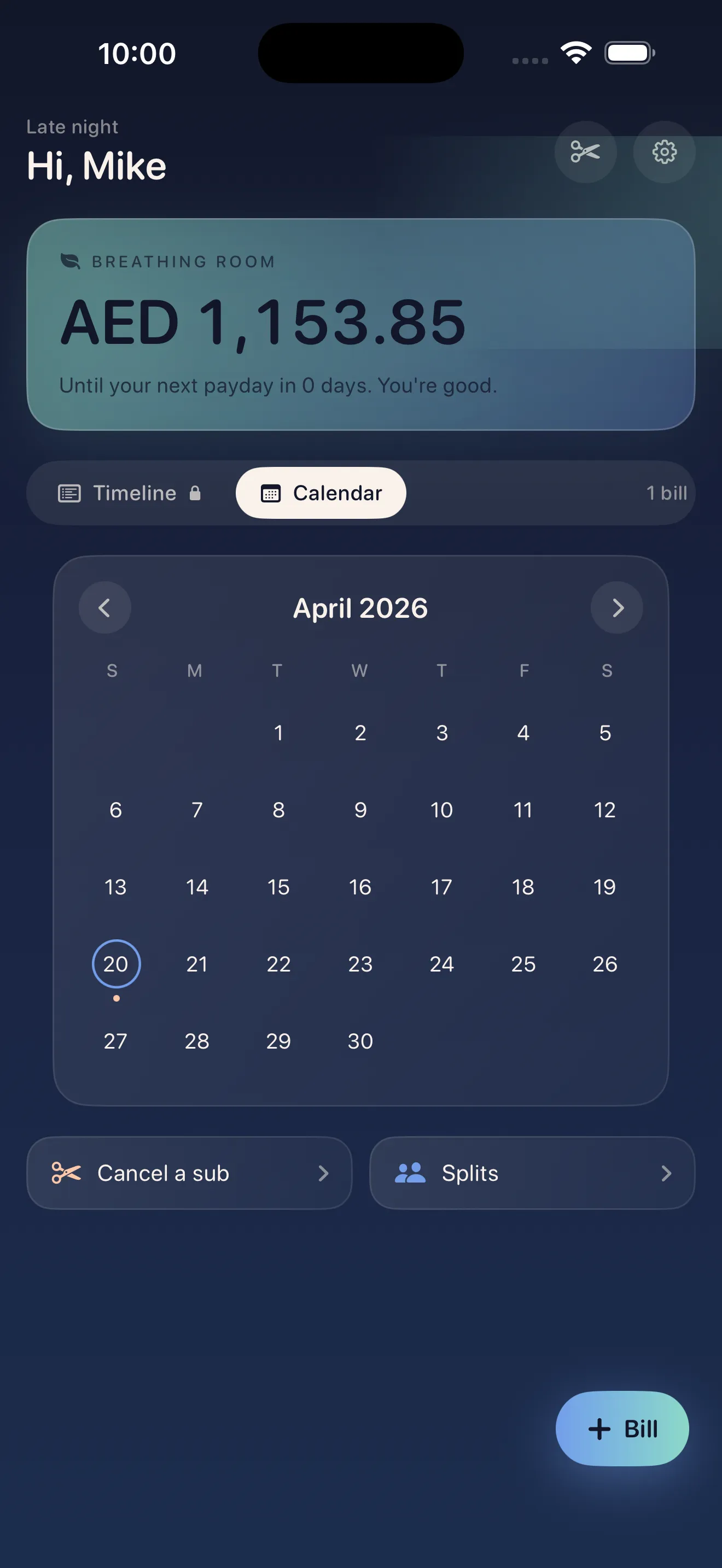
Knowing your breathing room takes away the guesswork and lets you actually relax.
Check your breathing room once a week instead of obsessively. This habit—looking but not spiraling—is the secret to feeling in control without feeling trapped.
Cancel subscriptions you've forgotten about
Most bill trackers stop at tracking. Crashout Calendar goes further. It includes step-by-step cancellation guides for Netflix, Spotify, Hulu, HBO, Disney+, and 15 more services. No concierge fee. No third-party service. Just clear instructions in the app when you're ready to let something go.
- Find a subscription you want to cancel in your bill list
- Tap into the bill details
- Select "How to cancel" to see step-by-step instructions
- Follow the guide and confirm it's done
The friction is gone. You're not hunting for help articles or calling a support line. That means you're actually more likely to cancel the gym membership or trial you forgot about.
Split bills with roommates without the awkwardness
Splitting rent, utilities, or a shared streaming account with roommates shouldn't require a spreadsheet and passive-aggressive Venmo requests. Crashout Calendar lets you split any bill among multiple people. Assign who pays what, and the app keeps track. Everyone knows what they owe.
Trust that your data is actually private
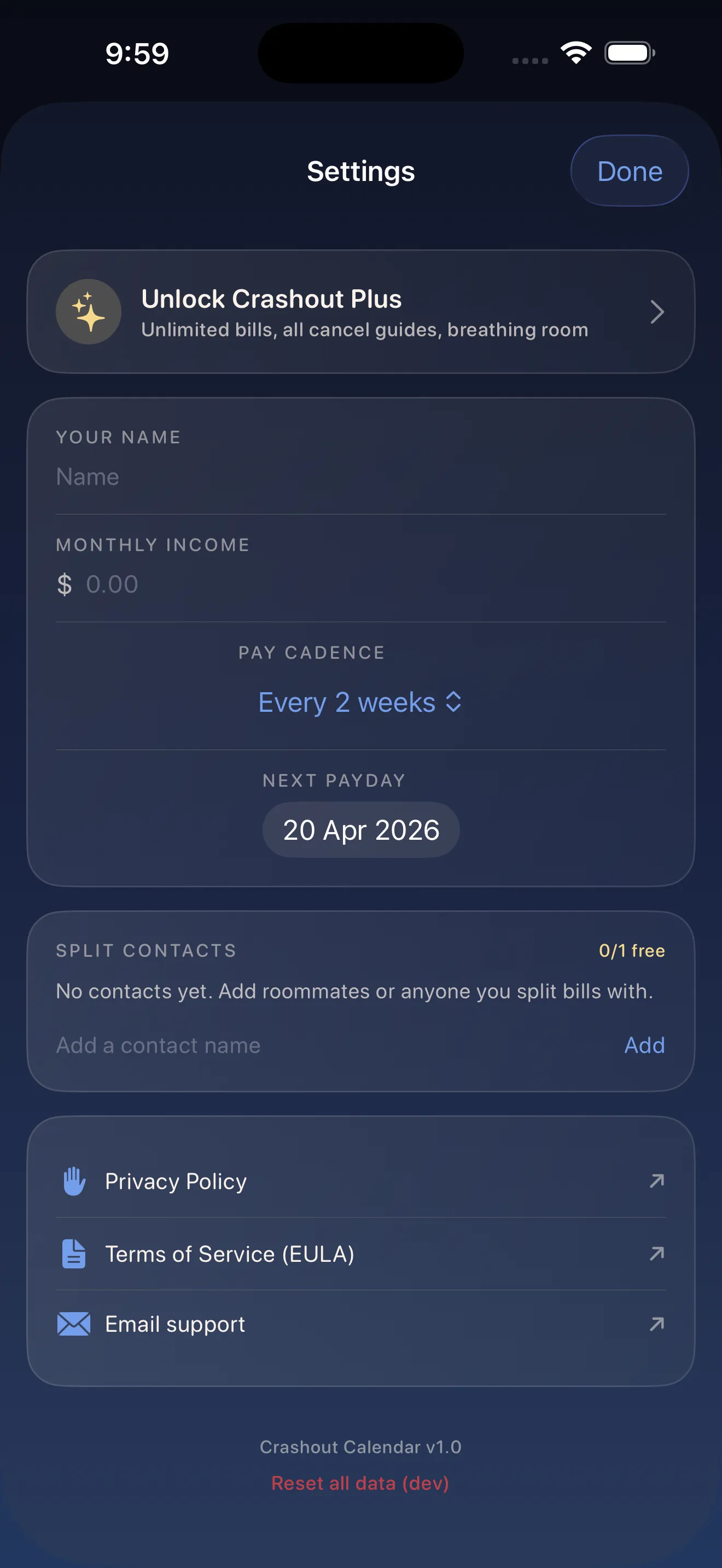
Crashout Calendar doesn't ask for your bank login. There's no Plaid integration. No credentials are sent anywhere. Everything stays in local storage on your device—which means no cloud, no trackers, and no company selling your financial data to the highest bidder.
This privacy-first approach isn't just a feature; it's core to the app's philosophy. You can be completely honest about what you're spending on, what you're cancelling, and what's stressing you out. No one but you is watching.
Review and adjust monthly, not obsessively
Set a calm reminder—maybe the first Saturday of each month—to open Crashout Calendar and glance at the month ahead. Check your breathing room. Look for any bills that surprised you. See if there's anything else to cancel. This monthly rhythm is enough. You don't need to check daily.
- Open the calendar view
- Scan for any unusual charges or timing
- Check your breathing room number
- Add or cancel anything that comes to mind
- Close the app and move on with your day
If you want to go deeper into calm bill tracking, check out our 5-minute setup guide or learn more about how the app's design philosophy removes financial panic.
This article was drafted with AI assistance and reviewed by a human editor before publishing.