
Caregiving rarely fails because someone didn't care enough. It fails in the gaps: the sibling who didn't know about the new prescription, the appointment that got double-booked, the discharge papers that vanished into someone's email. Kindred exists because those gaps are logistical, not emotional — and logistics can be designed away. This is a look at the thinking behind the app: why it centers on one calm screen, why sharing care doesn't mean losing control, and why privacy was treated as a feature, not an afterthought.
The problem isn't love. It's logistics
Most families managing a parent's care end up with the same patchwork: a group text for updates, a shared notes app for medications, a shoebox or a scanned folder for paperwork, and a lot of phone calls to fill in what got missed. Nothing is wrong with any single piece of that system. The problem is that it isn't a system at all — it's improvisation under stress, repeated every week, by people who are already tired.
Kindred starts from a different premise: caregiving needs one shared source of truth, built specifically for this job, not repurposed from a to-do list or a messaging app.
Today's Care: one screen instead of ten
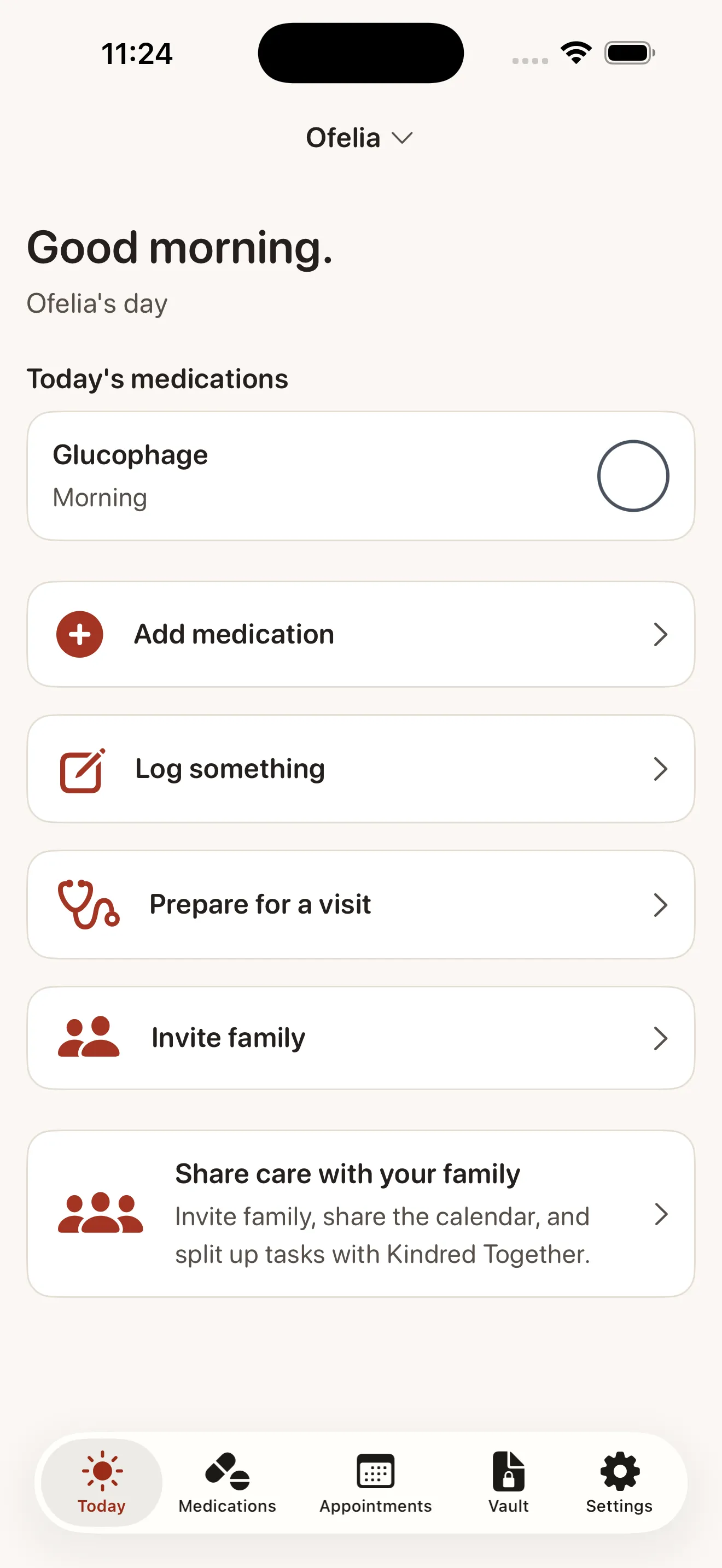
The first thing you see in Kindred is Today's Care — a single dashboard showing what needs attention right now: which medications are due, what appointments are coming up, what's been done. It's deliberately narrow. Not a calendar you have to interpret, not a wall of history to scroll through. Just today, at a glance, because caregiving decisions mostly happen in the present tense.
Caregiving is already the hard part. The app around it shouldn't be.
Medications and appointments that don't rely on memory
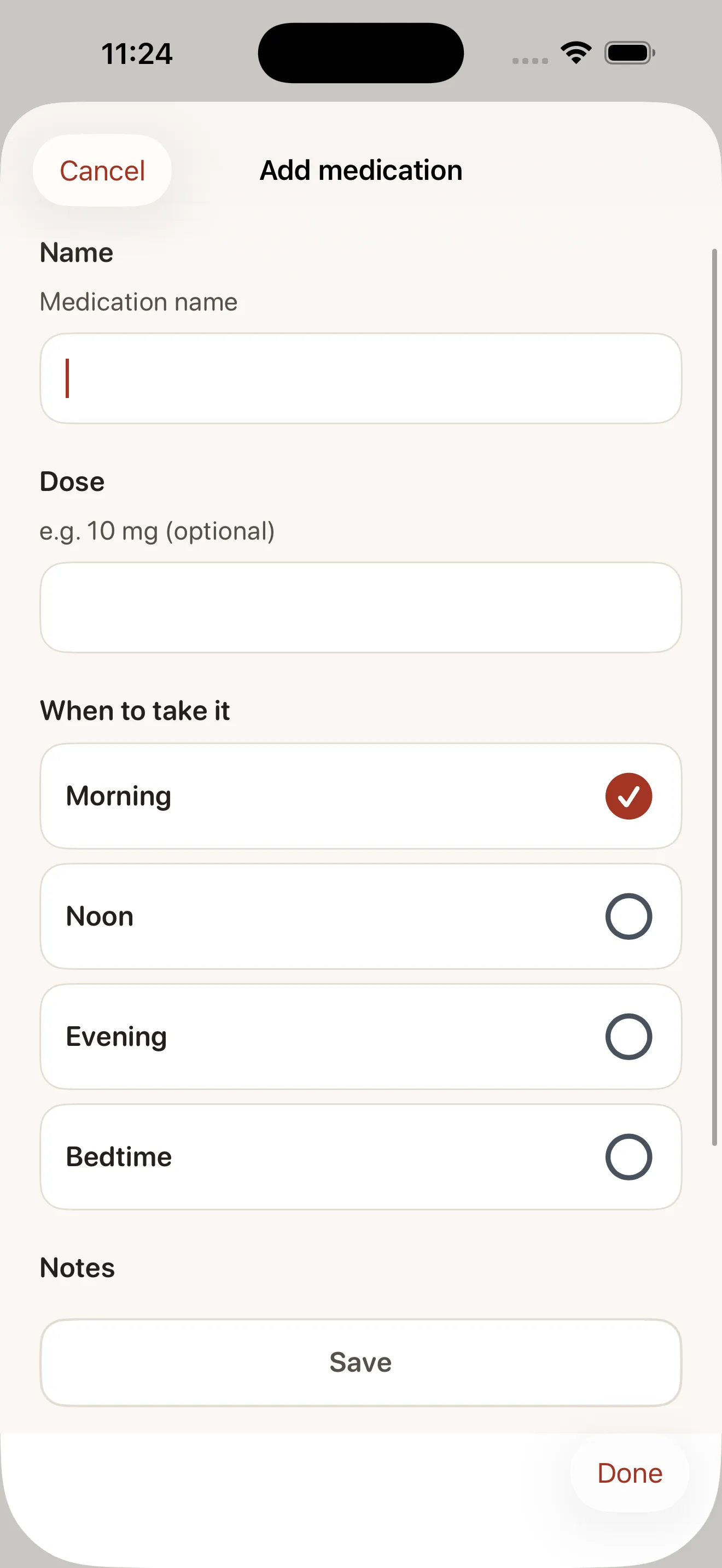
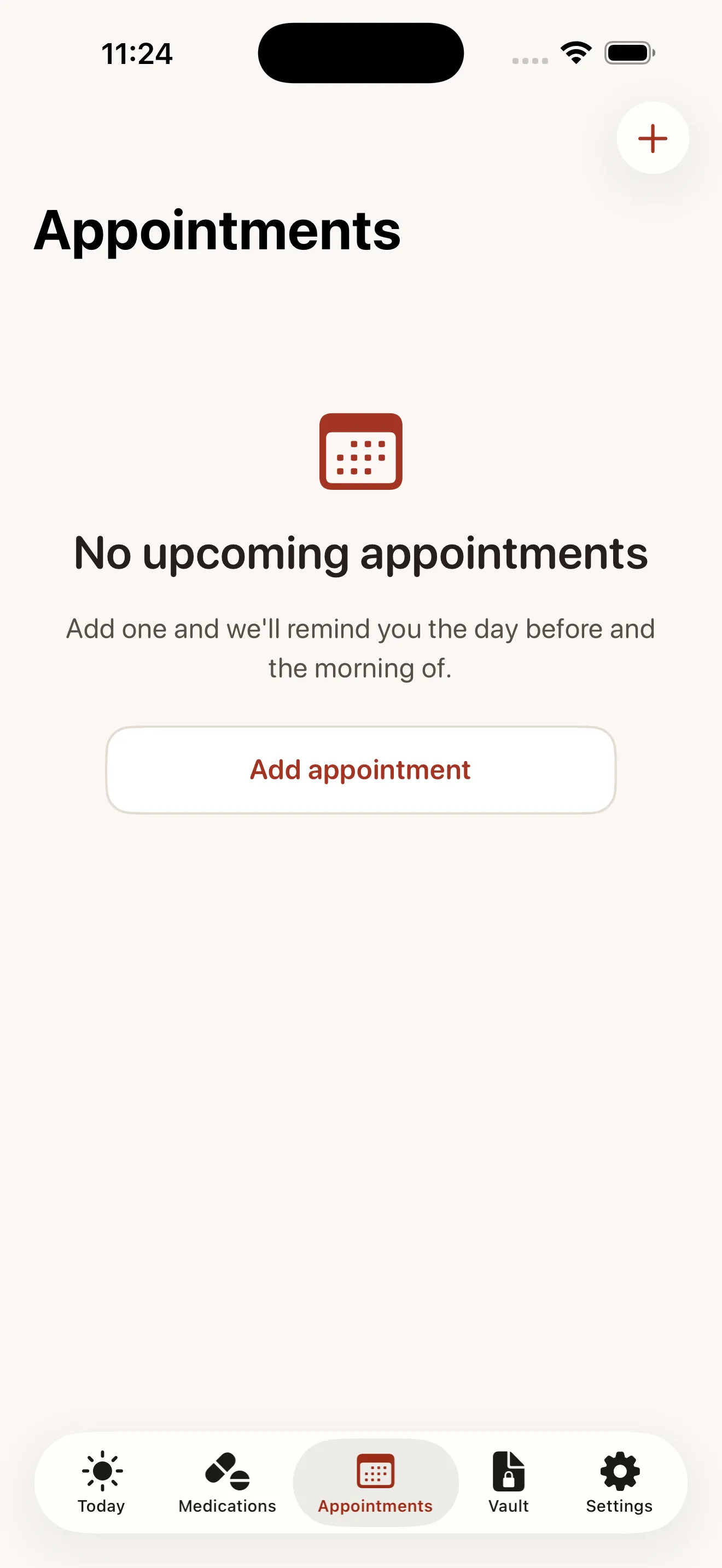
Every medication in Kindred has its own dose, schedule, and reminder — set once, then handled automatically. Appointments work the same way: date, time, location, and who's assigned to go, so nobody's guessing whether Tuesday's cardiologist visit already has a ride sorted. The goal isn't to add more tracking to your life. It's to move the tracking out of your head and off scattered sticky notes, into something that reminds you instead of the other way around.
A vault, not a shoebox
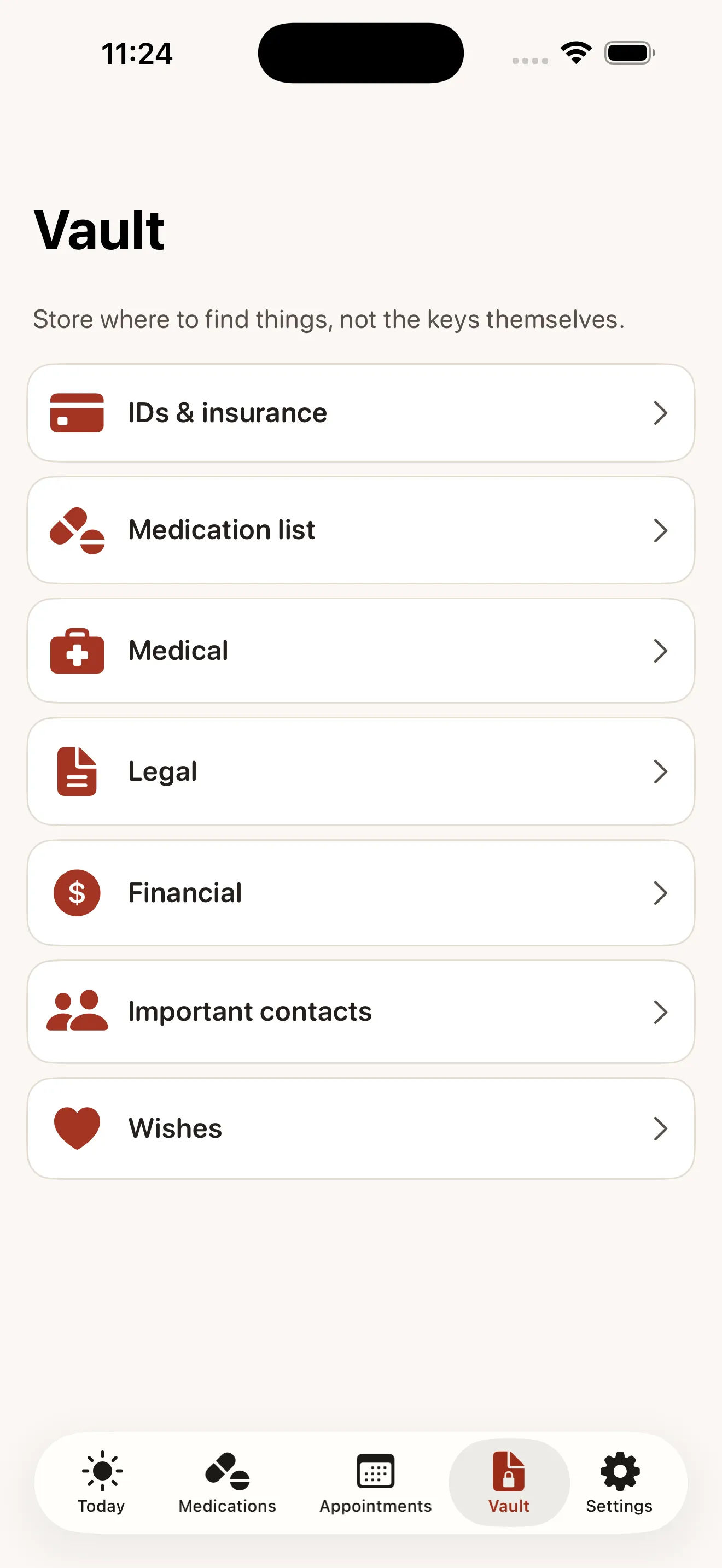
Insurance cards, discharge summaries, powers of attorney, prescription lists — the paperwork of caring for someone older tends to pile up in places nobody can find again. Kindred's Document Vault gives that paperwork a permanent, organized home with clear categories and permissions, so the right people can find the right document in seconds instead of digging through email threads from eight months ago.
Share the care without losing control
Kindred is free forever for one organizer managing one person's care. But caregiving is rarely a solo job, which is why Kindred Together opens the same information to a shared circle: unlimited family members, a shared calendar, an activity feed showing what's been done, and the ability to assign tasks so responsibility doesn't quietly default to one exhausted person. Everyone sees the same picture, updated in real time, instead of five people holding five different partial versions of it.
We go deeper on how that shared view changes day-to-day coordination in how Kindred turns family caregiving into shared clarity, and if you're comparing options, our comparison coverage looks at where Kindred fits among other tools families try first.
One-tap doctor summaries
Doctor visits are one of the highest-stakes, lowest-prep moments in caregiving — you get ten minutes with a physician and need to cover weeks of changes. Kindred's doctor-visit summaries pull together current medications, recent appointments, and relevant notes into one shareable page, so whoever attends the visit walks in prepared instead of trying to reconstruct the last month from memory.
Privacy as a design principle, not a settings toggle
Family care information is intimate by nature — diagnoses, medications, legal documents, financial details. Kindred treats that as the baseline requirement it is: everything is encrypted, only people you explicitly invite can see anything, there are no ads, and your data is never sold. You can export everything you've stored at any time, which matters because a caregiving organizer should never become a place your information gets stuck.
- Organizer plan
- Free forever for one person's care
- Family sharing
- Kindred Together — unlimited invited members
- Ads
- None, ever
- Data ownership
- Encrypted, exportable anytime
Common questions
Do all family members need to pay to join?
Can other family members see everything by default?
What happens to our information if we stop using the app?
If you're just getting set up, the beginner's guide to Kindred and our broader resource on coordinating a parent's care with your whole family both walk through the practical first steps.
This article was drafted with AI assistance and reviewed by a human editor before publishing.