
Most routine charts are written for the parent who made them, not the child who has to use them. Words in a grid, boxes to tick, a system that only works if someone stands next to it and reads it out loud. Starling starts from the opposite assumption: the person running the routine is three, or five, or seven, and cannot read the word 'breakfast' yet. Everything about the app follows from that one constraint.
The Problem With Reading a Chart You Can't Read
A printed chart on the fridge looks simple until you watch a small child actually try to use it. They can't decode the text, so they wait. They wait for you to say 'okay, now brush your teeth,' and the chart becomes decoration while the real routine still lives in your voice. That's the quiet failure mode of most routine systems built with an adult's reading level in mind. Sticker charts stop working for a related reason: the reward is disconnected from the doing, so the novelty carries it for a week or two and then it's just another piece of paper.
Starling was built to remove the adult from the loop entirely, not because the parent's involvement is bad, but because a routine a child can't run without you isn't really their routine. It's yours, borrowed to them one instruction at a time.
One Step, Filling the Screen
The core interaction in Starling is what the app calls Focus mode: one step, one picture, filling the whole screen. Not a list of eight things to get through, not a progress bar reminding a child how much is left. Just 'put on socks,' shown as a picture a nonreader can recognize instantly, with the word underneath for the sibling who's starting to read. When it's done, the child taps it, and the next step fills the screen. There is no way to see the whole routine at once, and that's deliberate. A long list is a wall. A single step is a door.
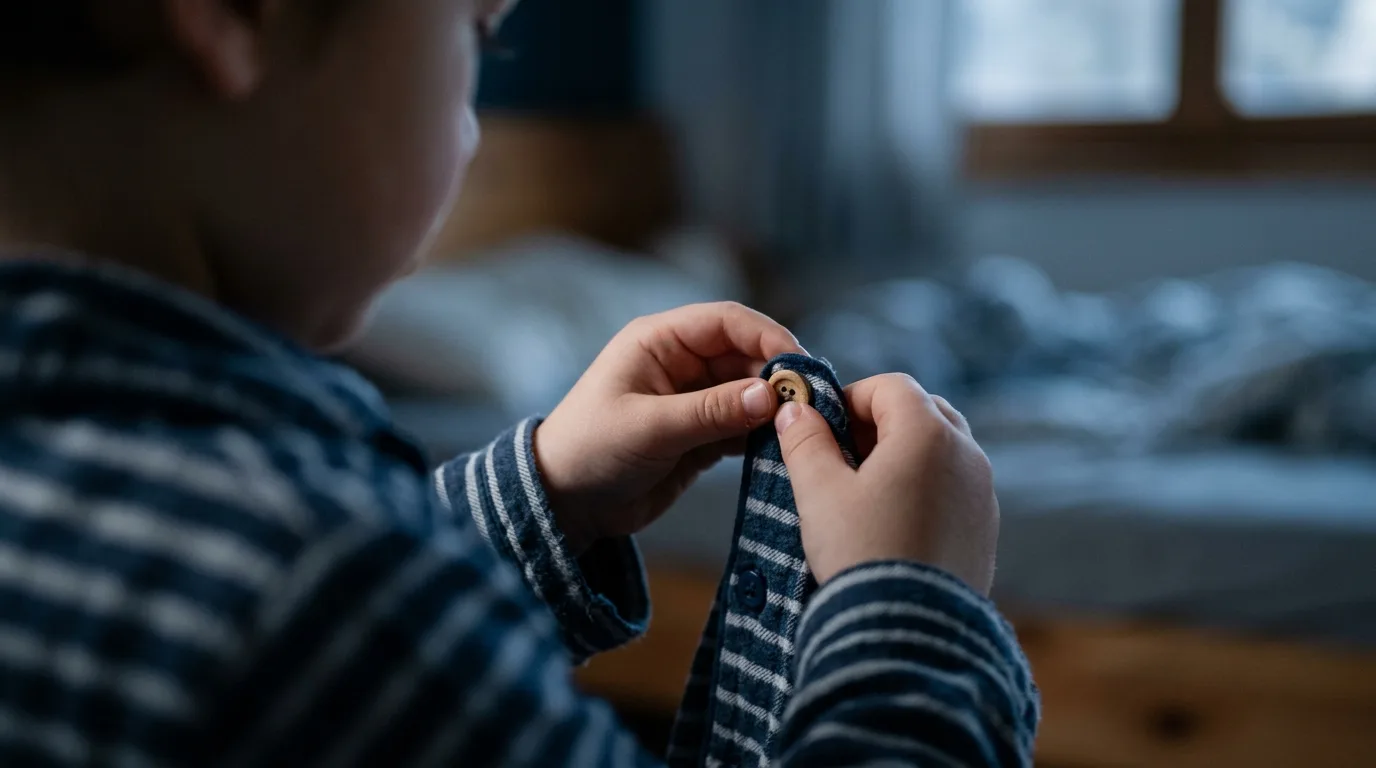
A long list is a wall. A single step is a door.
This is also why Starling ships with built-in pictures for the steps that make up most real mornings and evenings: washing, getting dressed, meals, school prep, chores, bedtime, screen-free play, medication. A parent doesn't have to become an illustrator to set this up. You're choosing from a library that already speaks in the visual language a small child understands, then trimming it down to what actually applies in your house.
Why the Star Goes to a Bird, Not a Tally
Finishing a routine in Starling ends in a small celebration and a star, and the star goes somewhere: into the Nest, where it feeds a companion bird that grows over time. It's a deliberate step away from the tally-mark logic of a sticker chart, where thirty stickers just sit in a grid meaning nothing on their own. A growing bird gives the accumulation a shape a child can actually feel proud of, and it gives the star a second job beyond 'good job' — it's also the currency for whatever real-world reward a parent decides to set, whether that's ten extra minutes of screen time or a trip to the park.
Built Once, Runs Itself
The setup happens behind a parent gate, and it happens once. You add a child, pick a starter routine close to what your family already does, and delete the steps that don't apply. From opening the app for the first time to a populated home screen is under a dozen taps, with no sign-up wall forcing you to stop and create an account first. From there, the routine repeats itself on the days you choose, no rebuilding required. Some families set a morning routine and a bedtime routine and never touch the setup screen again. If you want a walk-through of that first build, how to build a morning routine chart your kid runs alone covers it step by step, and the broader thinking behind visual sequencing is laid out in how to build a visual schedule a child can actually run alone.
That same 'set it once' design is also why the routine survives disruption. A chart that lives entirely in a parent's memory falls apart the moment that parent isn't around to run it. One family found their routine chart kept running while a parent was away on a work trip, because the chart never depended on anyone narrating it in the first place.
- One screen, one step, no reading required to start
- Routines repeat automatically on the days you set, no daily rebuilding
- List mode available for children who've outgrown the picture-only view
- Setup and edits live behind a parent gate, out of small hands
- Stars accumulate toward a growing bird and toward rewards you define
What Never Leaves the Phone
The other half of the design philosophy is what Starling deliberately doesn't ask for. No account, no email capture, no advertising, no analytics tracking your child's habits. Routines and stars live on the iPhone and sync privately through your own iCloud if you use it across devices, which means nothing about your child sits on a server anywhere for a business model to make use of later. For a chart your child interacts with every single day, that restraint matters as much as the picture-first design does.
This article was drafted with AI assistance and reviewed by a human editor before publishing.