
A pregnancy time-lapse looks effortless once it's finished, but the smooth ones are almost never an accident. They come from a handful of small habits repeated for nine months: same spot, same light, same pose, and a little patience when life gets in the way. Little Lapse handles the hard part, on-device alignment, but a few things on your end make the final result look genuinely polished. Here's what actually moves the needle.
Pick one moment each week and protect it
The single biggest factor in a clean time-lapse isn't the app, it's consistency of light and time of day. Morning light by the same window every week will always look more cohesive than random shots taken wherever you happen to be. Pick a spot near a window with soft, indirect light, and try to shoot around the same time each week. You don't need a studio setup. You need the same five minutes, roughly, every seven days.
If mornings are chaotic, evenings work just as well. What matters is picking one option and sticking with it long enough that it becomes automatic, the way brushing your teeth is automatic. By week 20 you won't even think about it.
Let the ghost overlay do the alignment work
This is the feature people underestimate the most. The ghost overlay shows a faint outline of your last photo right on the camera screen, so you can line your belly, chin, and shoulders up before you even tap the shutter. Combined with the grid and self-timer, it removes almost all the guesswork of "was I standing in the same place last time?"
On top of that, Smart Align quietly does its own pass on-device, nudging each photo so your bump lands in the same spot across the whole sequence, even if your framing was slightly off. You get the benefit of a tripod setup without needing one. For a deeper look at how this actually works under the hood, this breakdown of how every bump photo lines up on its own is worth a read.
Missed a week? Backfill it instead of skipping it
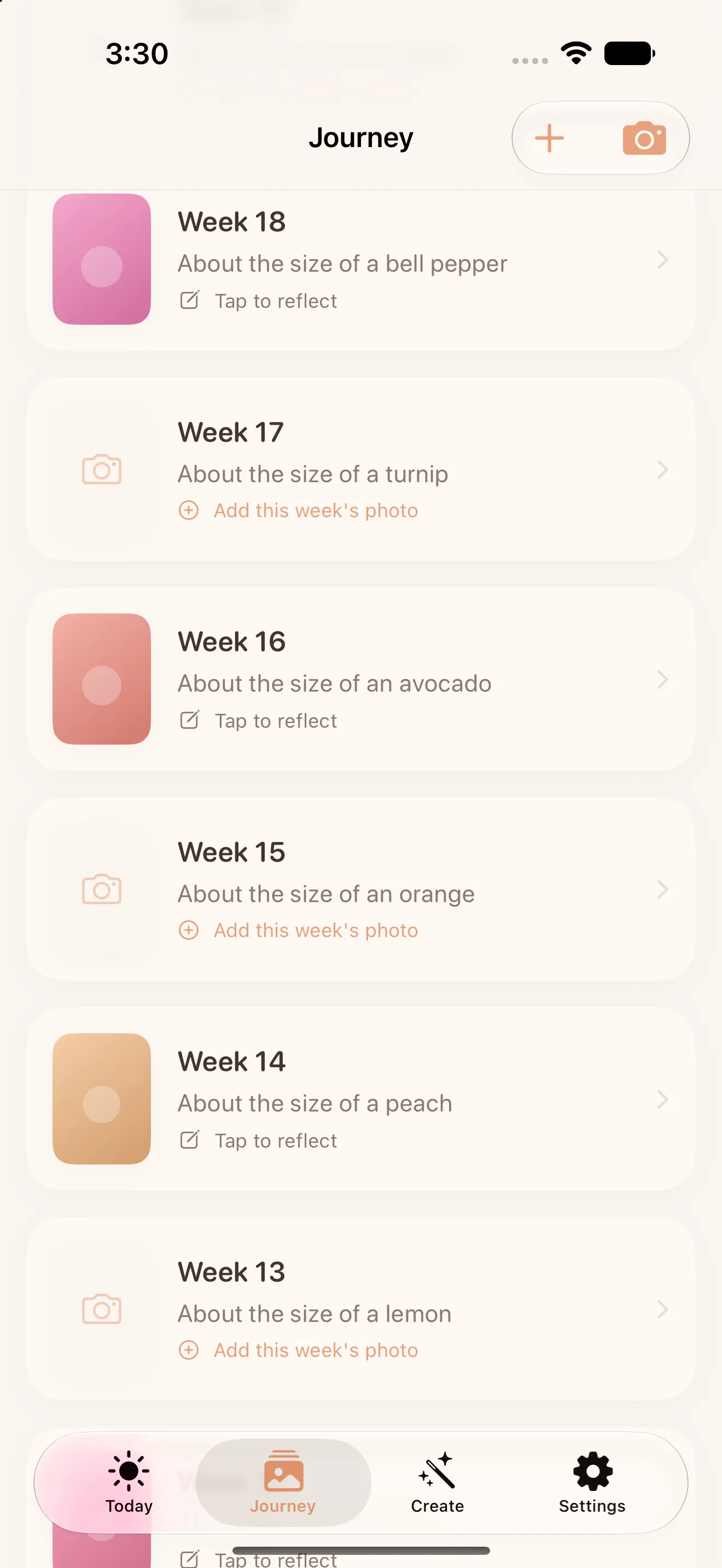
Some weeks you'll forget, travel, or just not feel up to it, and that's completely normal. Little Lapse lets you backfill a missed week using a photo already sitting in your library, so a rough patch doesn't leave a permanent gap in your journey. It's a small feature, but it's the reason most people finish their time-lapse instead of abandoning it around week 15 out of guilt.
A time-lapse with one imperfect week beats an abandoned one with none.
Add a note while the moment is fresh
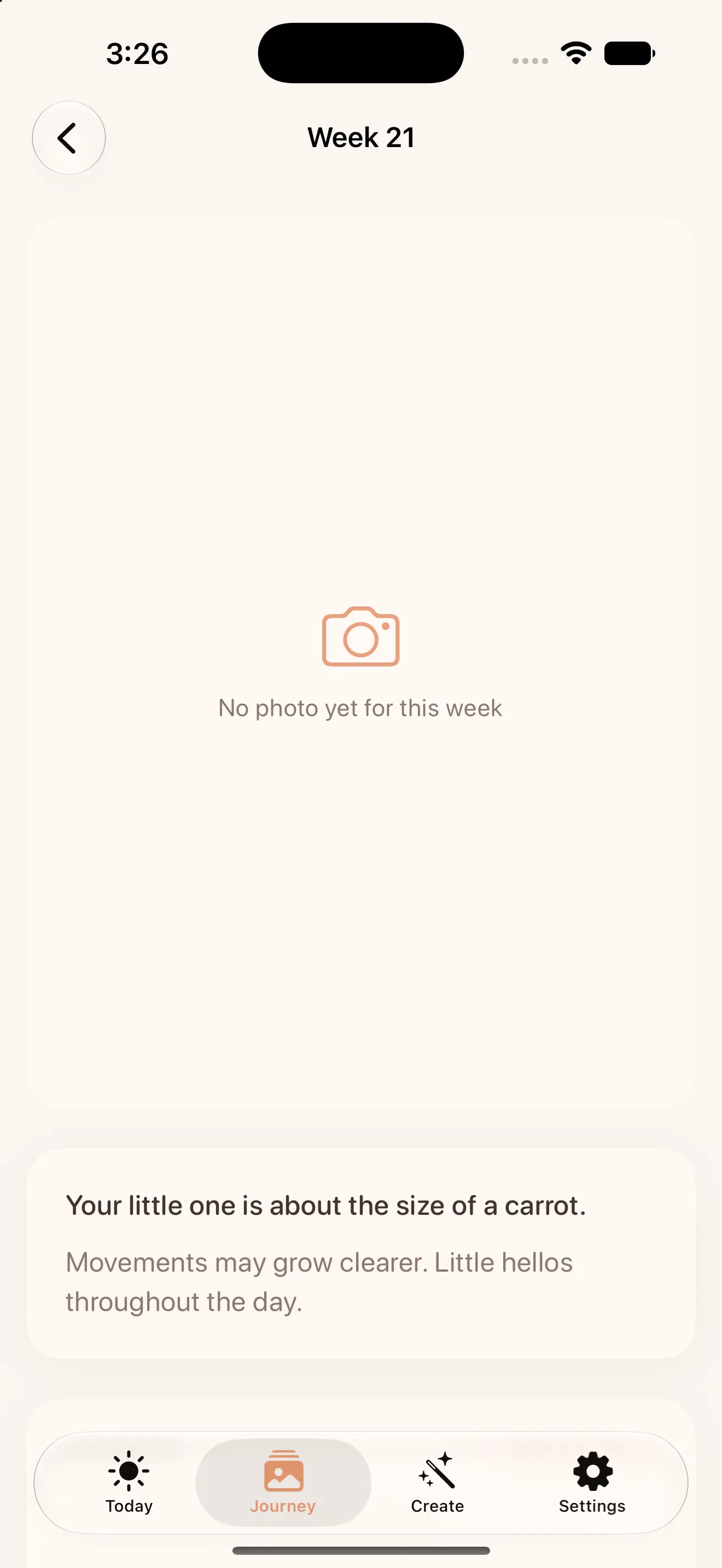
Alongside each weekly photo, jot a line about how you're feeling, a symptom, a craving, or a milestone your doctor mentioned. Nine months from now those tiny notes will matter more than you expect. They turn the finished video from a visual record into something closer to a diary, and they cost you ten seconds while everything is still fresh in your head.
Trust that your photos are staying put
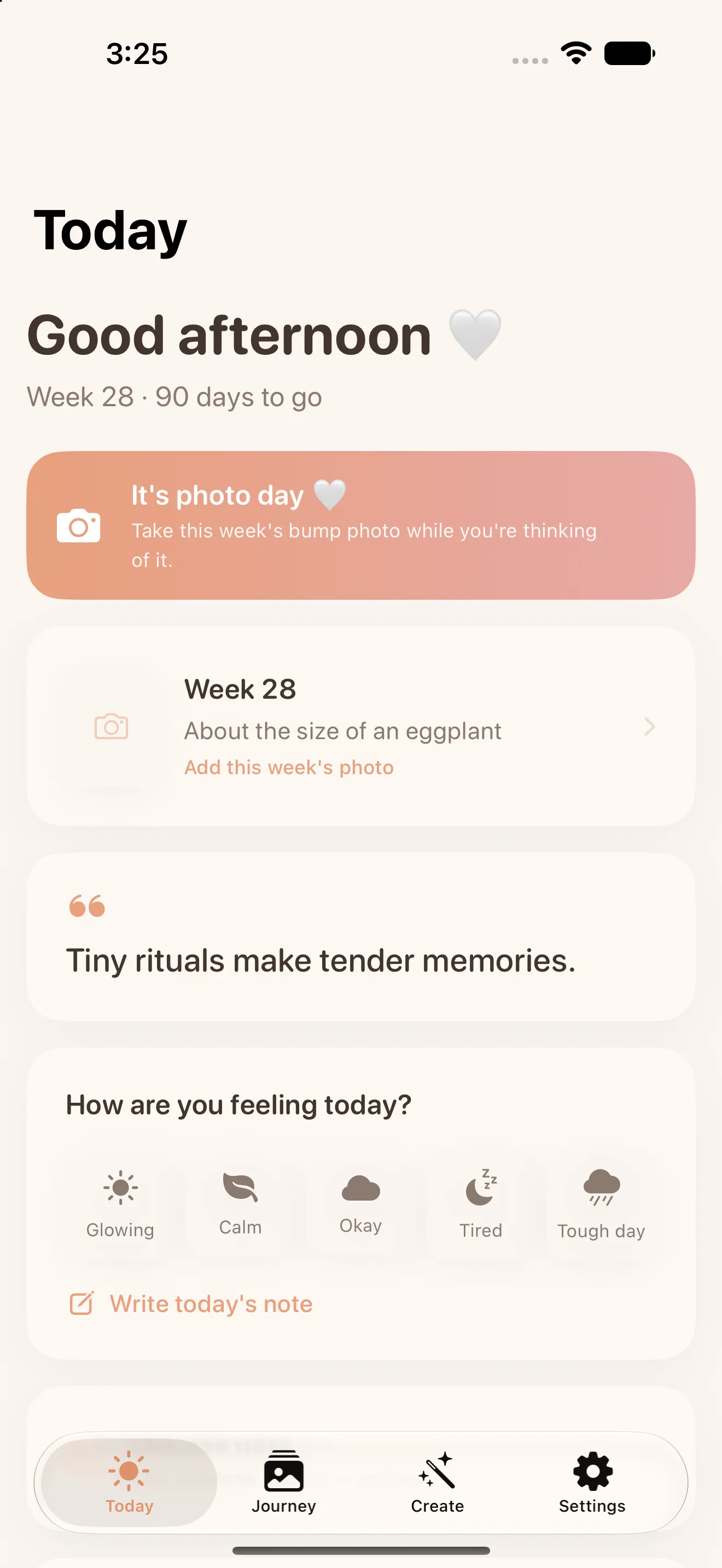
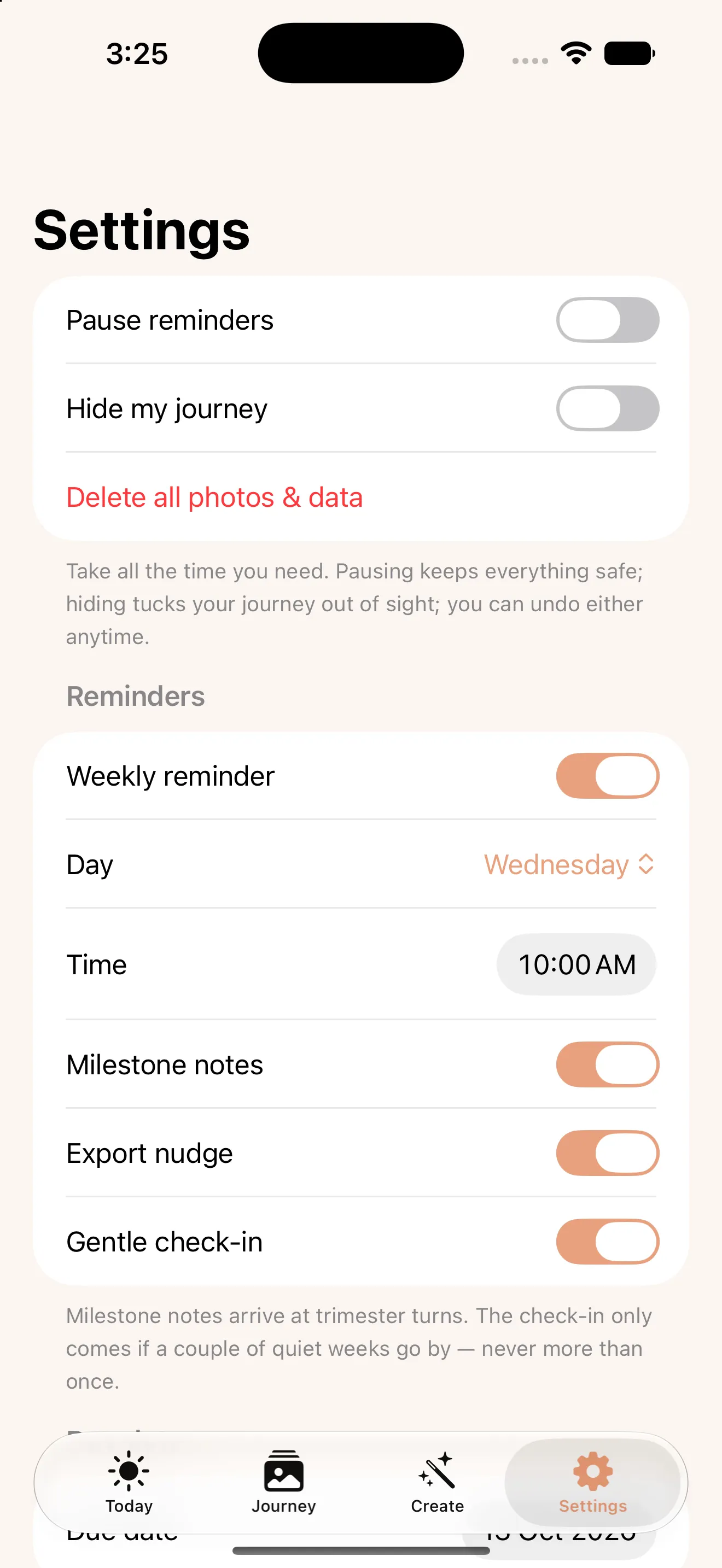
It's worth saying plainly: nothing you capture in Little Lapse leaves your phone. There's no account to create, no ads, and no data being sold or shared, and if you turn on backup it goes to your own iCloud, not to any Culi server. For something as personal as a pregnancy journal, that's not a minor detail, it's the whole point. Shoot freely without wondering where those photos might end up.
Do I need an account to use Little Lapse?
Don't wait until the end to think about the export
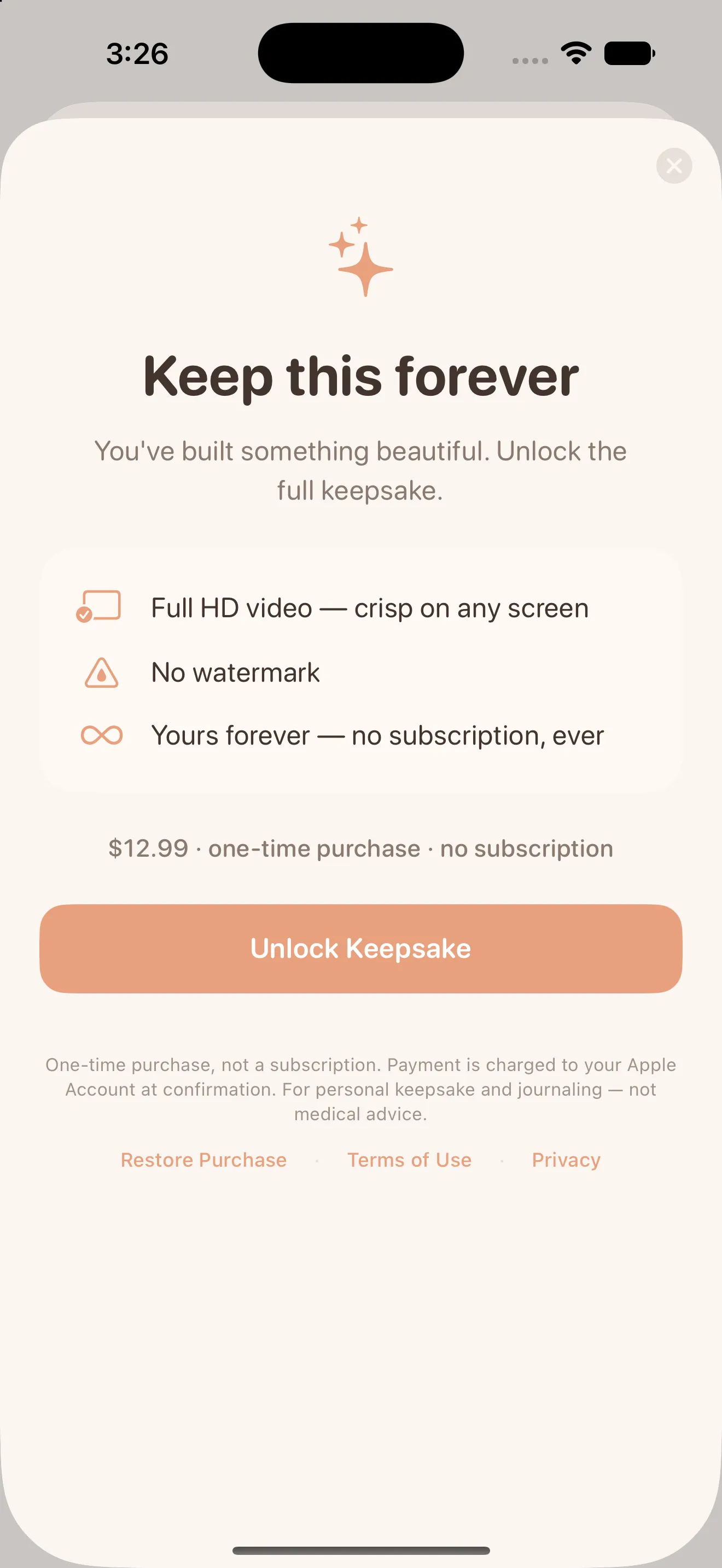
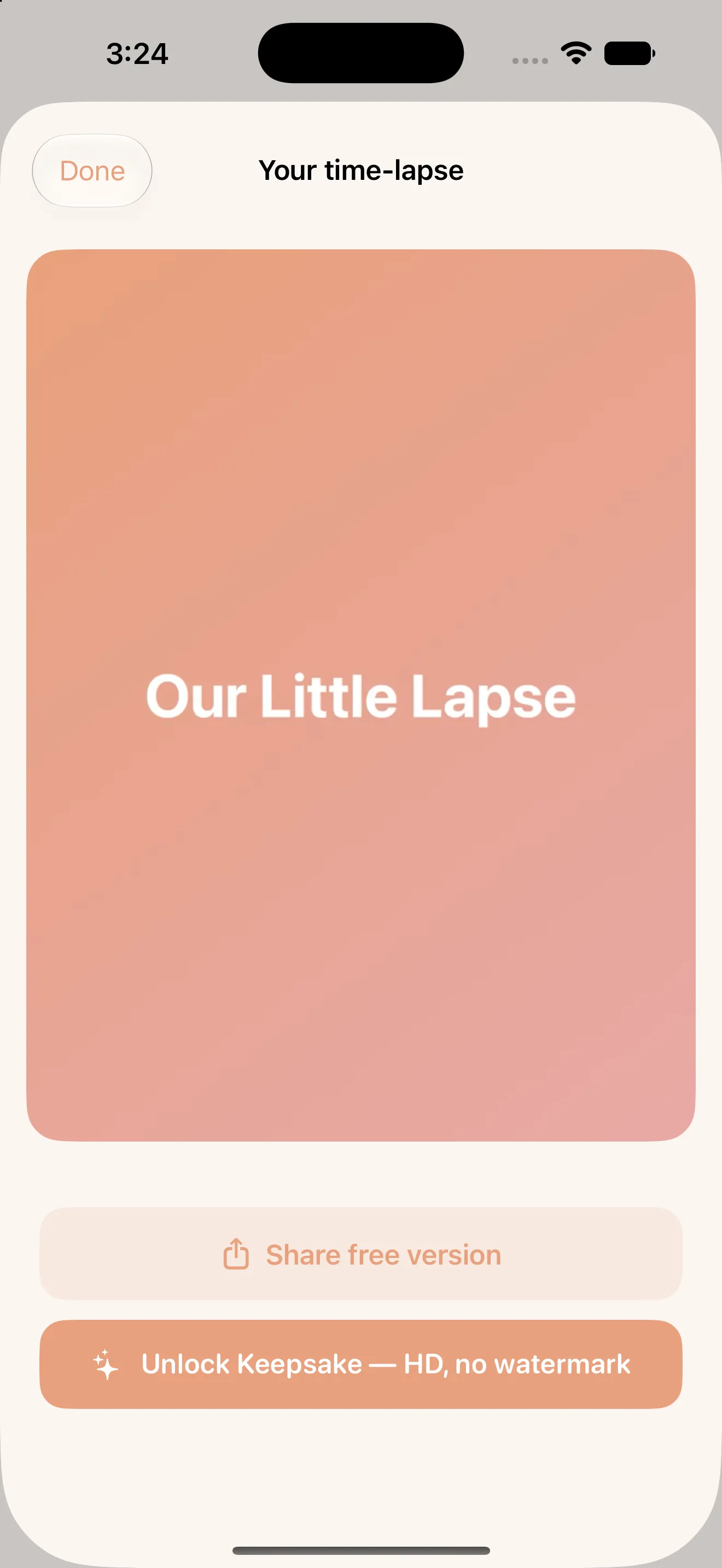
Capturing is free for the entire pregnancy, watermark included, so there's zero pressure to decide anything early on. But if you already know you'll want the finished time-lapse as a real keepsake, HD and watermark-free, it's worth planning around the one-time Keepsake Unlock rather than a subscription. Pay once, own it forever, no recurring charge creeping in after the baby arrives.
Give the finished video a proper first watch
When you finally hit play on the full sequence, watch it once through before sharing it with anyone. It's genuinely different from watching individual weekly photos, the motion of your bump growing week by week hits differently as a continuous clip. If you're just getting started and want the full setup walked through step by step, the guide to making a bump time-lapse that actually lines up covers the basics before you take your first photo.
- Shoot near the same window, at roughly the same time, each week
- Use the ghost overlay and grid every time, even when you're rushed
- Backfill missed weeks instead of skipping them entirely
- Add a short note each week while the details are fresh
- Decide on the Keepsake Unlock whenever you're ready, no rush
None of this requires much effort, that's the point. A few seconds of alignment each week and one honest note is all it takes to end up with a full-pregnancy time-lapse you'll actually want to watch again. For more on how the app approaches all of this, browse every Little Lapse article.
Common questions
What's the best time of day to take my weekly bump photo?
Can I still get a good time-lapse if I miss a few weeks?
Do I have to pay to start using Little Lapse?
This article was drafted with AI assistance and reviewed by a human editor before publishing.