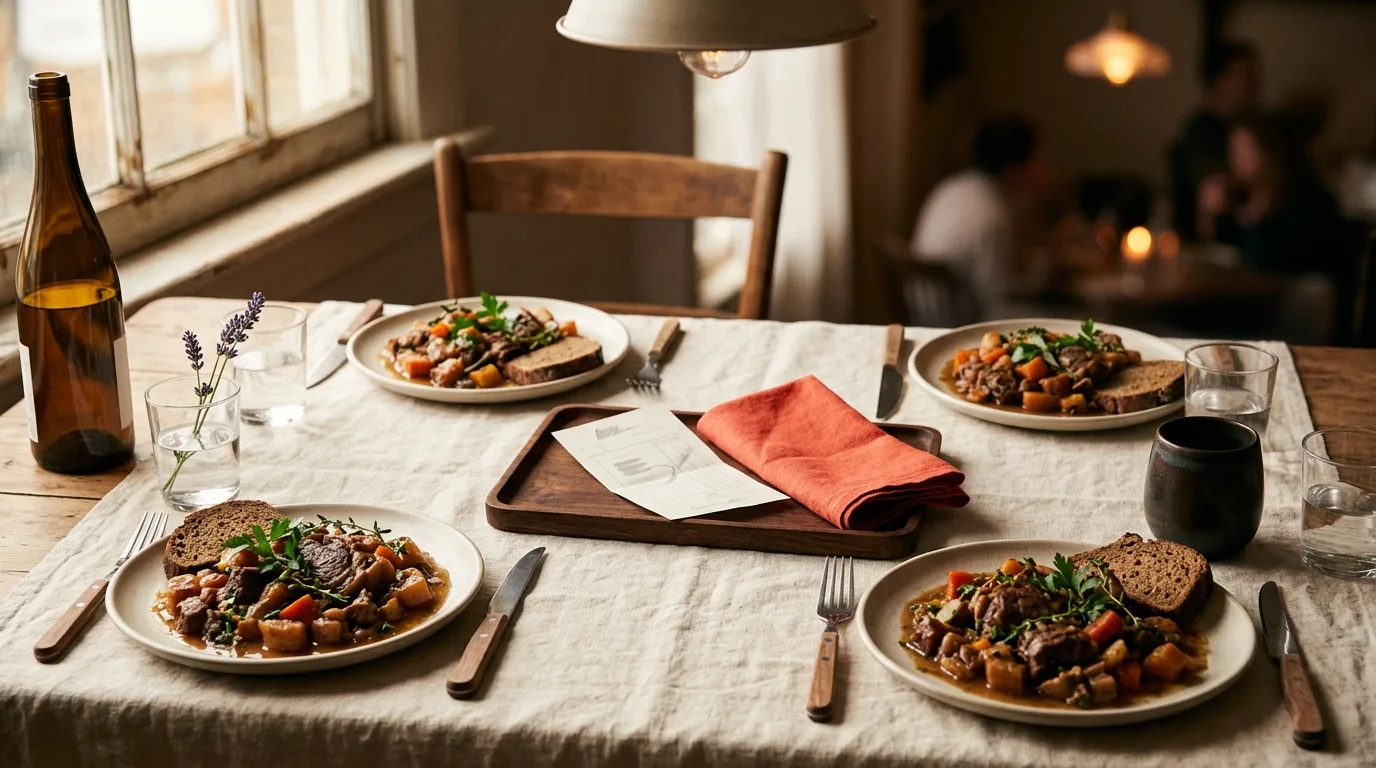
Someone at the table says "just split it evenly," and half the group relaxes. The other half does the maths in their head: they had a salad and water, and the person across from them had a steak and two cocktails. An even split restaurant bill is fair when the meals really were the same kind of meal, or when you are only evening out one shared dish. It is a bad default when the orders were not.
SplitSnap offers both paths. You can tap to assign each dish to whoever ordered it, or split everything equally with one toggle. This guide is the decision for the even path: full table, or only the shared dish. It is not a walkthrough of assigning every line, and it is not a guide to a table of ten.
When an even split is the fair one
Split it evenly only when the table actually ordered the same kind of meal, or when you are only evening out the shared dish. Those are different decisions, and they should be made before the check arrives, not after someone has already done the awkward maths.
The full-table case is the family-style dinner, or any meal where the plates were close enough that an even share would not sting. Think of a set menu, a pizza night where everyone ate from the same pies, or a team lunch where people ordered inside the same price band on purpose. In those rooms, assigning every line does not change the result by enough to matter.
Agree it out loud before you order, not when the folder hits the table. "We'll split this one evenly" is a small sentence, and it saves the person who would have ordered less from subsidising a steak they did not choose. If someone was planning to eat lightly, they can say so then, and you can switch to assigning dishes instead.
The other fair use is narrower. One dish was shared, and the rest of the bill was not. A bottle of wine for the people who drank it, or a starter the whole table picked at, can be split equally among the people who had it. The mains stay with whoever ordered them. That is an even split of a dish, not an even split of the night.
Even is fair when the orders match, or when you are only sharing one dish. It is not a personality test.
What the listing actually says
The current App Store description gives you the choice in the assign step: add your friends' names and tap to assign each dish to whoever ordered it, or split everything equally with one toggle.
A later line names the control: equal split toggle, for shared items or full-table equal splits. Those are the two cases this article covers. Shared items, and a full-table equal split. The listing does not describe them as separate modes with their own screens, and it does not describe a tap path, so this guide will not invent one. The only words it uses for the control are "toggle" and "one toggle."
Two other lines matter once the split exists. Tax and tip are auto-calculated, with proportional or flat distribution. And there is a shareable split card you can send to iMessage, WhatsApp or AirDrop.
The same description lists situations the app is meant for, including dinner out with friends or family, and team lunches at work. Those are situations, not extra toggles. A team lunch is still either a full-table equal split or an item assignment. It is not a third kind of split.
Full-table equal split
A full-table equal split means one person pays the restaurant, and everyone else owes an even share of that bill. You are not asking the venue to run eight cards. You are settling among yourselves after one payment.
Use the one toggle when you have already agreed the meals were close enough. Dinner out with friends or family is the listing's example of that kind of night, when the table was sharing food or ordering in the same range. A team lunch at work is the other situation it names: a group that often wants one number each, so nobody is itemising a sandwich.
Add the people who are actually splitting. Then use the toggle for the whole bill. Do not also assign every dish on top of a full-table even split. Two methods at once is how a simple bill becomes a fight about double counting.
If you have not scanned a receipt in SplitSnap before, the way in is the scan-the-receipt guide and the scan-to-split walkthrough. This article starts after the bill is in front of you and the only question is whether even is the right call.
Only the shared dish
The listing's other case is shared items. That is the bottle, the dip, the dessert everyone had a spoon of. Split that item equally among the people who ate it. Leave the rest of the lines assigned to whoever ordered them.
This is the useful middle. You do not have to choose between "everyone pays the same for the whole night" and "we itemise the bread." The shared dish is even. The steak is not.
How to tap each remaining line onto a person is a different article. Splitting a bill by item, not evenly is the assignment guide, and its note on even splits is only a couple of sentences. Use that piece when you are assigning. Stay here when you are deciding whether the even path applies at all.
Do not stretch "shared items" into a system of little groups inside the table. The listing's phrase is shared items or a full-table equal split. If four people shared the wine, that wine is a shared item for those four. You do not need a second feature to say so.
Tax and tip still apply
An even split of the food is not the end of the check. The listing says tax and tip are auto-calculated, and that you can distribute them proportionally or flat. Proportional follows what each person ordered. Flat gives everyone the same share of tax and tip. On a true full-table equal split those two land in a similar place, because the food was already even. On a shared-dish split they do not: the person with the expensive main should not automatically escape the tip, and the person who only had the shared starter should not pay a steak's worth of it. The worked difference, for a big table with uneven orders, is in splitting a large group dinner bill. This piece will not redo that arithmetic.
Share the card, then stop
When the shares look right, send the card. The listing says the shareable split card goes to iMessage, WhatsApp or AirDrop, so the table can see what each person owes before anyone leaves. Send it, let people pay the person who covered the check, and stop reopening the method.
If someone at the table does not have SplitSnap, one link is enough for them to see their share. That flow is splitting a bill with friends who don't have the app. It is a separate step from choosing the toggle.
If you are still choosing an app that can read a receipt and work out a tip, the wider look is receipt scanners and tip calculators on iPhone. More SplitSnap guides are in the SplitSnap articles.
When not to use the toggle
Do not use a full-table equal split when the orders were obviously uneven. A salad and a soft drink against a steak and a bottle is not "close enough," and calling it even does not make it fair. It makes the cheaper order a subsidy. Assign the dishes instead.
Do not use it as the blanket method for a table of 10 or more. At that size, someone almost always ordered less, and reading the receipt out loud to patch an even split is how the night ends in a sulk. A big itemised table is the wrong place for a blanket even split. The large-group guide, linked above, is where that case lives, including shared plates at a long table. This article does not walk that dinner again.
A good test: would you say the even number out loud to the person who ordered the least? If yes, even is fair. If not, assign the items.
FAQ
Does the listing describe an equal-split toggle?
Yes. The current description says you can split everything equally with one toggle, and it names an equal split toggle for shared items or full-table equal splits. It does not describe a separate screen or a tap path for that control.
Can one shared item be split equally while other dishes are assigned?
That is what "shared items" is for. Split the shared dish equally among the people who had it, and assign the other dishes to whoever ordered them. Assigning those other lines is covered in the by-item guide.
Is an even split always unfair?
No. It is fair when the table ordered the same kind of meal, or when you agreed beforehand to treat the night as shared. It is unfair when the orders were far apart and nobody agreed to subsidise them.
Does tax and tip still get divided on an even split?
Yes. The listing still auto-calculates tax and tip, and you can distribute them proportionally or flat. An even food split does not switch that off.
Should a table of 10 use the full-table toggle?
Not as a blanket. At 10 or more, orders usually vary enough that a full-table even split quietly overcharges someone. Use it only if that table really did eat the same kind of meal, or limit the even split to the dishes that were actually shared.
Decide before the bill. Same kind of meal, or one shared dish: use the toggle. Uneven orders: assign the lines.
This article was drafted with AI assistance and reviewed by a human editor before publishing.